
How to search by tags with AND
You can refine your search by using the AND operator to search for items that have multiple tags. This is useful when you want to narrow down your results to a specific subset of items.
This feature is available for any Senja plans: Free, Starter, and Pro.
How to run the tag filter with AND function
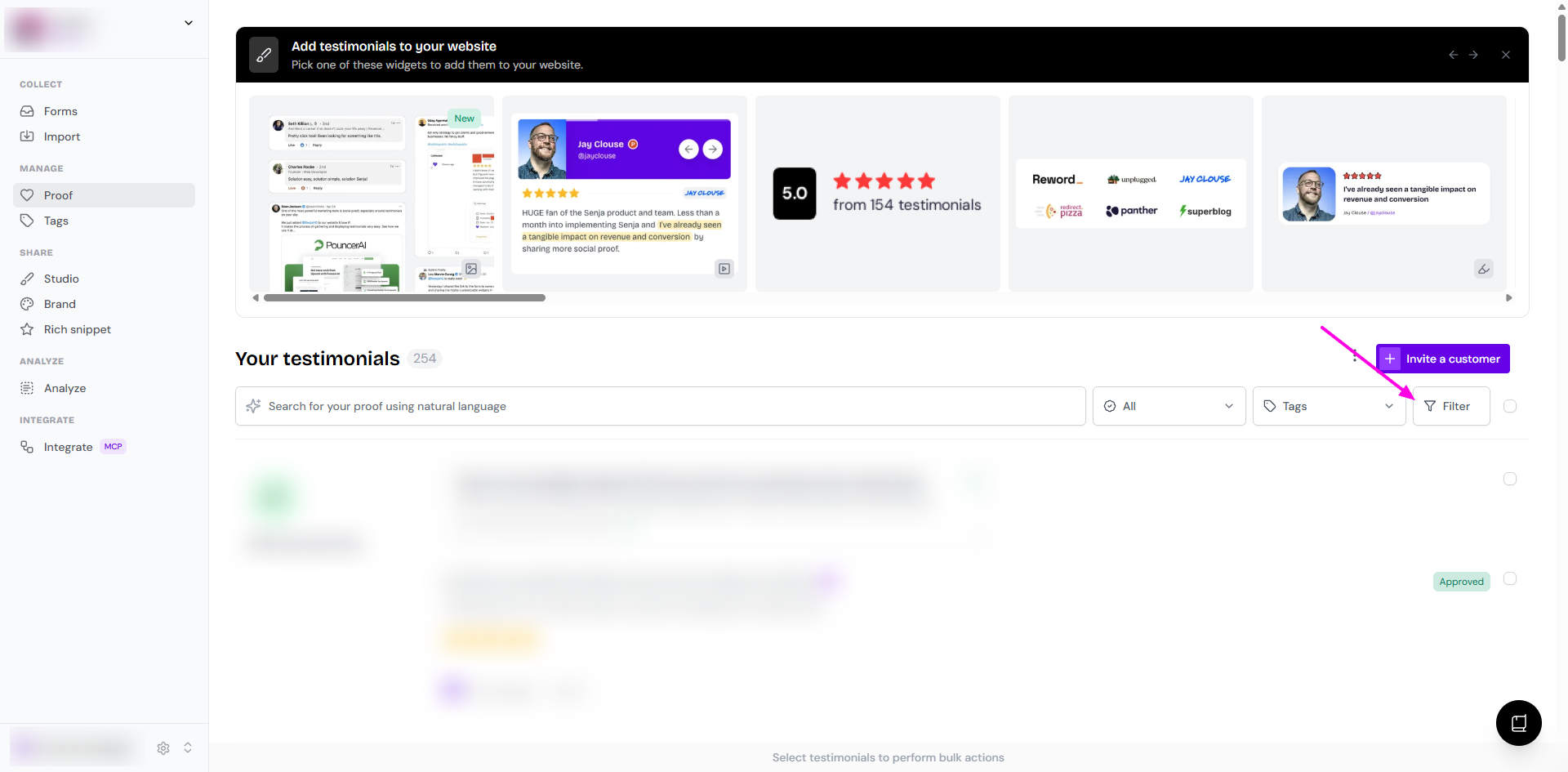
Go to your Proof page: https://app.senja.io/
Click Filter button to open the Search and Filter popup sidebar
Click Tags to open the modal, set the toggle to AND
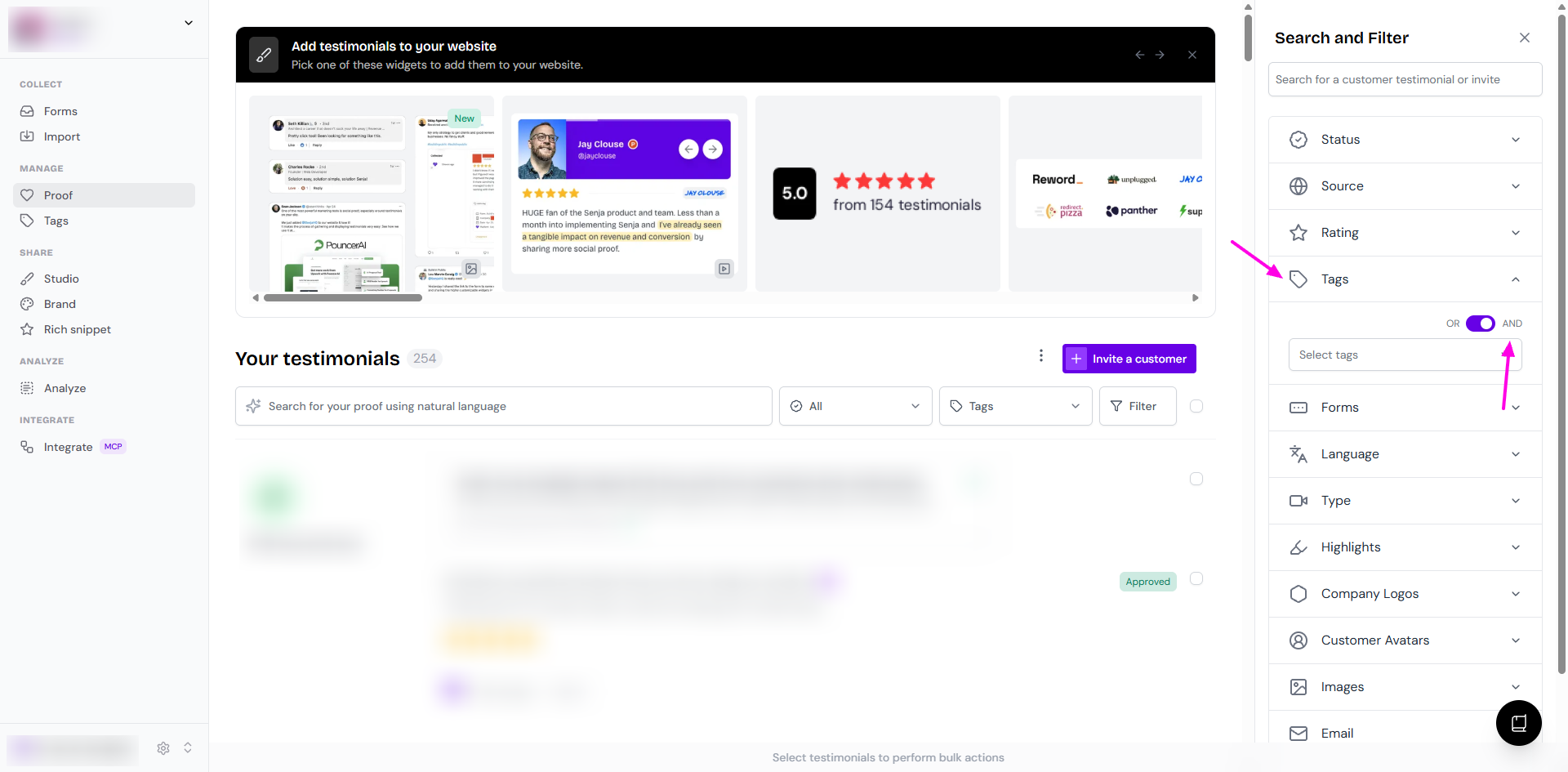
Select the tags you want to implement from the dropdown
The search results will automatically update to show only the items that have all of the selected tags
By default, the operator is set to "OR". This means that the search will return items that have any of the selected tags.
Apply tag filter when selecting testimonials in the widget
You can also apply the AND filter when selecting testimonials to add to a widget or a Wall of Love.
See the guide Using tag filters in studios widgets.
This ensures you can quickly find and display the most relevant testimonials on your widgets and walls of love without having to navigate back to the main dashboard.