
How do I edit a testimonial?
After collecting testimonials, you can edit their content, ratings, images, and metadata to ensure they display exactly how you want them across your website and marketing materials.
This feature is available on any Senja plans: Free, Starter, and Pro.
How to edit testimonial content
Go to your Proof page: https://app.senja.io/
Select the testimonial you want to edit
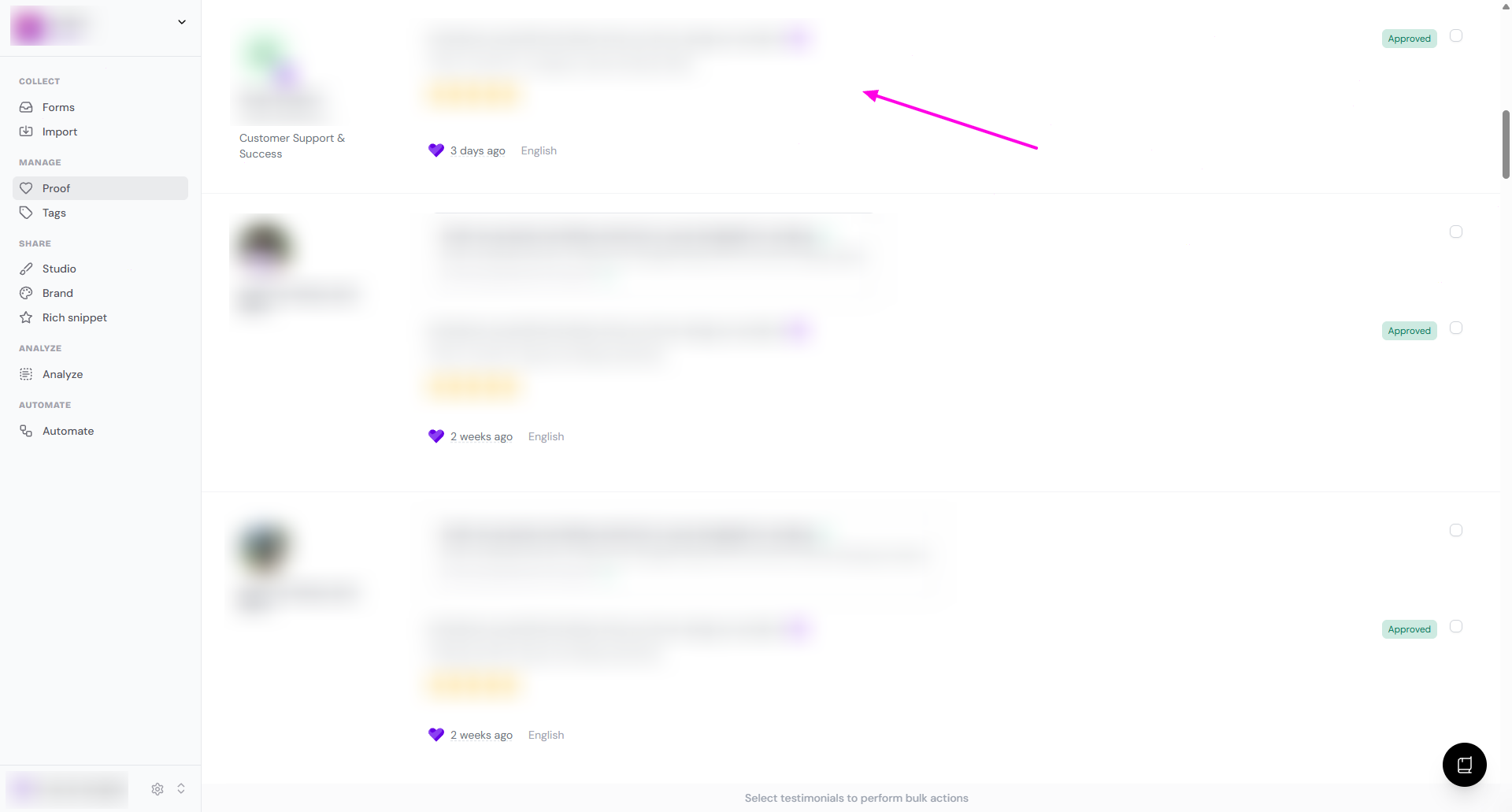
You will be directed to the customer's page
Click Edit
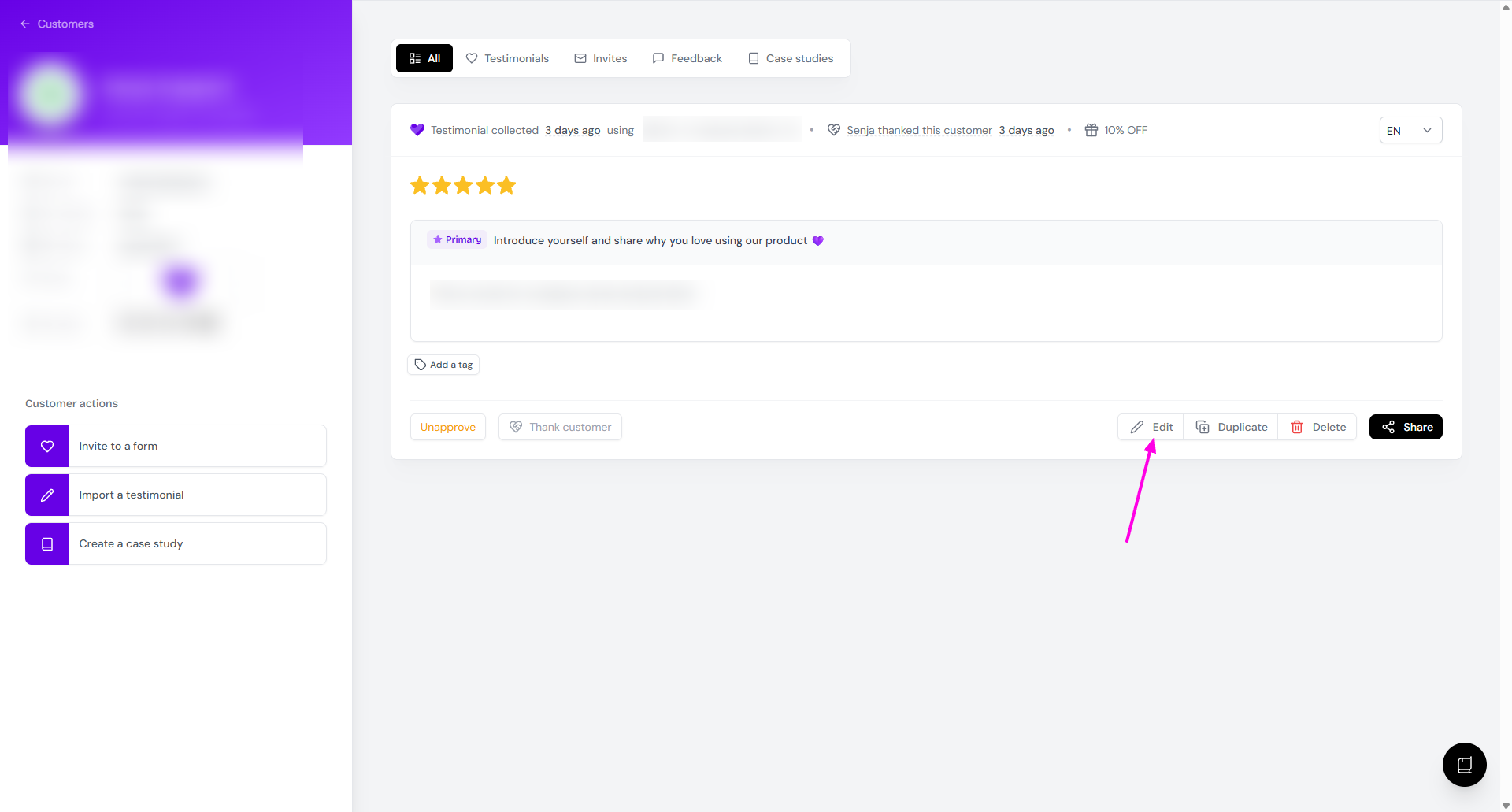
Edit the content and click Save when you're done
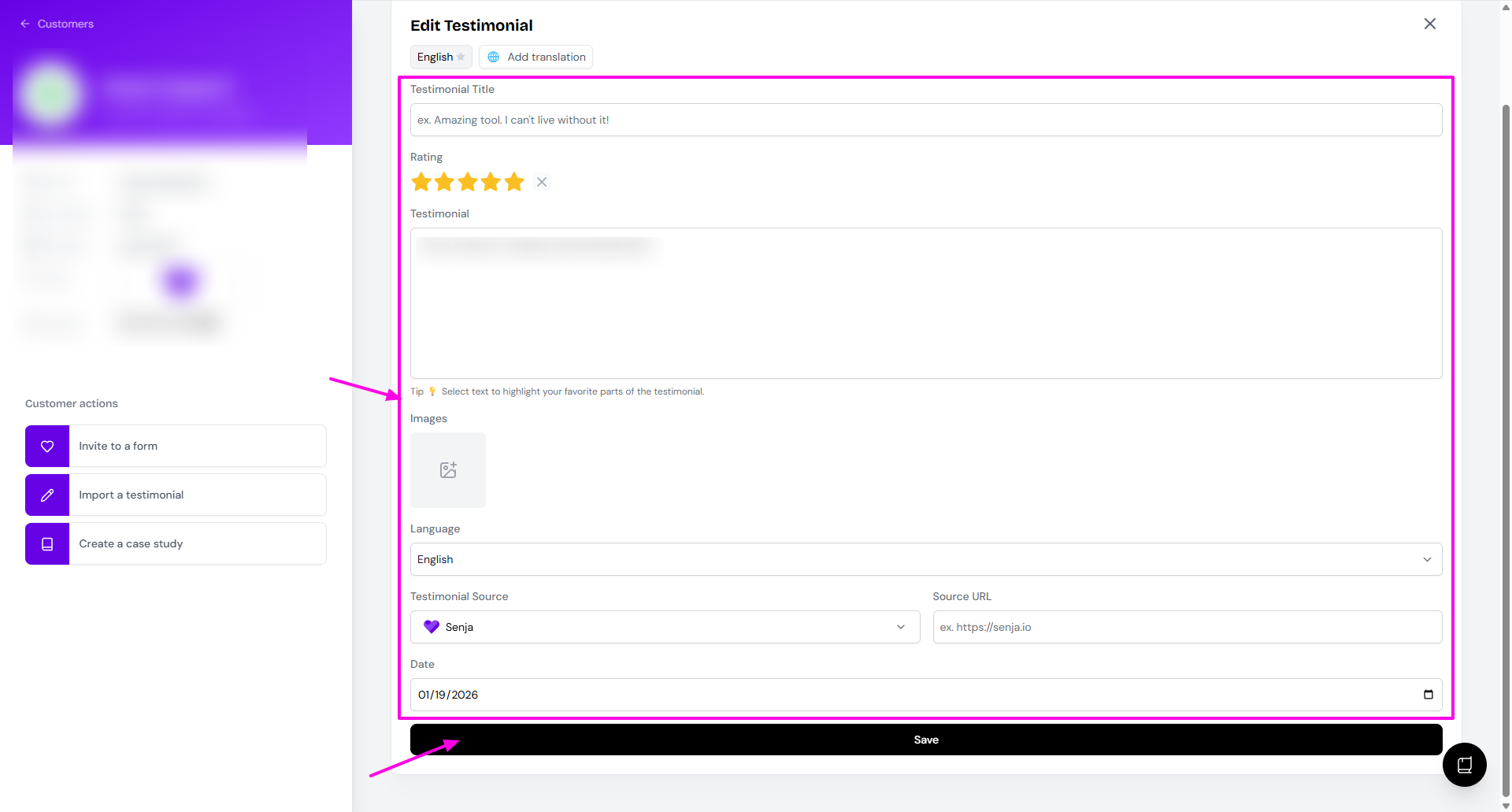
Things you can do
Add translation to multiple languages, see How do I translate my testimonials?
Add or update Testimonial Title
Add or update Rating
Edit the Testimonial text
Highlight the Testimonial text, see What are testimonial highlights? How do I add them?
Add or update Images
Change the Language info
Add or update the Testimonial Source
Add or update the Source URL
Update the Date of submitting the testimonial
For now, editing testimonial text is only doable on the responses of primary question.
Need to restore the original wording?
If you edited a testimonial by mistake and want the original words back, see What happens if I edited testimonials by mistake.
That guide explains what happens after saving an edit, whether Senja has an undo or restore option for text edits, and the safest way to create a shortened version without changing the original.