
How do I duplicate testimonials across projects?
If you are managing multiple projects, you can transfer the whole testimonials from one project to another.
This is applicable to all Senja plans: Free, Starter, and Pro.
Moving testimonials between projects
Go to your Proof page: https://app.senja.io/
Export the testimonials that you want to transfer, following the guide How do I download my testimonials?
You will have the CSV of your testimonials
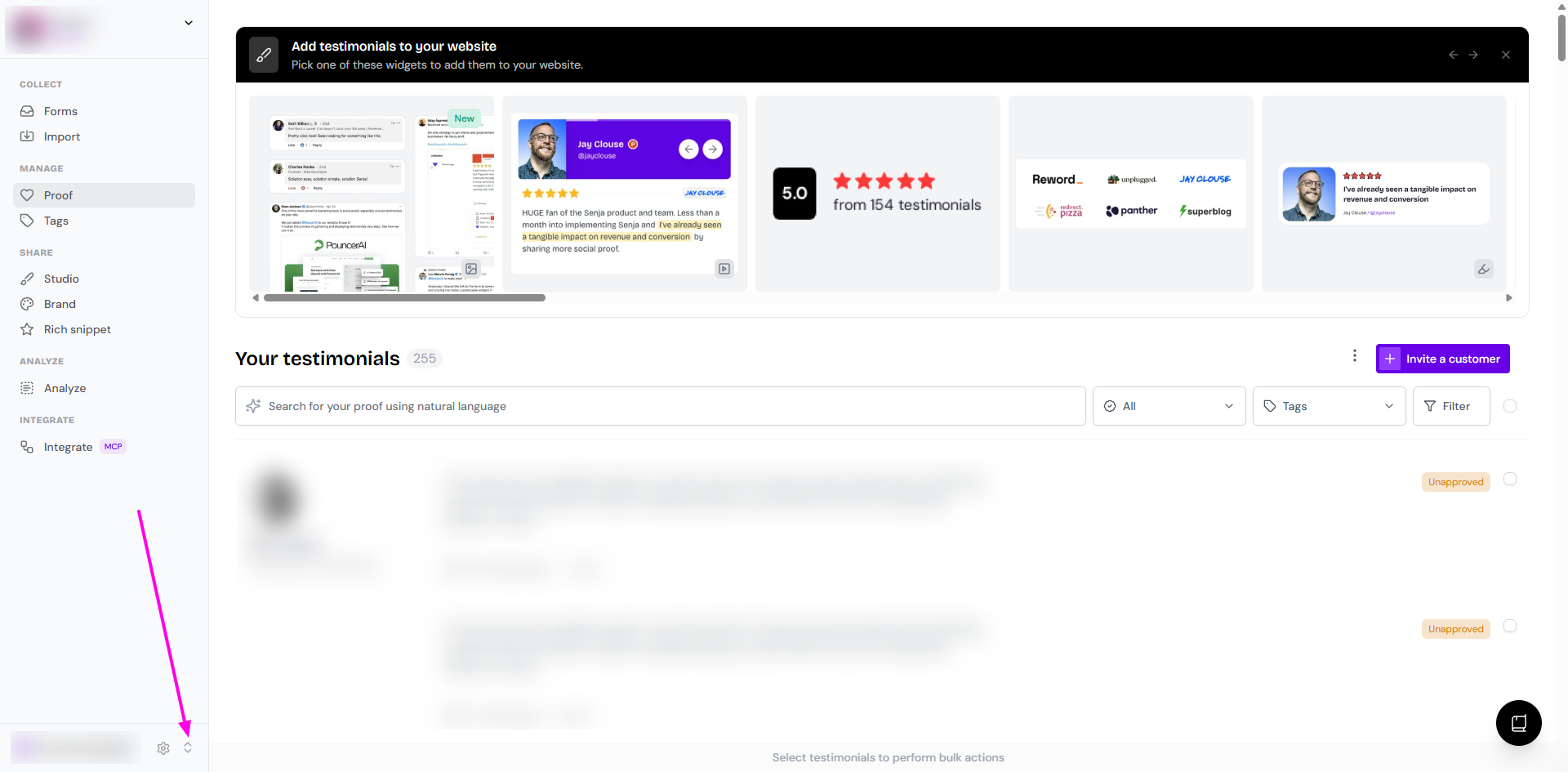
Click the project switcher button
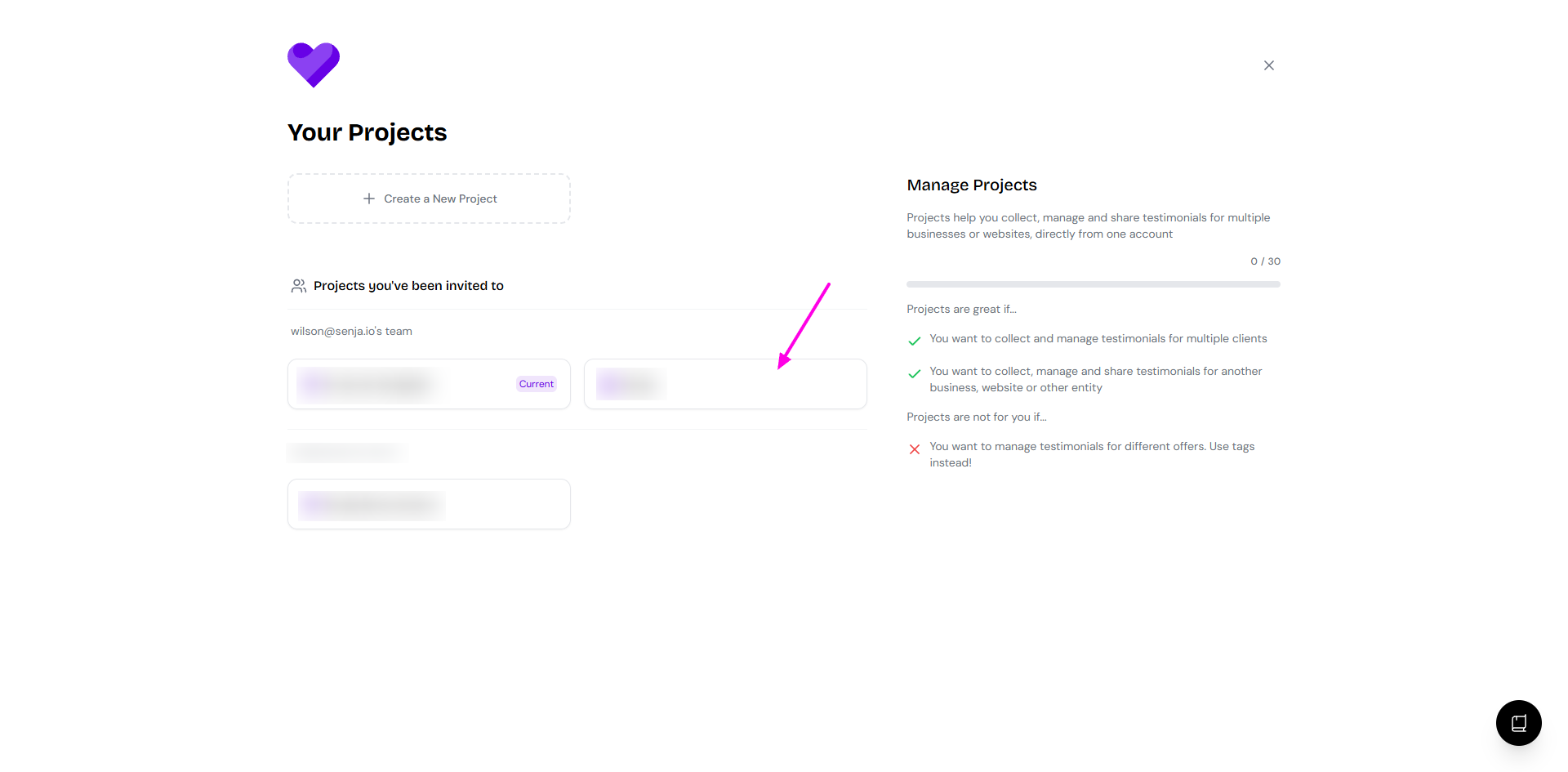
Choose the project that you are targeting
Go to Import: https://app.senja.io/import
Choose Upload spreadsheet
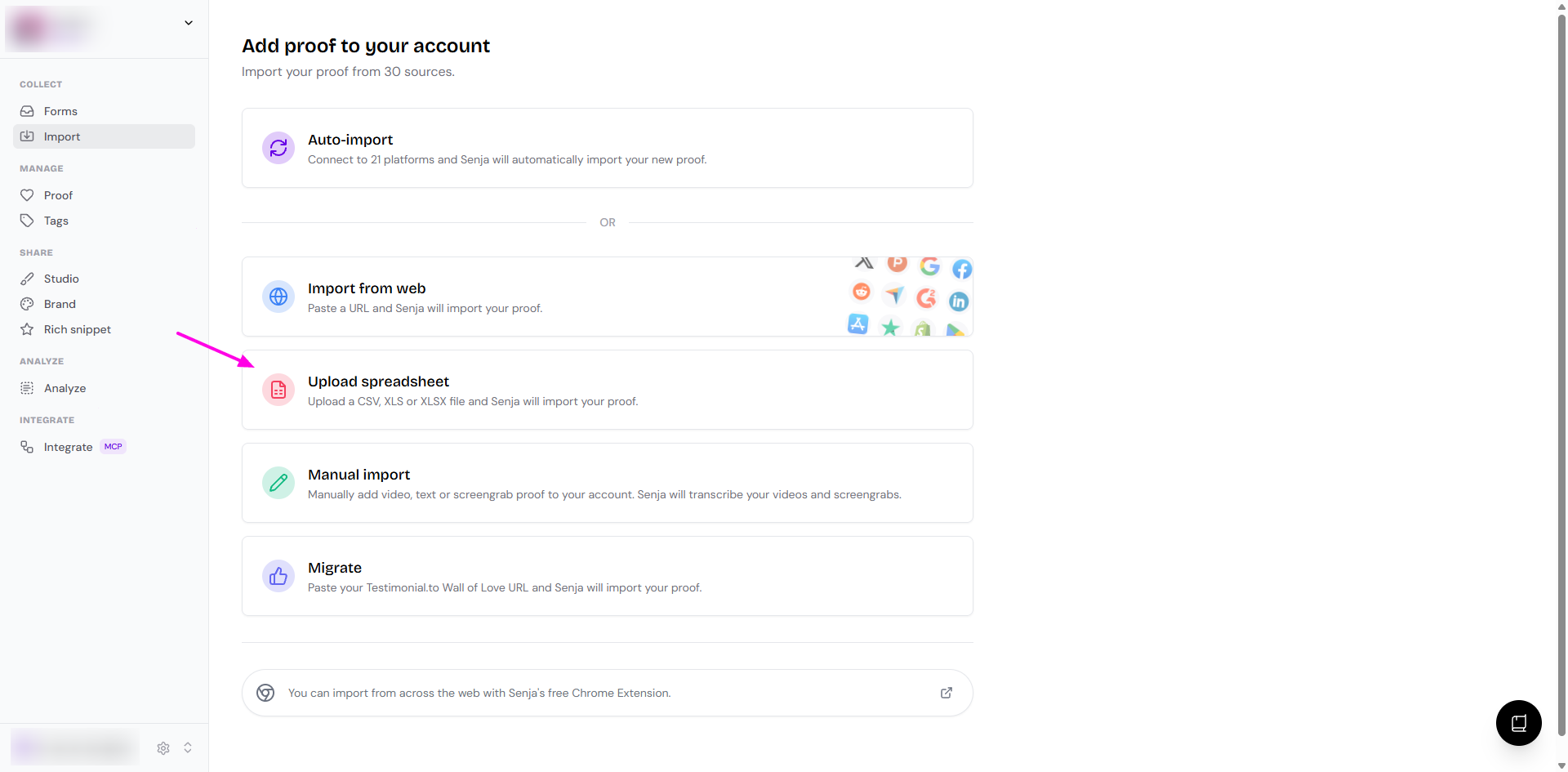
Upload the exported CSV from the first step
Your testimonials are now in the destination project
Pro tips
Double-check you're in the correct destination project
Verify all testimonials transfer correctly
Keep the original project as a backup
Was this helpful?
Was this helpful?