
How do I share a link to a testimonial?
Now, you have text/video testimonials and case studies in your Proof page, also widget and Wall of Love in your Studio page. The easiest way to share those to your audience is by sharing the link to those assets directly to your audience. Read this guide to learn how to do it.
This is available for all Senja plans: Free, Starter, and Pro.
The general steps
You can add a customized call to action (CTA) to your shared link before sharing any link
Copy the link from a single testimonial, case study, or Wall of Love
Share it to your audience
Sharing testimonial link
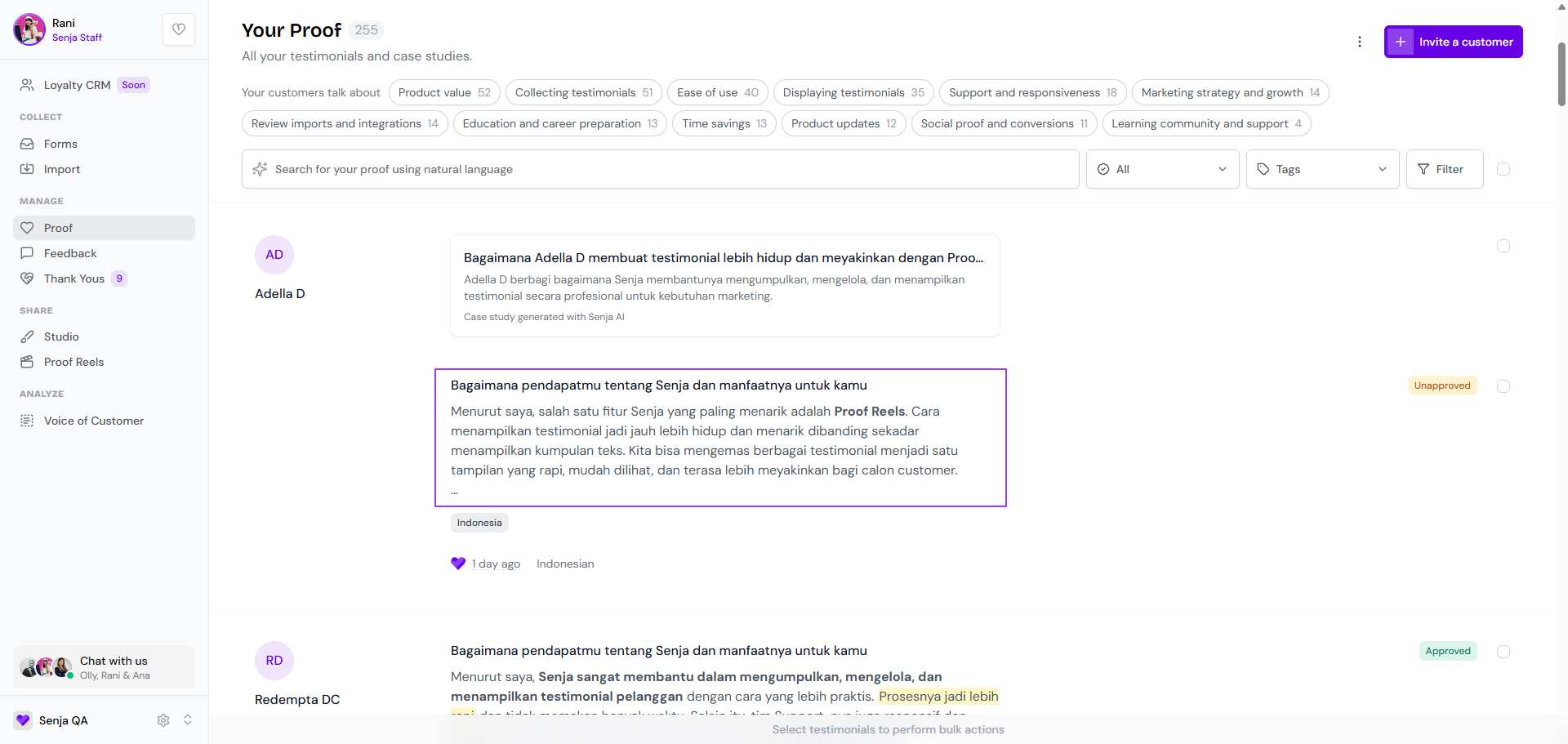
Go to your Proof page: https://app.senja.io/
Click on the testimonial you want to share
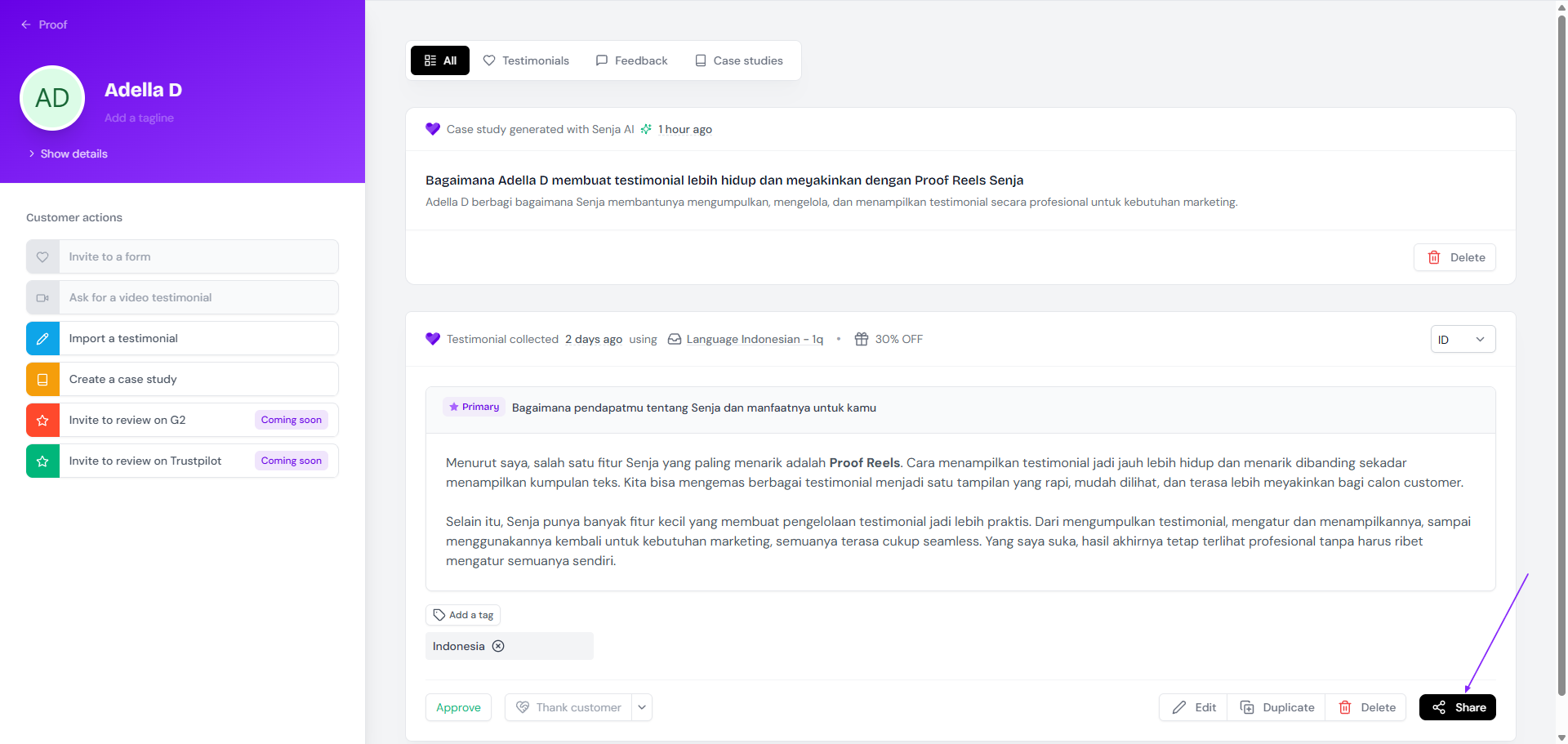
Click Share on the bottom right
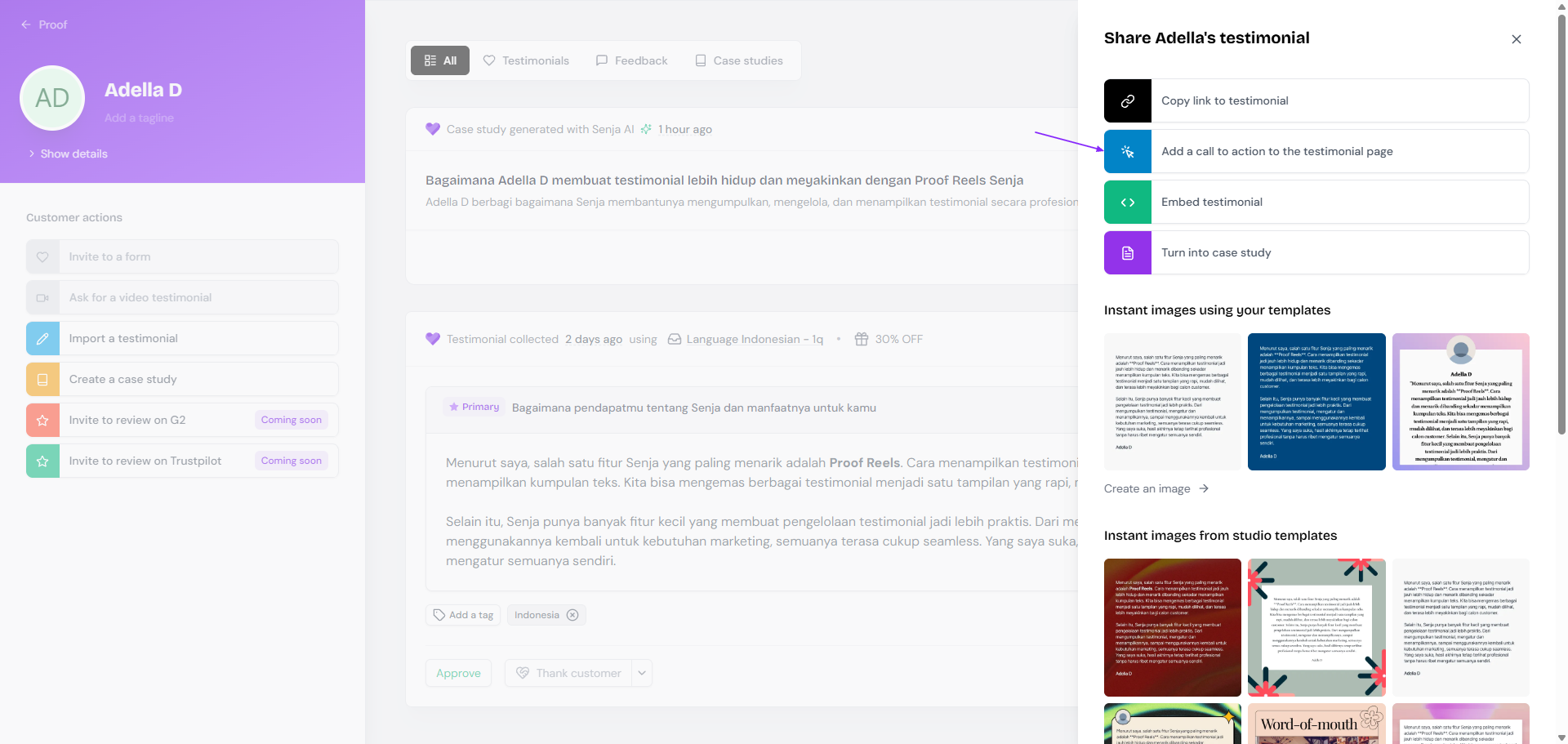
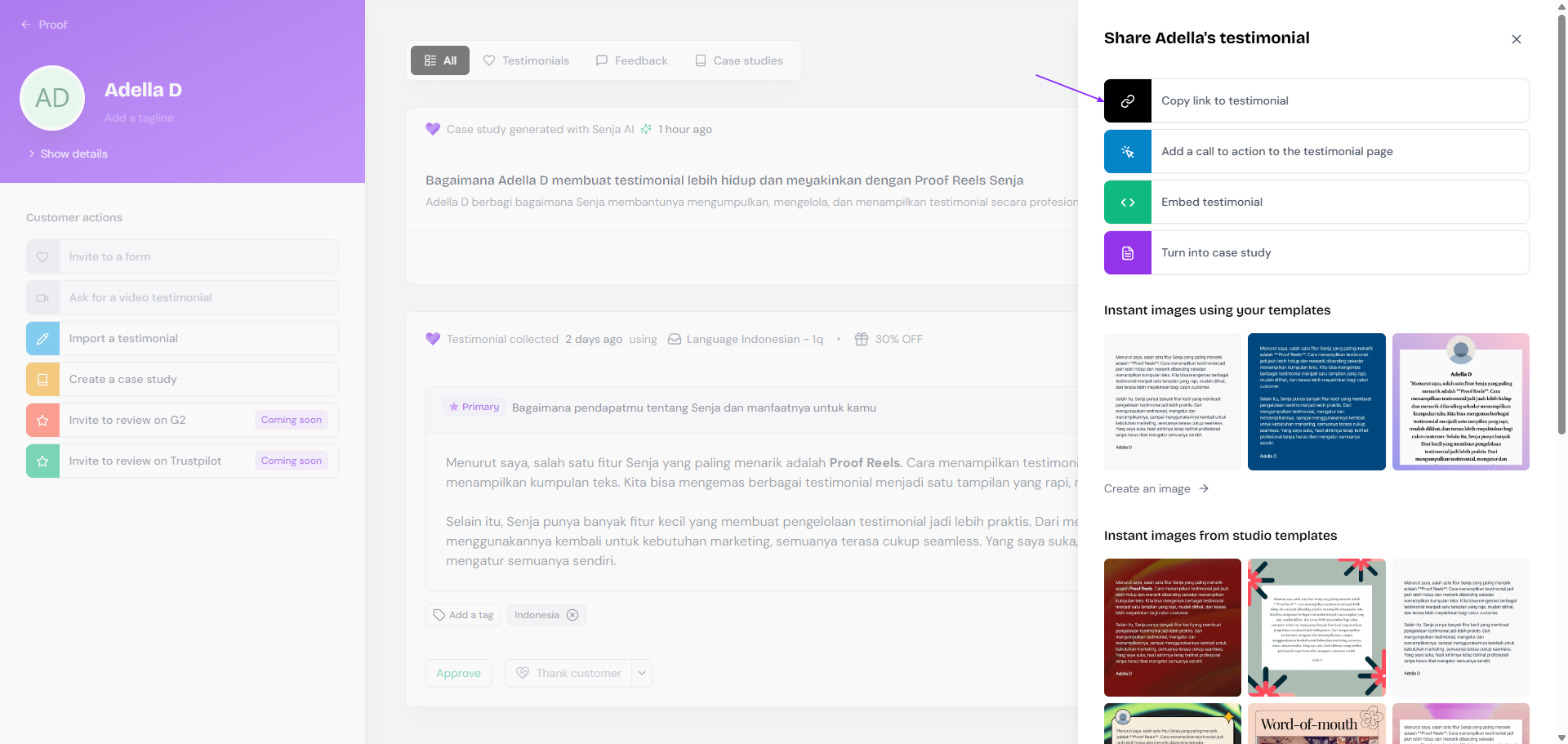
[Optional] If you want to add a CTA, click Add a call to action to the testimonial page
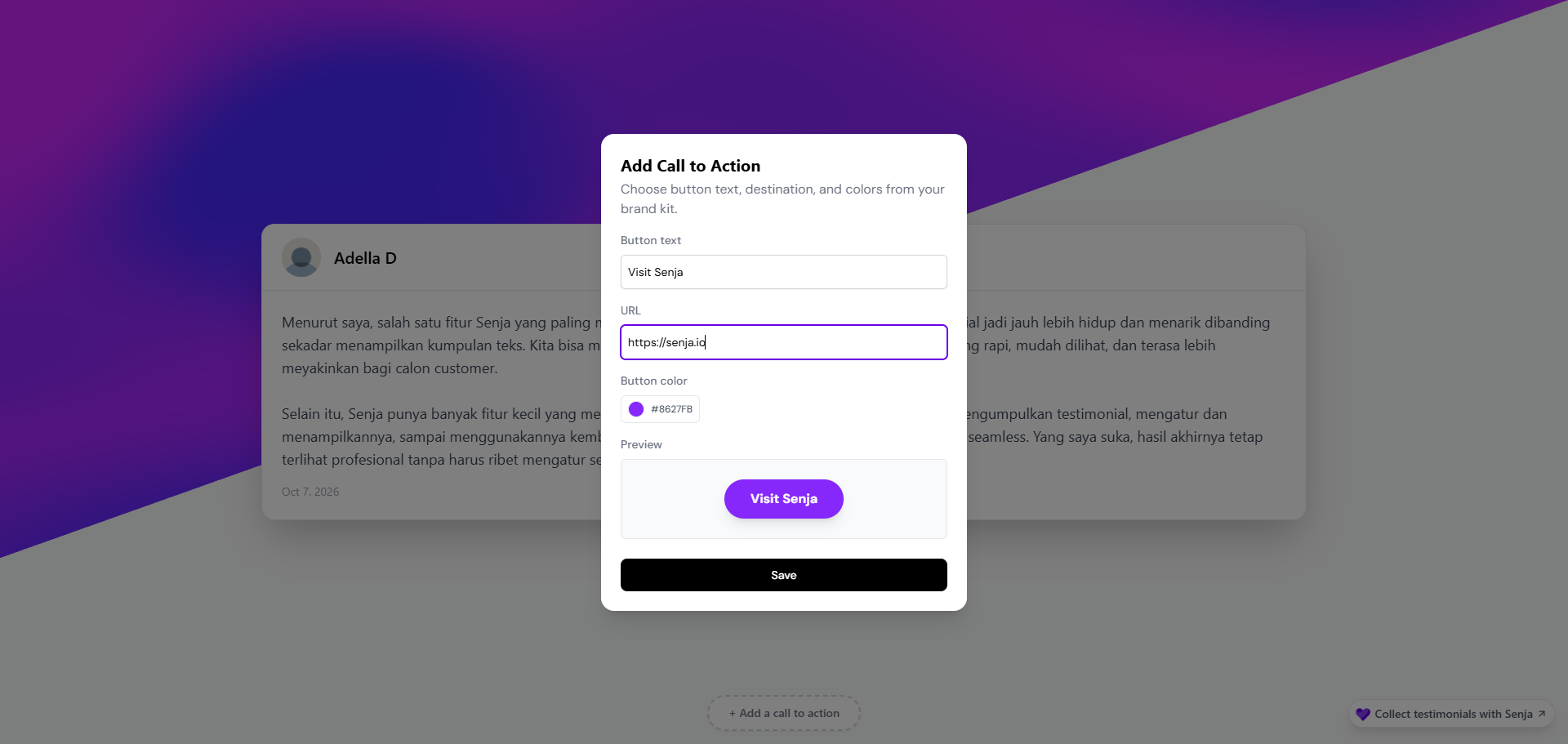
[Optional] Setup your CTA
[Optional] If you have added any CTA before, click Edit the call to action on the testimonial page to update or remove the CTA
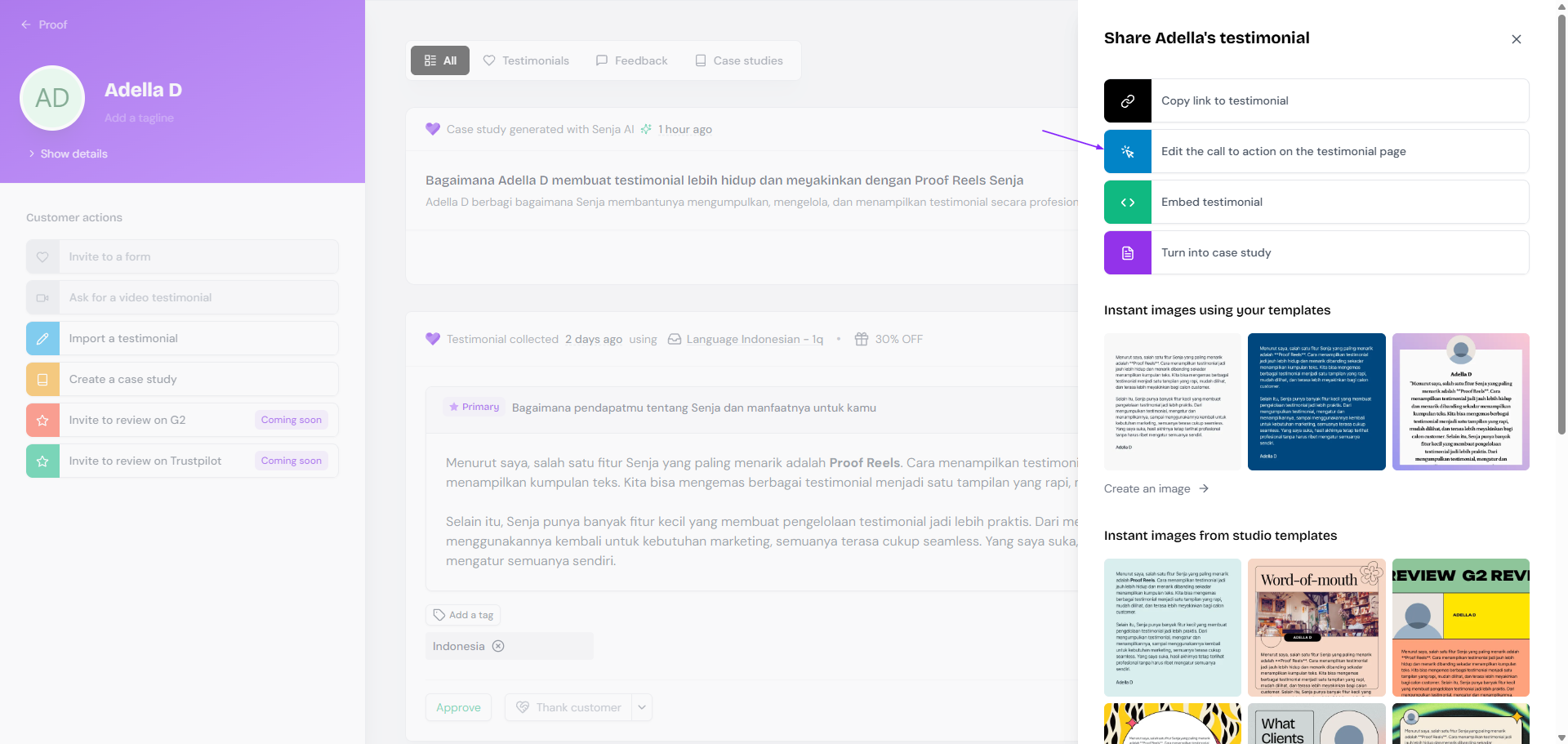
Once you're all set (with or without CTA), click Copy link to testimonial
Share the link to your audience or post the link to your socials
Sharing case study as link
Go to your Proof page: https://app.senja.io/
Click on the case study you want to share
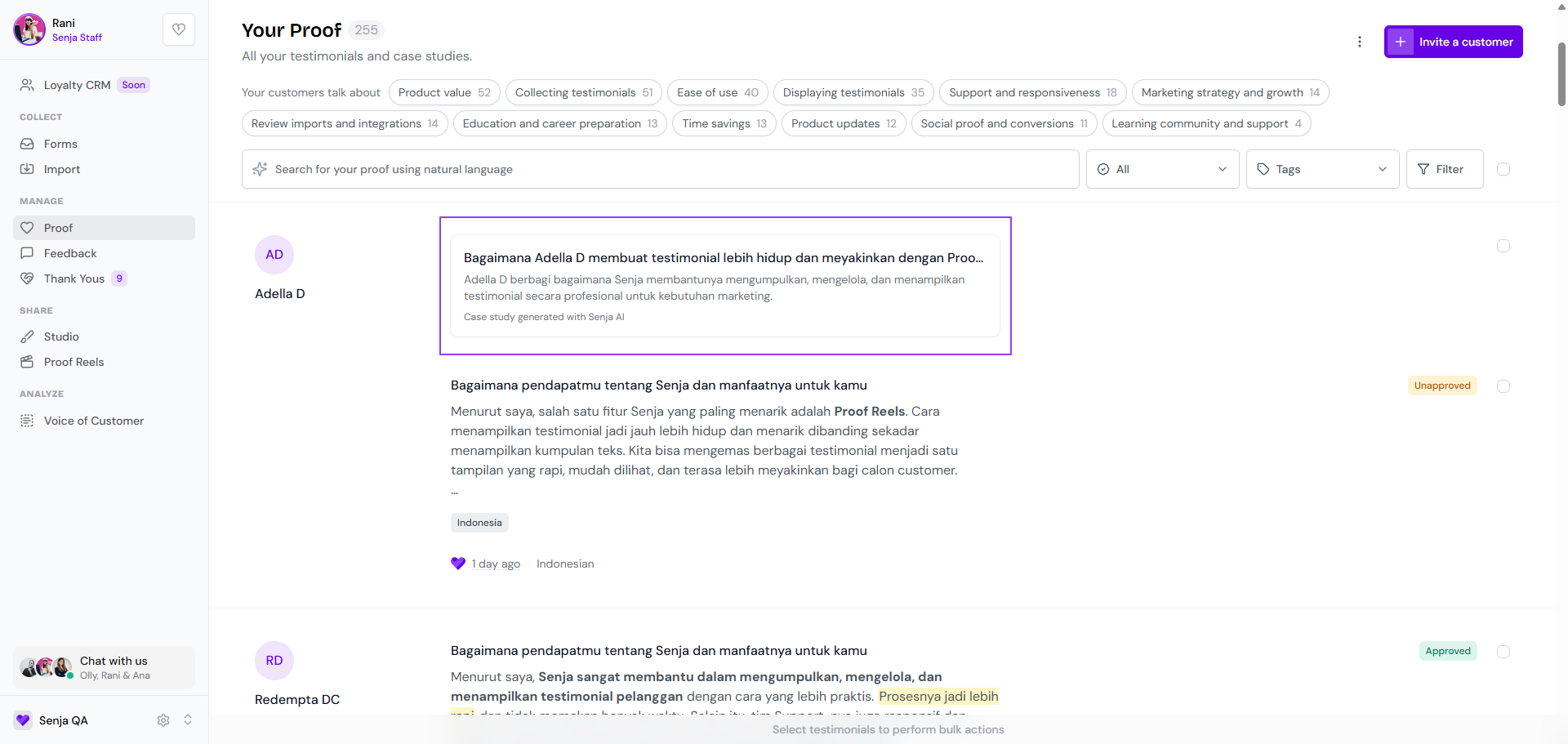
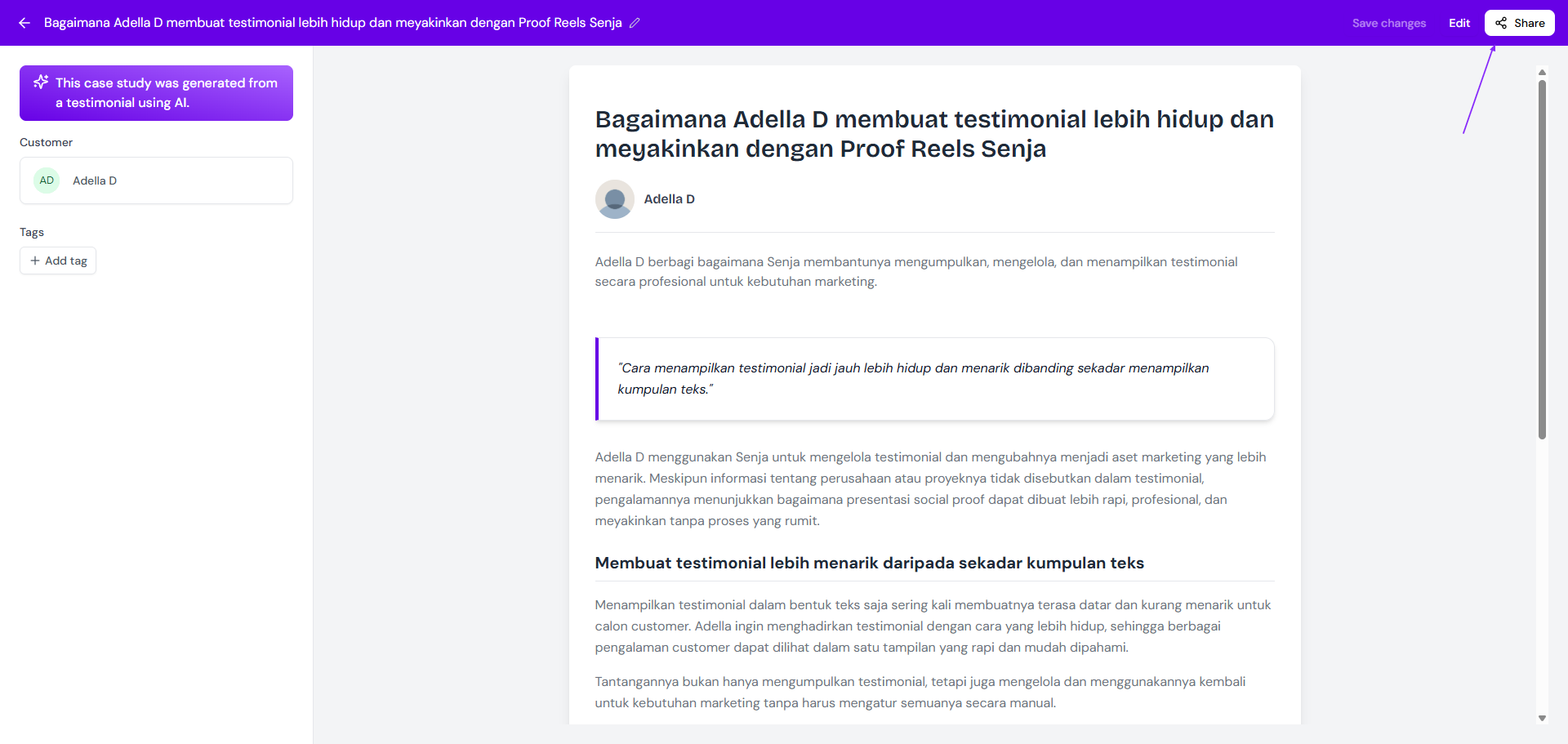
Click Share on the top right
[Optional] If you want to add a CTA, click Add a call to action to the case study page
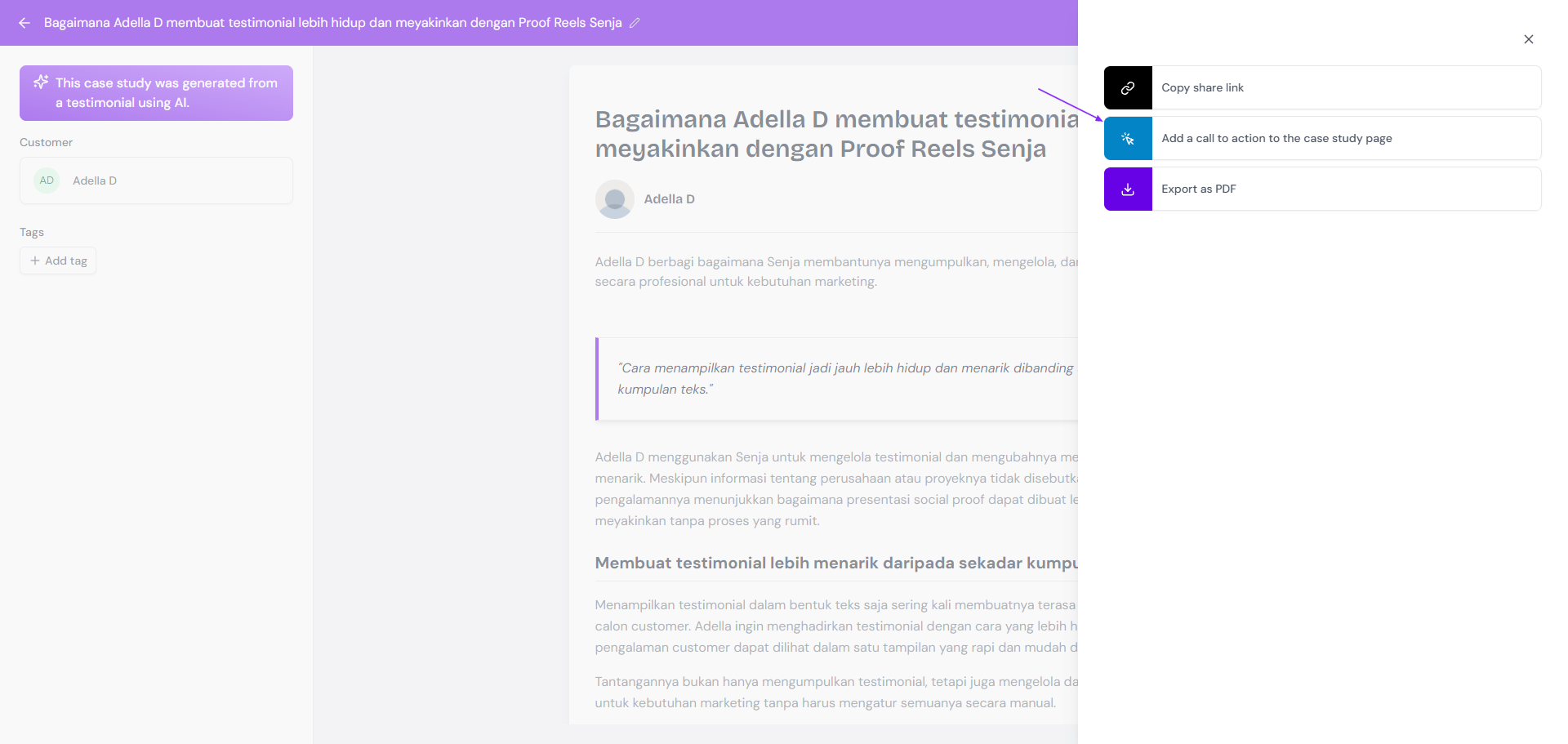
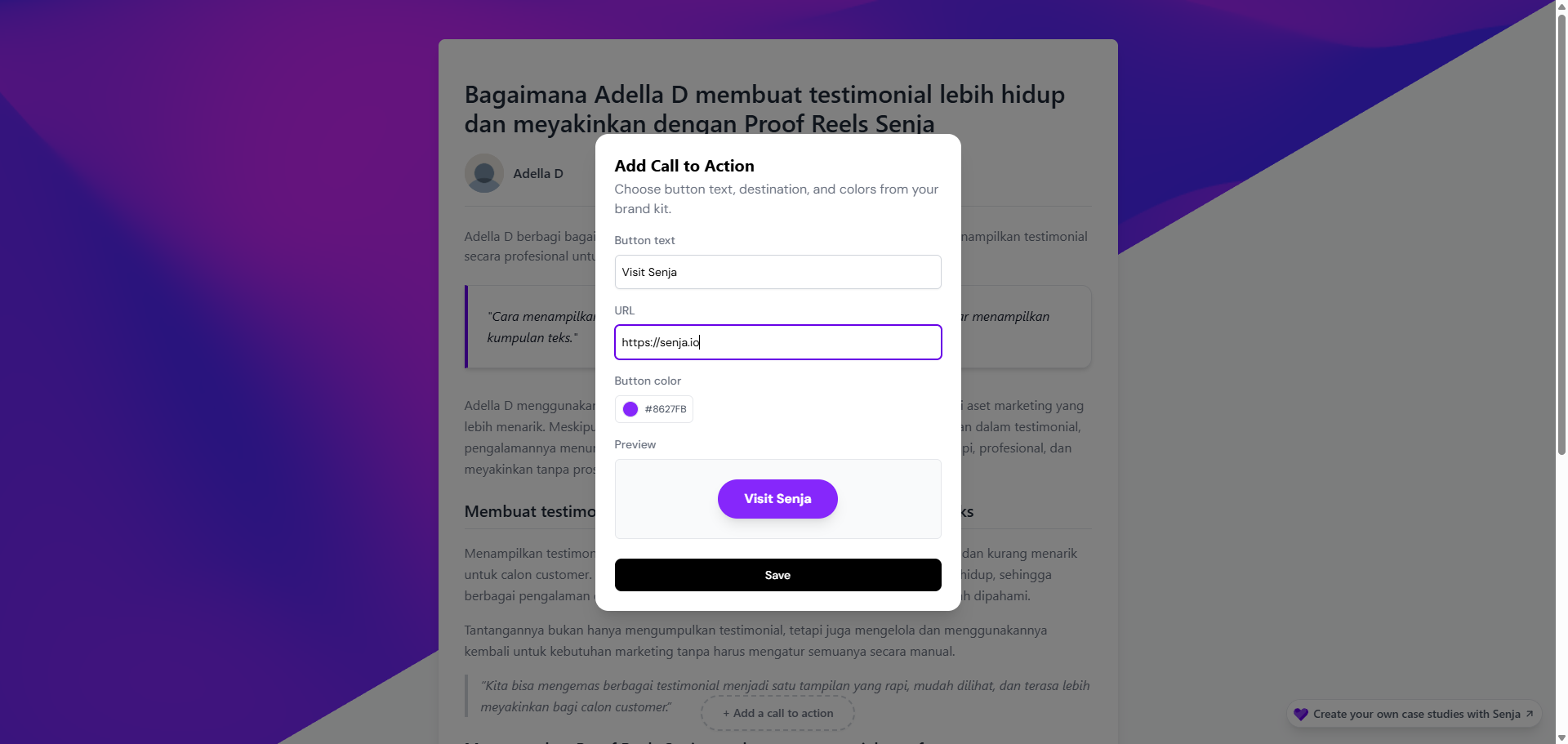
[Optional] Setup your CTA
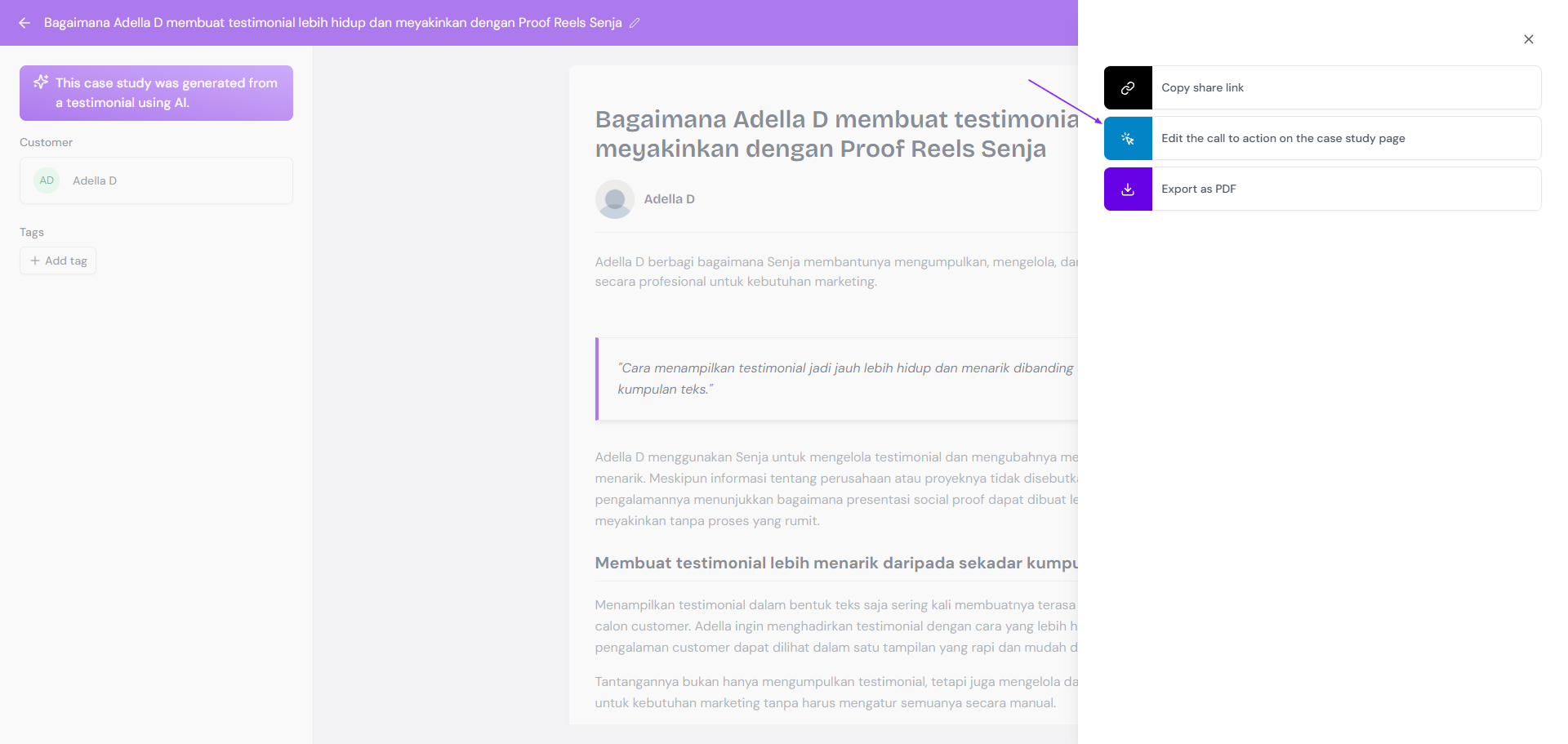
[Optional] If you have added any CTA before, click Edit the call to action on the case study page to update or remove the CTA
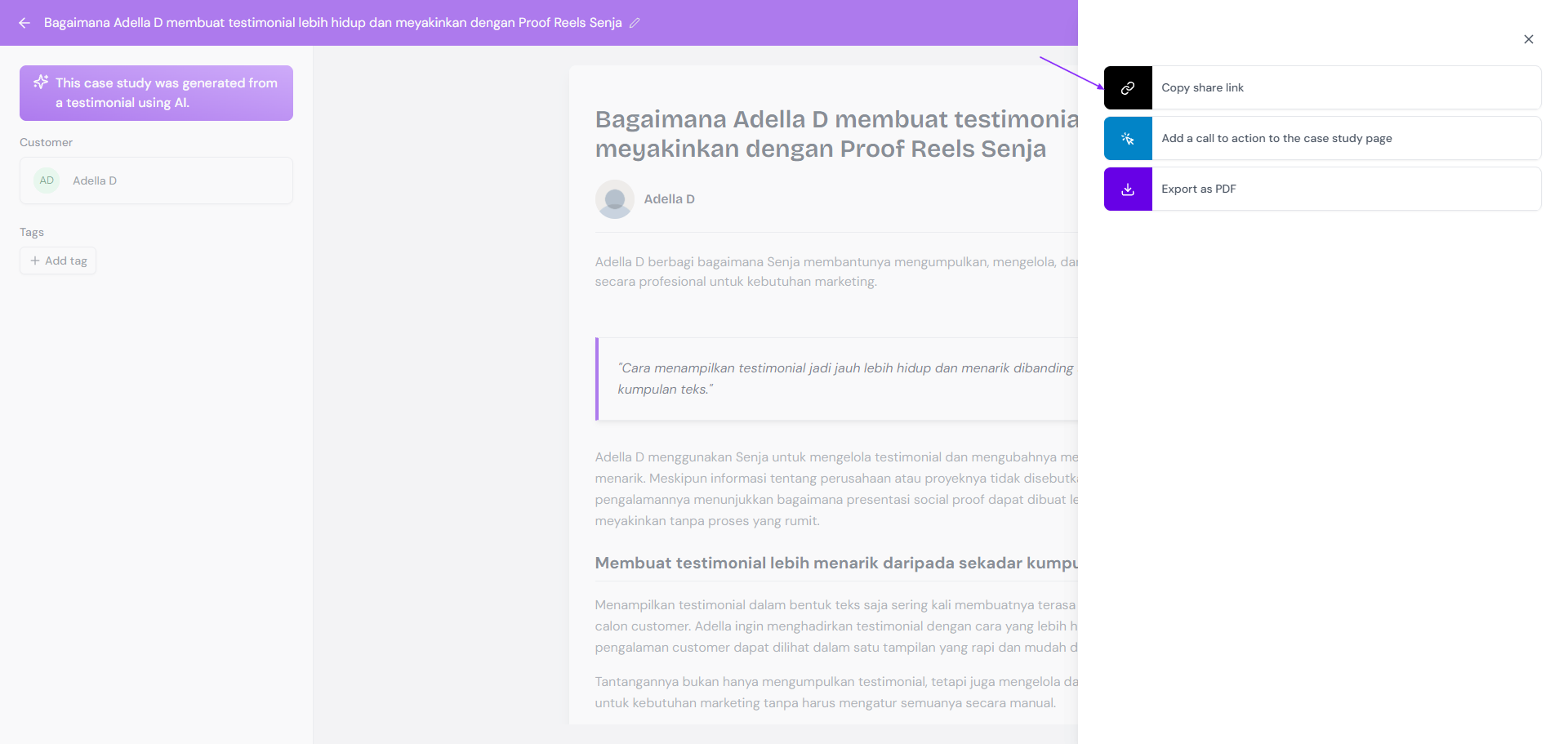
Once you're all set (with or without CTA), click Copy share link
Share the link to your audience or post the link to your socials
Sharing Wall of Love as link
Go to your Studio page: https://app.senja.io/studio
Open your Wall of Love
Click Share on top right
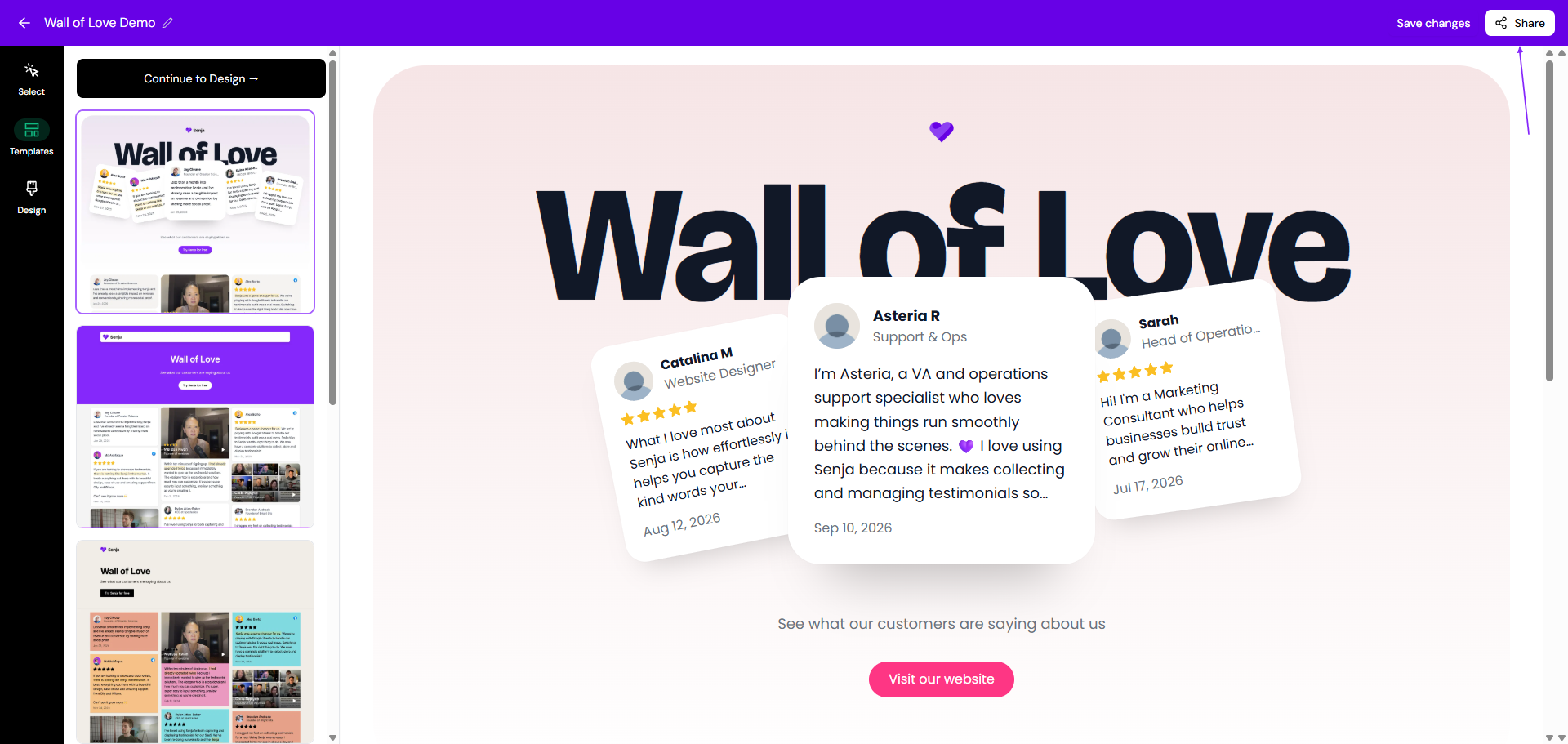
[Optional] If you want to add a CTA, click Add button next to the Call to action section
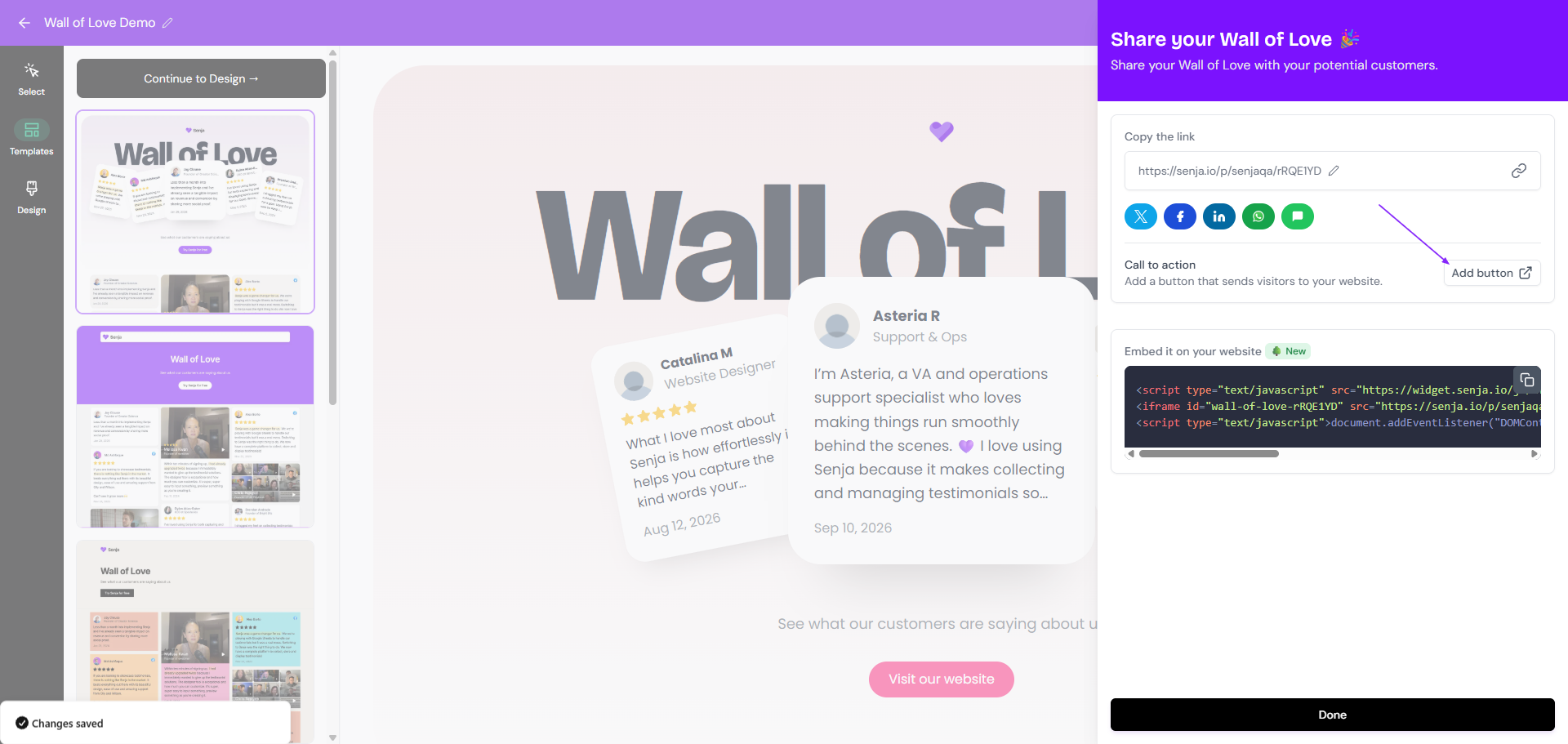
[Optional] Setup your CTA
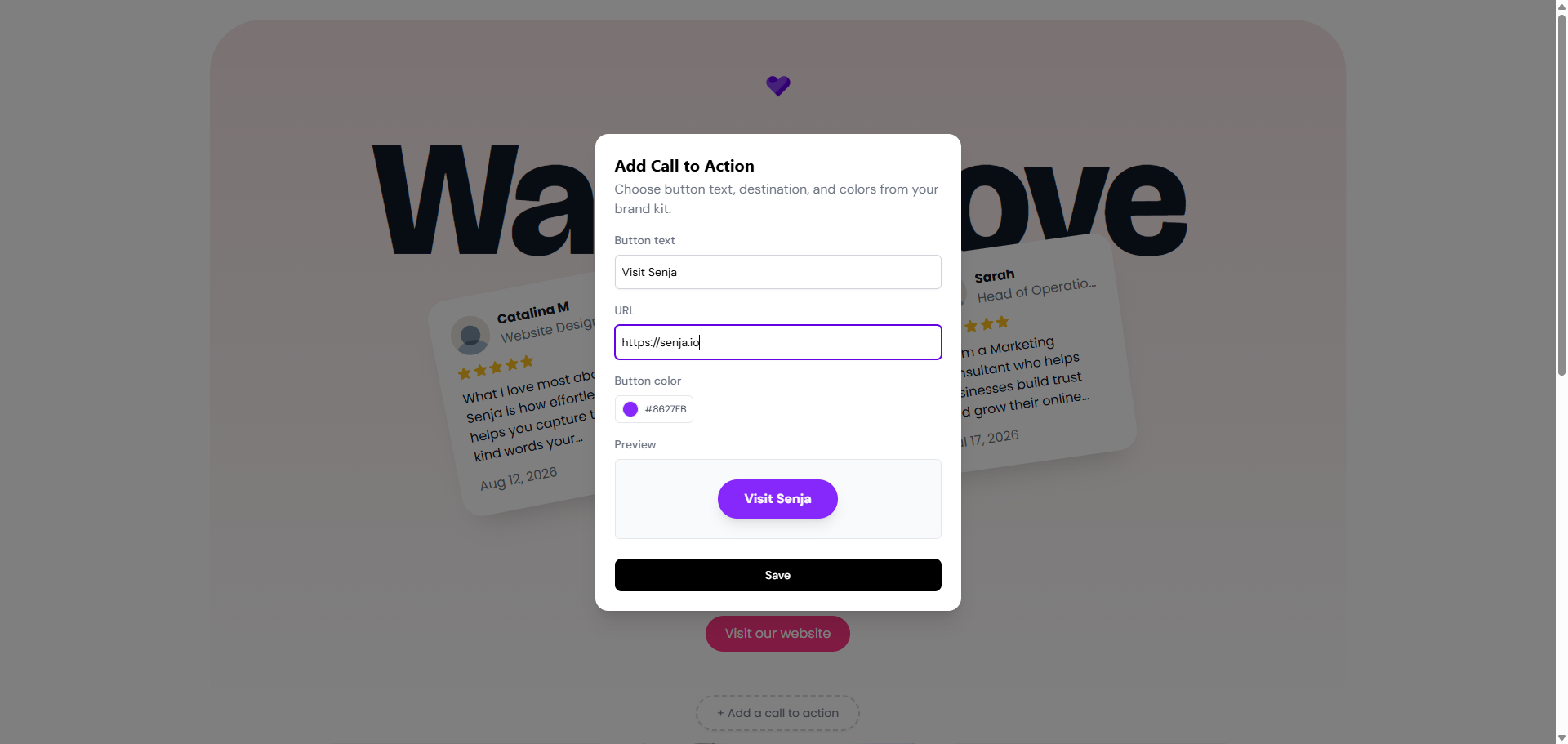
[Optional] If you have added any CTA before, click Edit button to update or remove the CTA
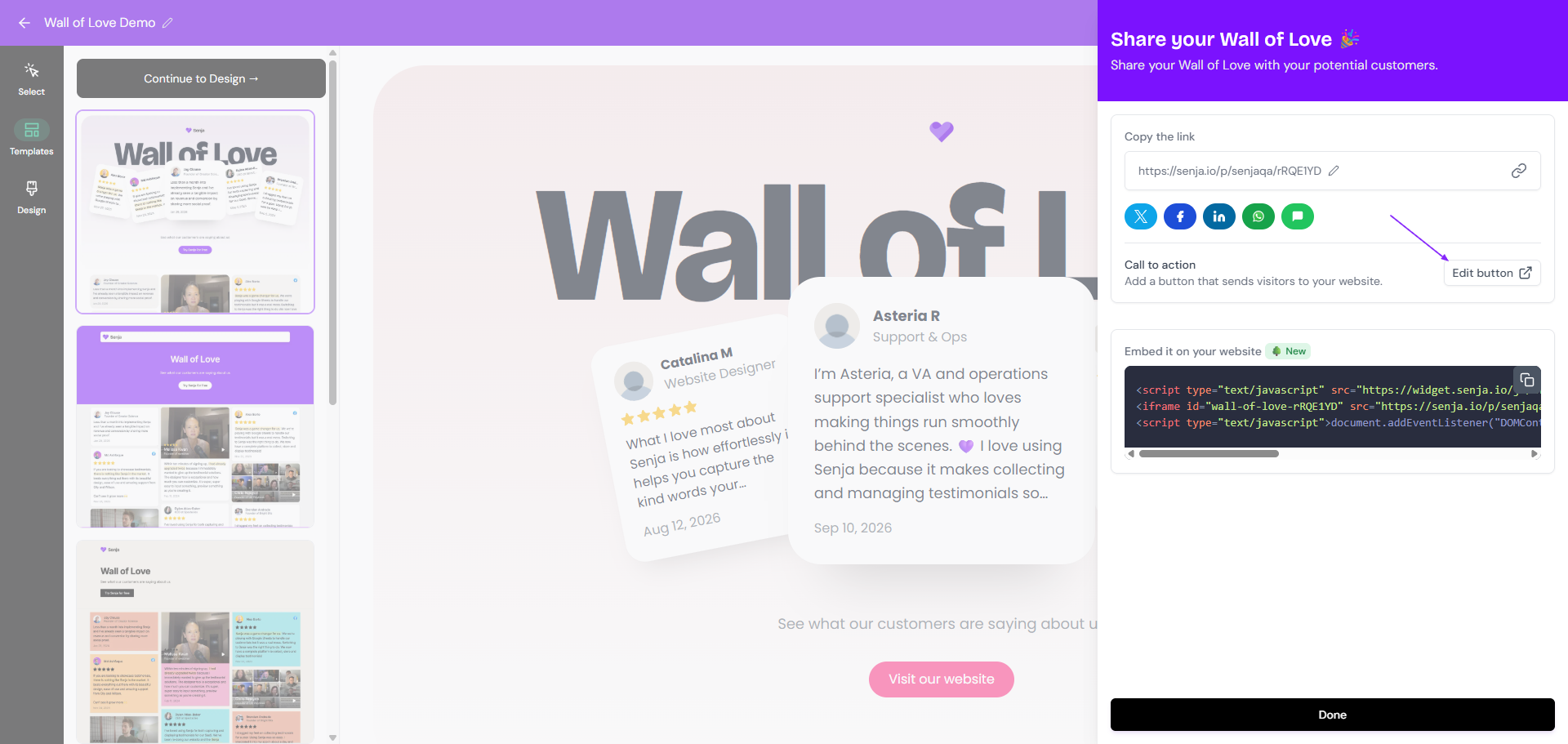
Once you're all set (with or without CTA), click the 🔗 icon in the Copy the link section
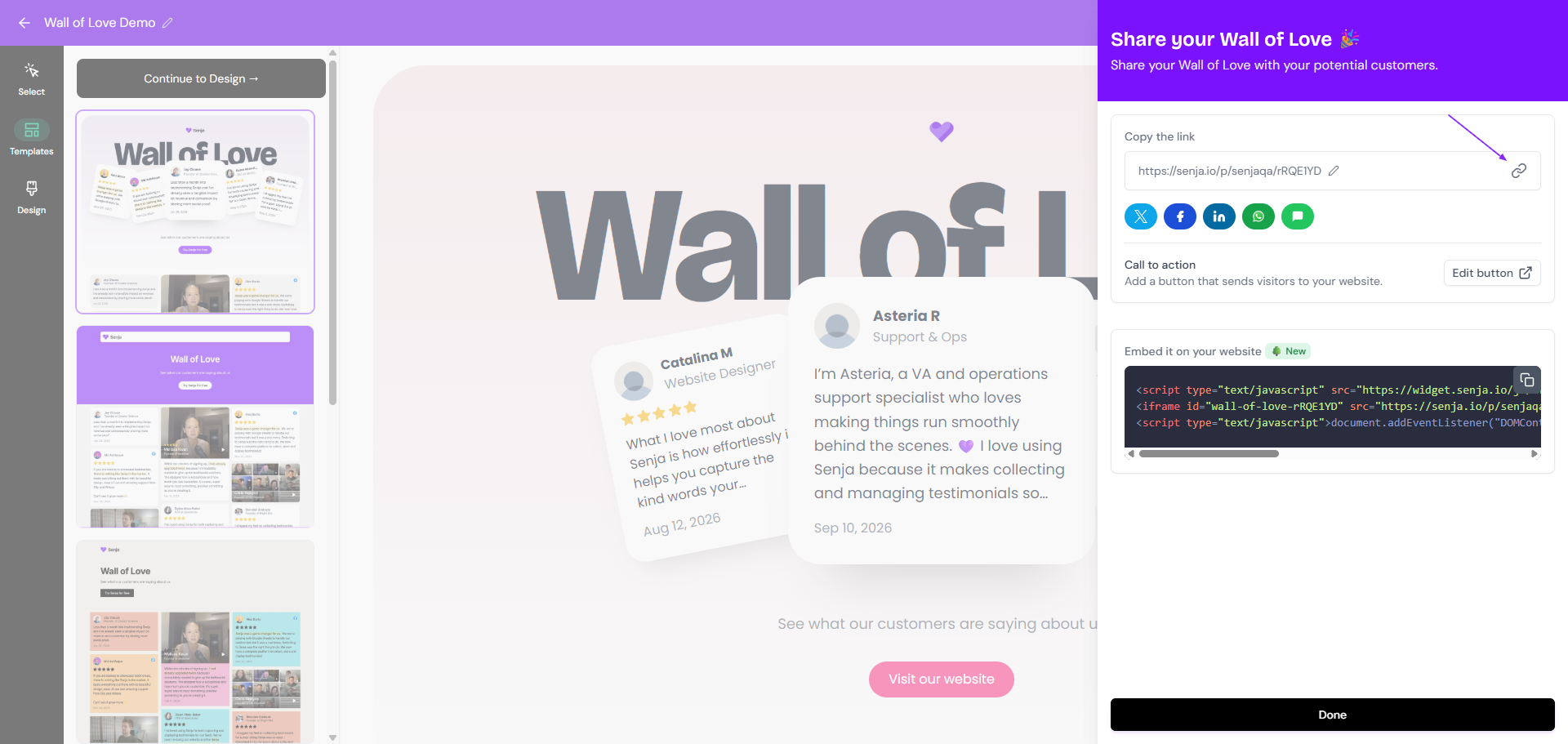
You can also edit the Wall of Love slug by clicking the ✏️ icon next to the URL preview
Share the link to your audience or post the link to your socials
Sharing widget as link
Go to your Studio page: https://app.senja.io/studio
Open your widget
Click Share on top right
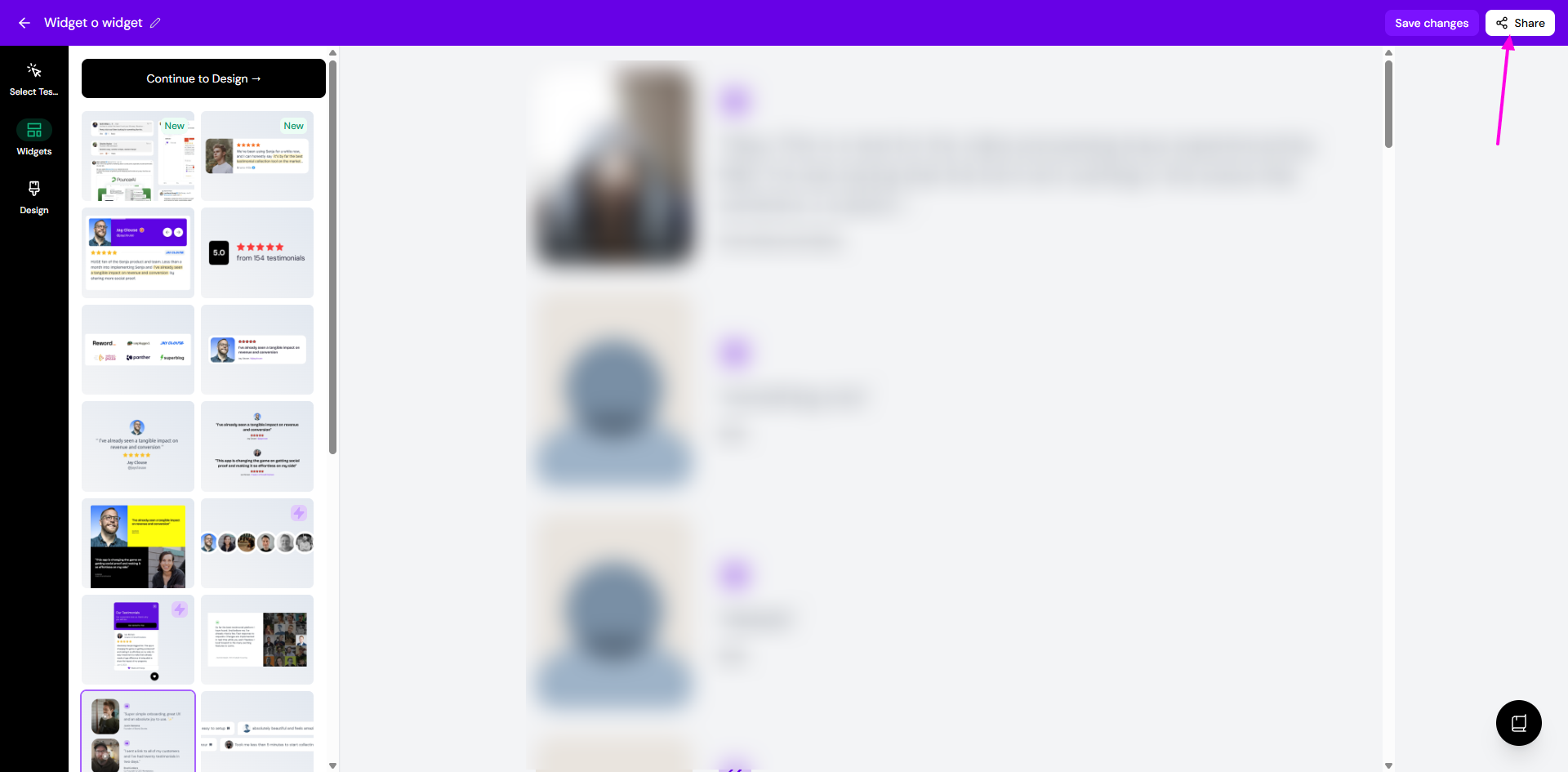
Choose the Link tab
Click the 🔗 icon under Your widget link section
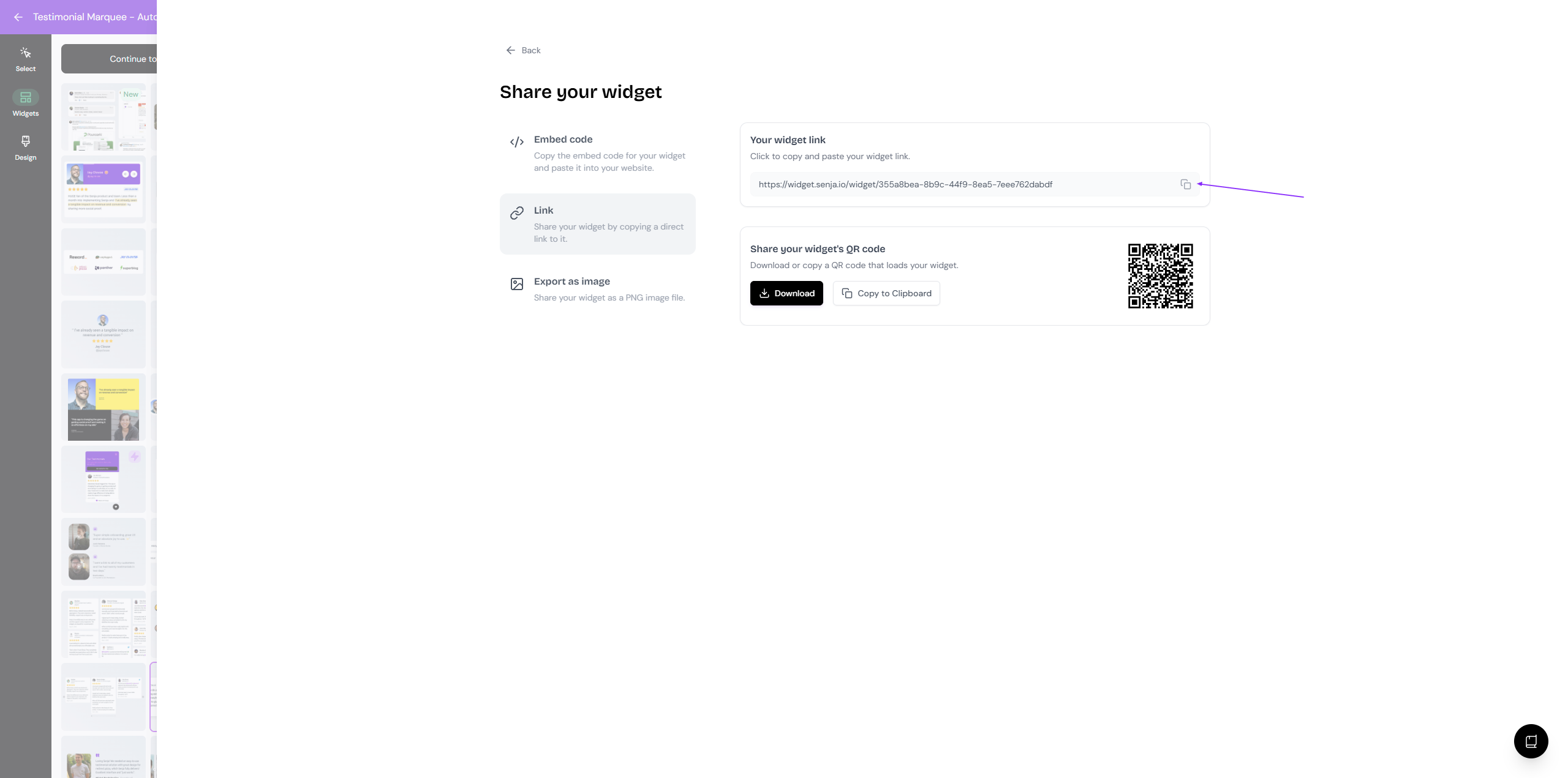
Share the link to your audience or post the link to your socials