
Can I make testimonials anonymous?
At the moment, there’s no native setting within Senja that will make testimonials anonymous. However, there’s a workaround you can use to anonymise your testimonials and we’ll show you how!
This is applicable on any Senja plans: Free, Starter, and Pro.
Changing the testimonial to anonymous
Open your Proof page: https://app.senja.io/
Click the customer/testimonial you want to edit
Change the name as anonymous and remove the customer's avatar
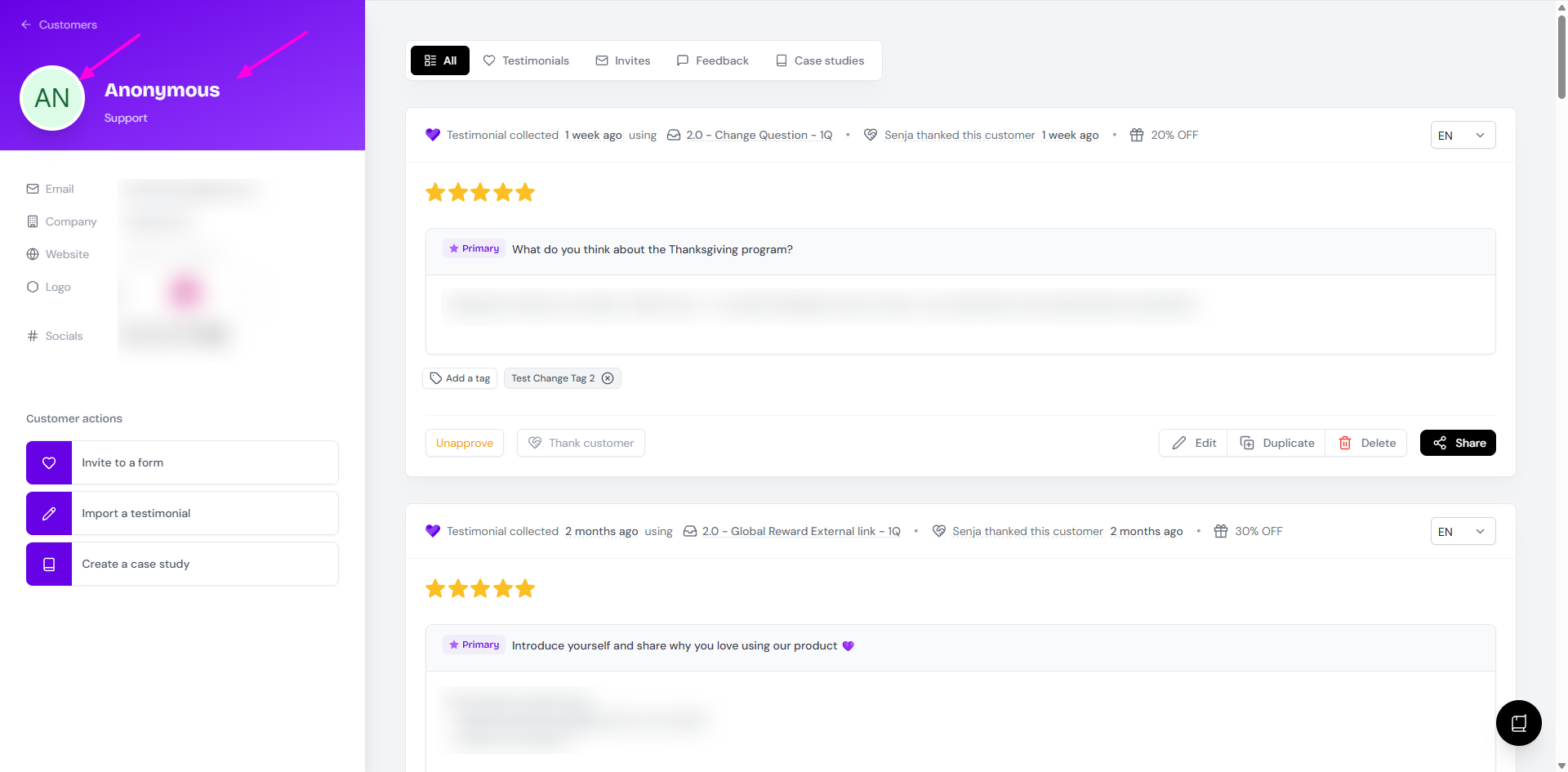
The customer info is now changed to Anonymous
Keeping record on the actual customer's name
Once you change the customer's details, you cannot see the previous version. You have to make your own note on the customer's details if you want to use it in the future.
The workaround:
Go to your Proof page: https://app.senja.io/
Open the customer/testimonial that you want
Click Duplicate
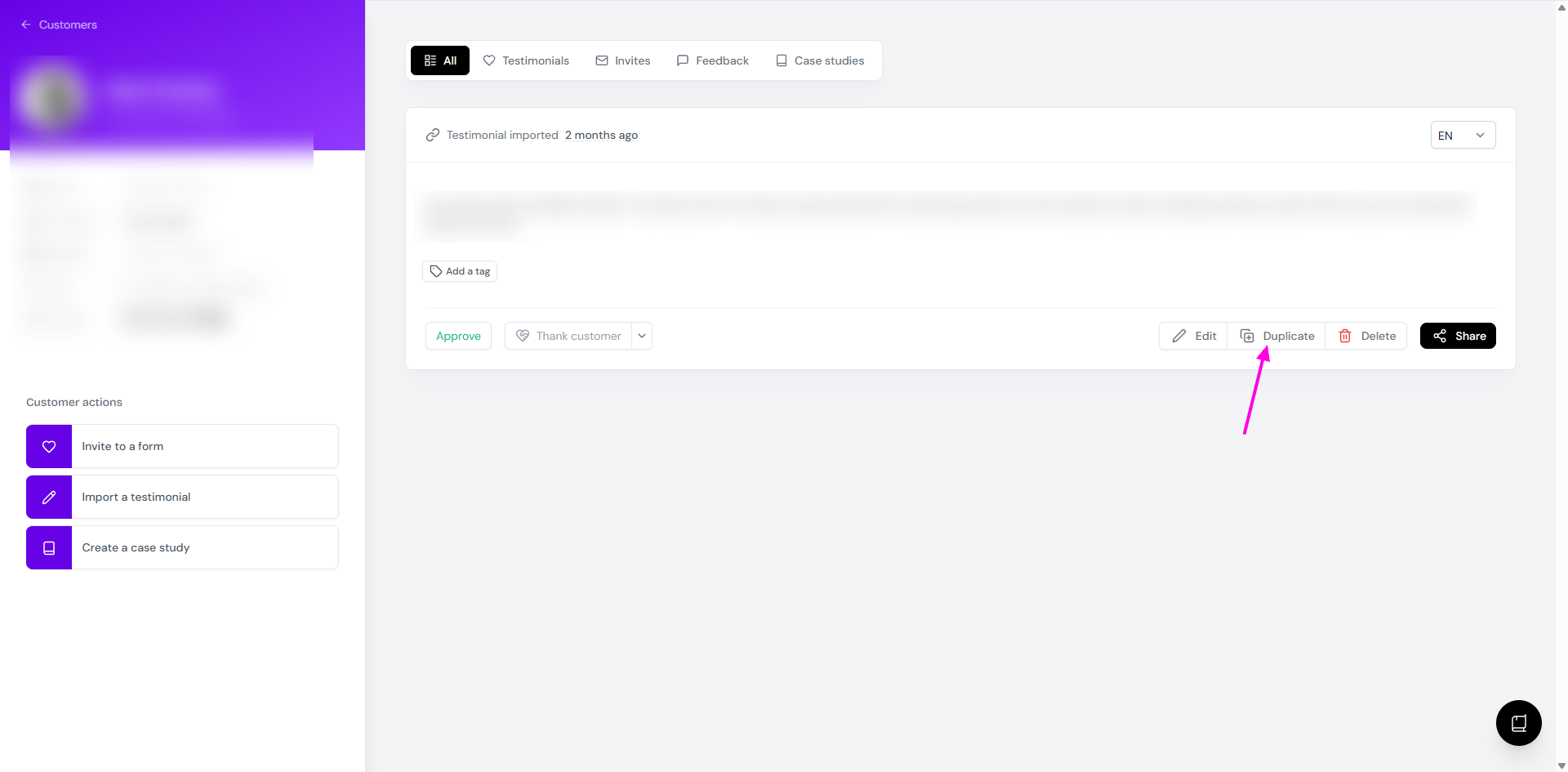
Add a unique tag to distinguish it from the original
Edit the duplicate by adding the actual name of the customer's as part of the testimonial text