
What is video excerpt?
A video excerpt is a short highlight pulled from a longer video testimonial. It's the best bit, front and centre, instead of making visitors sit through the whole thing to get to the good part. When you have video testimonials in your Proof page, you can add a video excerpt in testimonial editing mode.
This is applicable to any Senja plans: Free, Starter, and Pro.
Creating an excerpt
Go to your Proof page: https://app.senja.io/
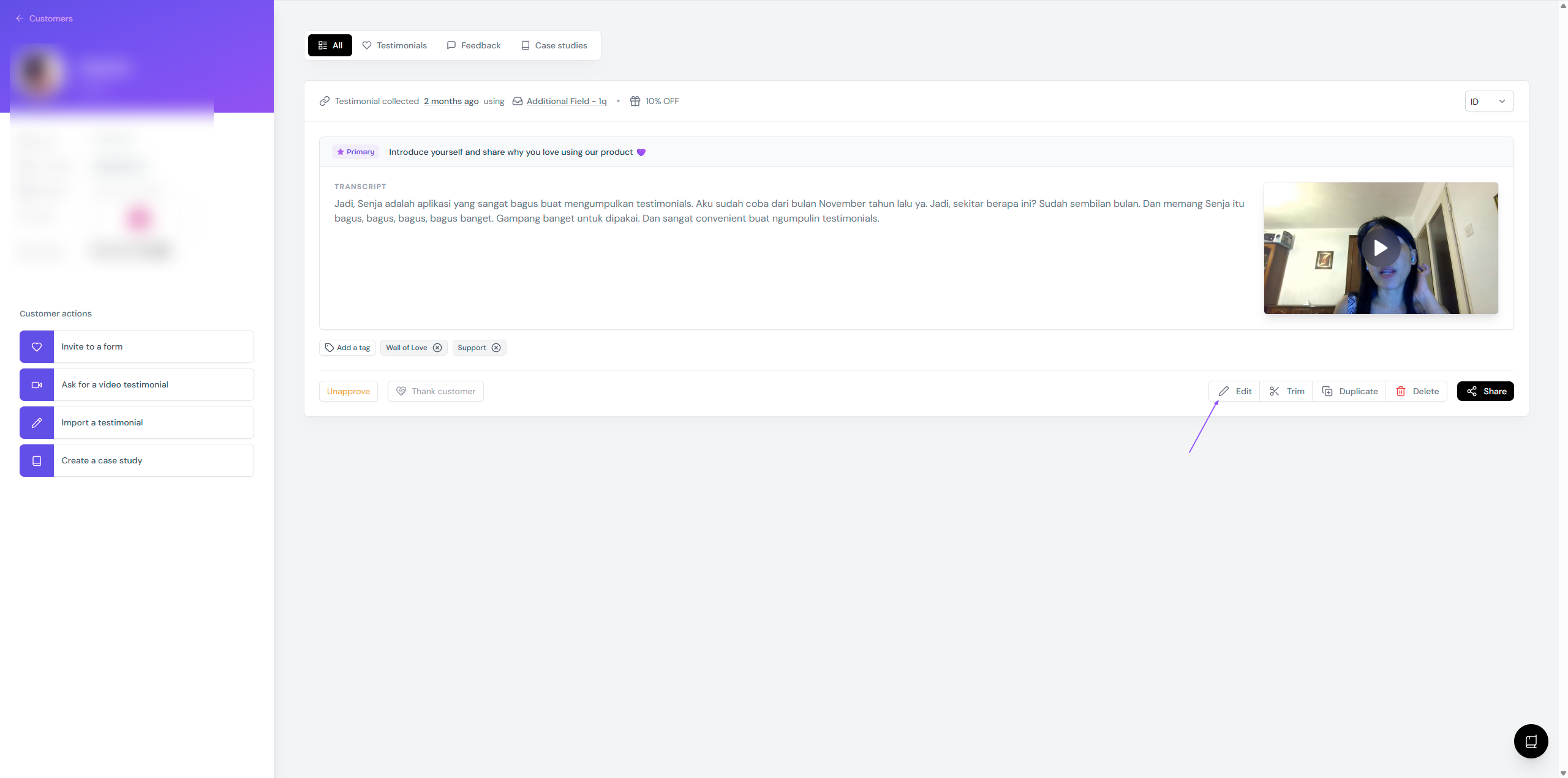
Open a customer page that has video testimonial, click Edit
Write the Excerpt in the given field (you can also copy paste all or parts of the video transcript here)
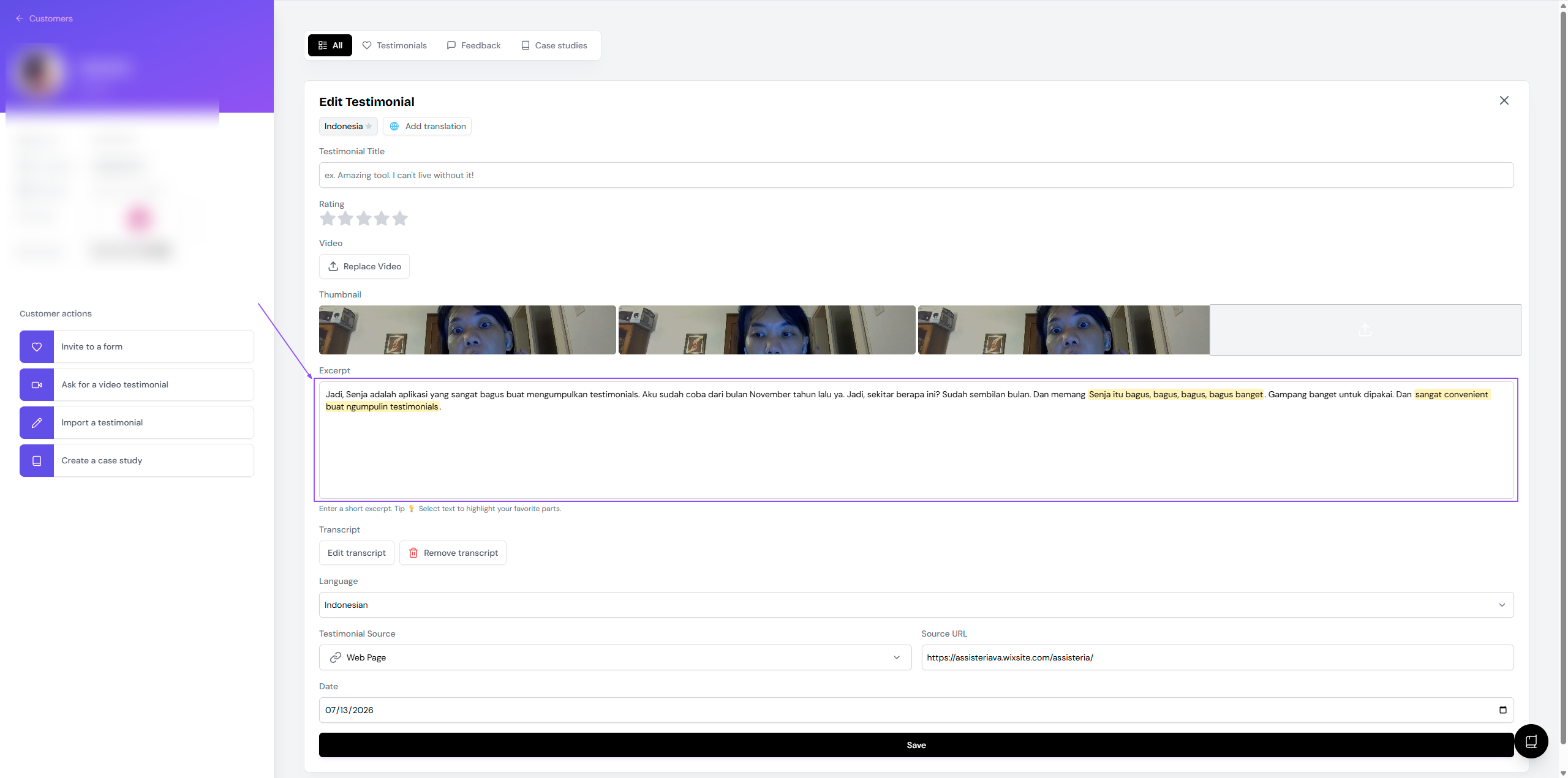
Click Save when you're done
Where excerpt show up
Wall of Love: By default, the excerpt will be shown along with the video testimonial
If you don't want to show the excerpt, remove it from the Proof page
Widgets: The excerpts are displayed on these widget styles
The excerpt is always displayed with the video: Testimonial Toast, Testimonial Popup, Lindoy List
You can choose to show/hide excerpt: Testimonial Masonry, Testimonial Carousel, Testimonial Marquee
Where excerpt doesn't show up
In a testimonial with multiple videos, multiclip video is by default having no excerpt
Excerpt text is attached to the primary individual video
If you choose the second or third video from multipart testimonials, they will have no excerpt as well
In widgets that support video display but doesn't support excerpt: Slab Carousel, Avatars Pro, Avatars Grid, and Loppa Carousel