
How to set up Slack notifications for new testimonials
Use native Slack notifications to send new testimonial alerts straight to a Slack channel. This is the fastest way to see new testimonials coming from your Senja forms without setting up Zapier, directly from your Senja Integrate and Forms page.
This feature is available on all Senja plans: Free, Starter, and Pro.
Connect Slack to your Senja account
Go to Integrate page: https://app.senja.io/integrations
On Slack tab, click Connect with Slack
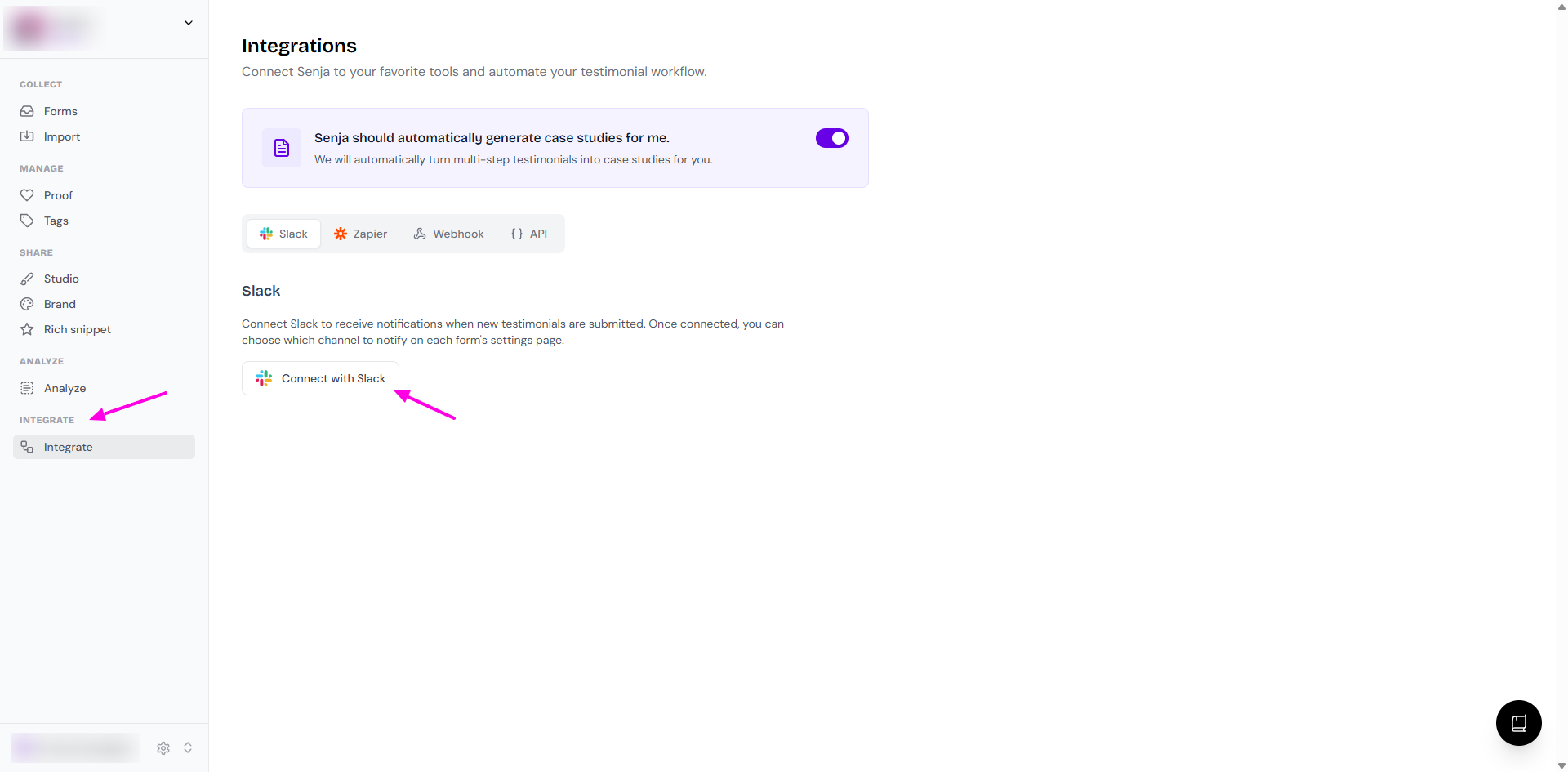
On the popup, click Allow
Set up Slack notifications from Senja forms
Go to your Forms page: https://app.senja.io/forms
Click Edit to open the form you want
Go to Settings tab
Click Connect with Slack
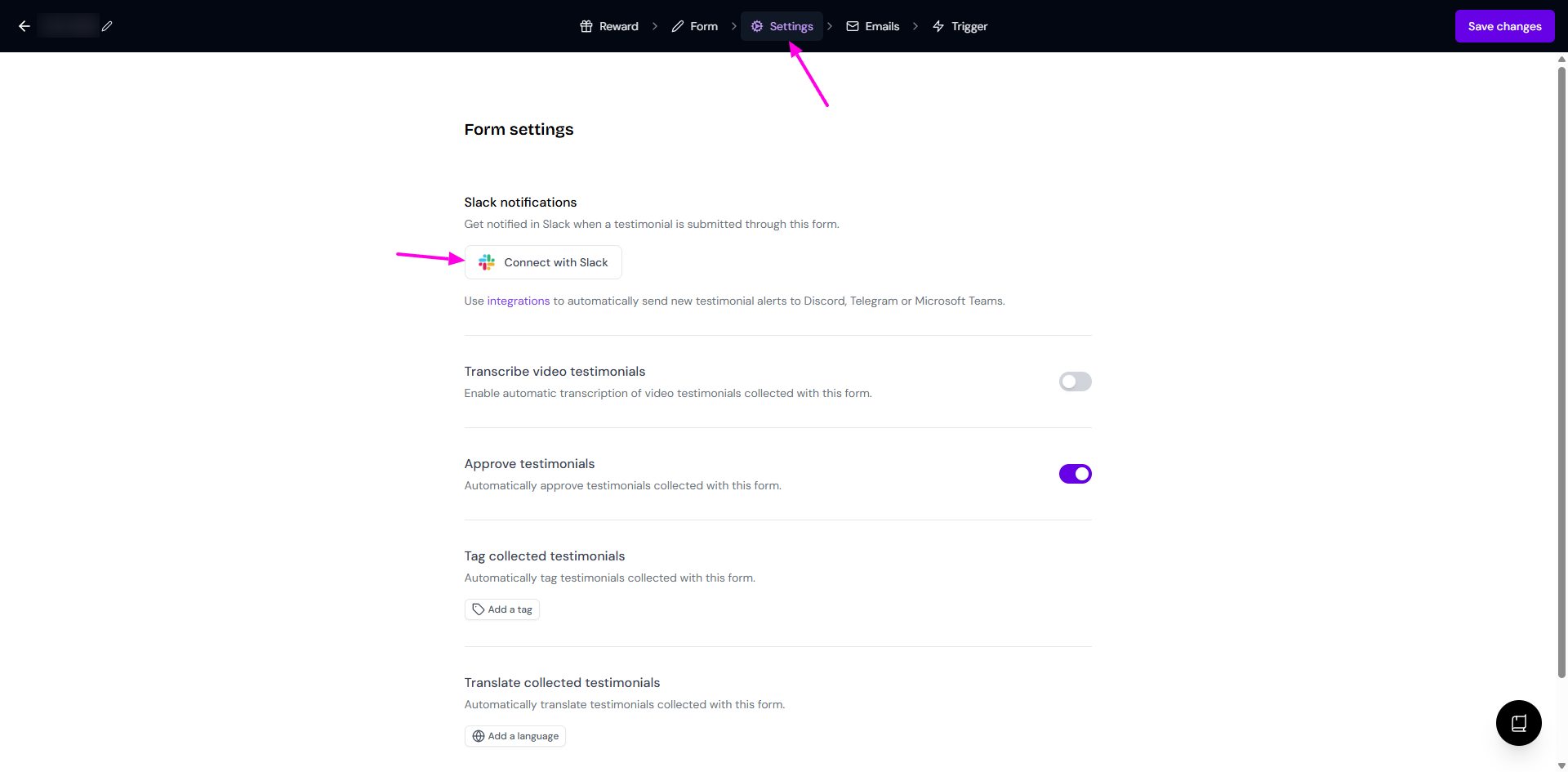
Click on Log in to Slack and follow the steps
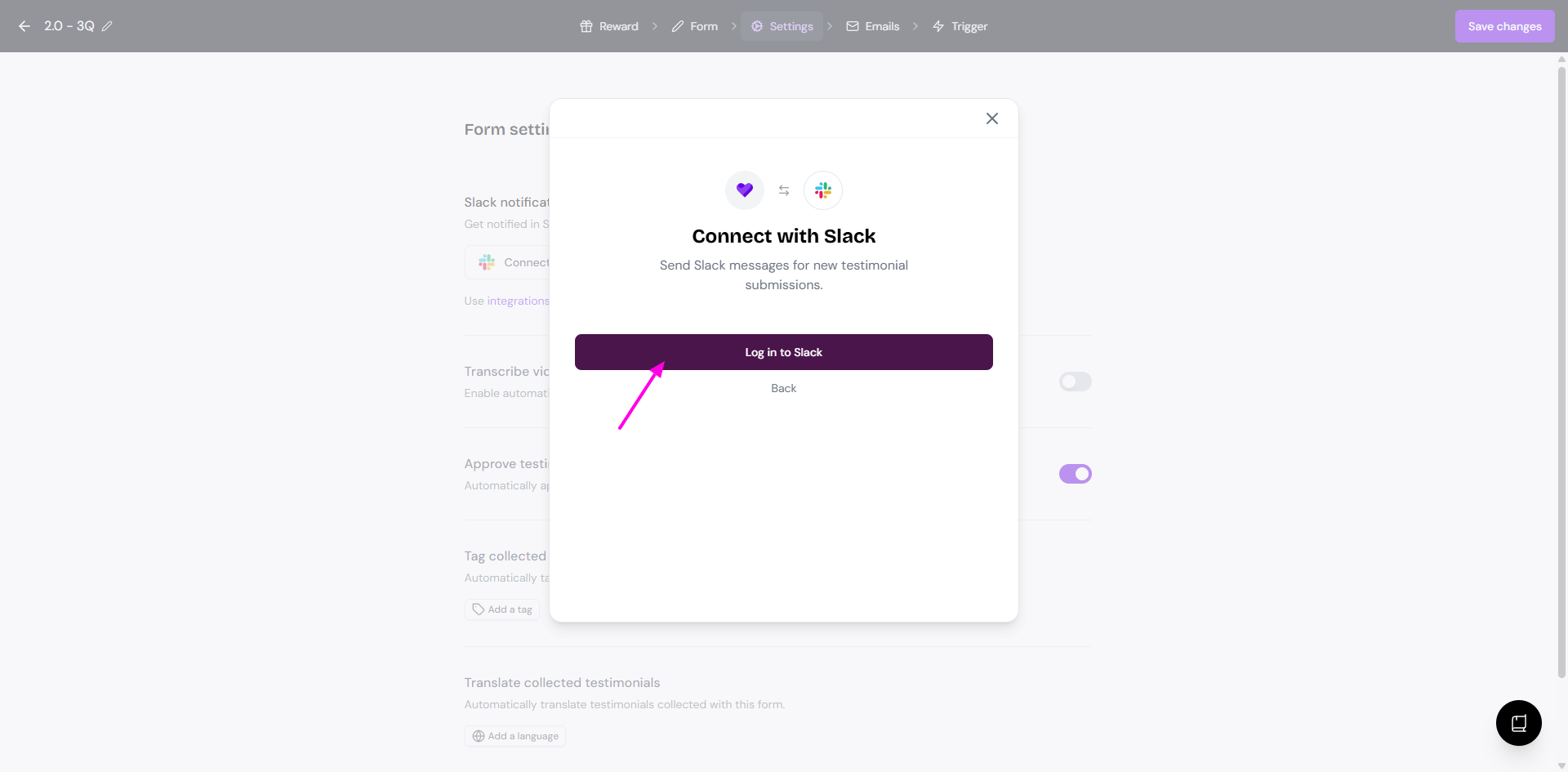
Find the Slack notification option and connect your Slack workspace if prompted
Choose the Slack channel where you want new testimonial alerts to appear
Save your changes
After setup, every new testimonial submitted through that form will send a notification to the selected Slack channel.
Setup the connection
Go to your Forms page: https://app.senja.io/forms
Click Edit to open the form you want
Move to the Settings tab
Click Choose a channel button
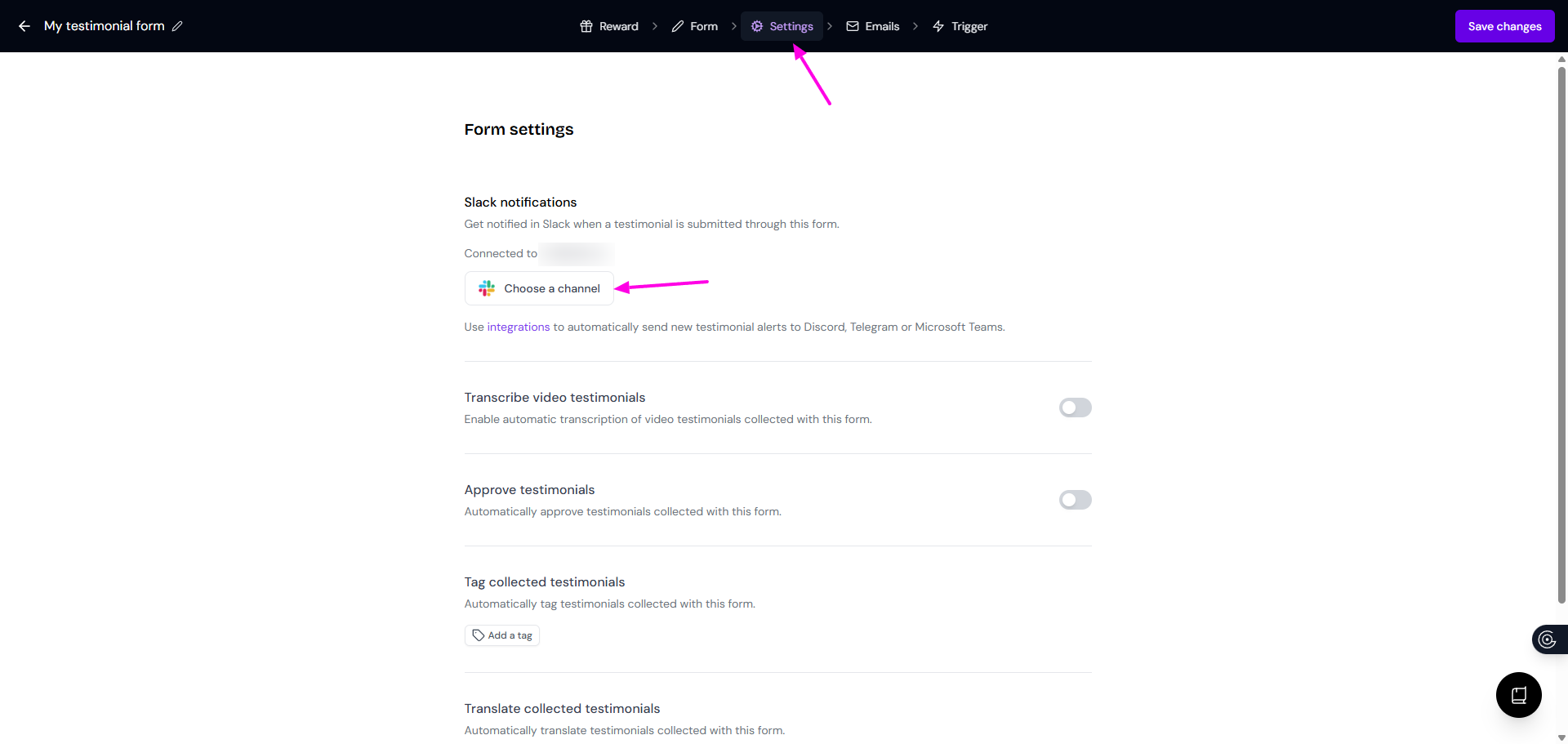
If you already chose a channel before and want to change it, click the gear icon to open the Slack notification setting
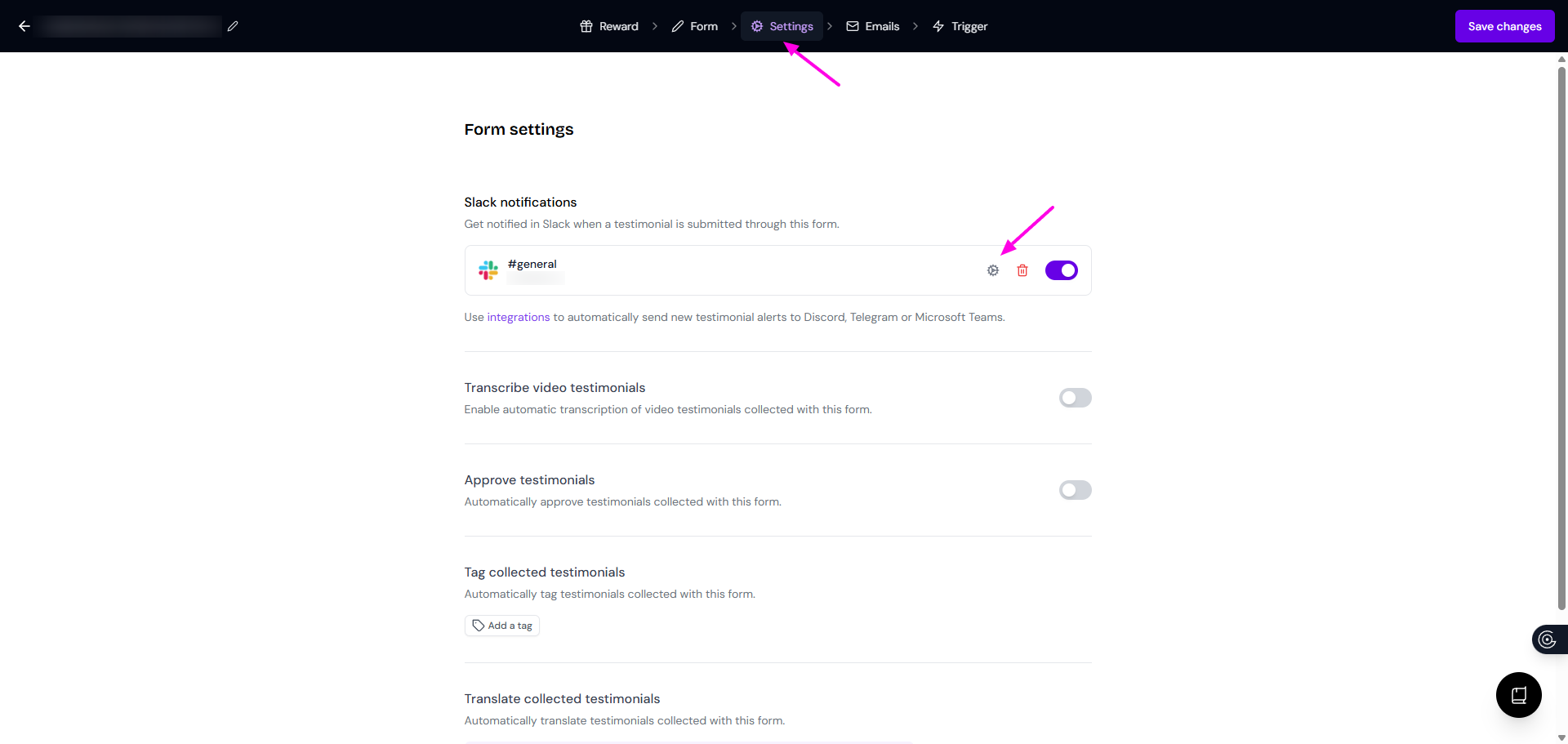
Choose the Channel from the dropdown list
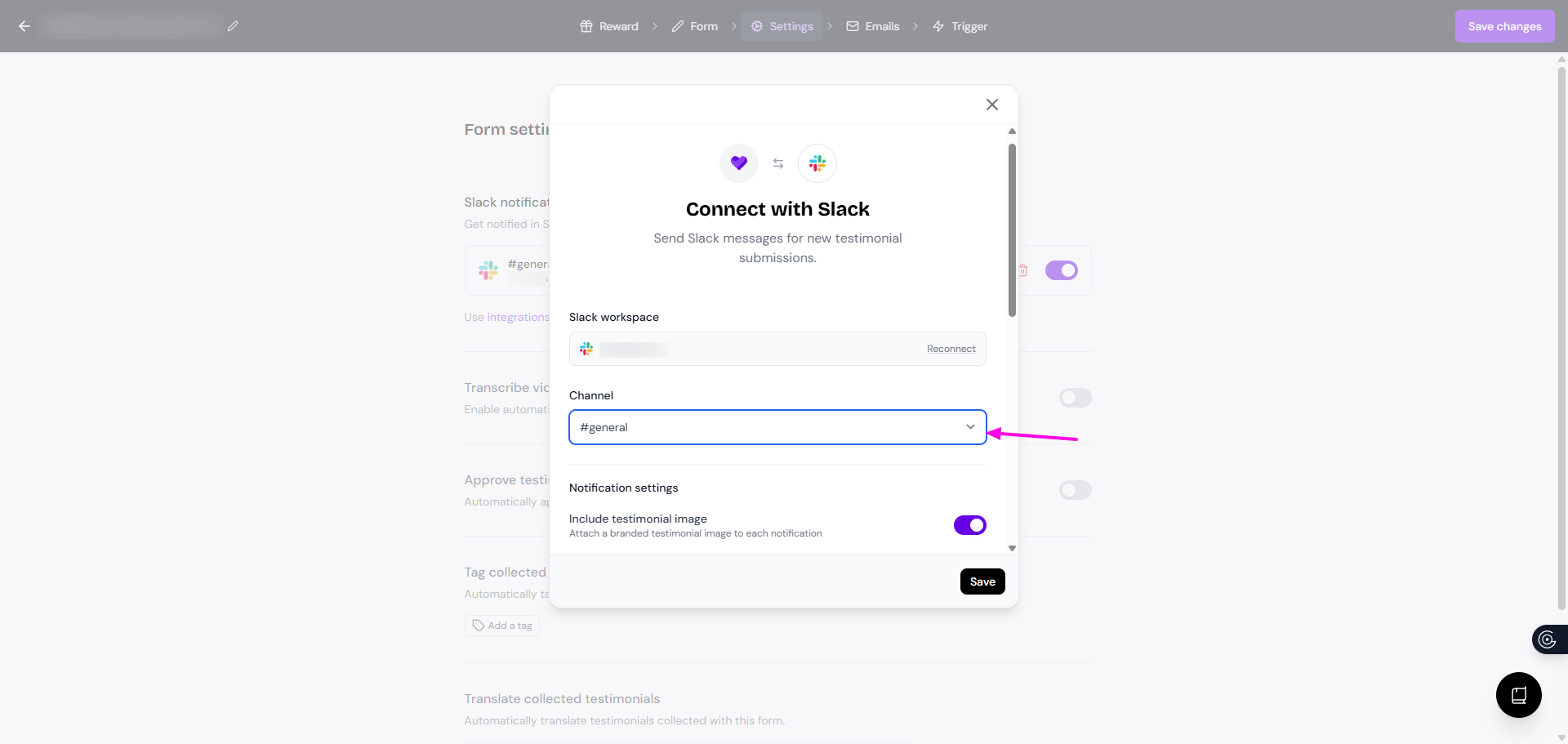
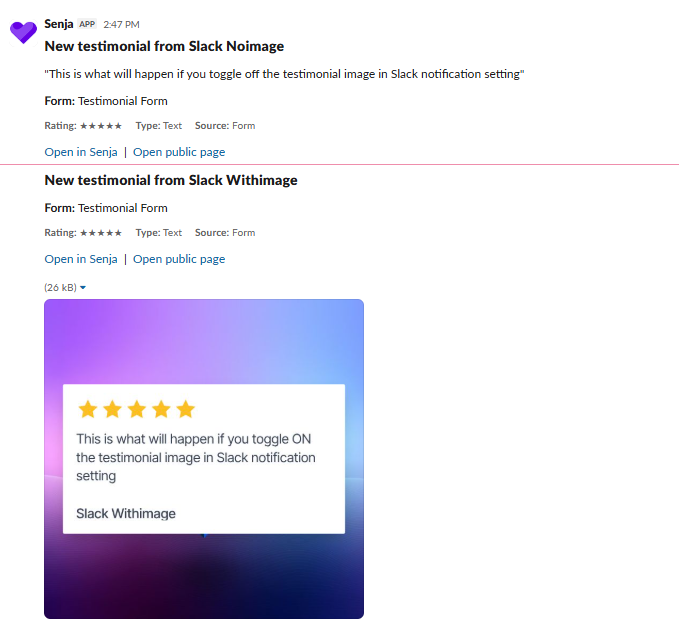
You can choose the display as text or image
Put the toggle on for Include testimonial image and choose the image style from the templates
For text only, put the toggle off
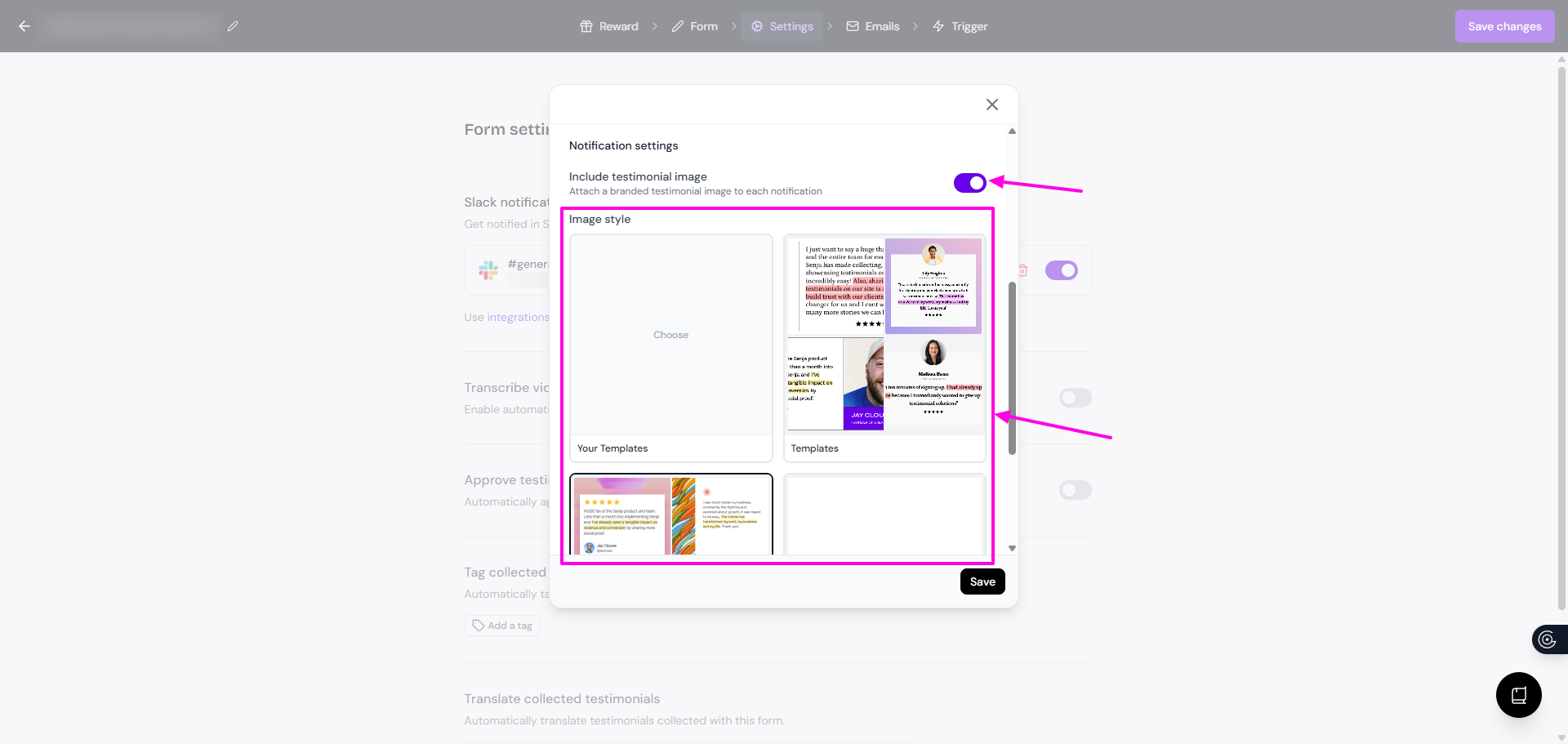
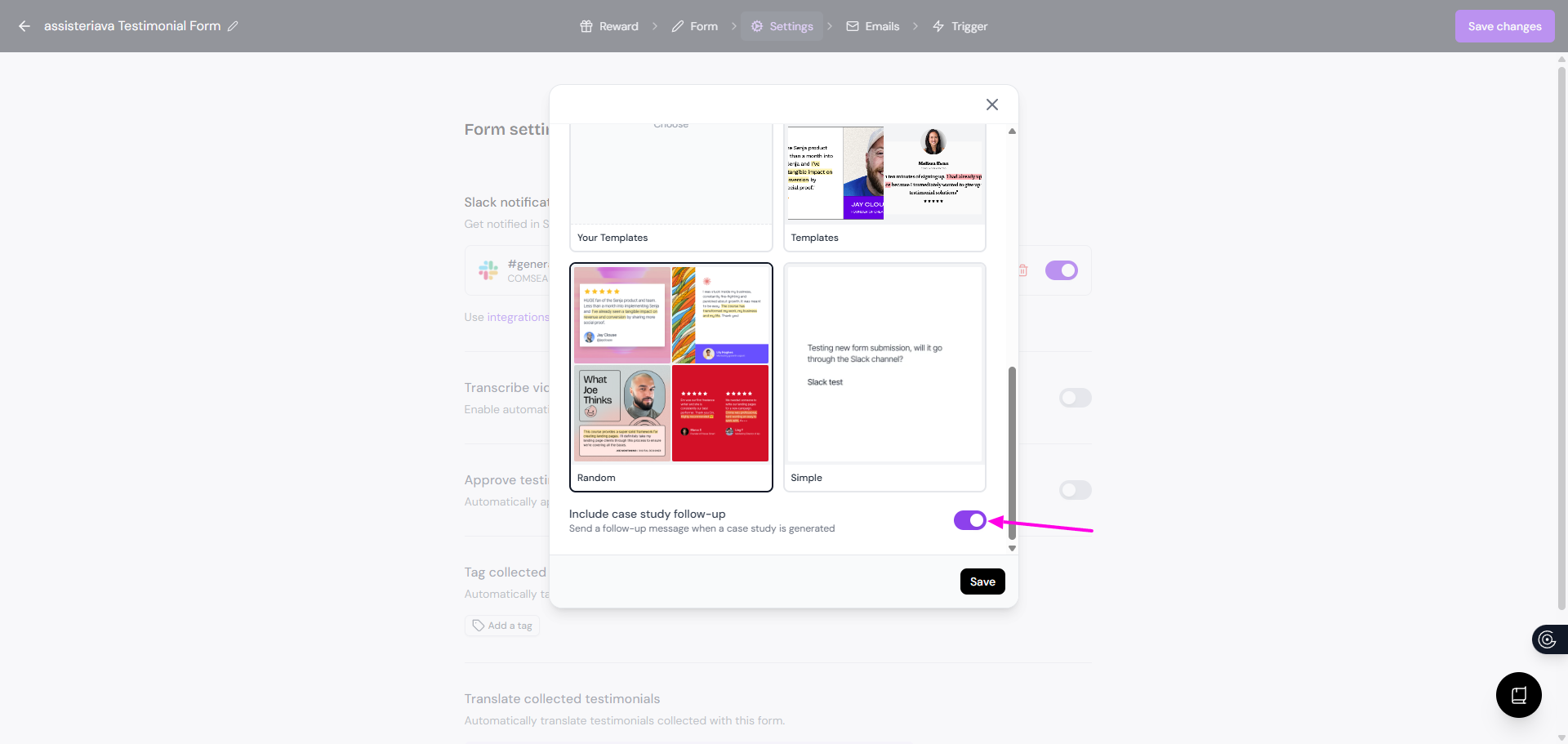
Set the toggle on for Include case study follow-up if you want to receive a notification for AI-generated case studies
Disconnecting Slack from your forms
Go to your Forms page: https://app.senja.io/forms
Click Edit to open the form you want
Move to the Settings tab
Click the trash icon to disconnect your Slack
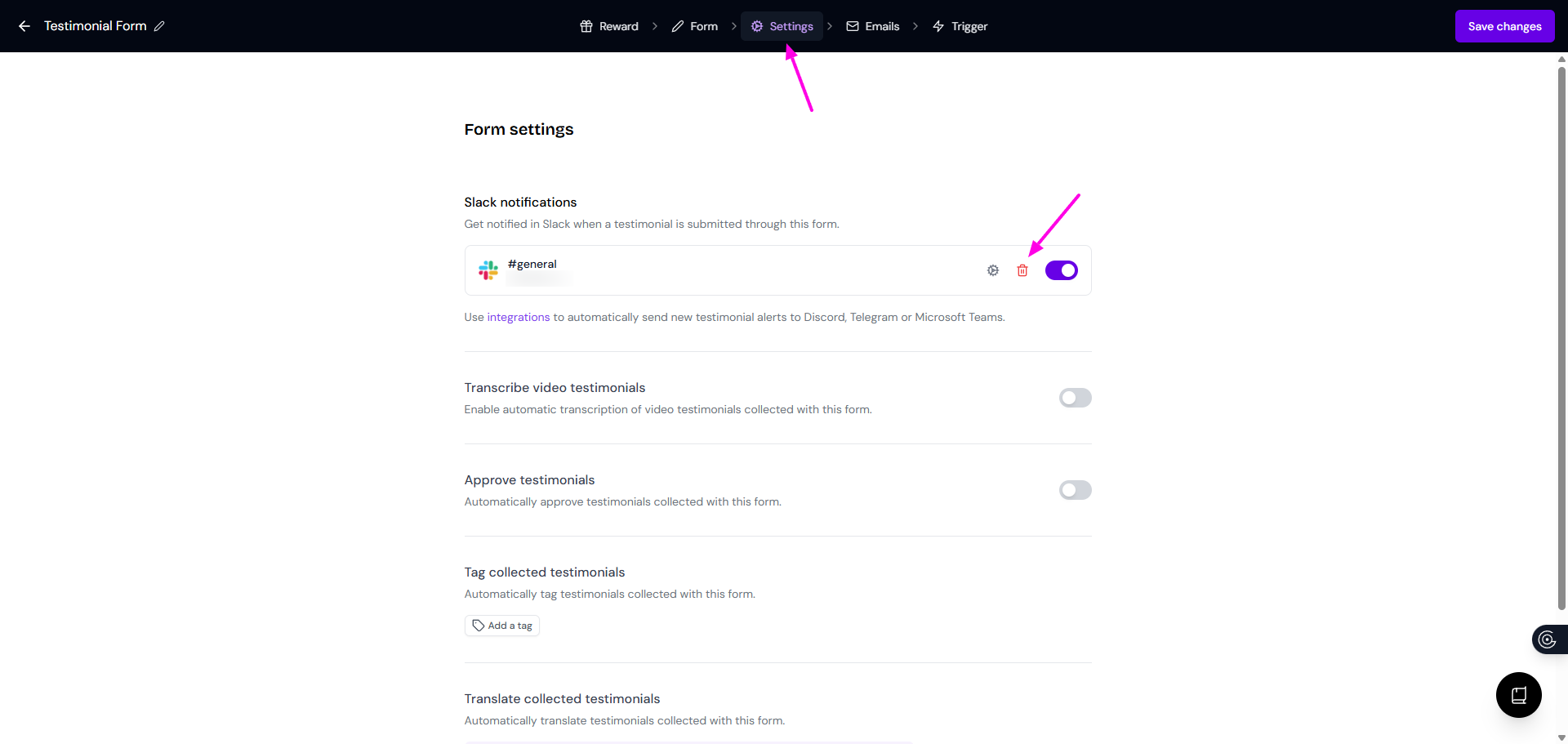
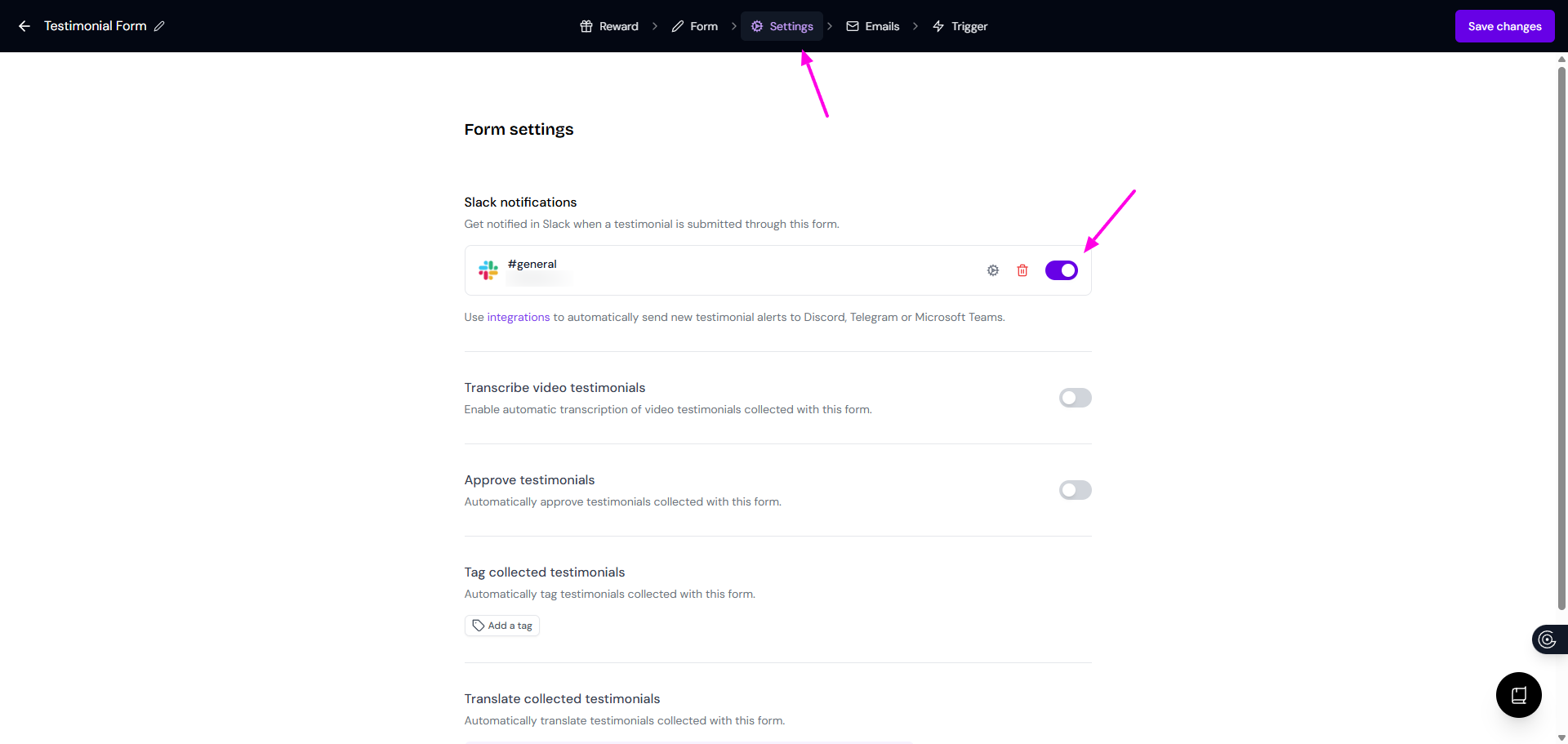
You can also put the toggle off for pausing (disabling) the Slack notification without removing the connection
What the Slack notification shows
Testimonials
The customer's name: New testimonial from [customer_name]
The form's name
A direct link to open the testimonial in your Senja dashboard
A direct link to open the testimonial in public page
A snippet of the star rating and the testimonial
Case study (if the notification is set on)
The customer's name: Case study draft from a testimonial by [customer_name]
The case study title
A brief description of the content
A direct link to open the case study in your Senja dashboard

Tips
If you're on a team, pick a shared channel so everyone sees new testimonials as they come in
You can change or disconnect your Slack channel at any time from the same setup page
Notifications fire for every new testimonials coming from your Senja forms: text, image, videos