
How do I delete a testimonial?
If you want to clean-up your Proof page, keeping only the relevant or important testimonials, you can delete the testimonials. This action is irreversible, make sure you think it through before deleting.
This is applicable to any Senja plans: Free, Starter, and Pro.
Reasons of deletion
Sometimes you need to delete testimonials, for different reason:
Your customer asks to be removed from your testimonial page
The testimonial is no longer relevant
It's a mock-up or testing testimonials
And more!
If you're on Free plan, deleting testimonials will not free up your testimonial quota of 15.
How to delete testimonials in bulk
Go to your Proof page: https://app.senja.io/
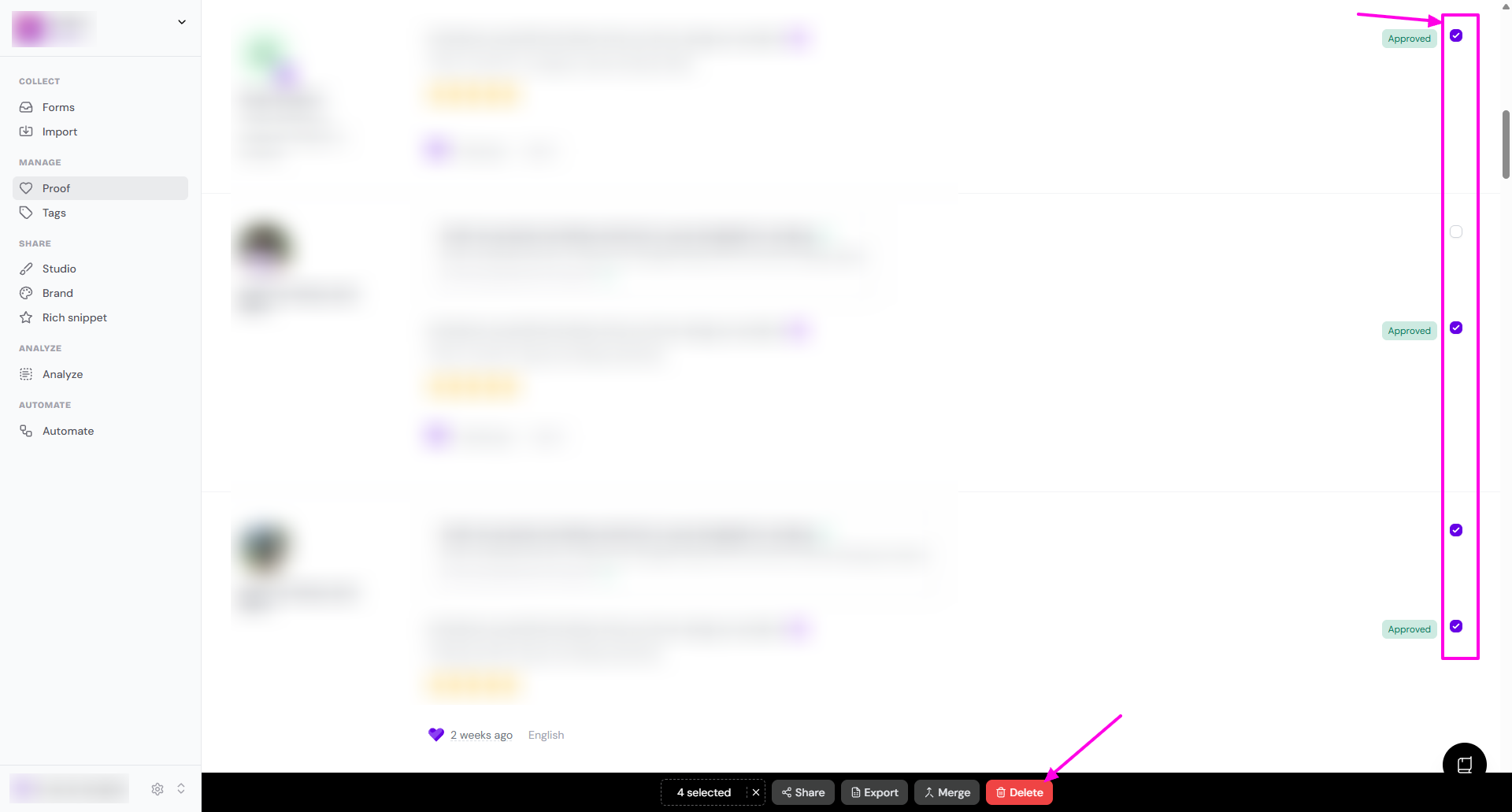
Use the checkbox to choose multiple testimonials you want to delete
Click Delete on the popup toolbar in the bottom
How to delete 1 testimonial
Go to your Proof page: https://app.senja.io/
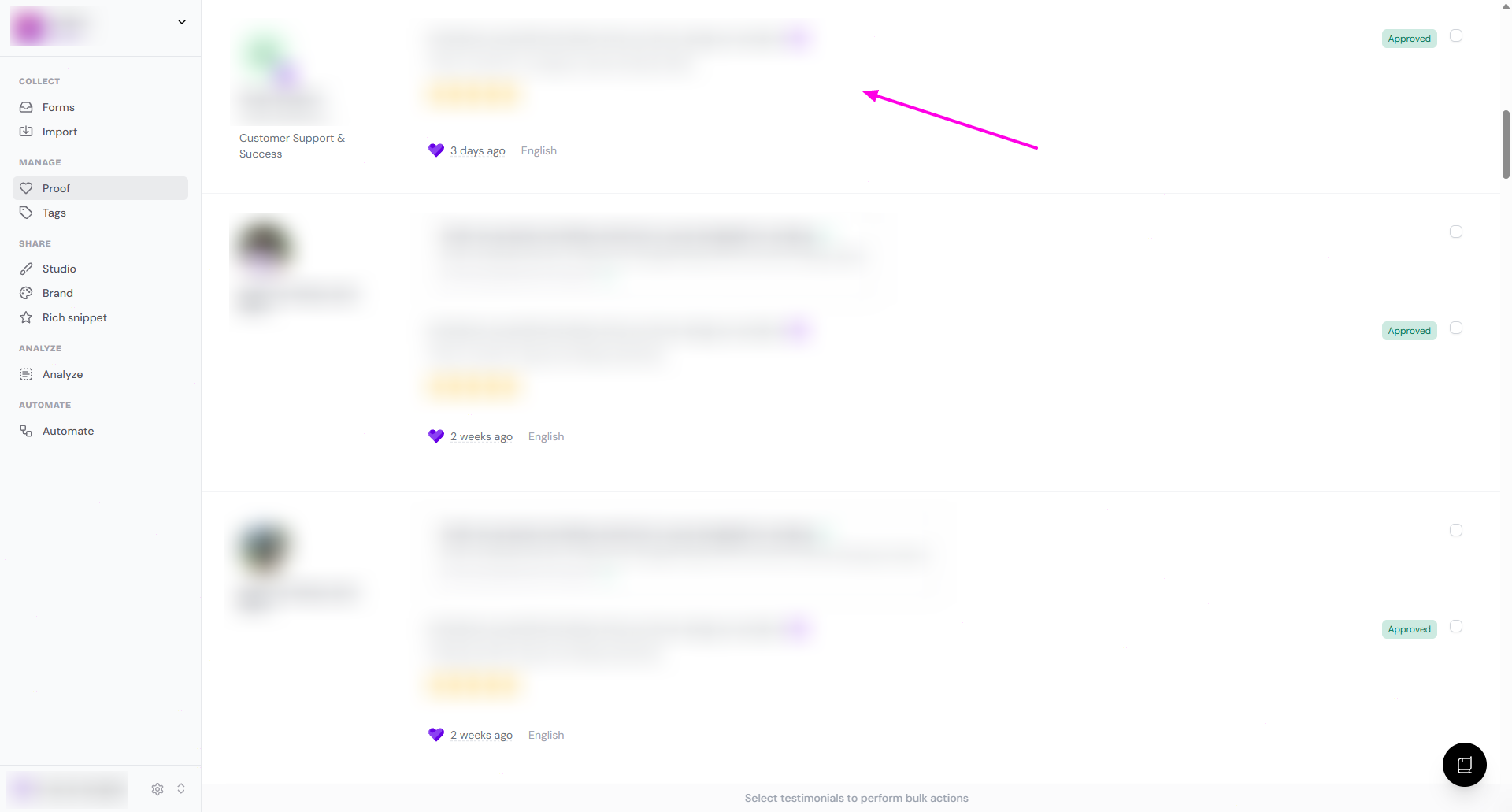
Select the testimonial you want to delete
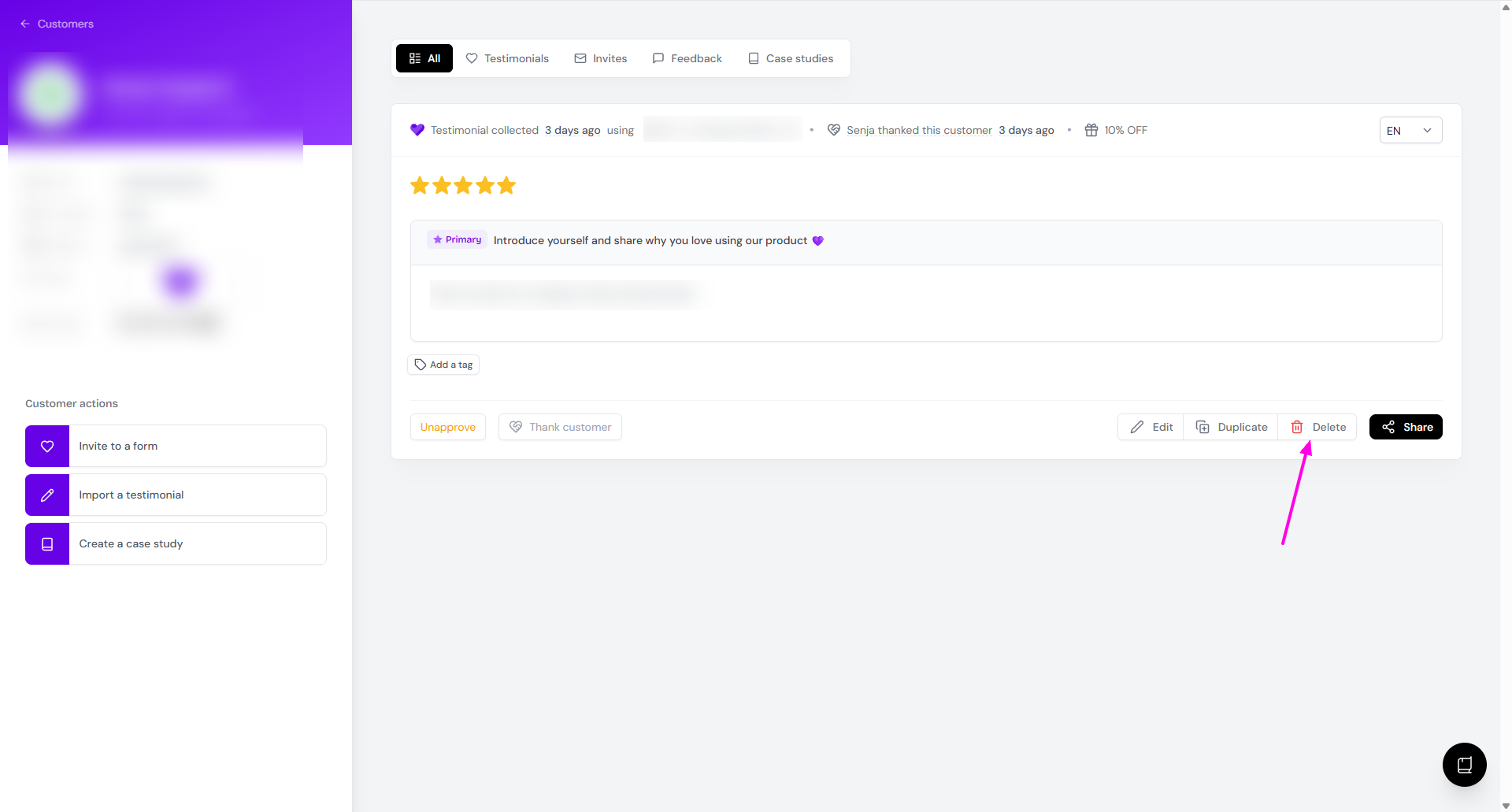
You'll be directed to the customer's page
Click Delete
You did it 🎉 It’s time for your happy dance. The testimonial is officially deleted permanently. ✅