
How do I send a thank you note from Proof page?
Thanking customers for their testimonials goes a long way. Senja lets you send a personalised thank-you email directly from the app, or simply mark a testimonial as thanked if you've already reached out another way.
This feature is available on all Senja plans: Free, Starter, Pro.
Send a thank you note
Go to your Proof page: https://app.senja.io/
Choose the customer/testimonial you want to thank
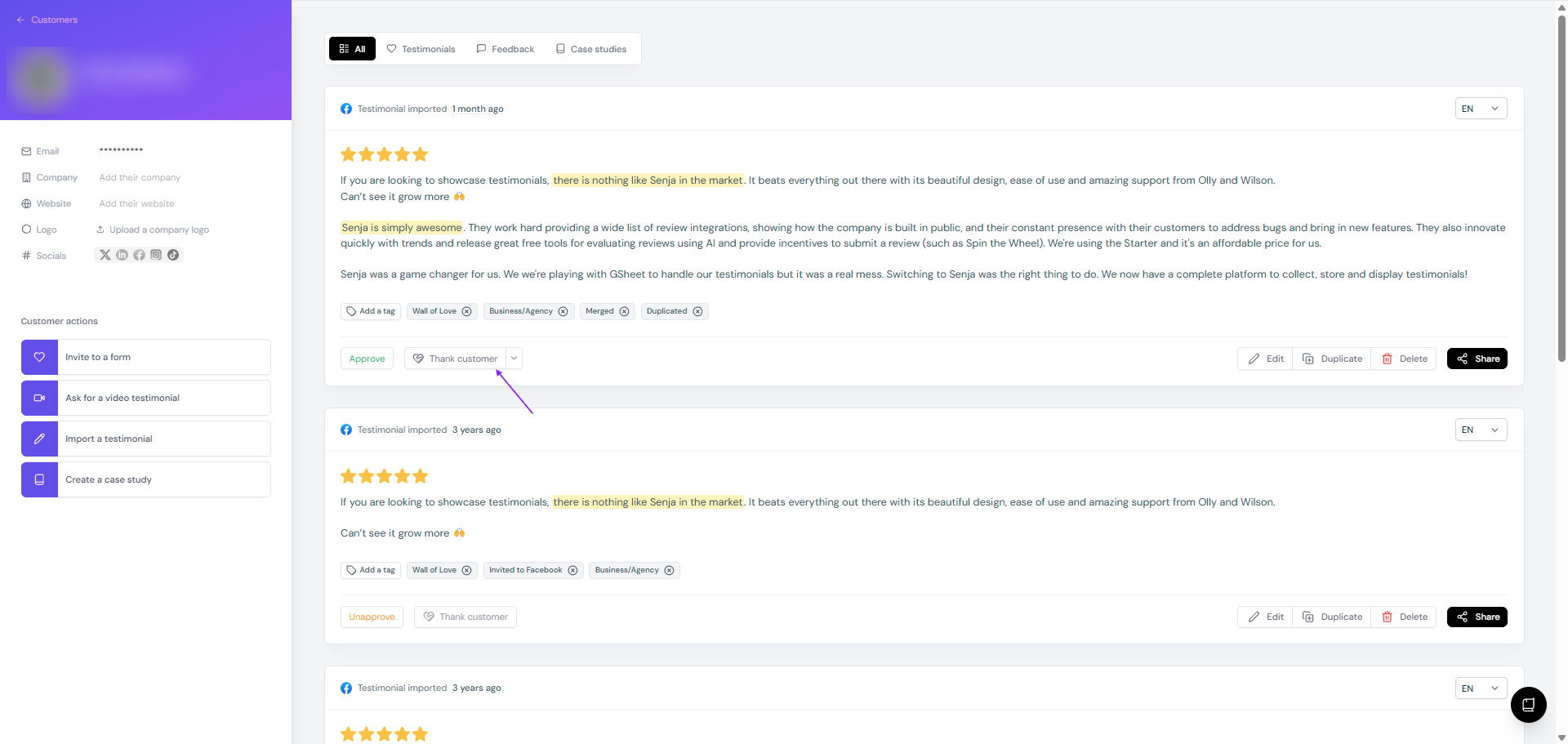
Click Thank customer
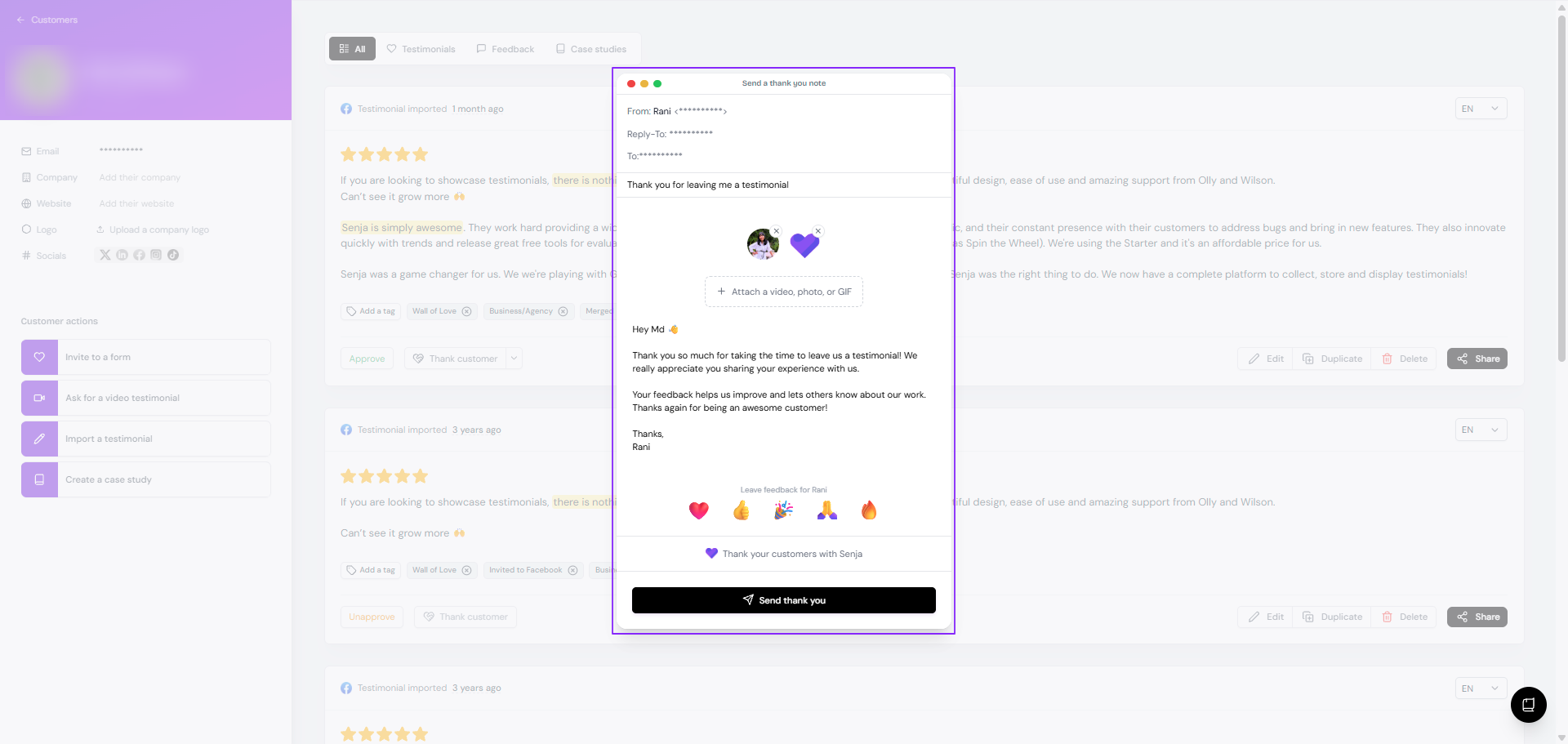
On the popup, review the message and make your edit
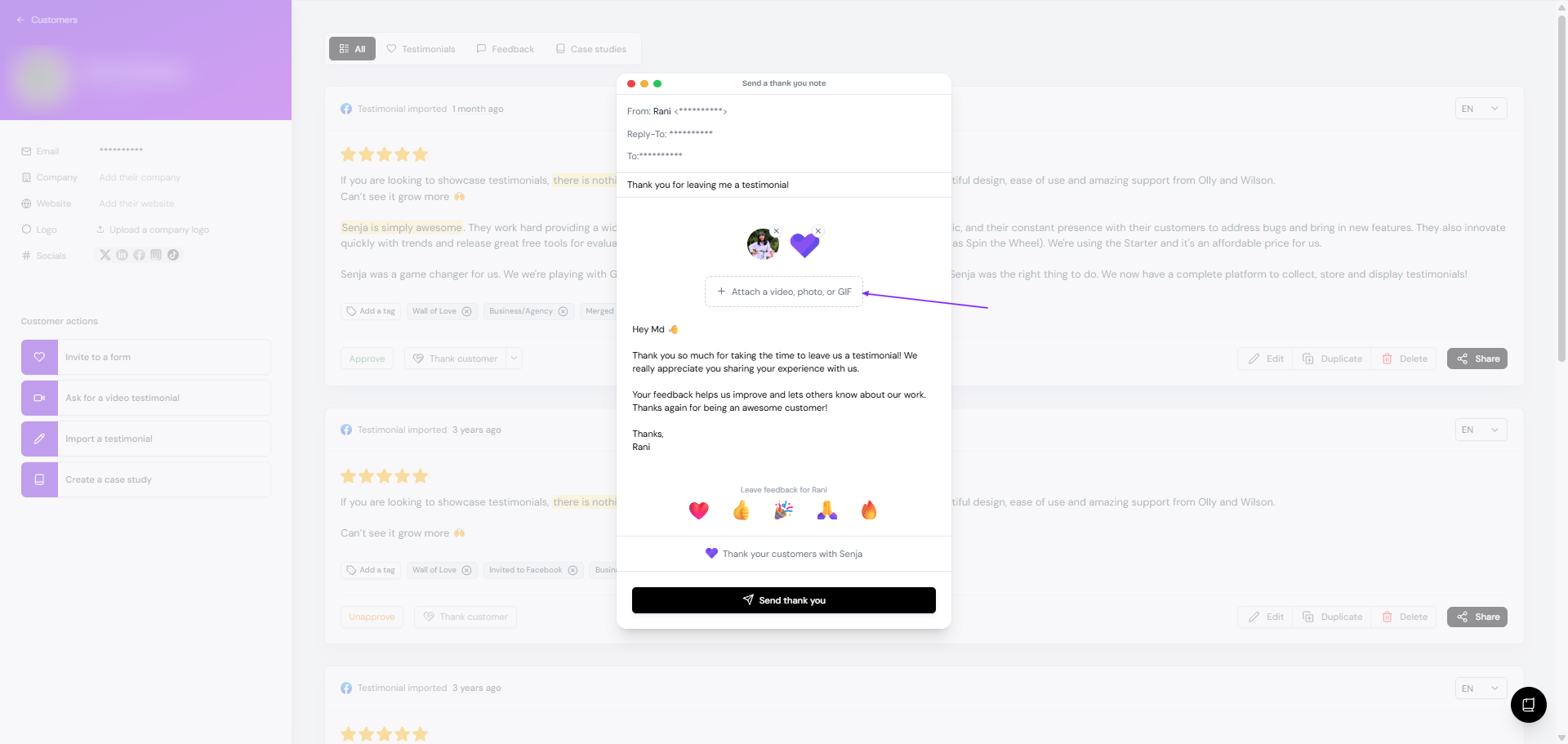
To add a thank you video, click Attach a video, photo, or GIF
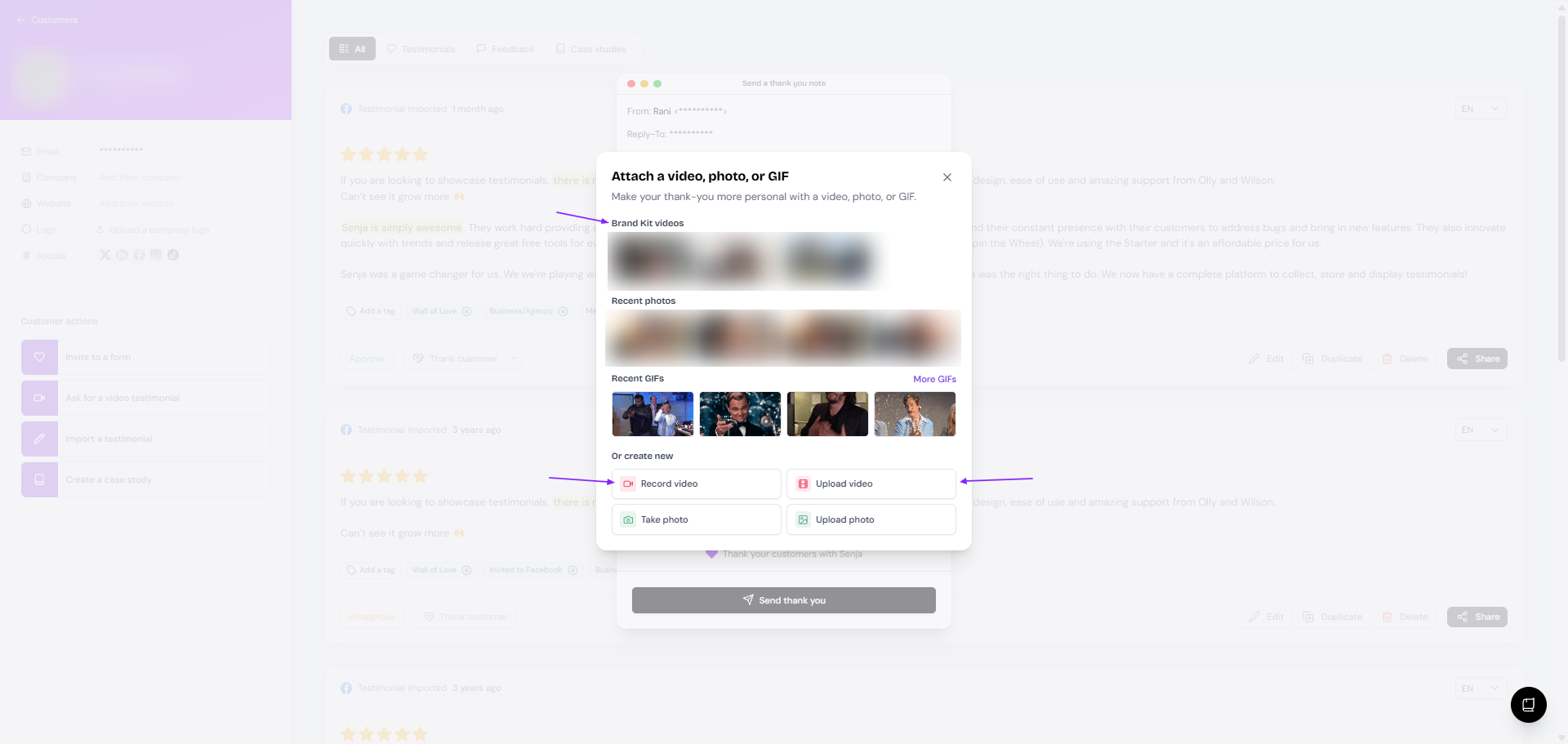
You can choose a video from your Brand Kit videos, Record video, or Upload video
Click Send thank you when it's done
It is now marked as thanked
Mark the customers as thanked
If you already send a thank-you message to your customer personally (outside Senja platform):
Go to your Proof page: https://app.senja.io/
Choose the customer/testimonial you thanked already
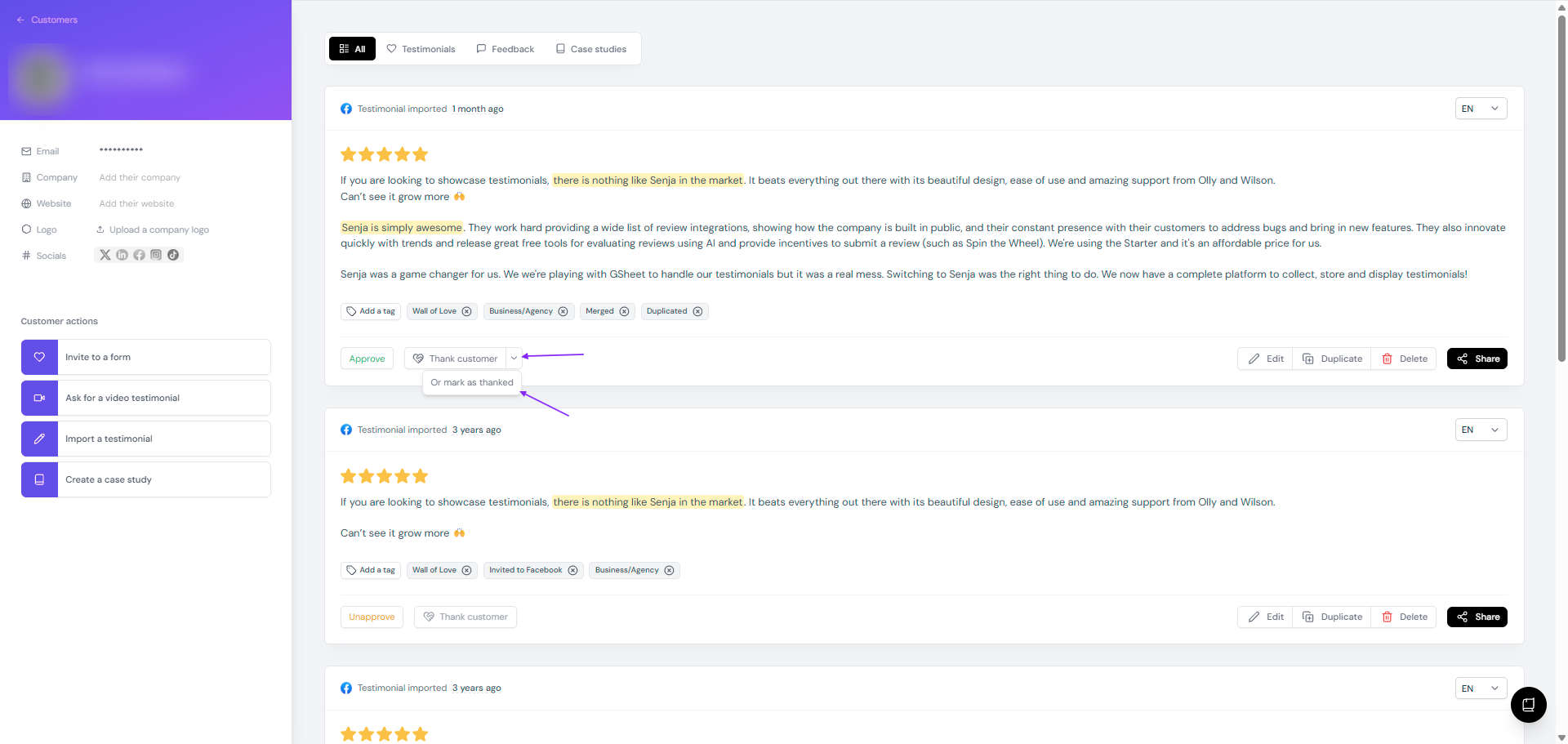
Click the arrow next to Thank customer button
Click Or mark as thanked
Notes
The Thank customer function will not work if:
You already send a thank you note (automated by the form, or manual sending)
There is no email address in the customer's details
Send a thank you note from Senja Thank Yous page to include coupon or custom gift for your customers.