
How do I search or filter testimonials?
Imagine you have a long list of testimonials and you want to find a specific customer or a specific topic. In this case, use the search and filter function in Senja to find them easily.
This is applicable to all Senja plans: Free, Starter, and Pro.
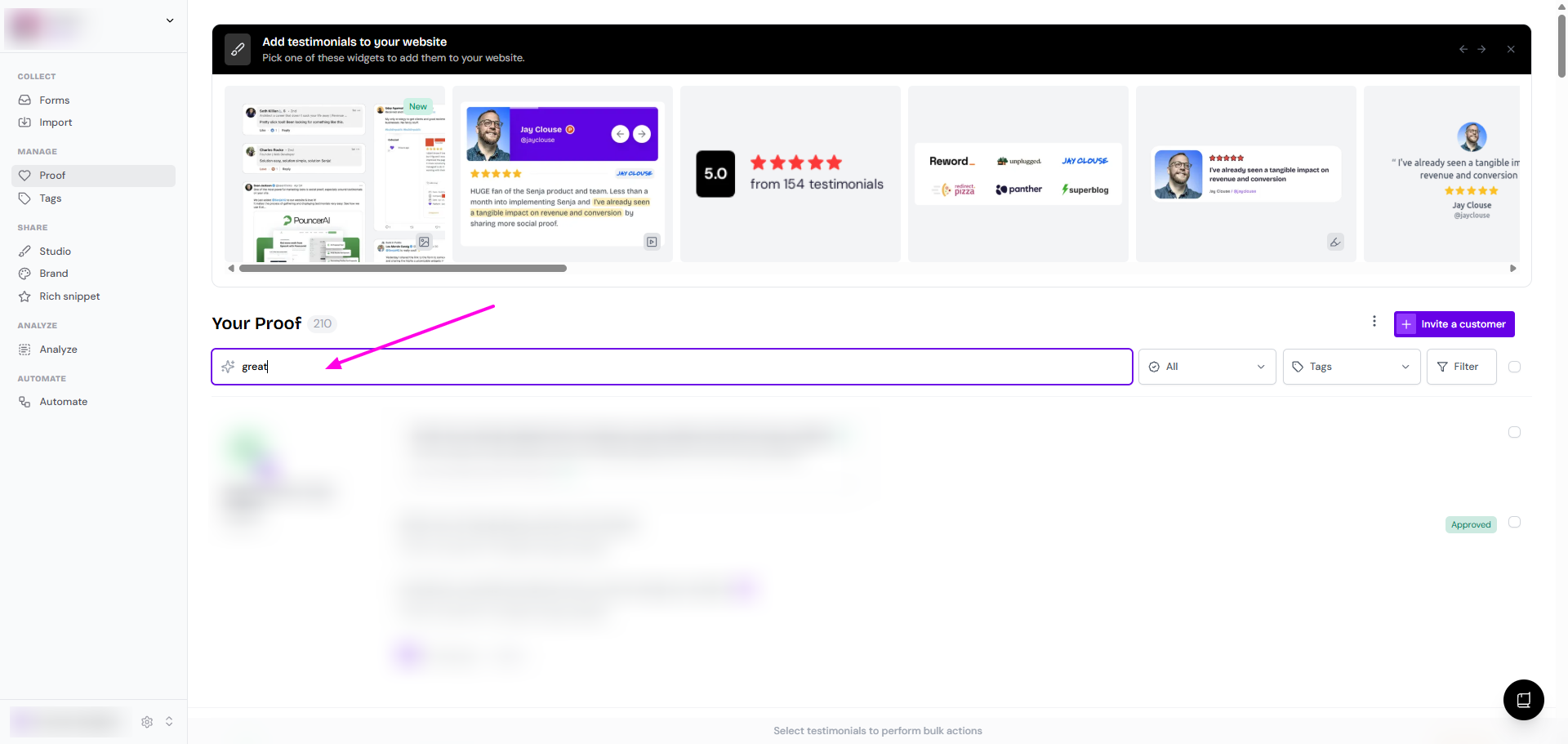
Using search bar
Go to your Proof page: https://app.senja.io/
Type your search text in the bar (by name/text content...)
Using filter
Go to your Proof page: https://app.senja.io/
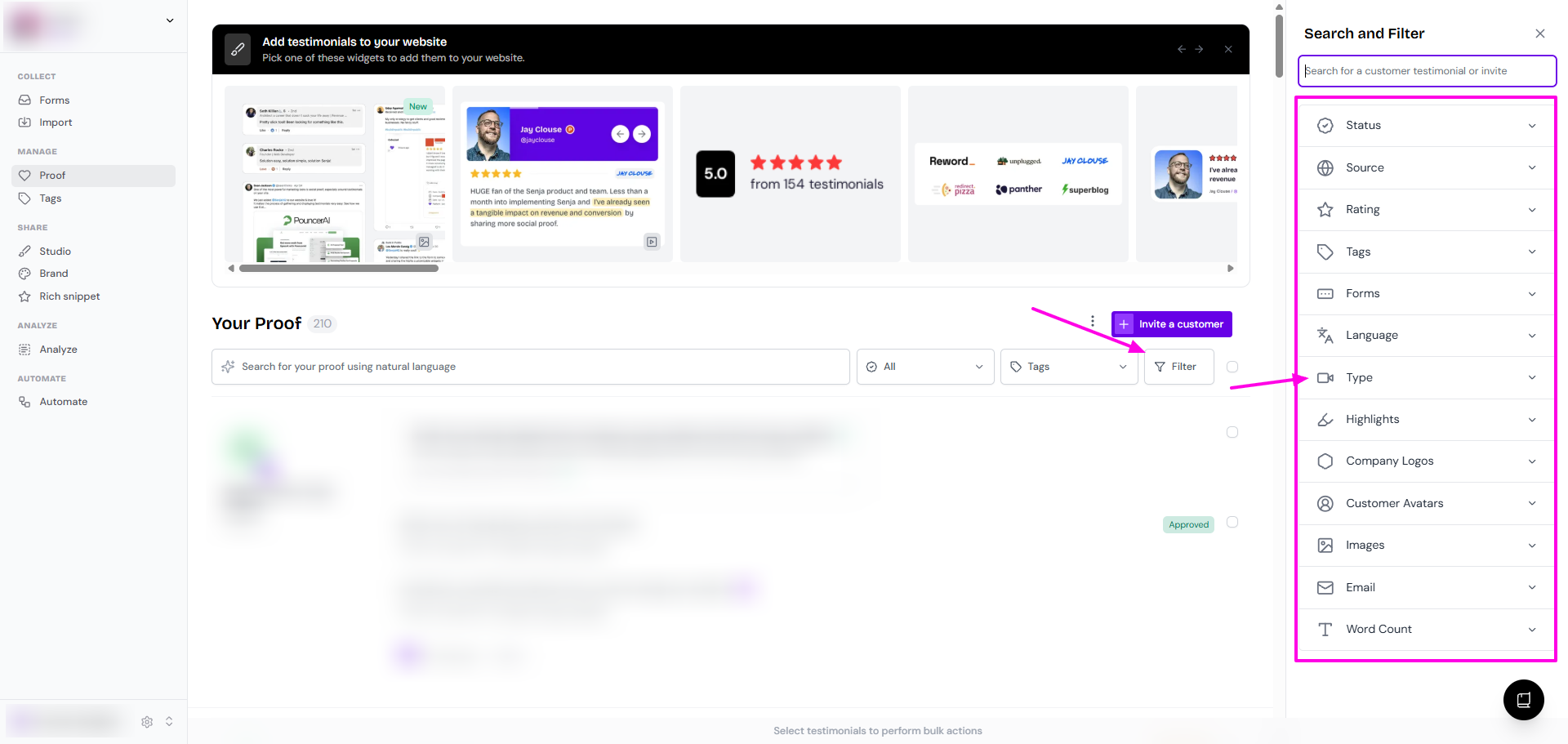
Click the Filter button
Choose the filter parameter as you wish
Status: All, Approved, Unapproved, Thanked, Not thanked
Source: Senja, Twitter, Product Hunt, and many more
Rating: 1 - 5 stars
Tags: choose from the list of tags (multiple selection possible)
Forms: choose from the list of forms (multiple selection possible)
Language: German, English, French, and many more
Type: All, Text, Video
Highlights: Only with highlights, Only without highlights
Company Logos: Only with company logo, Only without company logo
Customer Avatars: Only with avatar, Only without avatar
Images: Only with images, Only without images
Email: Only with email, Only without email
Word Count: Min, Max, No limit
You can't filter testimonials by consent. The consent info is for your own note, you can click on each testimonial to see if your customer is giving public/private consent.