
How to show only part of a long testimonial
You can create a shorter version of a long testimonial by duplicating it and editing the copy to show only the most relevant parts.
This is applicable for any Senja plans: Free, Starter, and Pro.
Steps to create a partial testimonial
Go to your Proof page: https://app.senja.io/
Open the customer/testimonial that you want
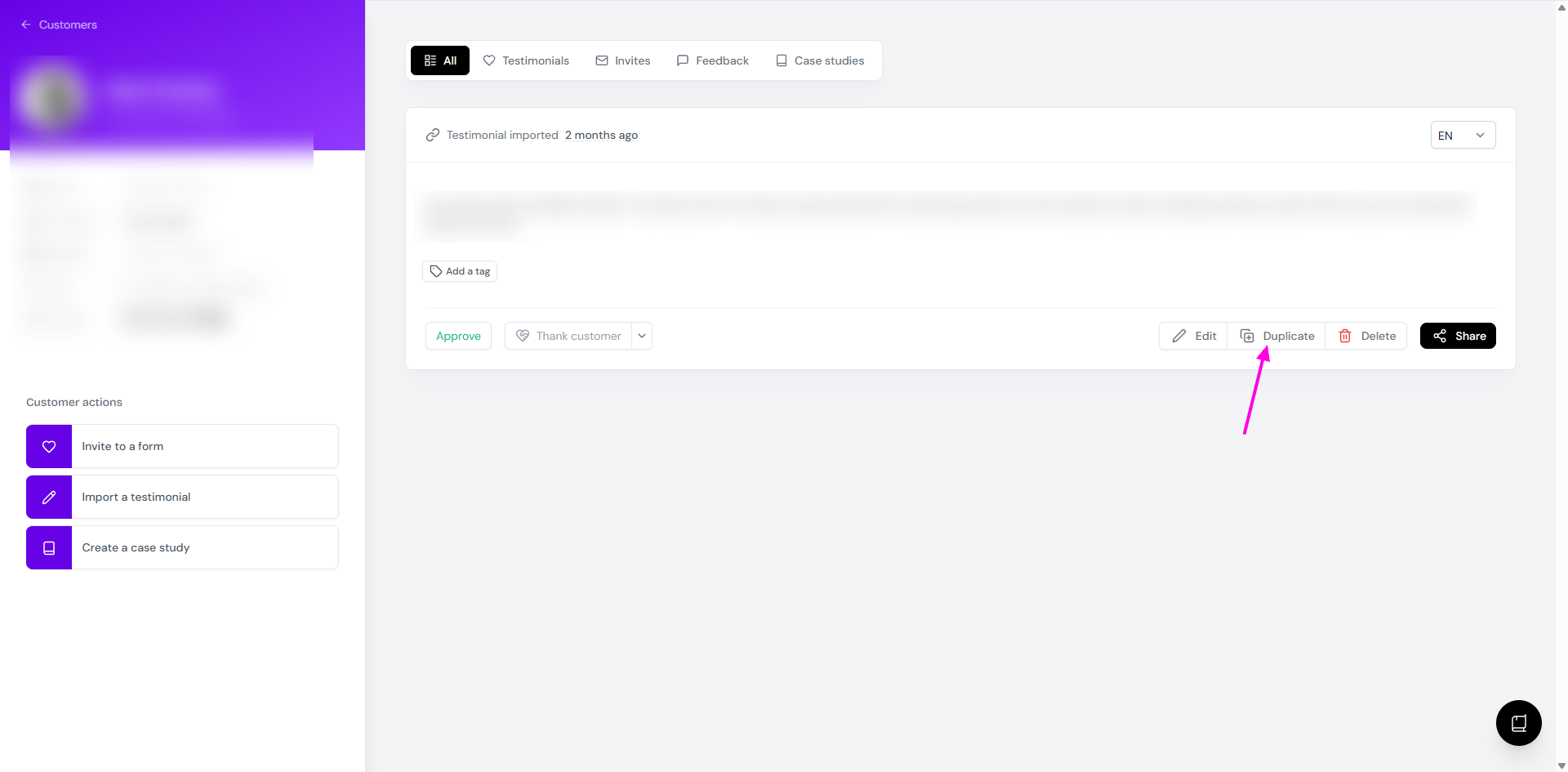
Click Duplicate
Add a unique tag to distinguish it from the original
Edit the duplicate
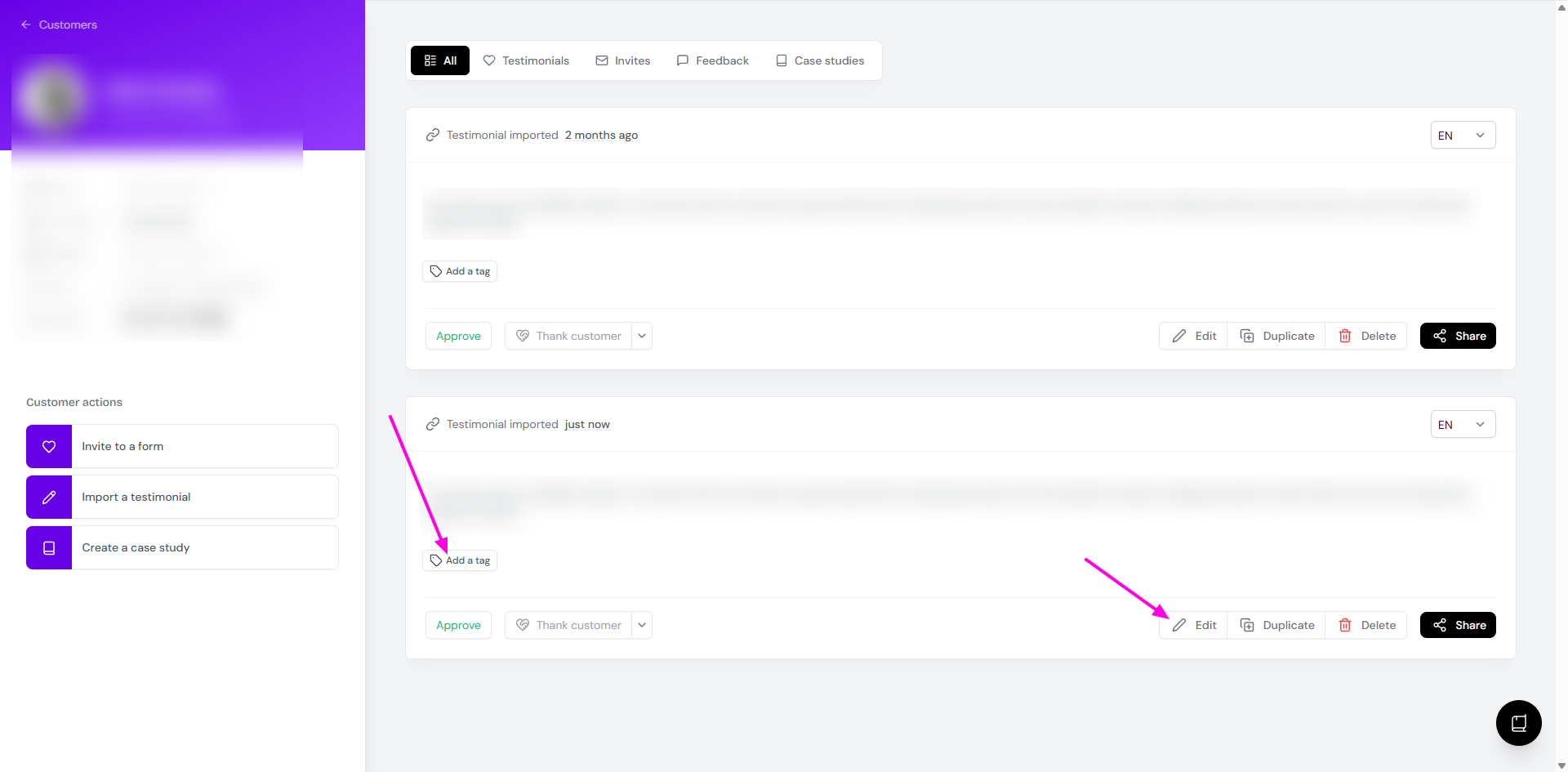
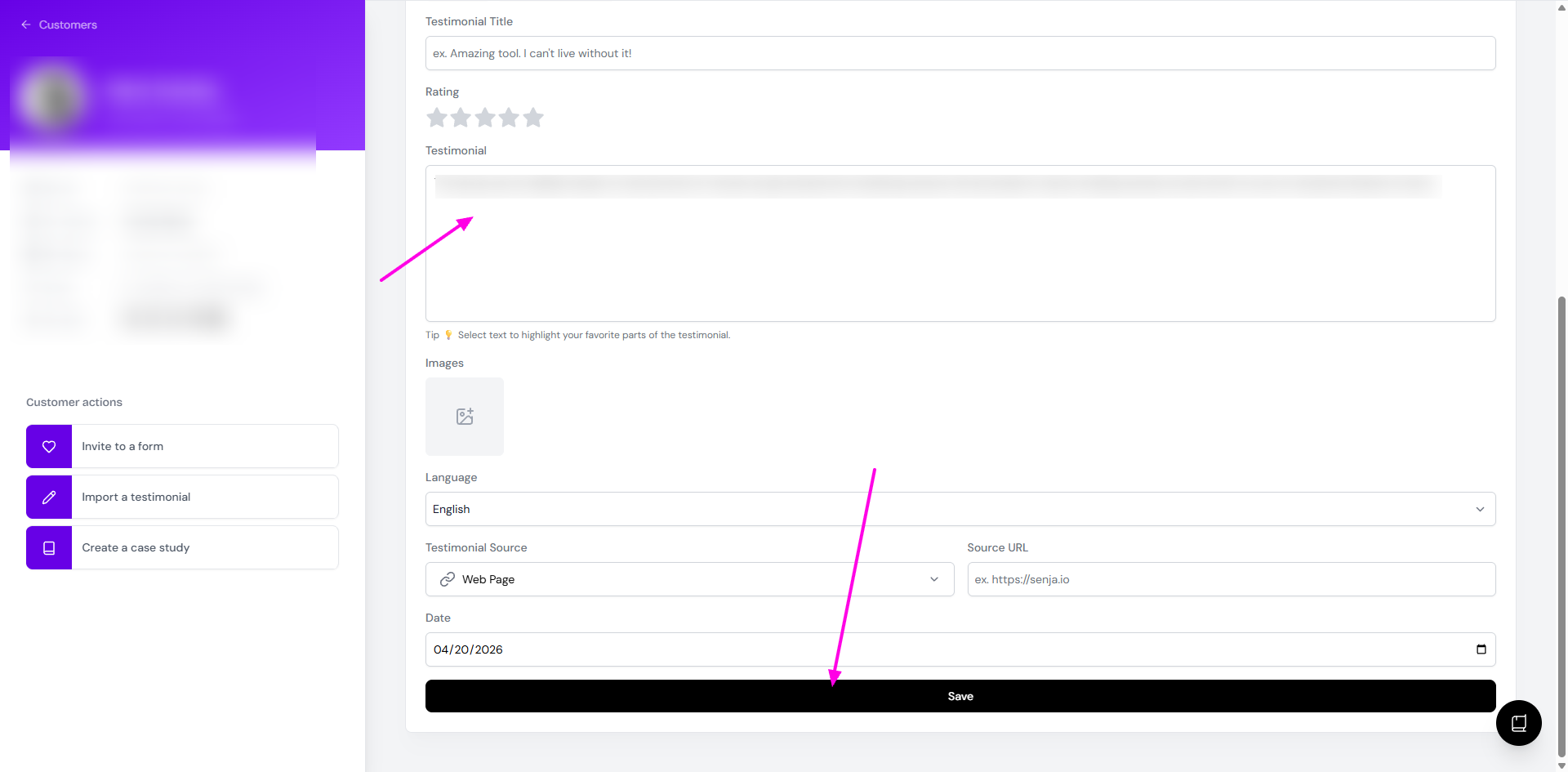
Remove unnecessary sentences and keep only the key parts you want to display
Click Save when you're done
Reference the tag when adding the testimonial to your widget or Wall of Love
Why use this method
This approach lets you keep both versions of the testimonial. You can use the shorter version for landing pages where space is limited, while keeping the full testimonial available for other widgets or contexts where more detail is appropriate.
The tagging system makes it easy to organize and find the right version of each testimonial when you need it.