
How natural language search works
Senja's natural language search lets you find testimonials by typing everyday phrases instead of clicking through filters.
Instead of searching for specific keywords, you can describe what you're looking for in conversational language, and the search feature uses AI to interpret your query and automatically find matching testimonials.
Natural language search is available on all plans.
Example search queries
Here are real-world examples of natural language searches you can perform:
"Show me 5-star reviews mentioning speed"
"Find happy customer stories about our support team"
"Unapproved testimonials praising our pricing"
"Video testimonials from customers tagged well known"
"Recent testimonials from enterprise customers"
What you can search for
Natural language search understands several types of information about your testimonials:
Content: Keywords, phrases, and topics mentioned in the testimonial text
Type: Video, text or social shoutout
Context: Themes or topics like pricing, usability, or support (based on tags)
Dates: Time periods like last quarter or from 2024
Tags: Tags you've created to organize your testimonials
Status: Approved, unapproved, thanked and not thanked
How it works
Click the search bar and type what you're looking for in plain language
You can be conversational
No special syntax or operators required
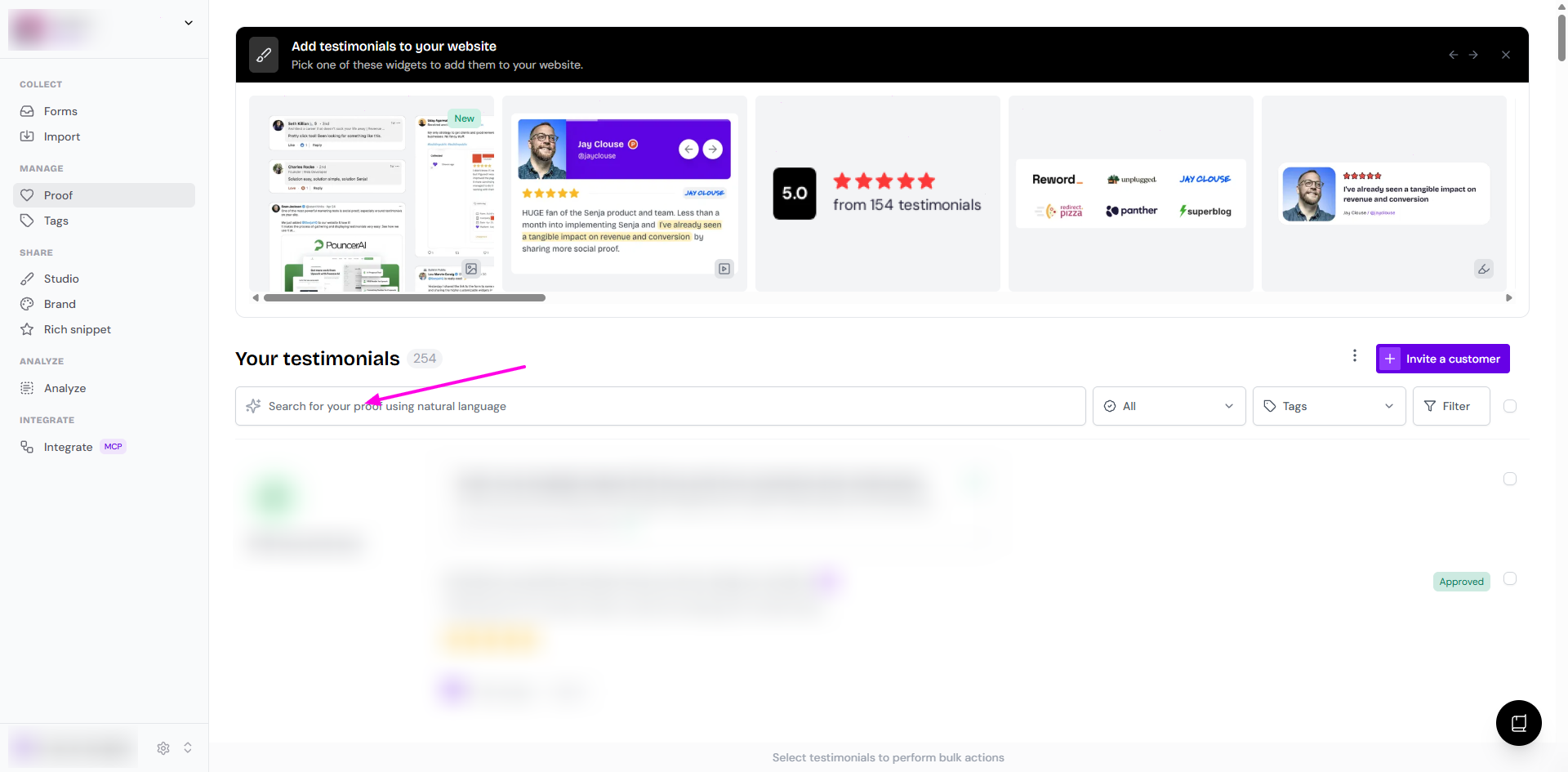
The search processes your natural language query and determines which filters match your request
AI interprets your query and looks at your testimonial content and existing tags to find relevant results
As you type or after you hit Enter, matching testimonials appear immediately
If you refine your search, results update automatically
What's next
Now that you understand how natural language search works, explore:
How to search or filter testimonials. to learn the step-by-step interface guide
What are tags? How do I add a tag? to see how to organize testimonials for better search results
How to search by tags with AND to learn how to combine multiple tags for precise filtering