
How do I merge testimonials?
You can merge testimonials when the same customer has submitted more than one testimonial and you want to keep them under one customer profile. Once merged, you cannot unmerge testimonials.
This is applicable on any Senja plans: Free, Starter, and Pro.
Merge testimonials
Go to your Proof page: https://app.senja.io/
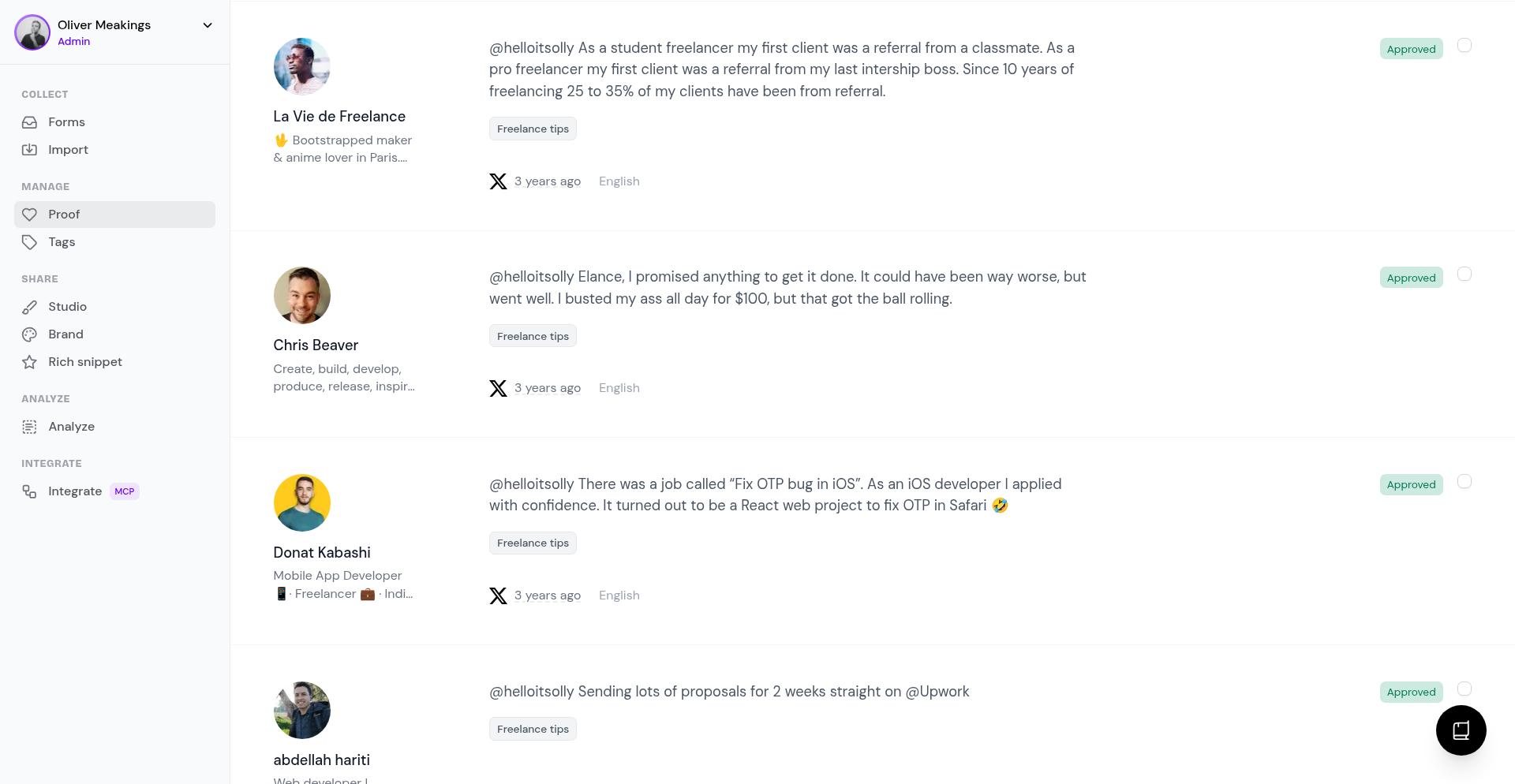
Find the customer whose testimonials you want to merge
Select the testimonials you want to combine by checking the boxes next to them
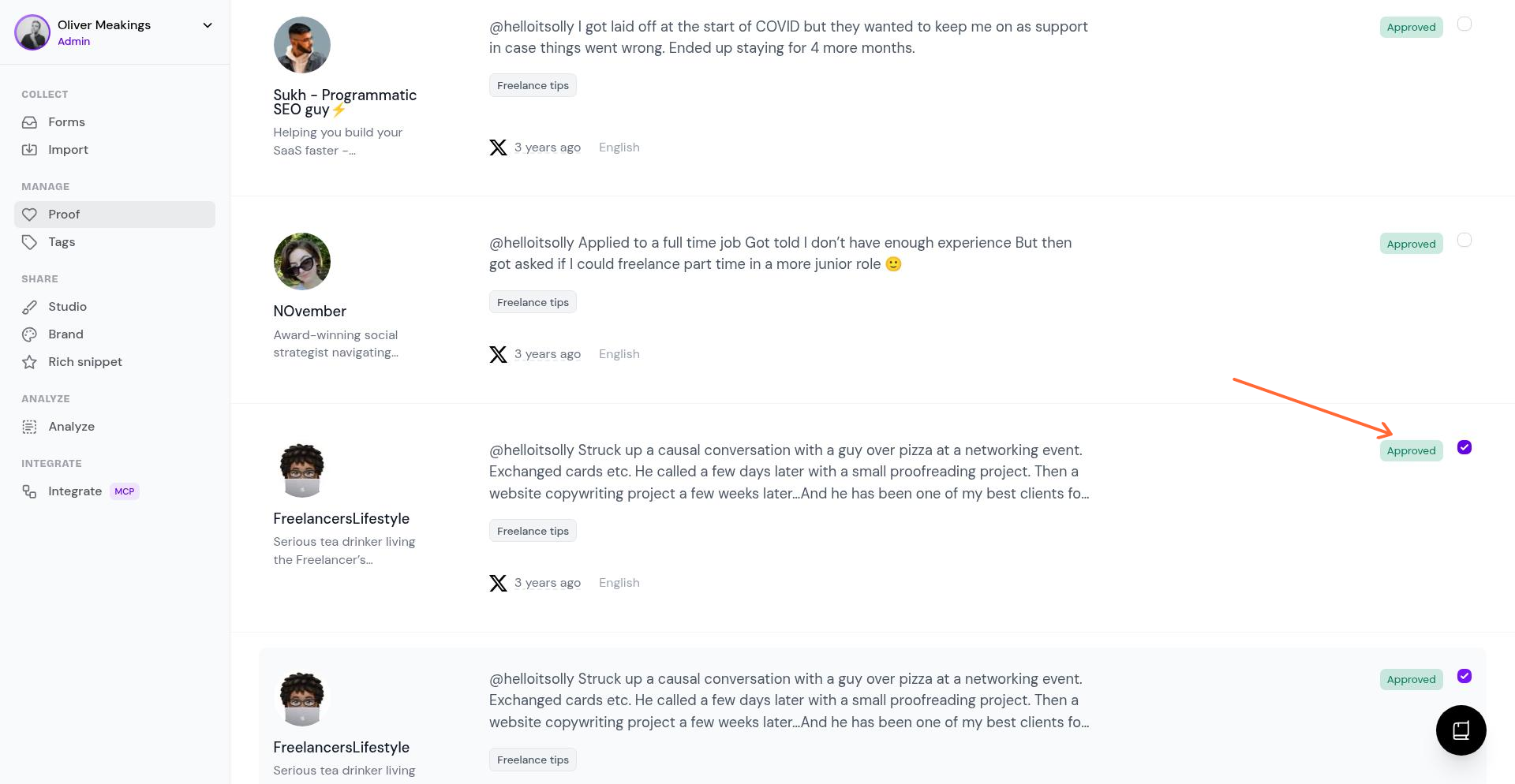
Click Merge from the selection bar
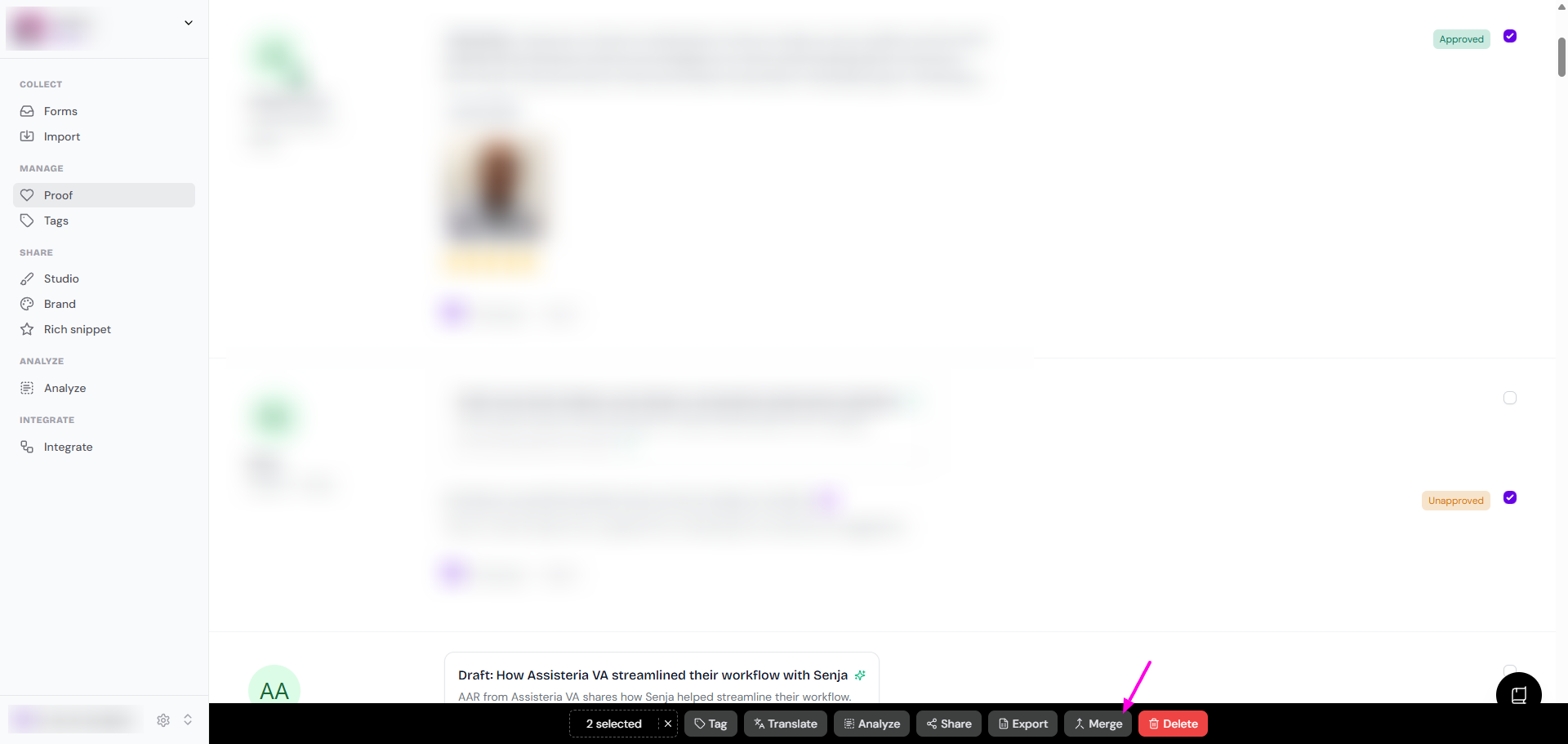
Review the customer details in the Merge customers window and choose the details you want to keep
Click Merge to confirm
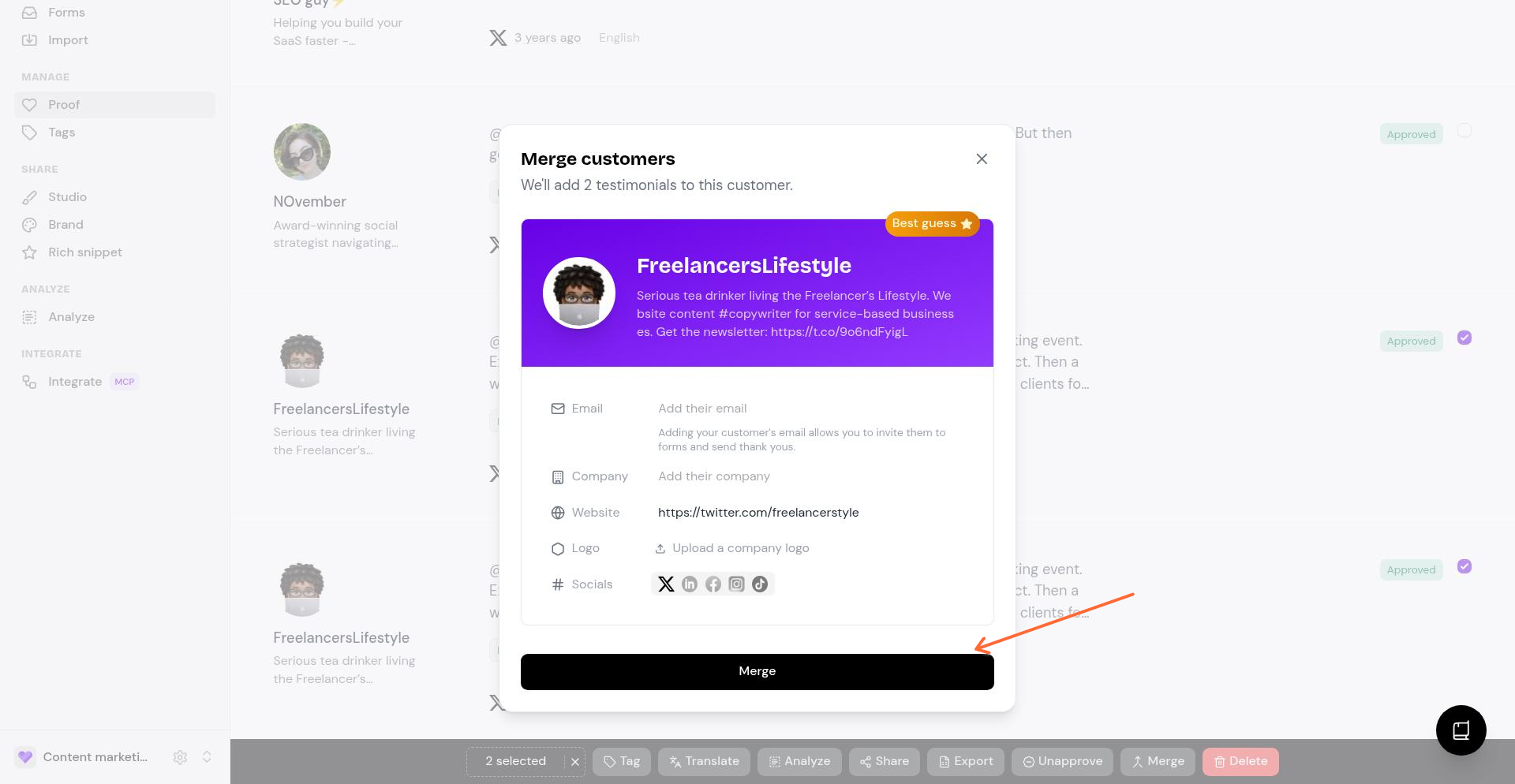
The testimonials are now merged to 1 customer page
What happens next
Senja combines the selected testimonials under one customer record
You can then continue managing that testimonial from the main list
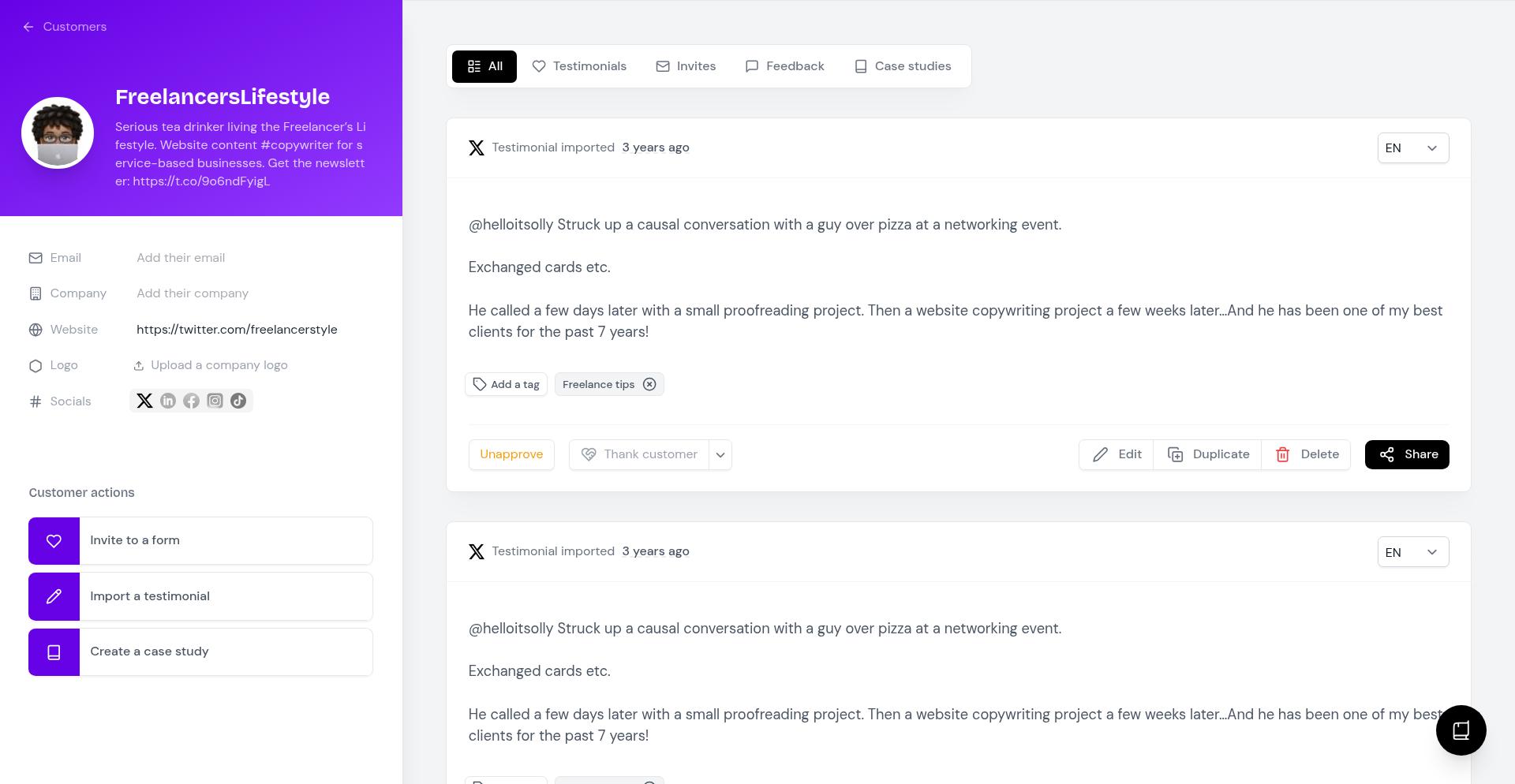
Merging testimonials under 1 customer name
For example, you have 1 customer sending you multiple testimonials
If they put the same email address every time, Senja will automatically merge the testimonials into 1 customer page, like this
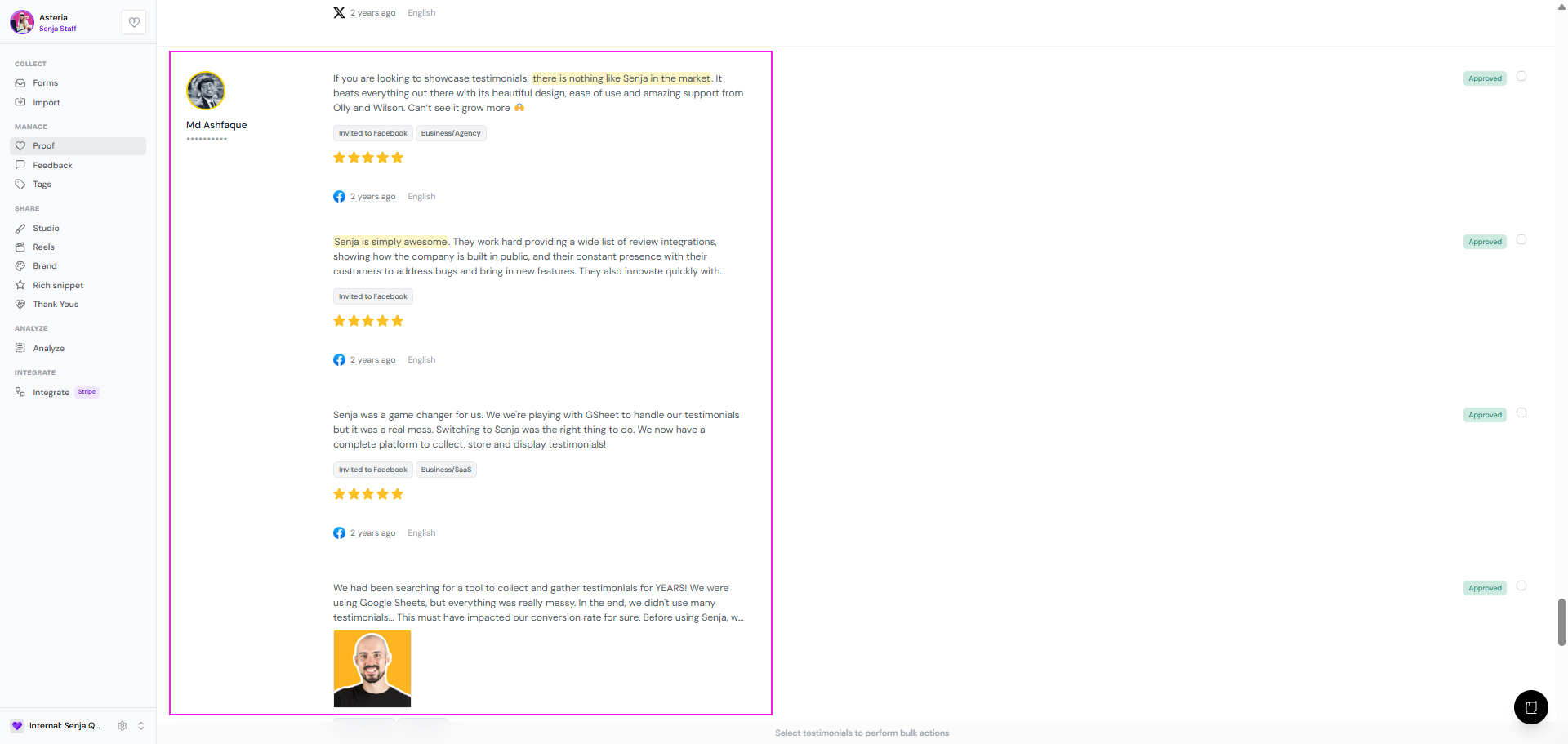
In this case, the testimonials are already merged
Can you merge all of those testimonials into 1 big testimonial? The answer is: No.
You cannot use the Merge function to merge testimonials content together
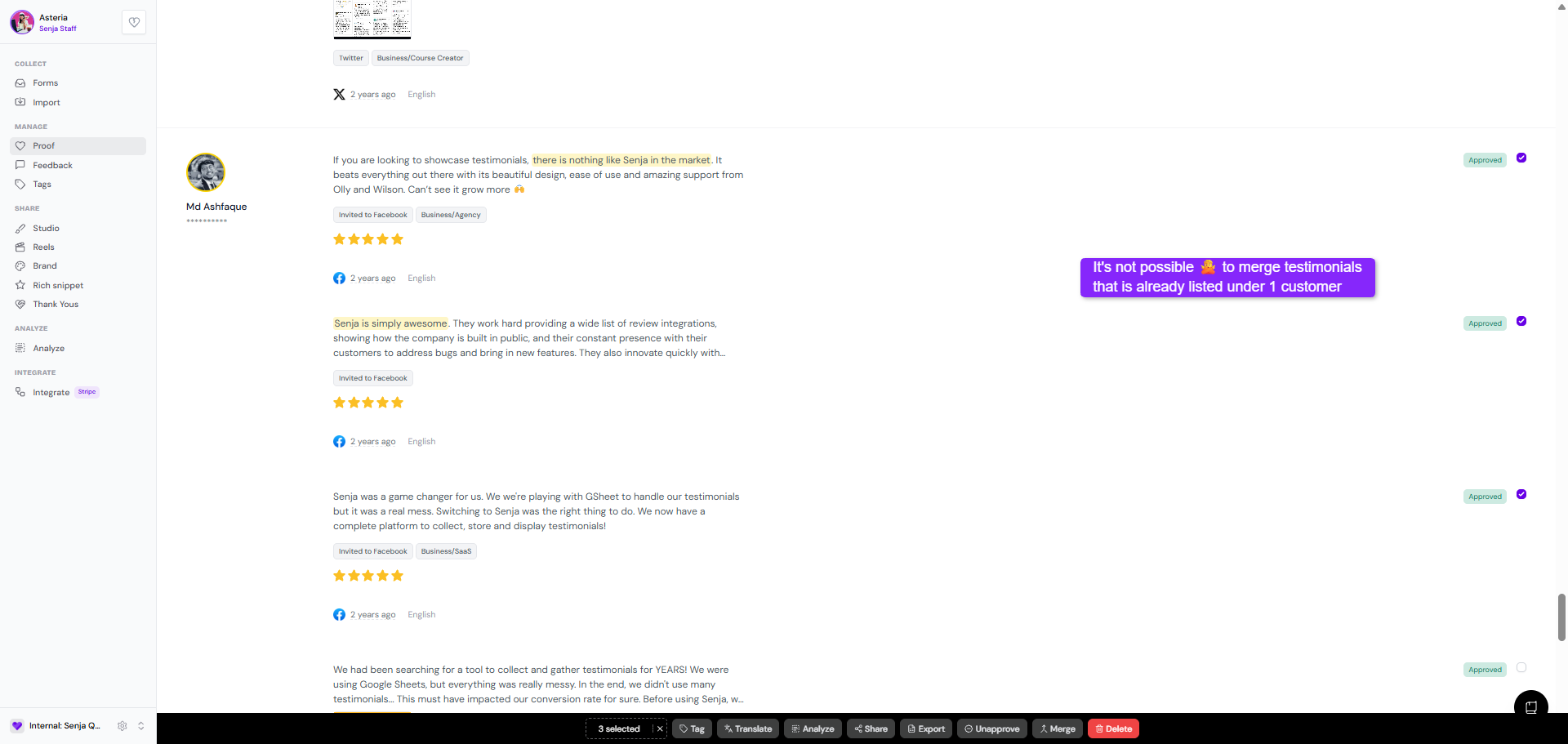
Merging is for putting the testimonials coming from the same customer into 1 customer page, not scattered allover the Proof page
There's a workaround:
Open the customer page by clicking on one of the testimonial
Click Duplicate
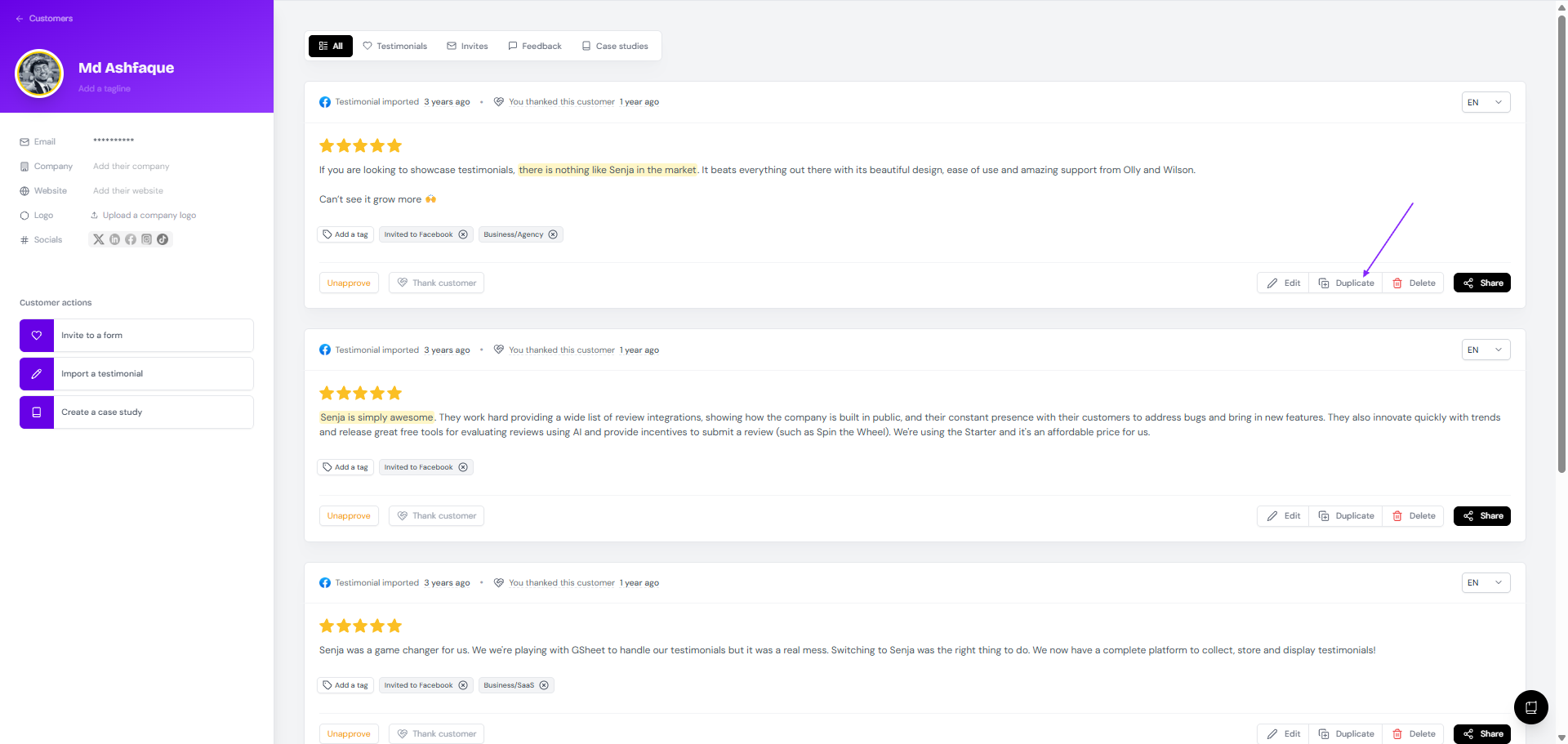
Copy and paste the text of the other testimonials to the duplicate that you have just created
You can add a tag Merged or Duplicate to find it easily later on
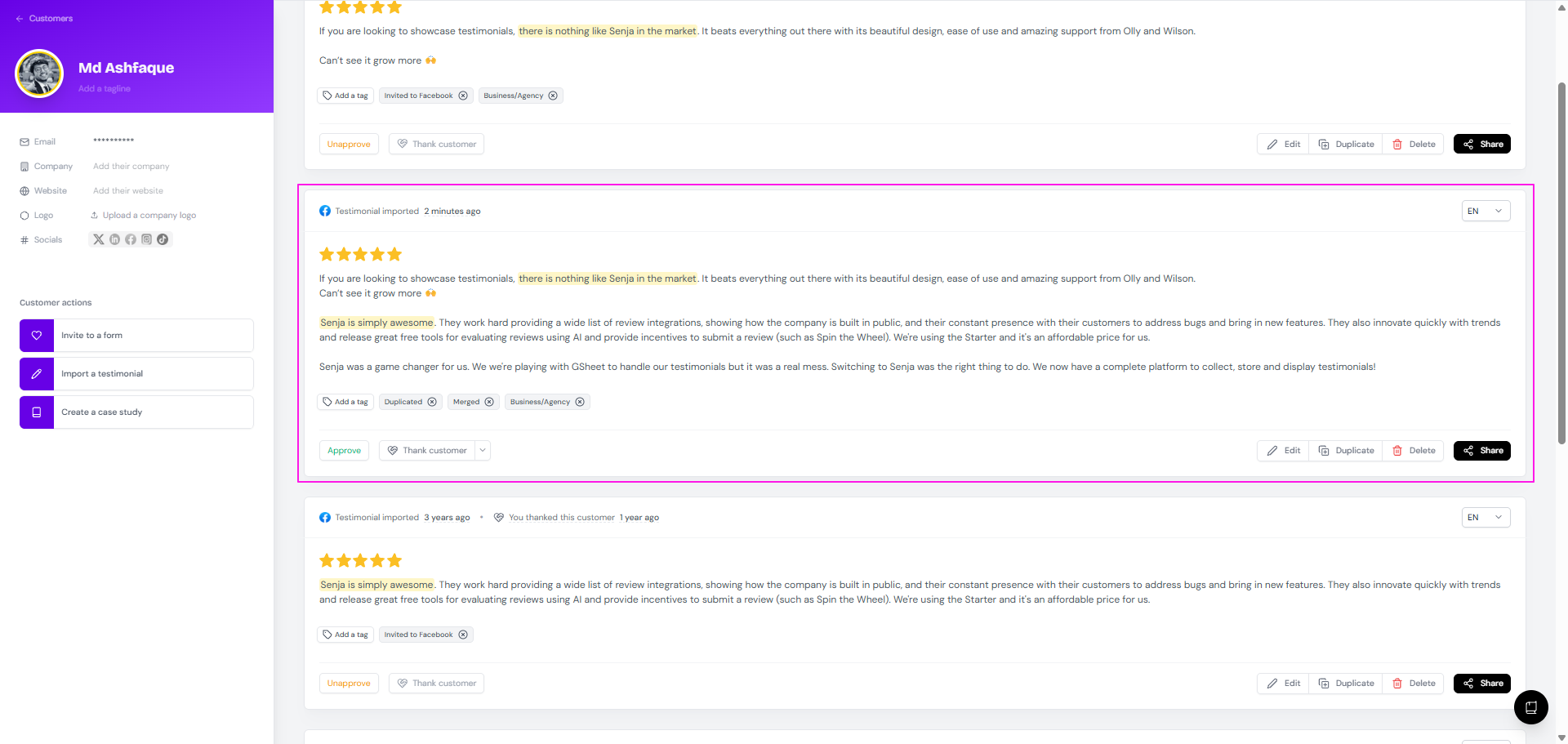
Remember to Approve the testimonial if you want to use it in your widget or Wall of Love later on
Need to clean up other testimonials? See How do I delete a testimonial? and How do I search or filter testimonials?.