
How do I connect Senja to Claude with MCP?
Senja's MCP (Model Context Protocol) lets you connect your Senja account directly to Claude. Once connected, you can ask Claude questions about your testimonials: find the best ones for a specific use case, pull quotes for a landing page, summarise what customers are saying, and more.
Think of it as being able to interview your testimonials.
This is applicable for any Senja plans (Free, Starter, and Pro). You need access to Claude.ai.
How to connect Senja to Claude
Open Claude.ai
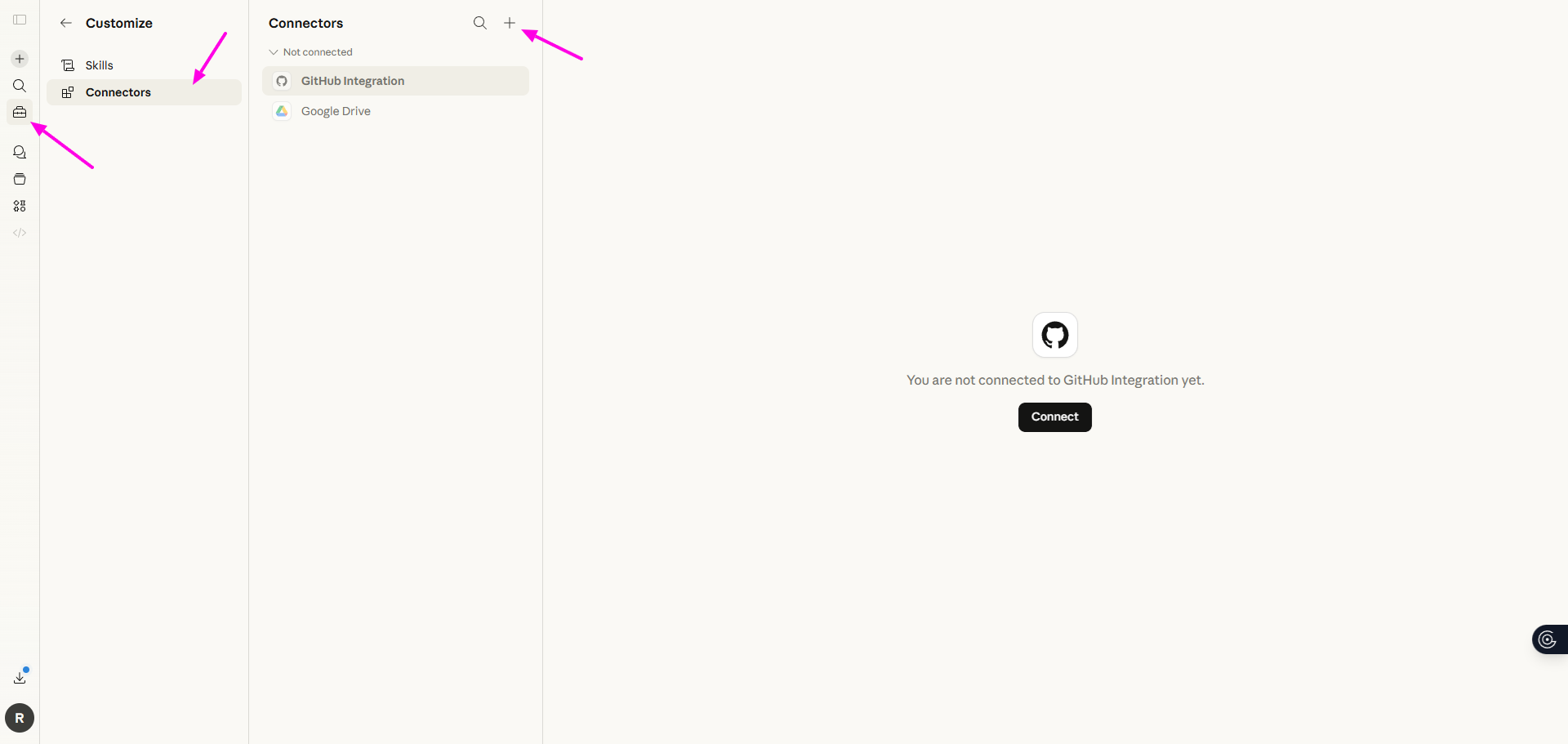
Click Customize, choose Connectors
Click the ➕ sign to add a new connector, choose Add custom connector
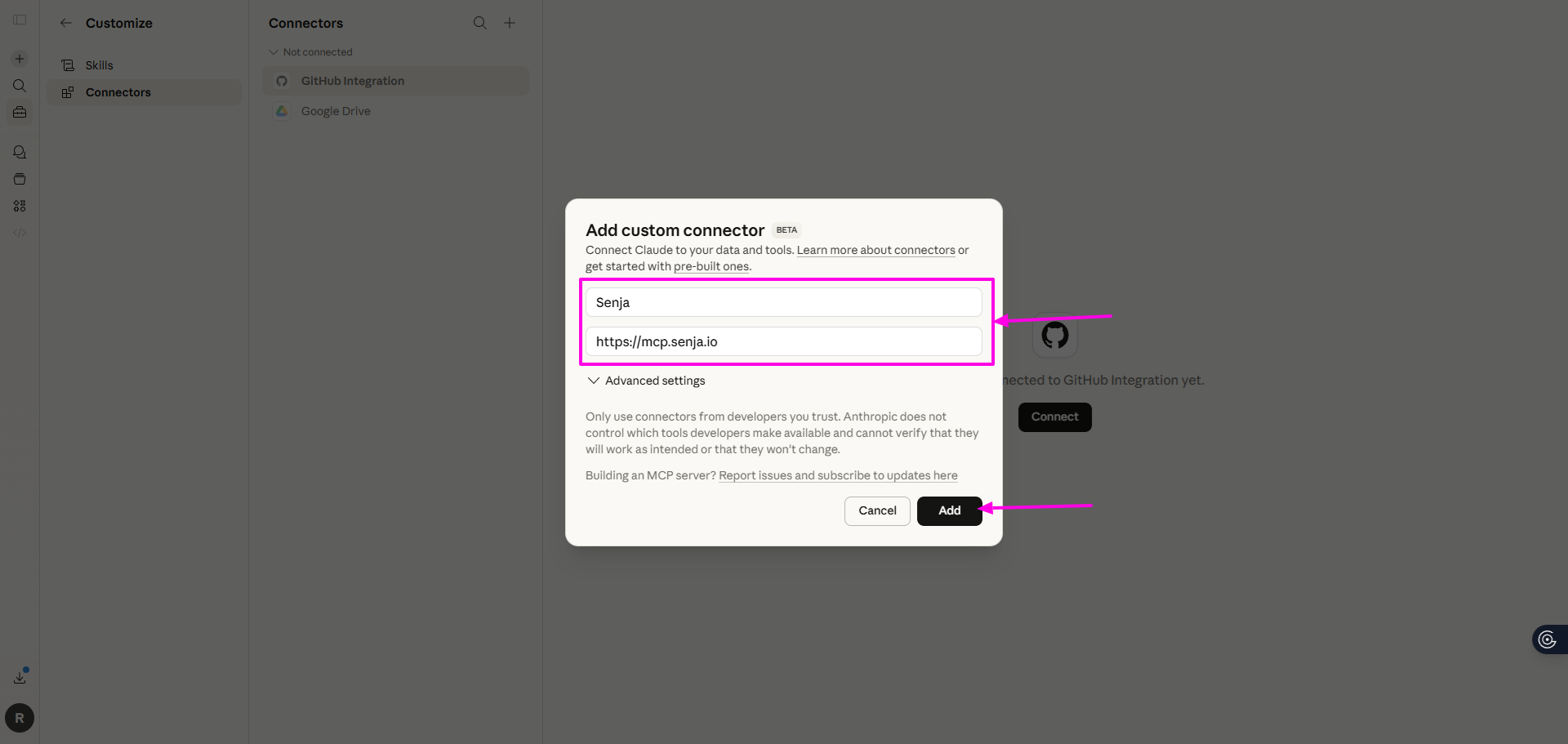
Put Senja and https://mcp.senja.io on the field
Click Add
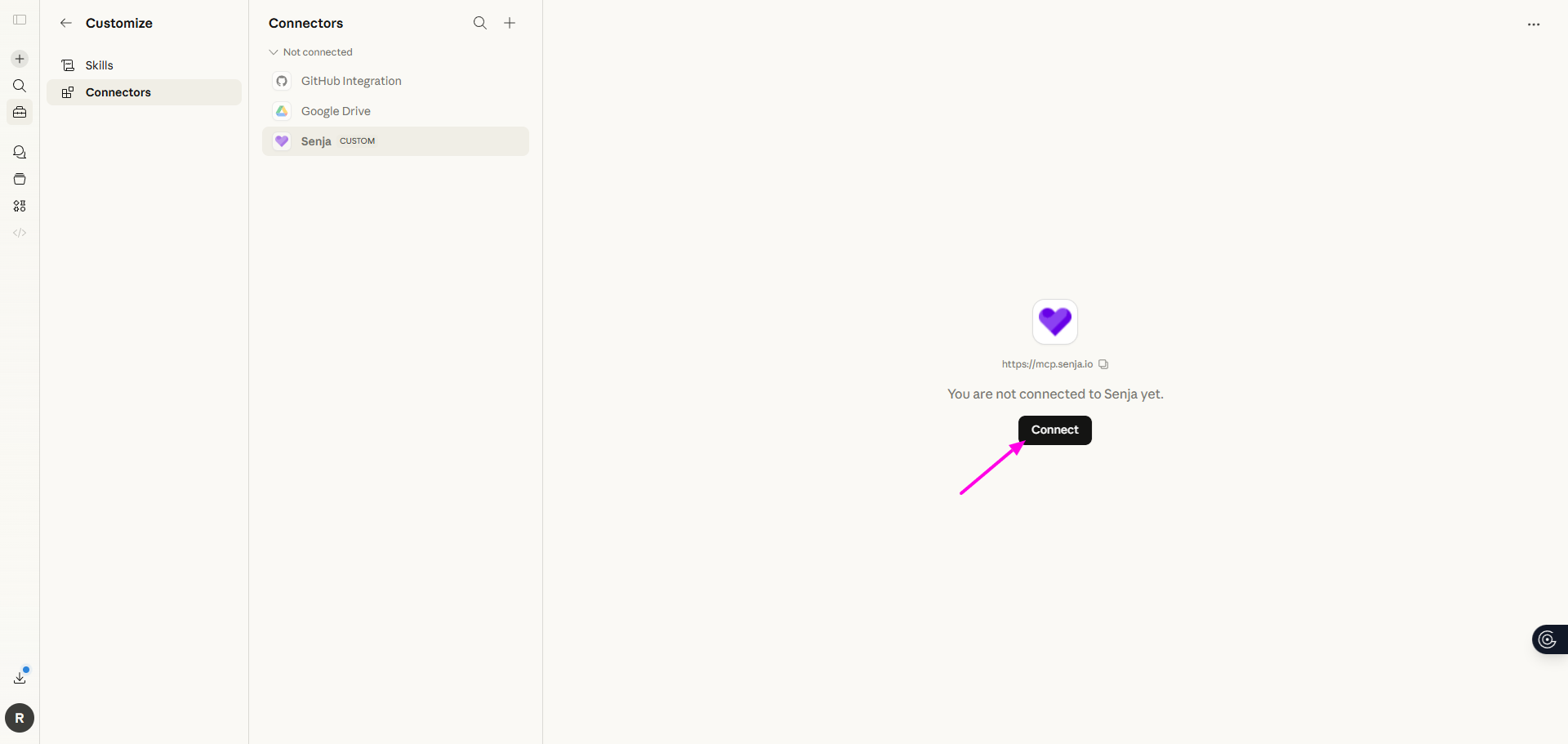
Choose Senja on your list of Connectors
Click Connect
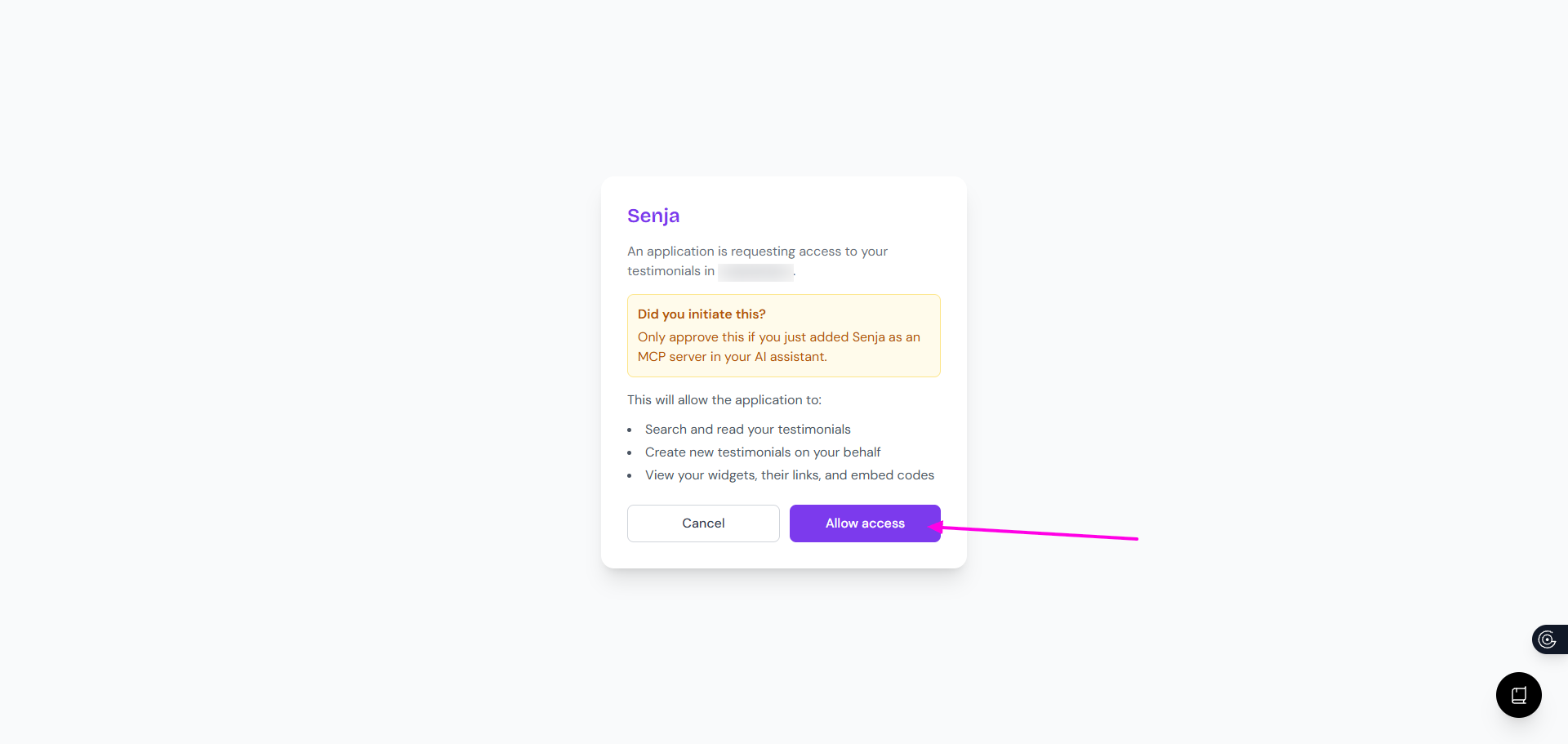
On the access prompt, click Allow Access
Once you're connected, choose Always allow on the Tool permissions
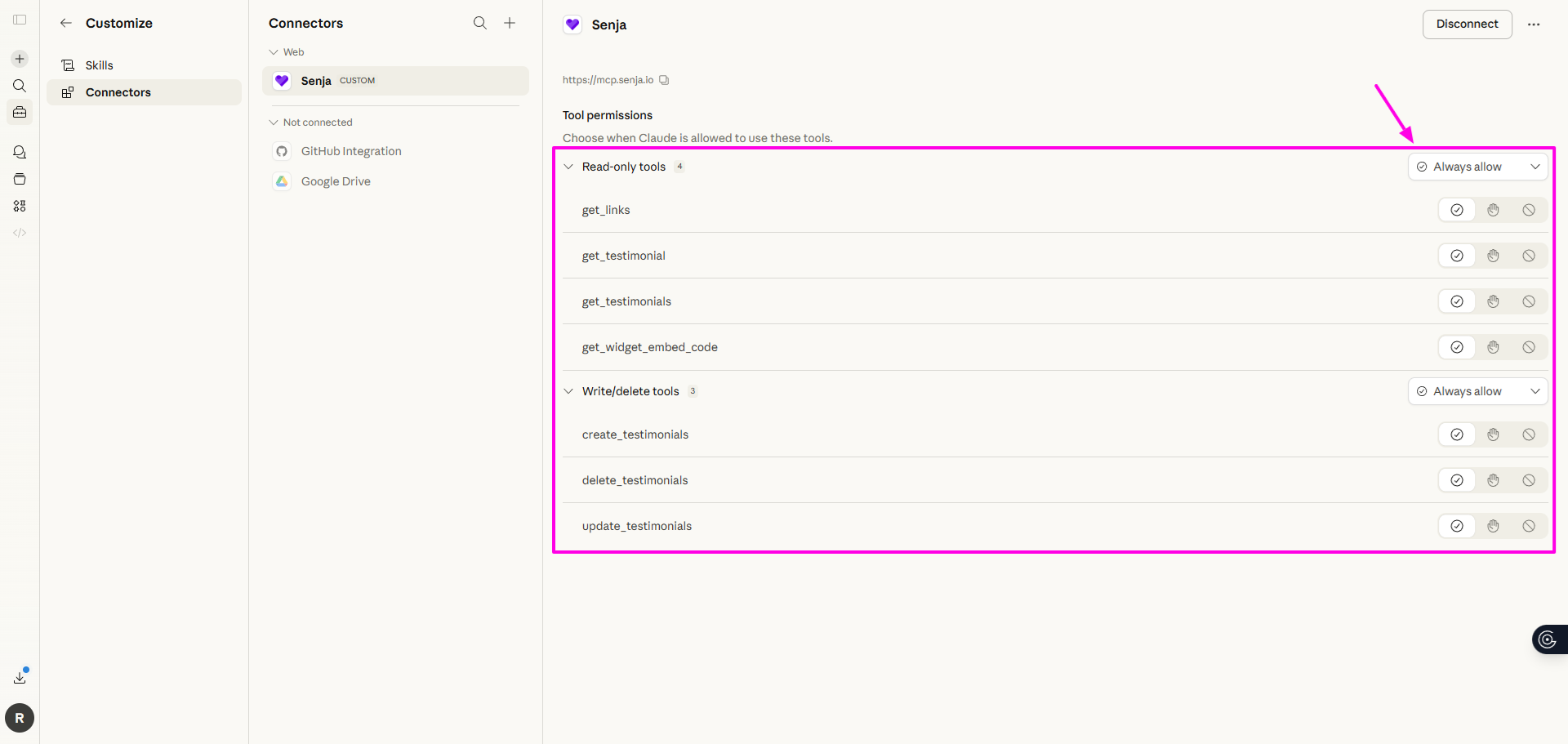
Navigate to Integrations or Connectors (depending on your Claude interface)
Your Senja account is now successfully connected to Claude
What you can do once connected
Here are a few things worth trying.
General
What’s going on in my Senja account?
Review my Senja testimonials and create a skill called customer tone / voice to use when creating content
Review my Senja account and website and suggest where I can add relevant proof
Collect
Send invites of Form [form name] to [list of email address]
Find testimonials talking about X and tag X
Find testimonials where customers mention switching from a competitor and draft a comparison page using their words
Find me three testimonials from customers who mentioned ease of use
What are the most common themes across my testimonials?
Read my testimonials and identify the top 5 objections customers had before buying, and how they were resolved
Review my testimonials and tell me what topics, outcomes, or customer types are missing. Where do I have weak proof?
Summarise what customers say about [specific feature]
Find customers who left a detailed testimonial and would be a good fit for a case study in Senja
Manage
Show me the unapproved testimonials in my Senja account
Show me duplicate testimonials in my Senja account
Share
Give me a short testimonial I can use on my homepage
Get me the links to my Senja widgets
[When composing an email] Include relevant Senja testimonials in the emails
[When composing a landing page] Include relevant Senja widgets in the page
Find 5 testimonials tagged x and return a nurture sequence with one story per email
Review my Senja testimonials and compose 5 social posts about my offer X
Pull testimonials tagged X from Senja and turn them into videos using Remotion
Claude will pull directly from your Senja dashboard to answer.
If you encounter a problem, contact Senja Support to assist.