
How do I send a thank you video?
Thanking customers for their testimonials goes a long way. Senja lets you send a personalised thank-you video directly from the app — or simply mark a testimonial as thanked if you've already reached out another way.
This feature is available on all Senja plans: Free, Starter, Pro.
Send a thank you video
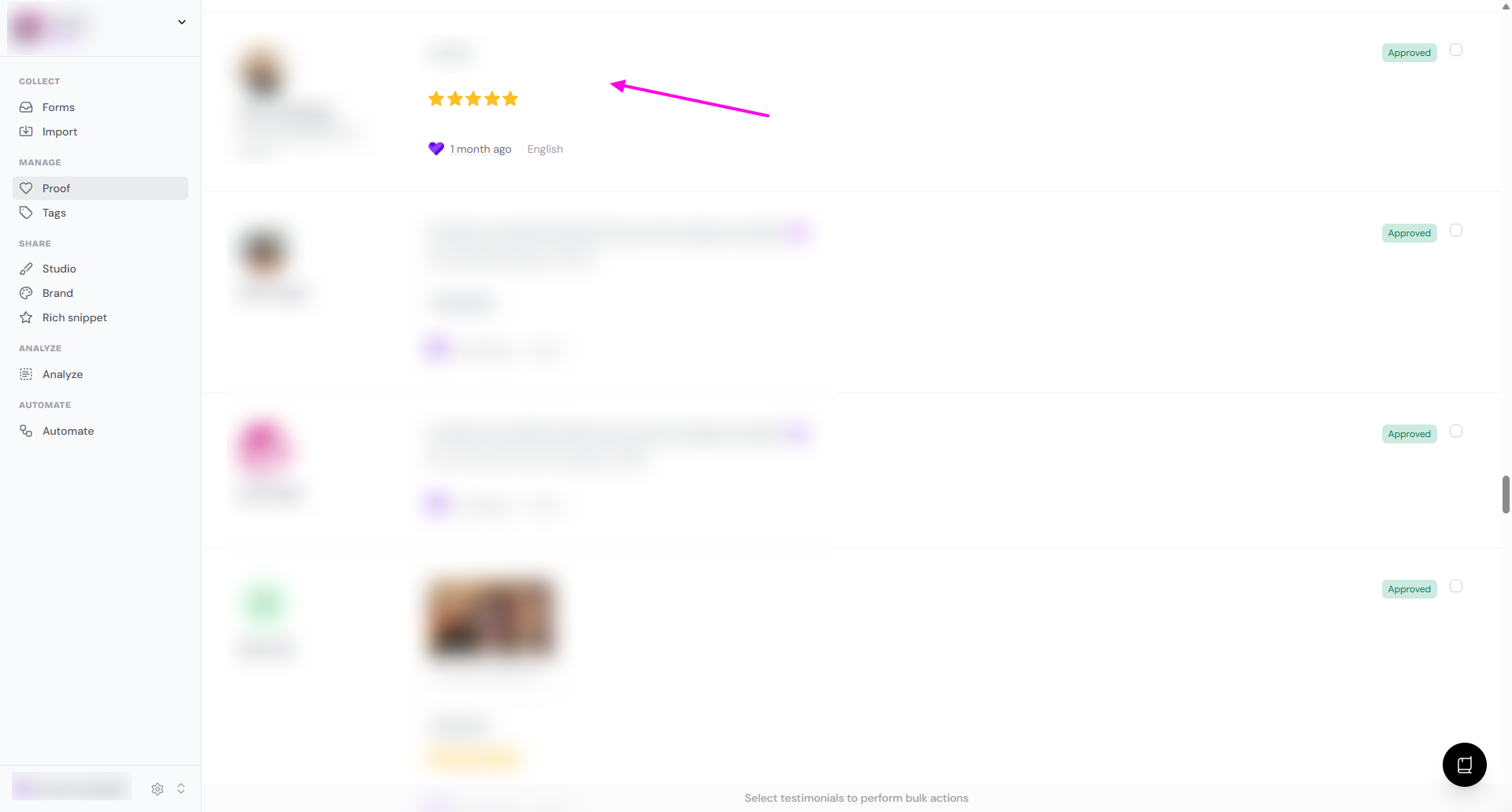
Go to your Proof page: https://app.senja.io/
Choose the customer/testimonial you want to thank
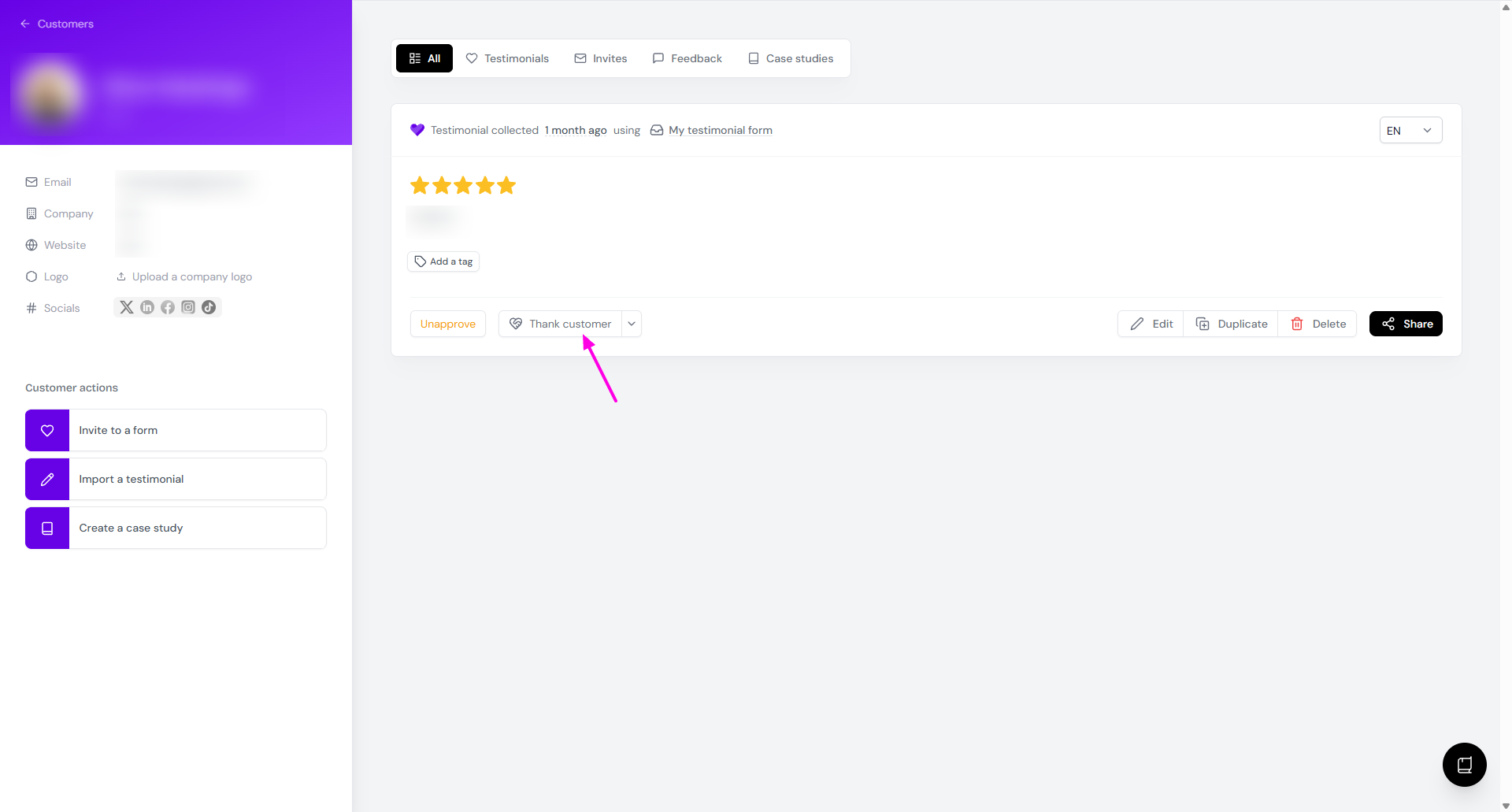
Click Thank customer
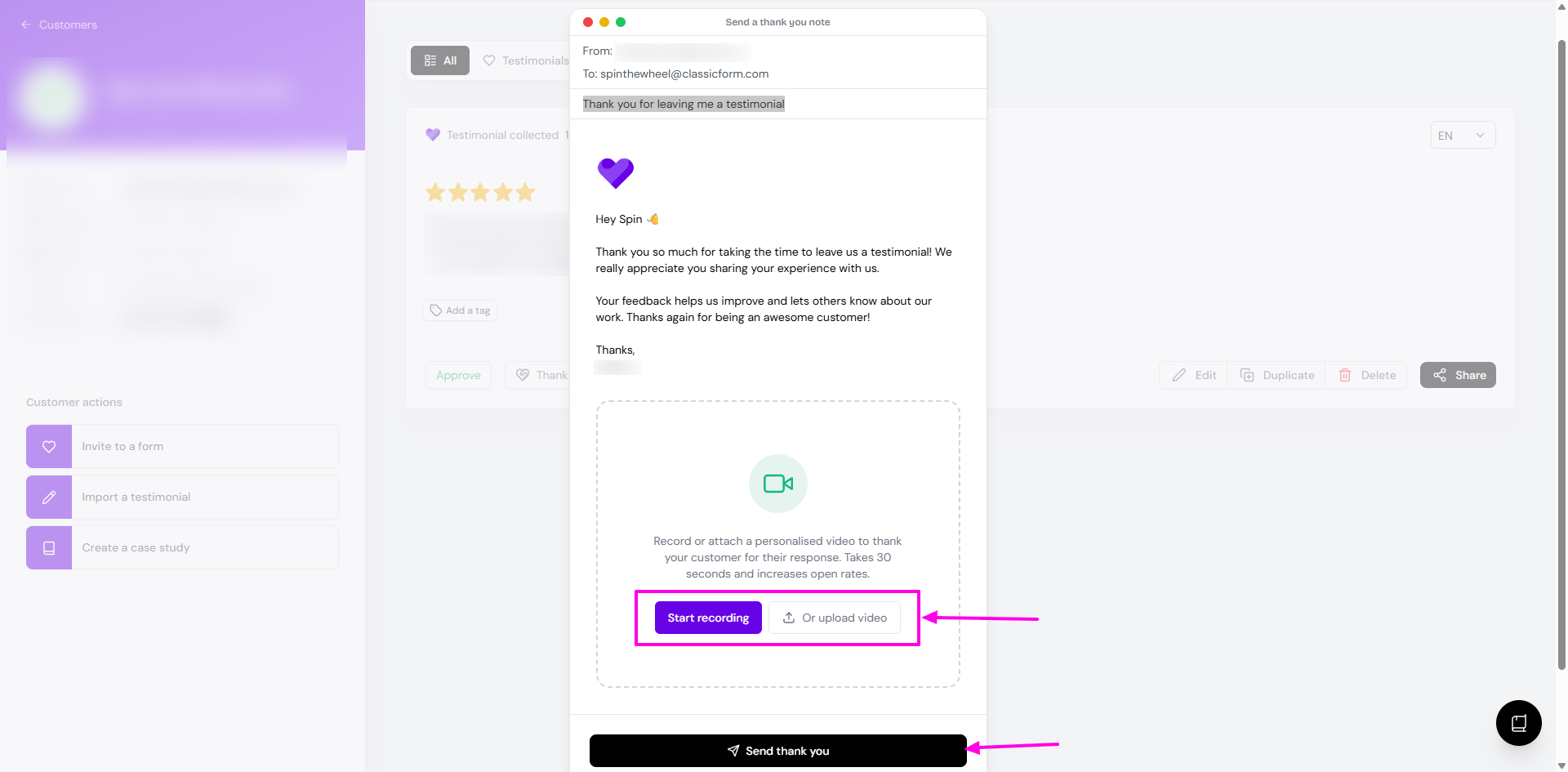
On the popup, click Start recording or Or upload video button
Review the email copy and the video
If you're not happy with the email copy, do a direct edit on the text
Click Send thank you when you're done
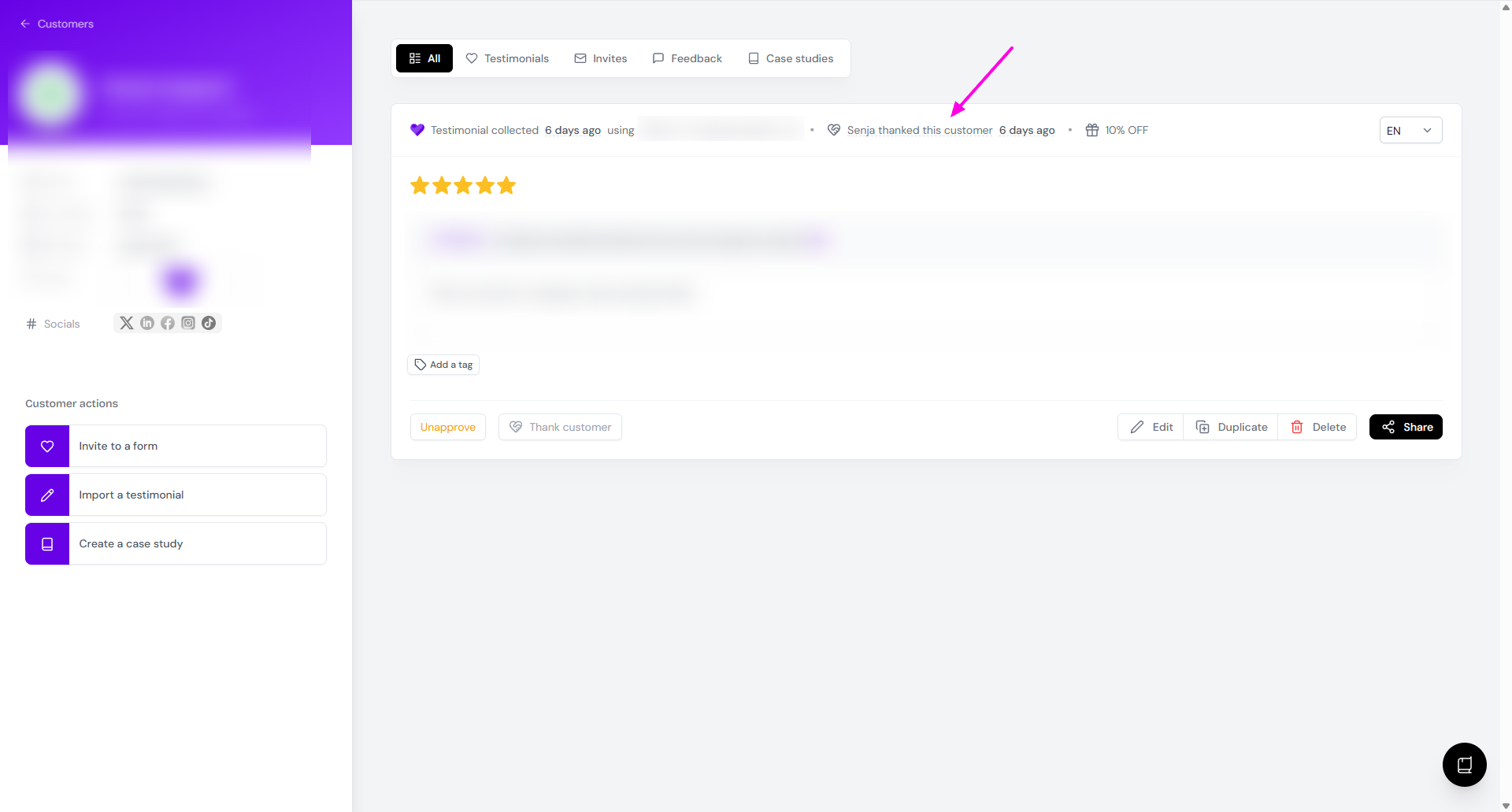
It is now marked as thanked
Mark the customers as thanked
If you already send a thank-you message to your customer personally (outside Senja platform):
Go to your Proof page: https://app.senja.io/
Choose the customer/testimonial you thanked already
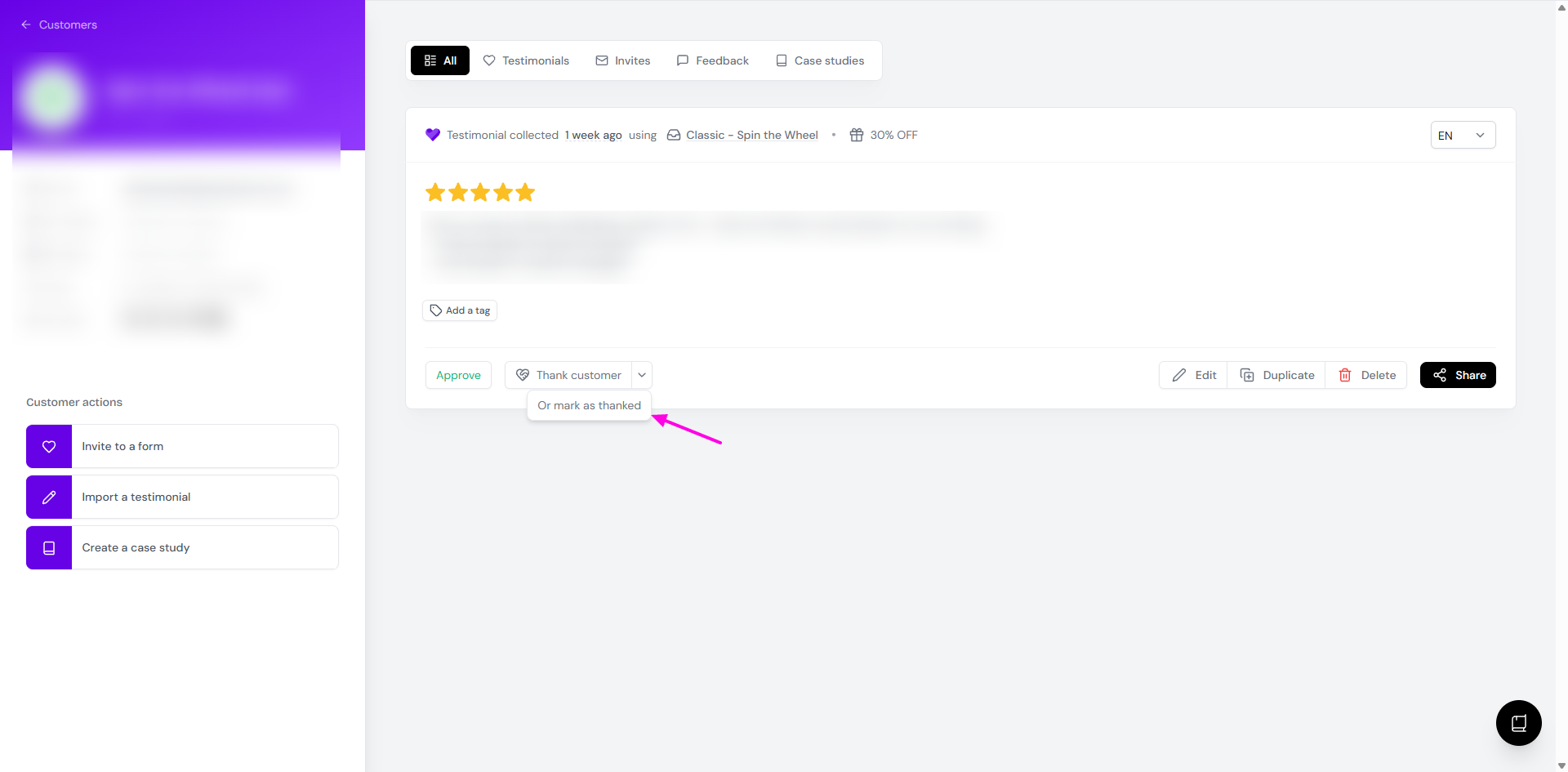
Click the arrow next to Thank customer button
Click Or mark as thanked
Notes
The Thank customer function will not work if:
You already send a thank you note (automated by the form, or manual sending)
There is no email address in the customer's details