
How do I thank a customer from the Proof page?
A quick thank-you goes a long way. Customers who feel appreciated are more likely to refer others and to say yes when you ask for something later, like a video testimonial or a case study. From your Proof page, you can send a personal thank-you email for one testimonial at a time, or mark a testimonial as thanked if you've already reached out another way.
This is available on all Senja plans: Free, Starter, and Pro.
Want to send thank-yous automatically, or include a coupon or gift? Use the Thank Yous page instead, see How do I send thank you notes to my customers?
Send a thank-you note
Go to your Proof page: https://app.senja.io/
Open the testimonial you want to say thanks for
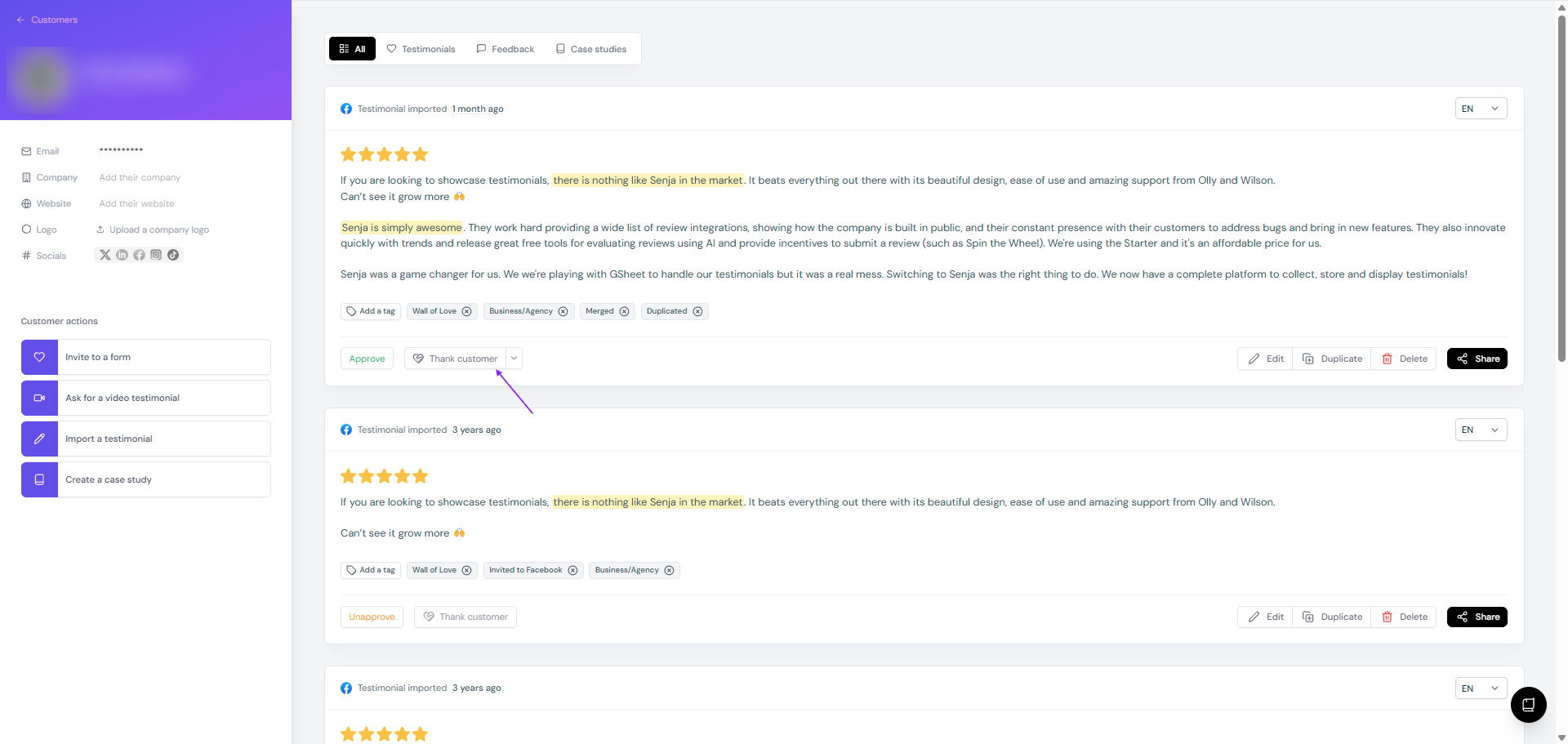
Click Thank customer
Review the message and make it your own
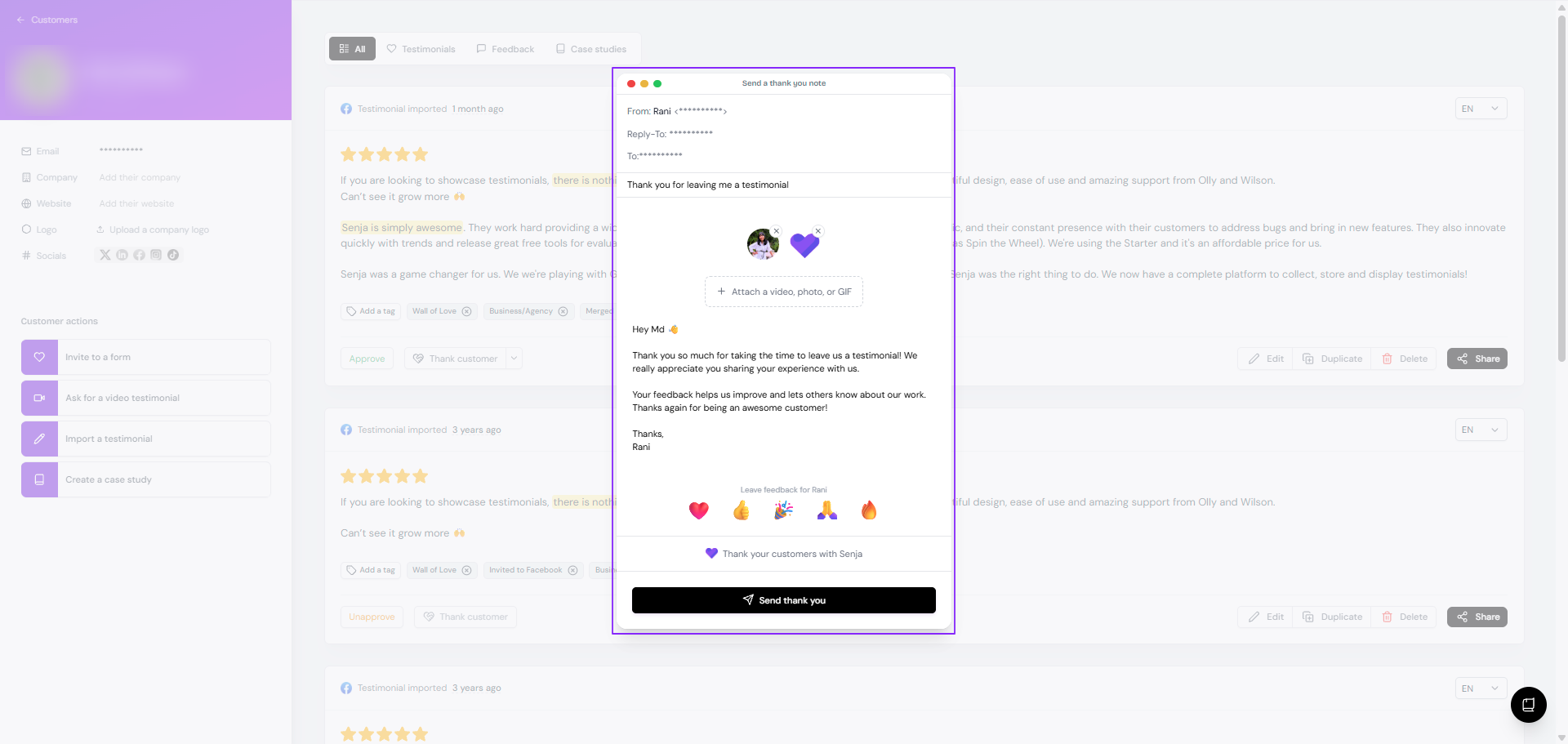
To add a video, photo, or GIF, click Attach a video, photo, or GIF
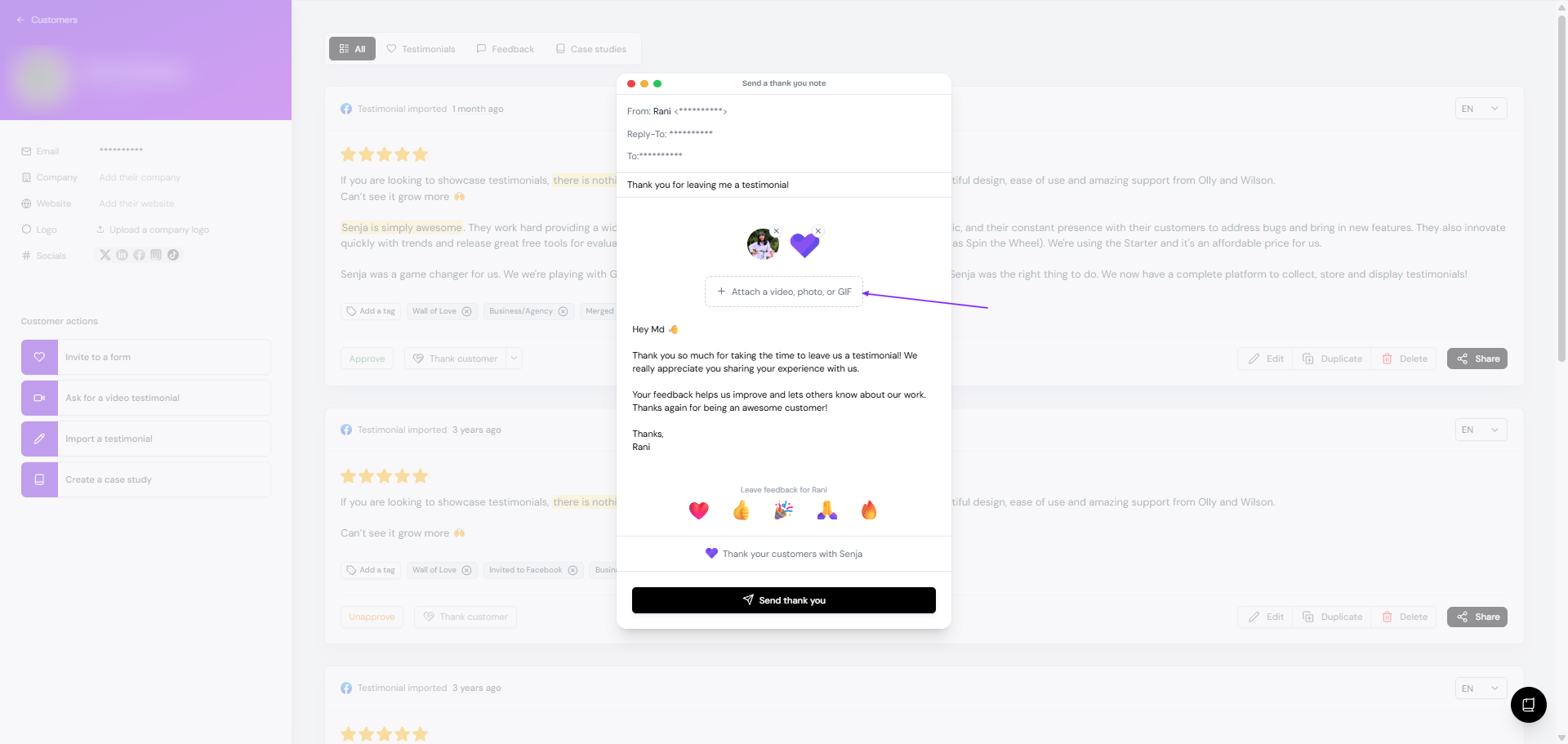
Pick a video from your Brand Kit videos, Record video, or Upload video
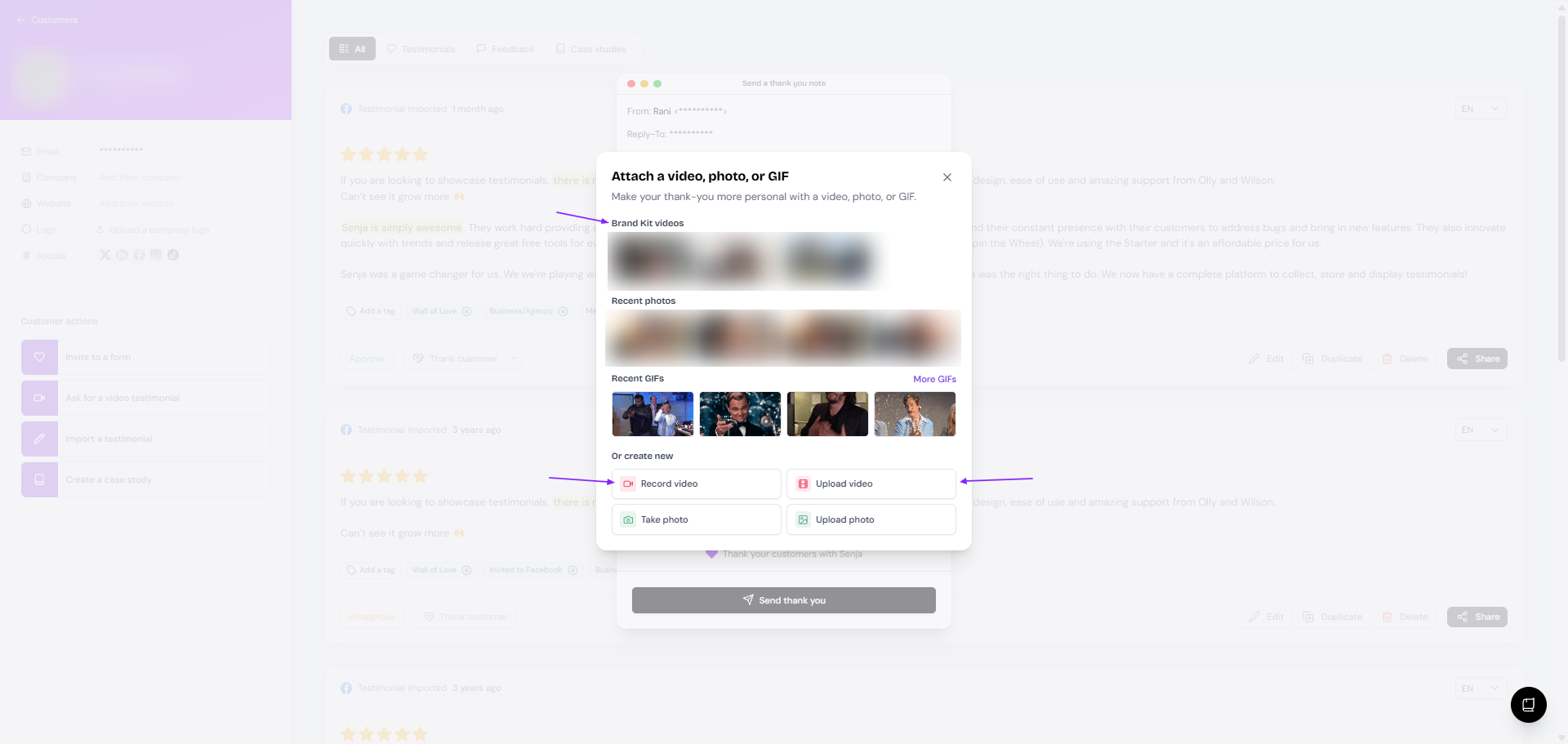
Click Send thank you
The testimonial is now marked as thanked.
Save thank-you videos to your Brand Kit
Record or upload your thank-you videos once, then pick them from Brand Kit videos whenever you send a thank-you.
Go to Brand Kit: https://app.senja.io/settings/brand-kit
Add your thank-you videos
Reusing a saved video? Change the written message for each customer, so it still feels personal.
A thank-you is also a good moment for a second ask. Share a tip to help them get more out of your product, or invite them to your affiliate program.
Mark a testimonial as thanked
Already thanked the customer outside Senja? Mark it so your list stays accurate.
Open the testimonial from your Proof page
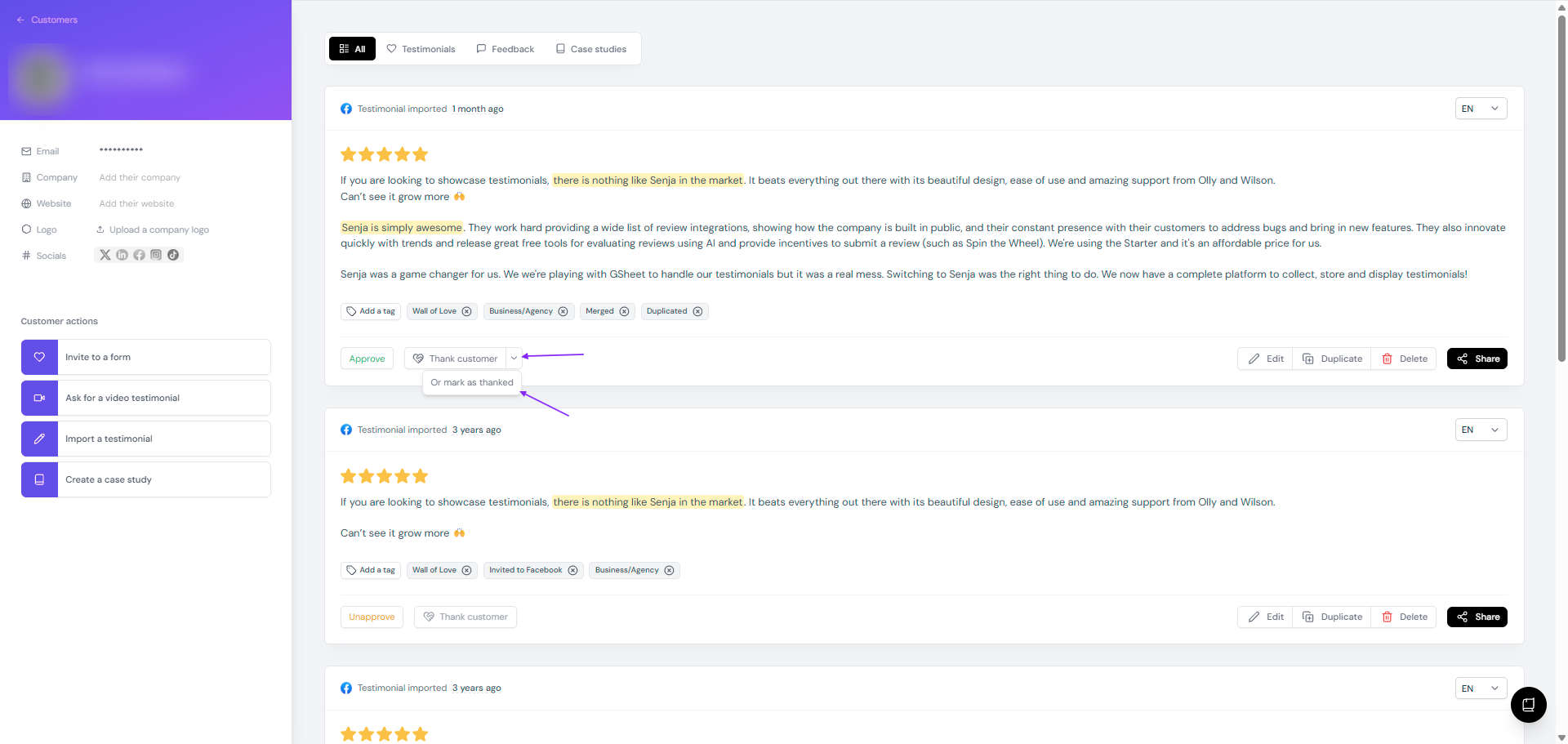
Click the arrow next to Thank customer
Click Or mark as thanked
See who you haven't thanked yet
On your Proof page, use the Not thanked filter at the top to see every testimonial still waiting for a thank-you. Use Thanked to see the ones you've already done.
When "Thank customer" doesn't work
The Thank customer button won't send if:
The customer has already been thanked, from the Proof page or the Thank Yous page
There's no email address in the customer's details. Add one on the left side of the customer page, see Customer details and privacy