
How does the form consent work?
When you enable the consent page in your form, you are actively asking for your customers' consent on where to use their testimonials. This guide explains how the consent flow works, to make sure you set it up correctly.
This is applicable to any Senja plans: Free, Starter, and Pro.
The consent labels
The label field is an actual placeholder for the system to find out the type of chosen consent. You have to write a copy that match the type of consent (public or private).
You cannot put a text indicating private consent in the Public consent label (or vice versa)
The system is not reading your text, but reading the location of the consent source
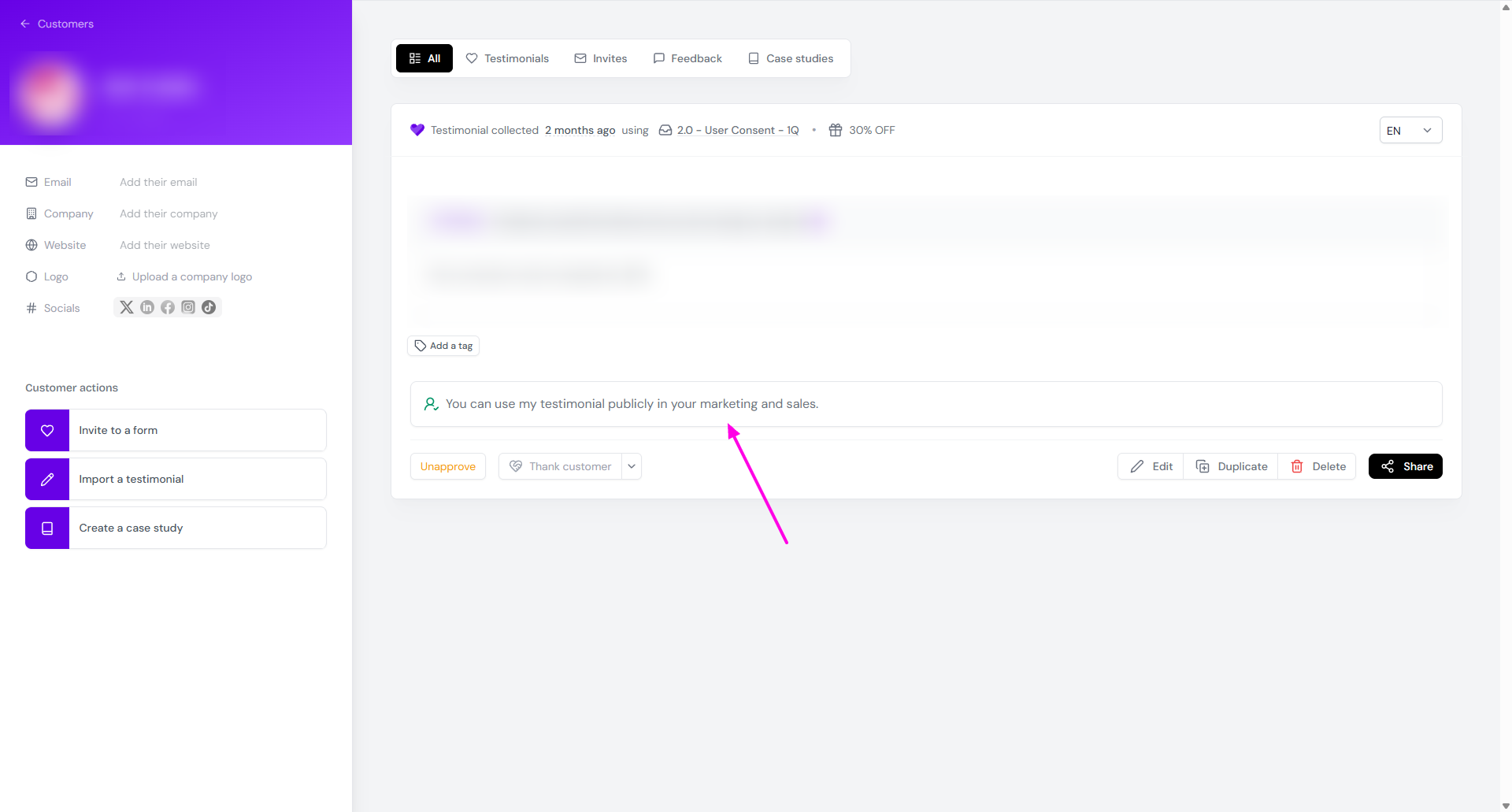
The app assigns a template copy for the consent remark in your Proof page:
Public consent: You can use my testimonial publicly in your marketing and sales
Private consent: This user did not consent to have their testimonial shared publicly
Granular consent: This user consented to share their testimonial on: ...
See this example
You write "This testimonial will be used privately" in Public consent label and "This testimonial will be used in all channels" in Private consent label.
What your customer sees in the form:
Radio button 1: This testimonial will be used privately
Radio button 2: This testimonial will be used in all channels
What the system sees:
Radio button 1: Public consent
Radio button 2: Private consent
You can see that this is contradictory
What happens when your customer chooses radio button 1 (private on their side, but public on the app side):
They consent on private sharing
The system sees it as public sharing
The record on your Proof page will follow the system and say "You can use my testimonial publicly in your marketing and sales"
What to do
Make sure that you put the correct copy in the relevant field, see How do I collect consent to use testimonials from my customers?
Read this if you want to organize your testimonials based on consent type: How do I find testimonials with public or private consent?