
Why can't I change the primary question on a form after responses?
When you are creating a form, you have the options to create multiple questions. By default, Senja marks the original first question as primary question in the background.
This is applicable for any Senja plans: Free, Starter, and Pro.
The mechanism
Any form will start with 1 question only (in Question #1 page)
This question is automatically assigned as primary question
You can edit the text in primary question
You can add more questions to your form
When you rearrange the questions:
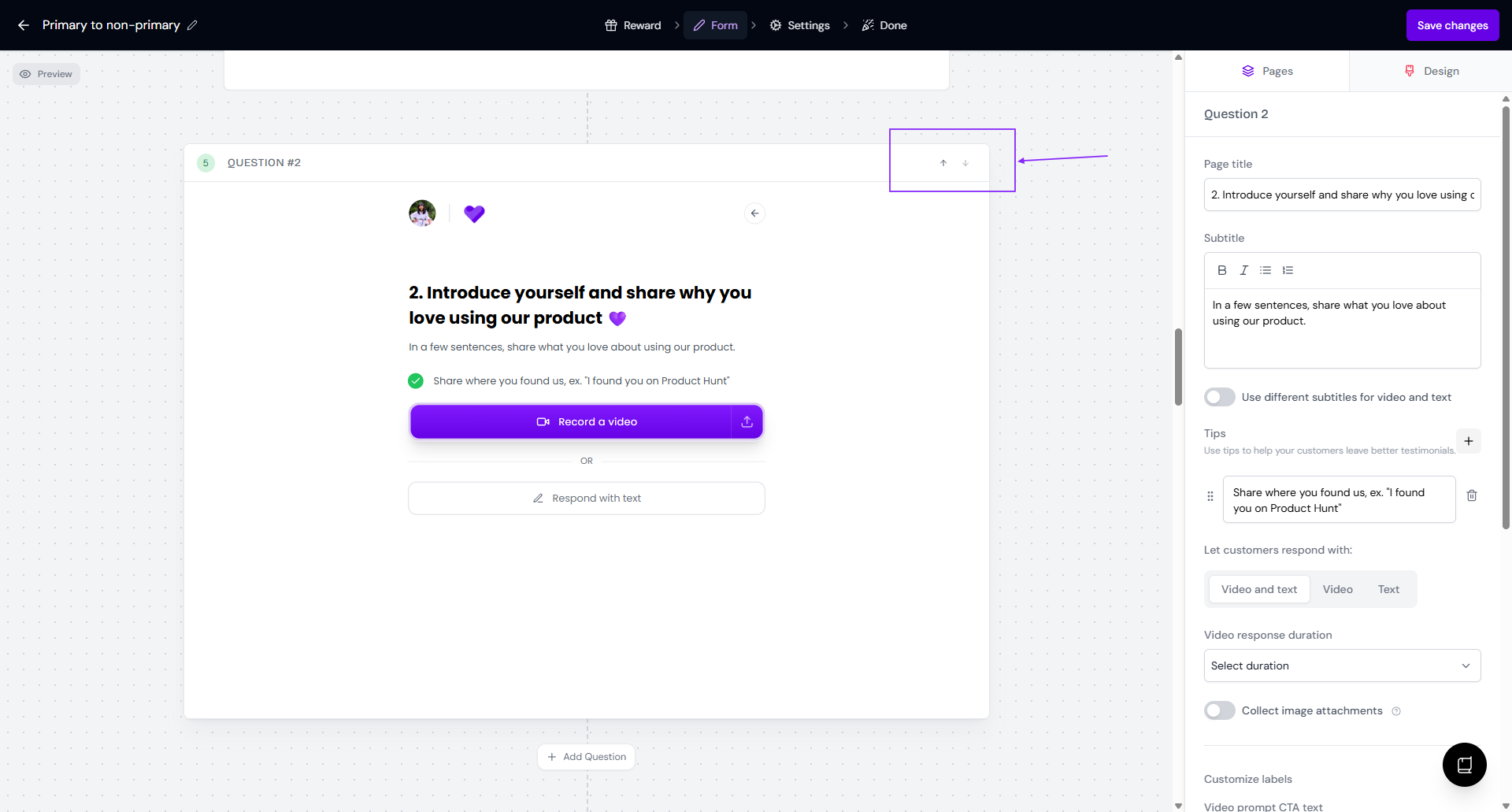
Primary question will stay on the original first question (the default copy is "Introduce yourself and share why you love using our product 💜")
Primary question can't be deleted regardless the position
You cannot reassign the Primary question label to other questions that you add (it happens in the background)
You can't change the primary label/position after/before collecting testimonials via the form
This is a system limitation that maintains your data integrity
The primary question's video is the only one used in widgets or your Wall of Love. Always set your most important question as the primary one.
How do you spot the primary question?
Open your form in the Forms page: https://app.senja.io/forms
Go to Form tab, find your question
The question page without the trash can 🗑️ icon is the primary question
Using non-primary responses in the widget/Wall of Love
Follow the guide How to choose testimonials from multipart responses for the widget to use the responses from the non-primary questions in your widget/Wall of Love.
How to change your primary question
If you need to change your primary question, please contact our support team. Only the Engineer can update the primary response for you.