
Where is the job title/company name field on forms?
In Senja, you can show the company details of your customers: their job title, the company name, website, and more. The job title will show as Tagline in your customers page. You can update Taglines to not only include the Job title but also the company name.
This is applicable on any Senja plans: Free, Starter, and Pro.
Asking for job title via forms
Go to your Forms page: https://app.senja.io/forms
Open your form or create a new one
Go to Form tab, scroll down to About company page
Set the About company page toggle on
Set the Job title and Company toggle on
Click Save changes when you're done
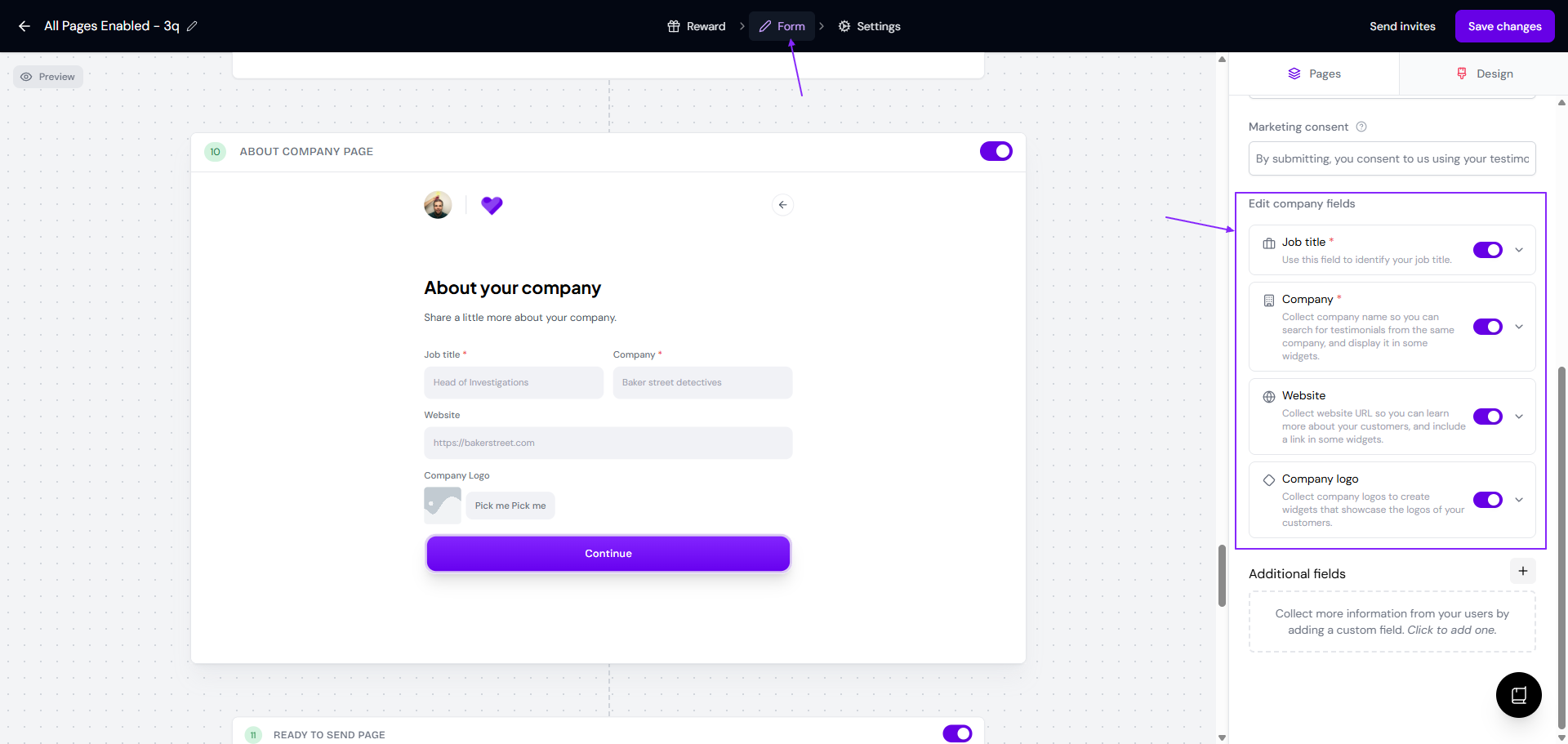
The Job title will show in the Tagline field on the customer's page
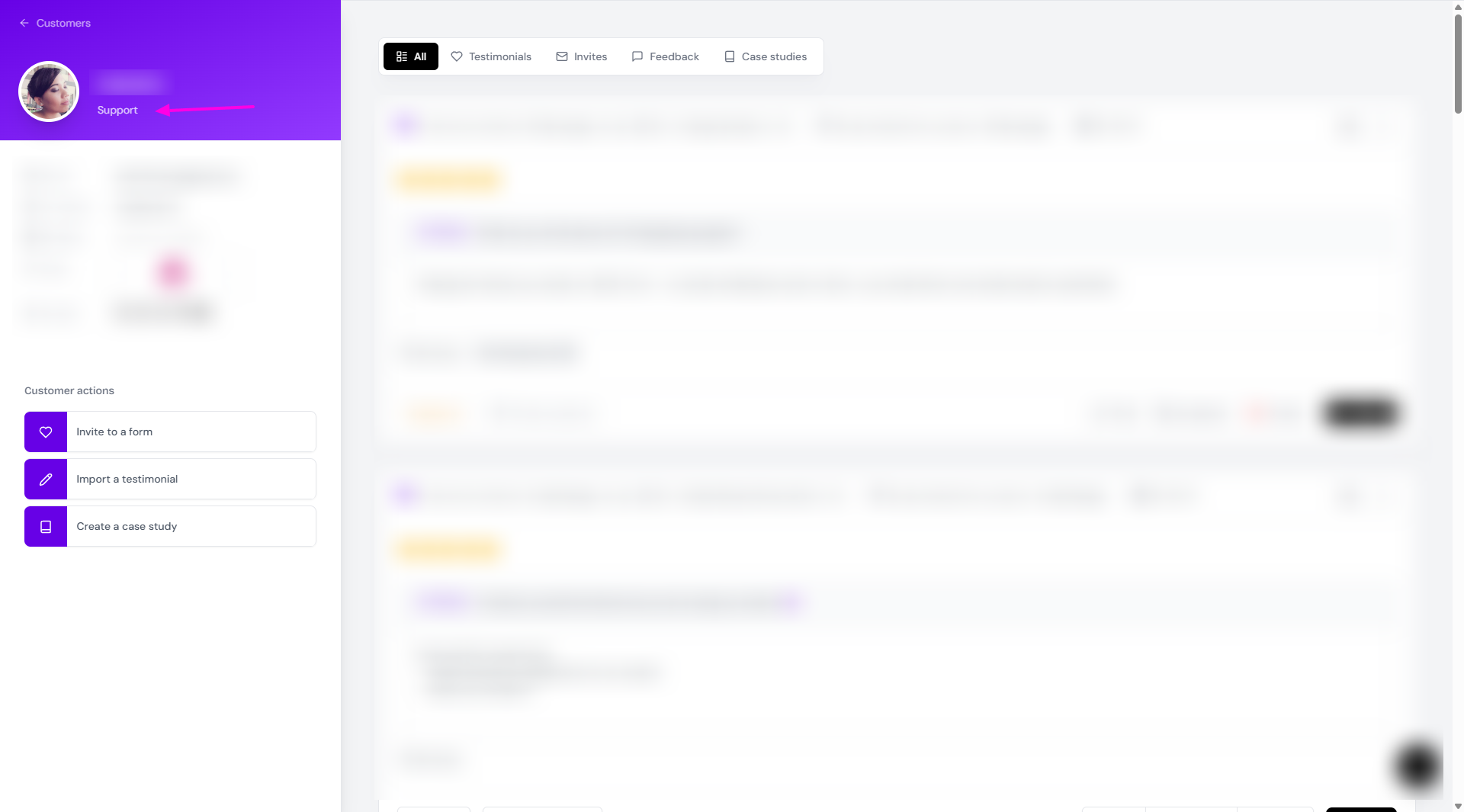
Adding the job title manually
Go to your Proof page: https://app.senja.io/
Select the testimonial/customer info you want to update
Add the job title or other info that you want in the Add a tagline field
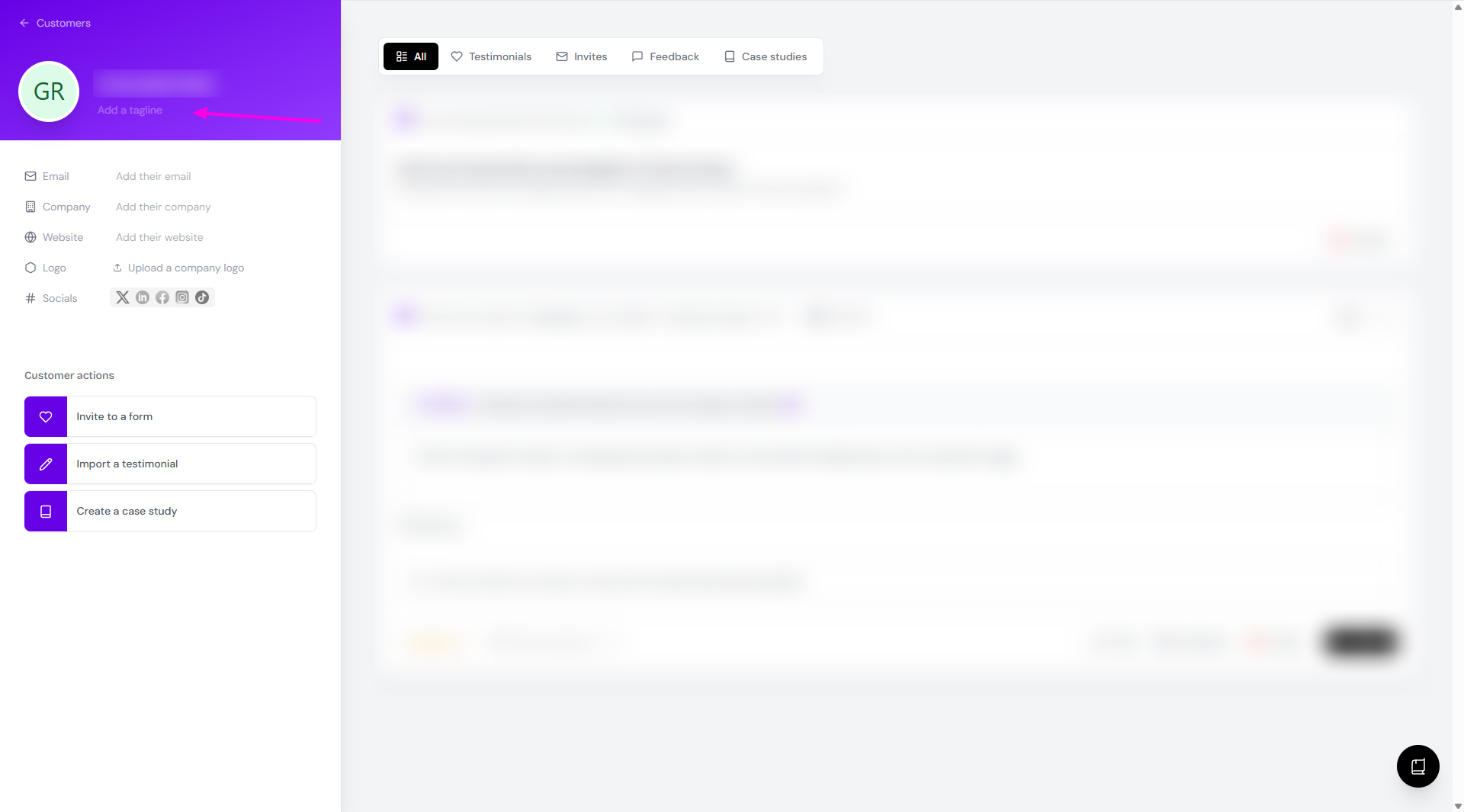
The tagline will be shown on your widget under the customer's name, so you can choose to put different info here, for example:
Job title, as it is
Job title and company name
Quote or summary of testimonial
The customer details will be updated right away
Notes
When you enable the About company page inside your form and your customers complete the info, the details will be added to your customer page:
Job title will be on the Tagline field
Company name will be on the Company field
Website link will be on the Website field
Company logo will be uploaded on the Logo field