
Share my form on social media or messaging apps
You can share the form directly on X, Facebook, LinkedIn, WhatsApp, or others, by using the form link.
This is applicable on all Senja plans: Free, Starter, and Pro.
Steps
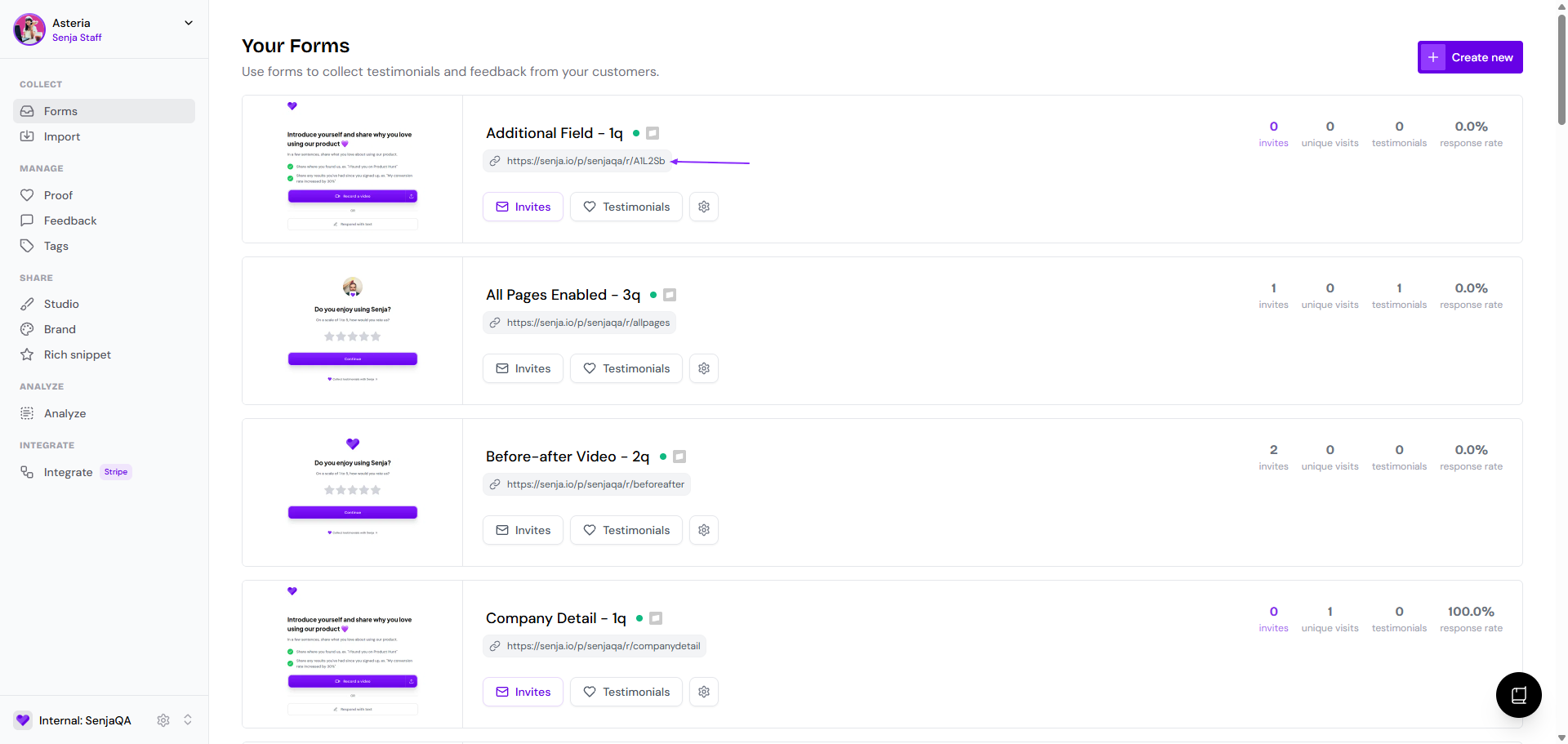
Go to your Forms page: https://app.senja.io/forms
Click the link under the form's name to copy it
Paste the link in your social media post
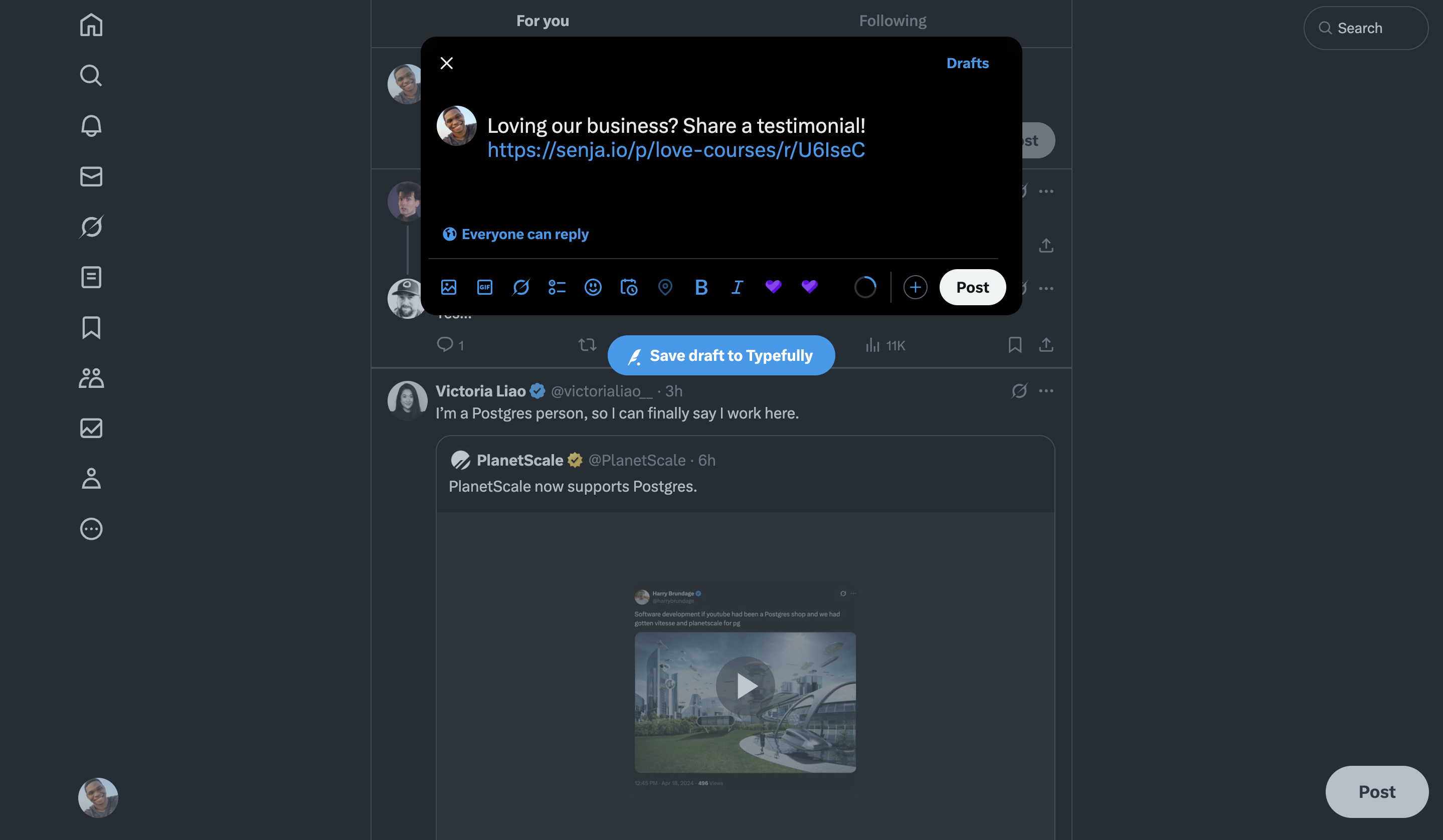
For example, if you want to share on X.
Login to X
Make a post draft
Paste the form link
Edit your tweet and click Post when you're happy with it
Was this helpful?