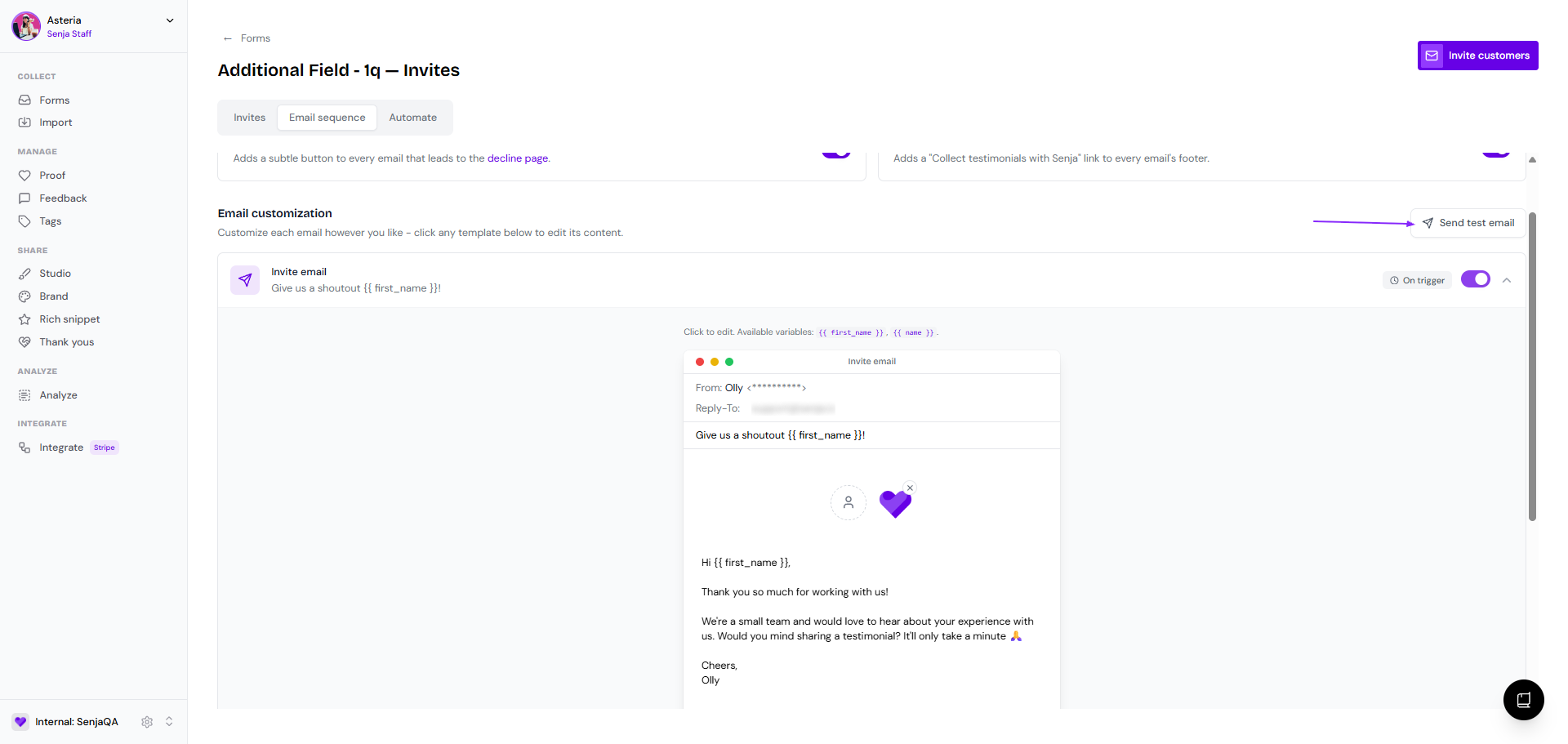
How to customize invitation emails
You can personalise the form invitation email that you will send to your customers. The email invitation setup is specific per form, but cannot be personalized per customer that you send an invite to.
This is applicable for all Senja plan: Free, Starter, and Pro.
Customizing the emails
Go to Forms https://app.senja.io/forms
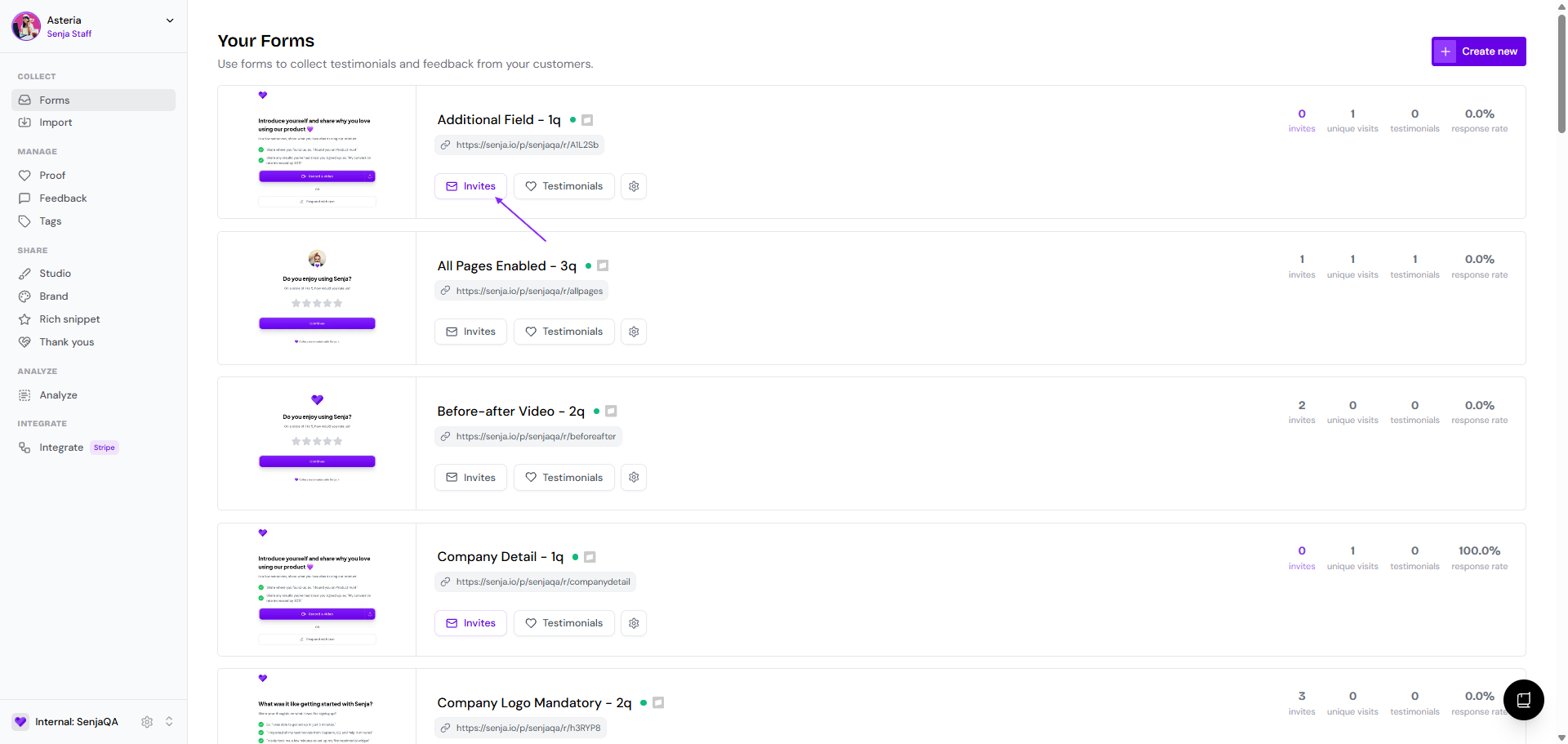
Choose the form that you want, and click Invites
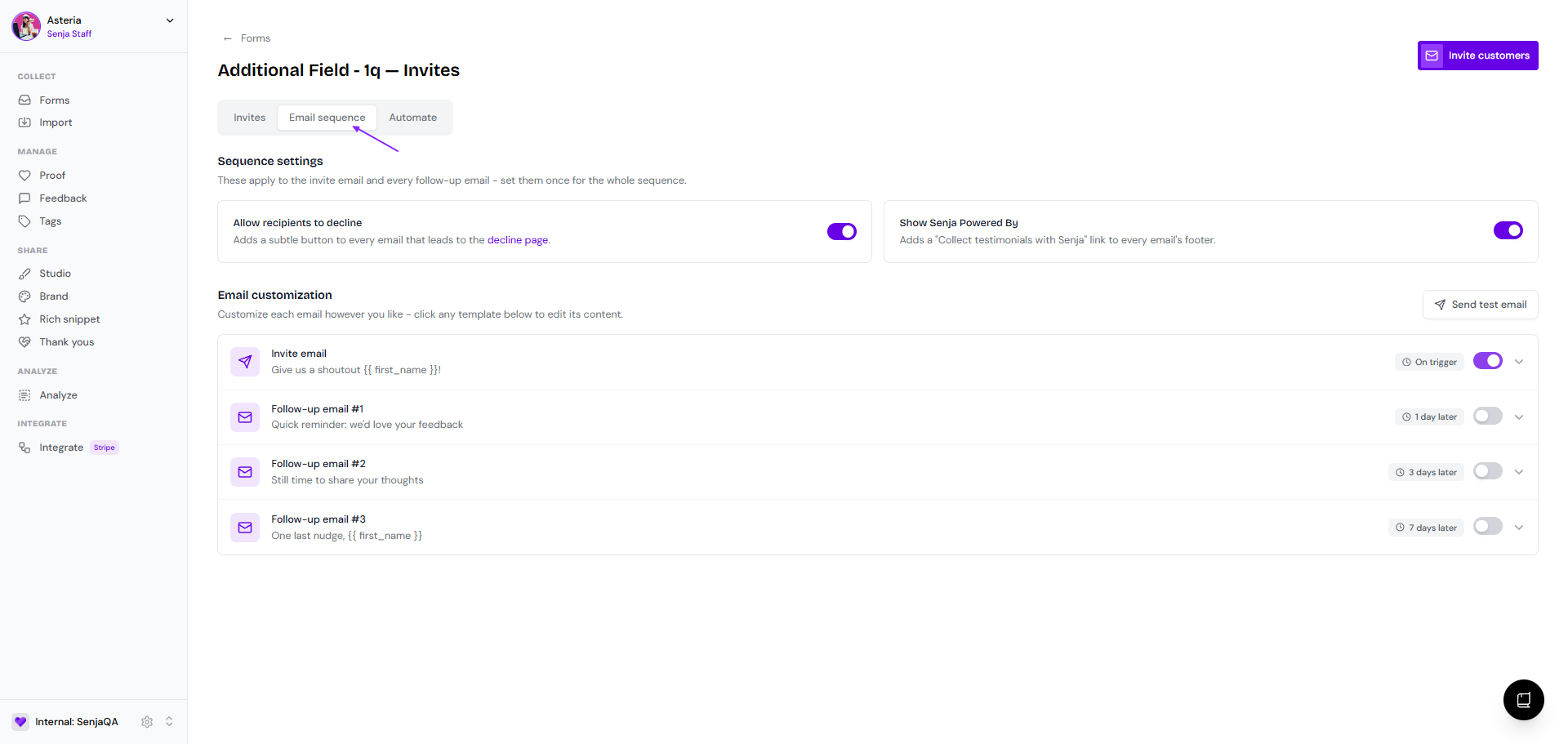
Go to Email sequence tab
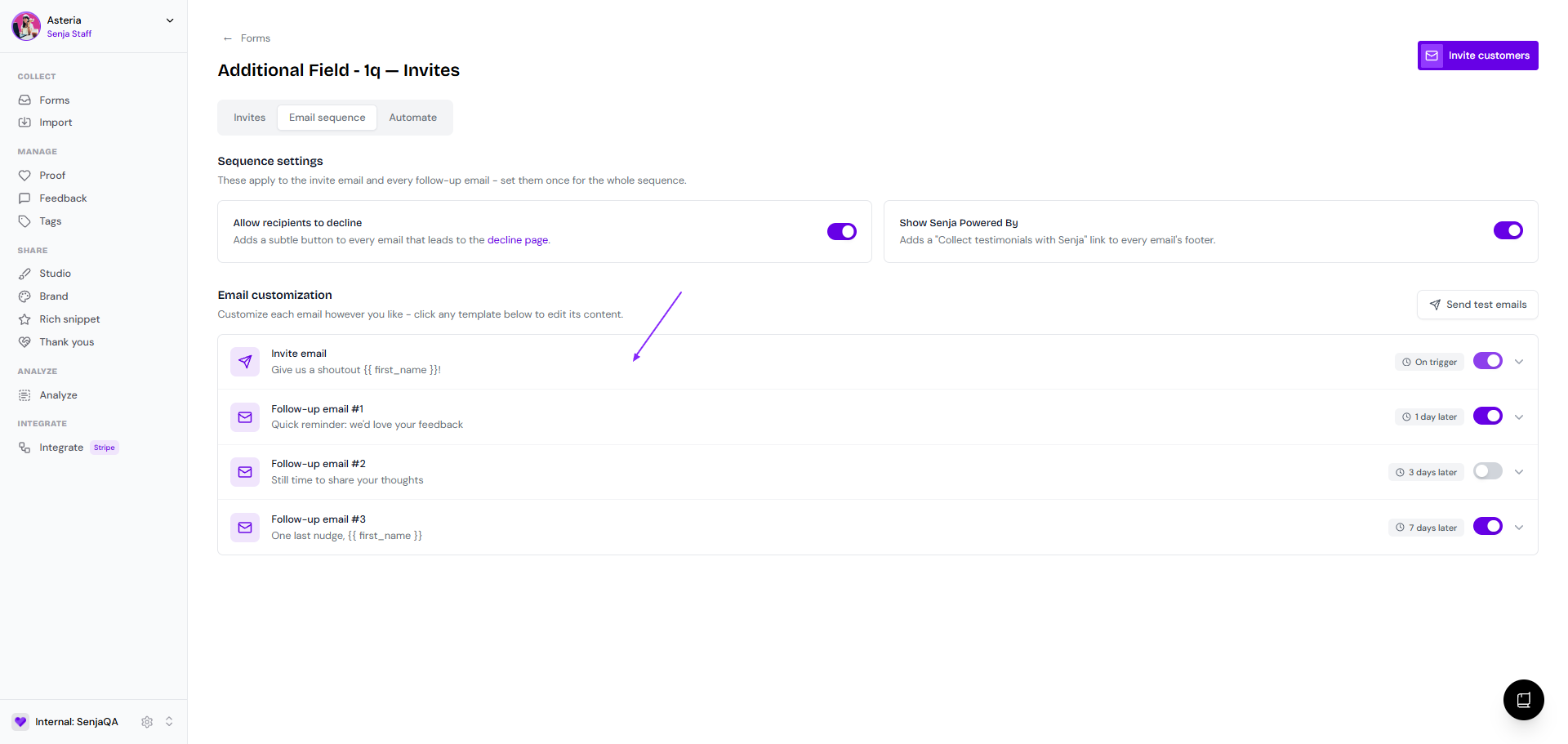
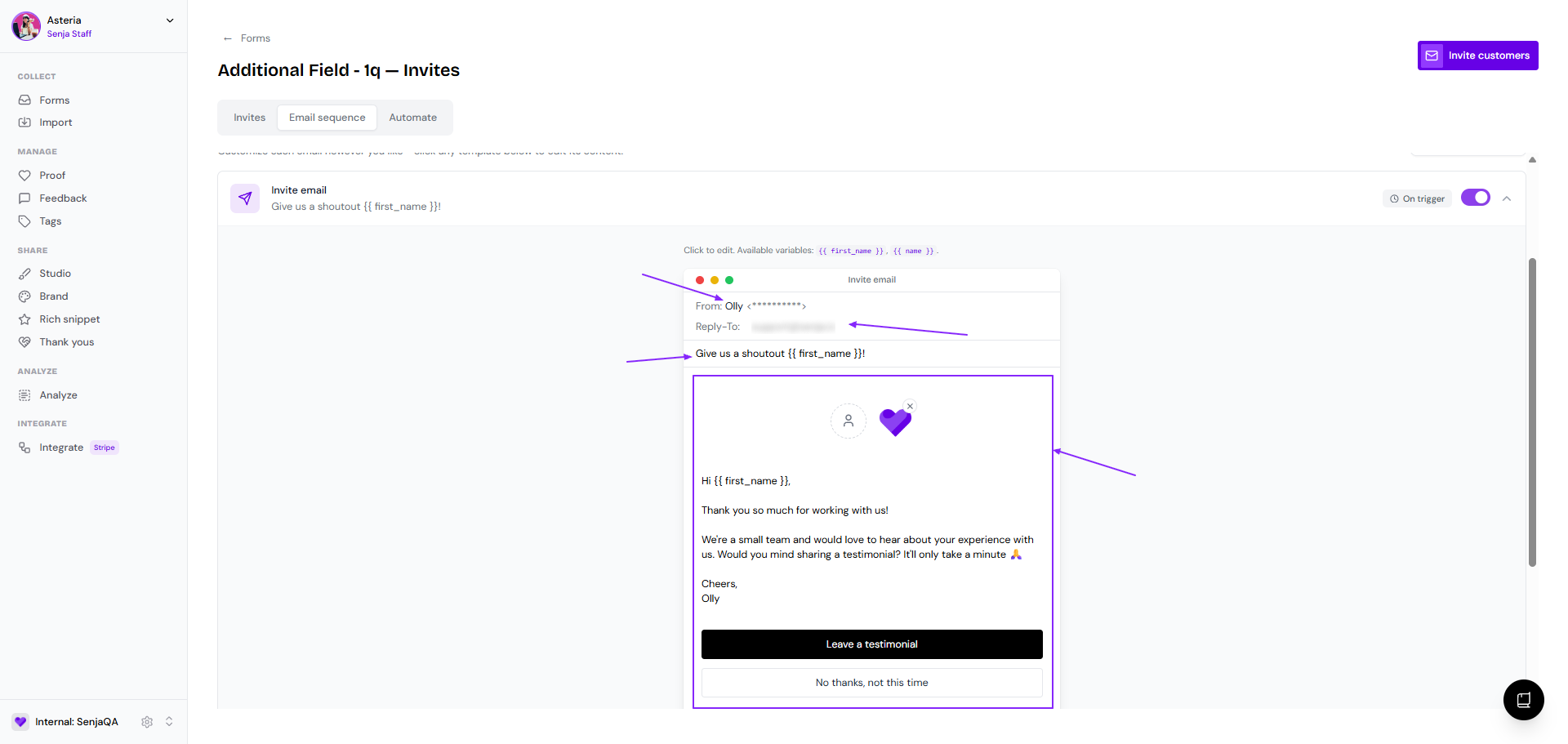
Click on the Invite email bar to open the editing modal
Make your edit
Sender name (the From email address is uneditable, it's automatically set as <project_slug>@invites.senja.io)
Reply-To email (if your customer reply to your form invite, this is the reply-to address)
Email subject
Spokesperson
Company logo
Email body
Label for leaving testimonial
Label for declining the request
The email will be autosaved
Click Send test email to see how it looks (it will be sent to the email address of the project owner)