
How do I revert my form to a previous version?
You can upgrade your Classic Form to Form 2.0. If you do the upgrade and don't like what you see, you can revert it back to Classic Form.
This is applicable to all Senja plans: Free, Starter, and Pro.
Before starting
Senja doesn't keep a version history of your forms. When you revert, your newer version is gone for good and can't be automatically restored.
How to change from Classic to Form 2.0
Go to your Forms page: https://app.senja.io/forms
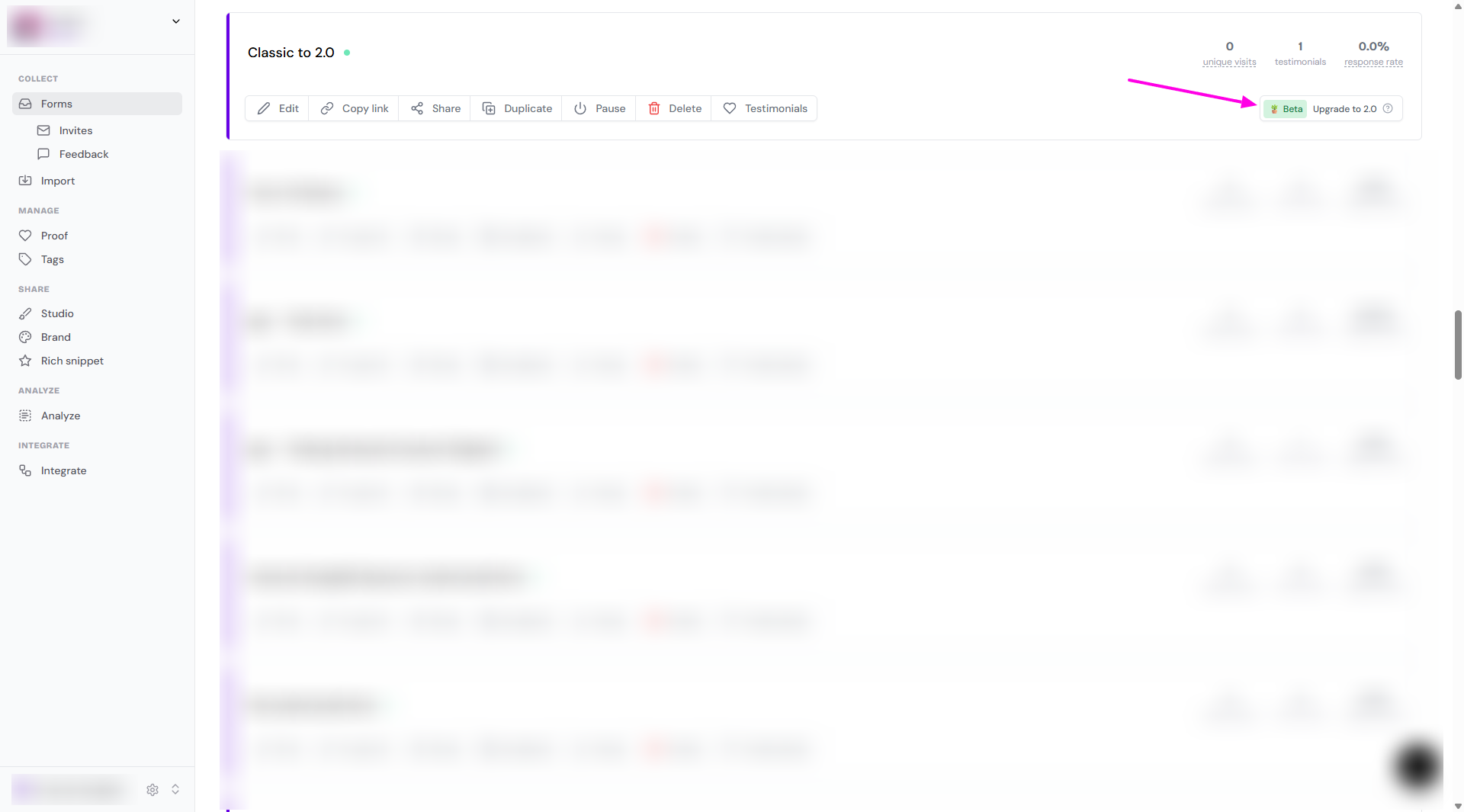
Find the form you want to change, click Upgrade to 2.0 button
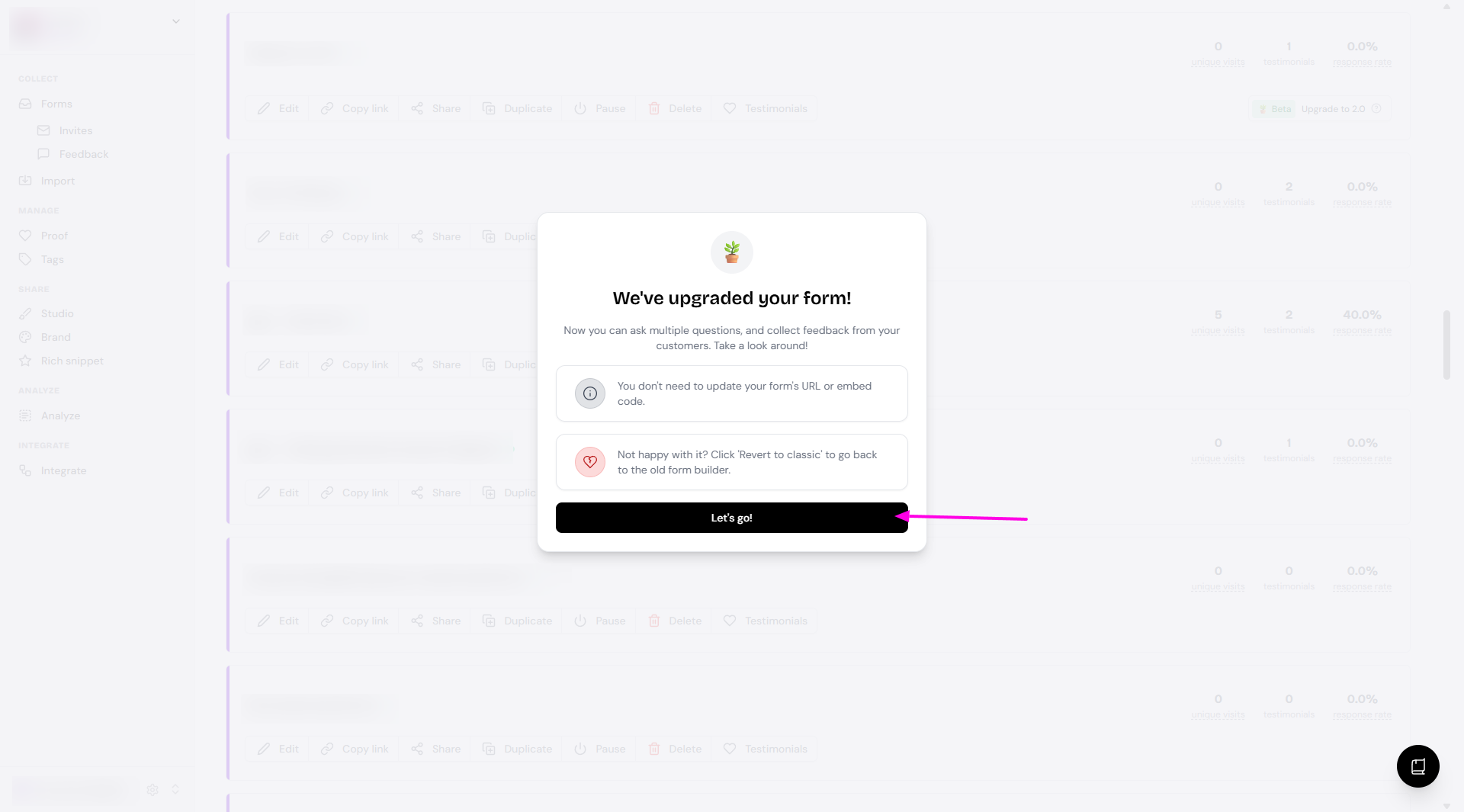
A popup message will appear once the upgrade is done
Click Let's go! to go back to your Forms page
How to revert your form
Go to your Forms page: https://app.senja.io/forms
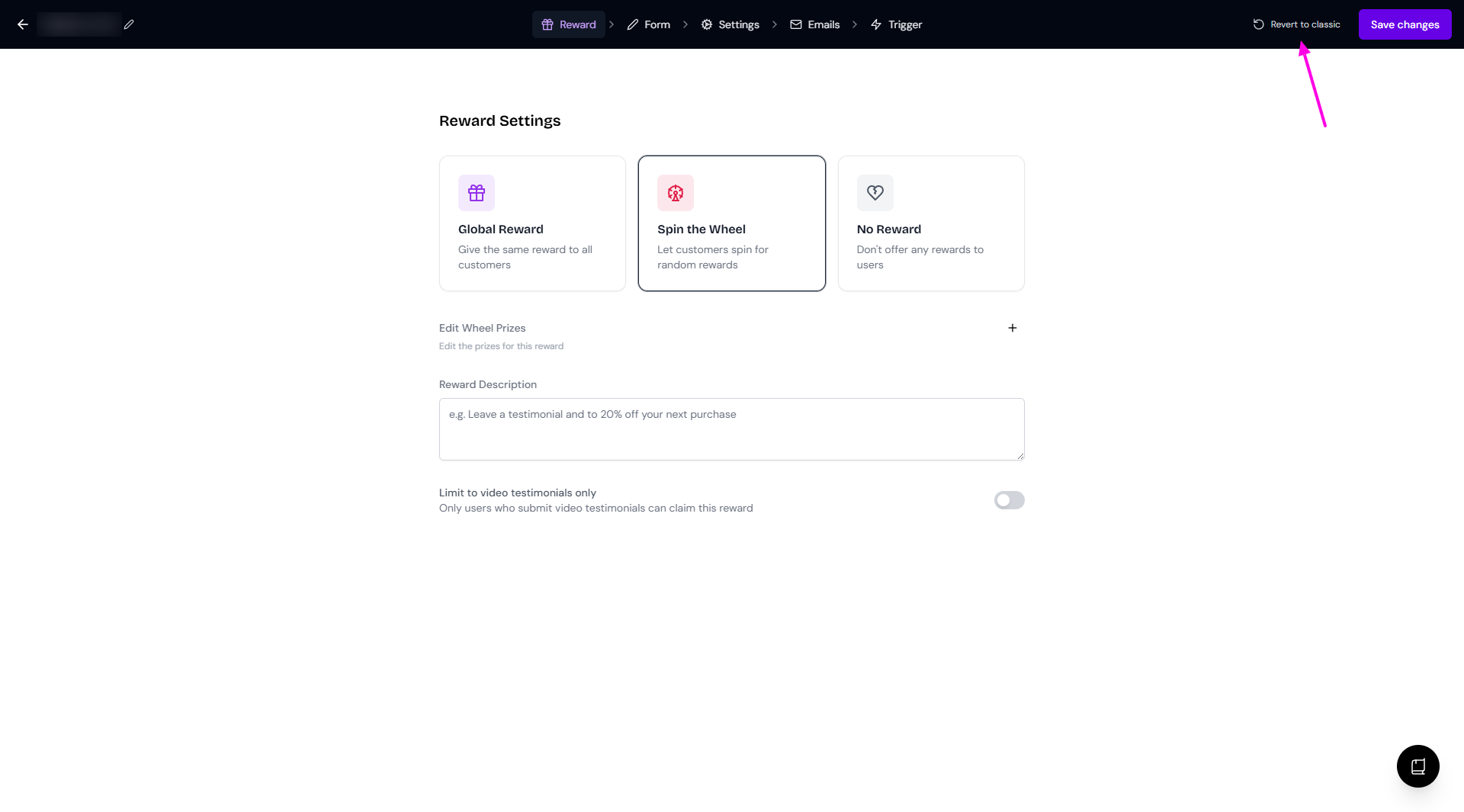
Open the upgraded form by clicking Edit
Click Revert to classic on the form editing modal
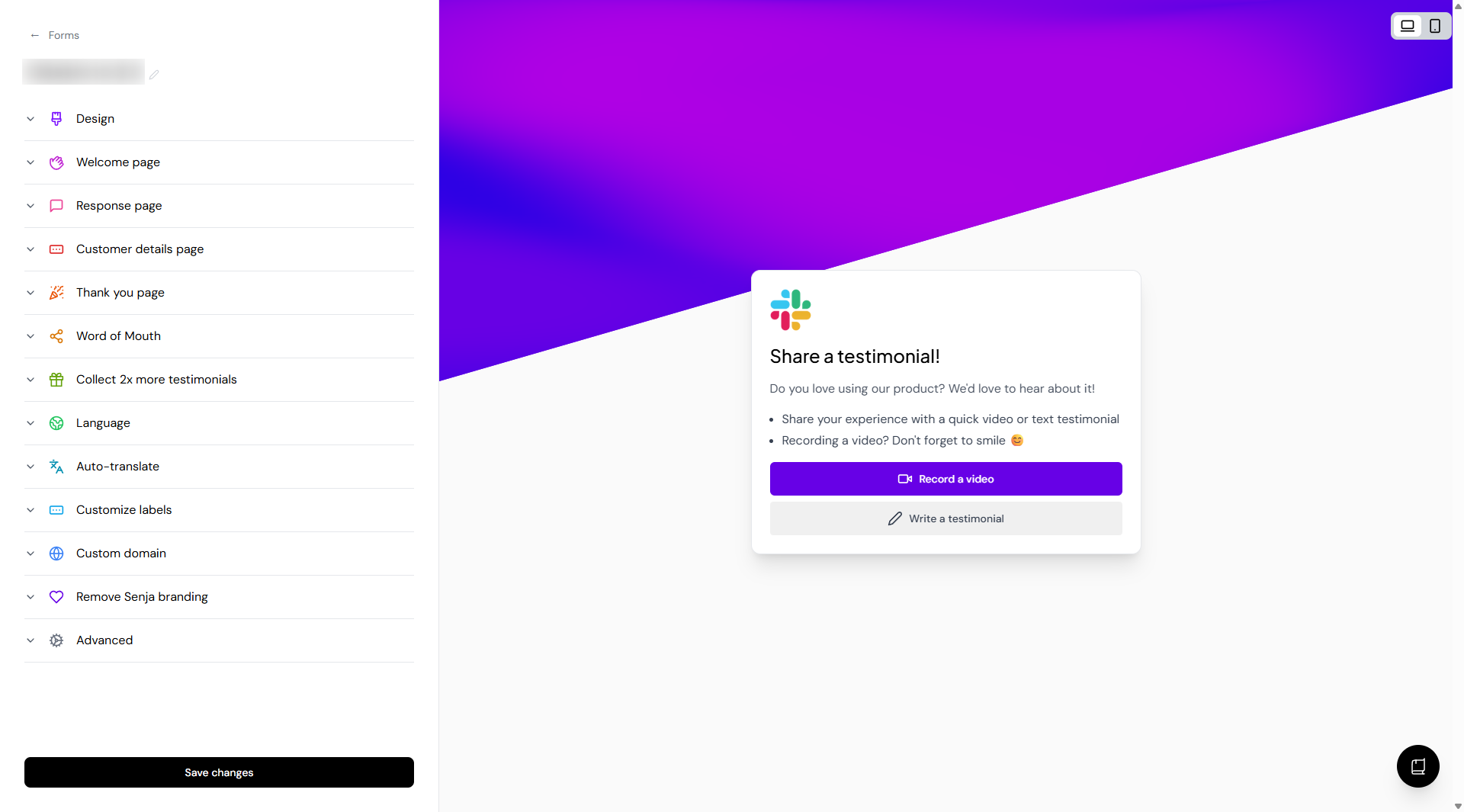
The form editing modal will change back to Classic Form view
If you already made changes to the form before reverting, for example adding multiple questions, the changes can't be restored
You can change it back to Form 2.0 by following the upgrade-steps, but the same rule applies: the changes you made when upgrading to Form 2.0 the first time are not restored