
How do I delete questions in Forms 2.0?
Need to remove a question from your form? Read this detailed guide.
This is applicable for any Senja plans: Free, Starter, and Pro.
Deleting questions
Go to your Forms page: https://app.senja.io/forms
Go to the form that you want, click the ⚙️ icon and choose Edit
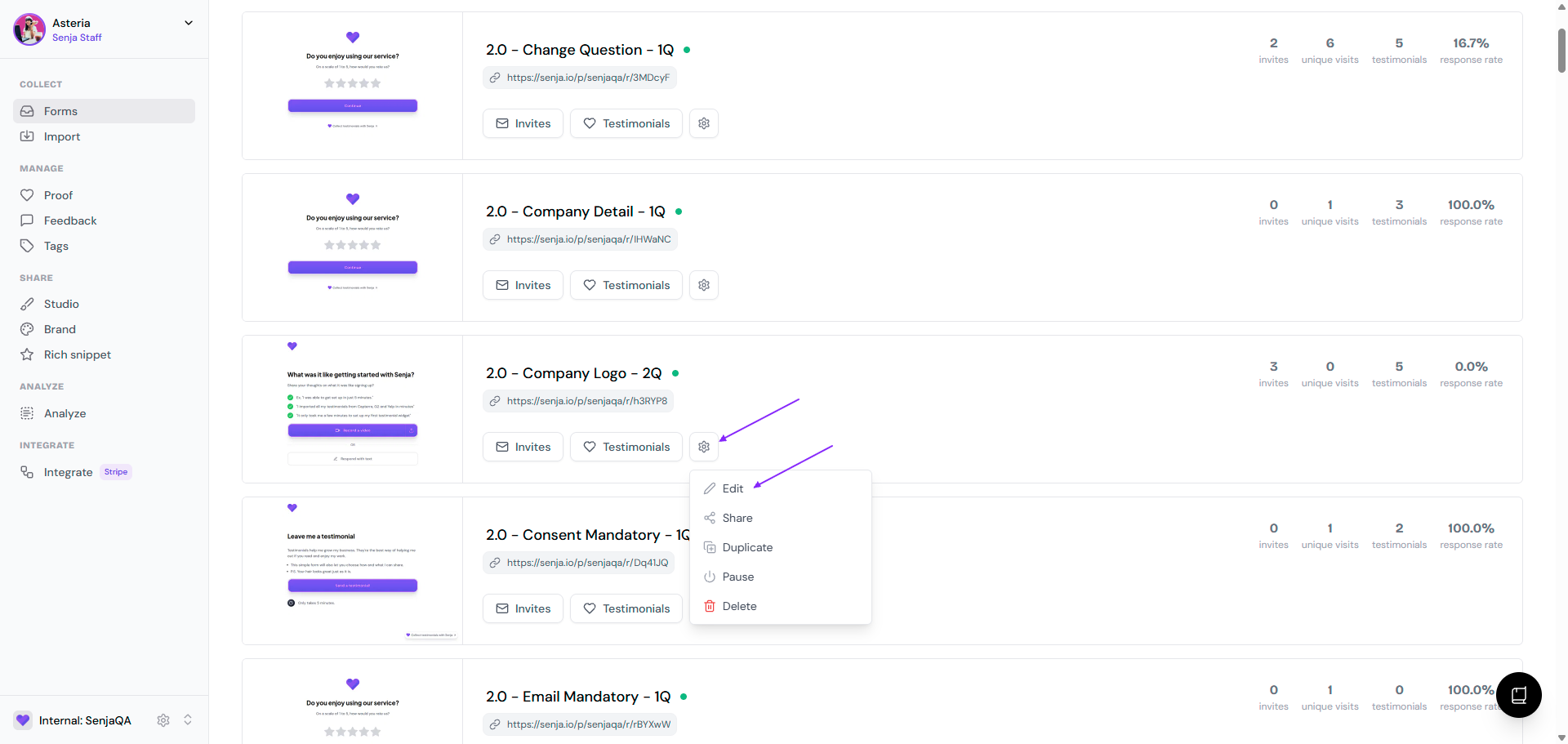
Go to Form tab and scroll down to the question you want to delete
Click the 🗑️ icon in the top right corner of the question slide
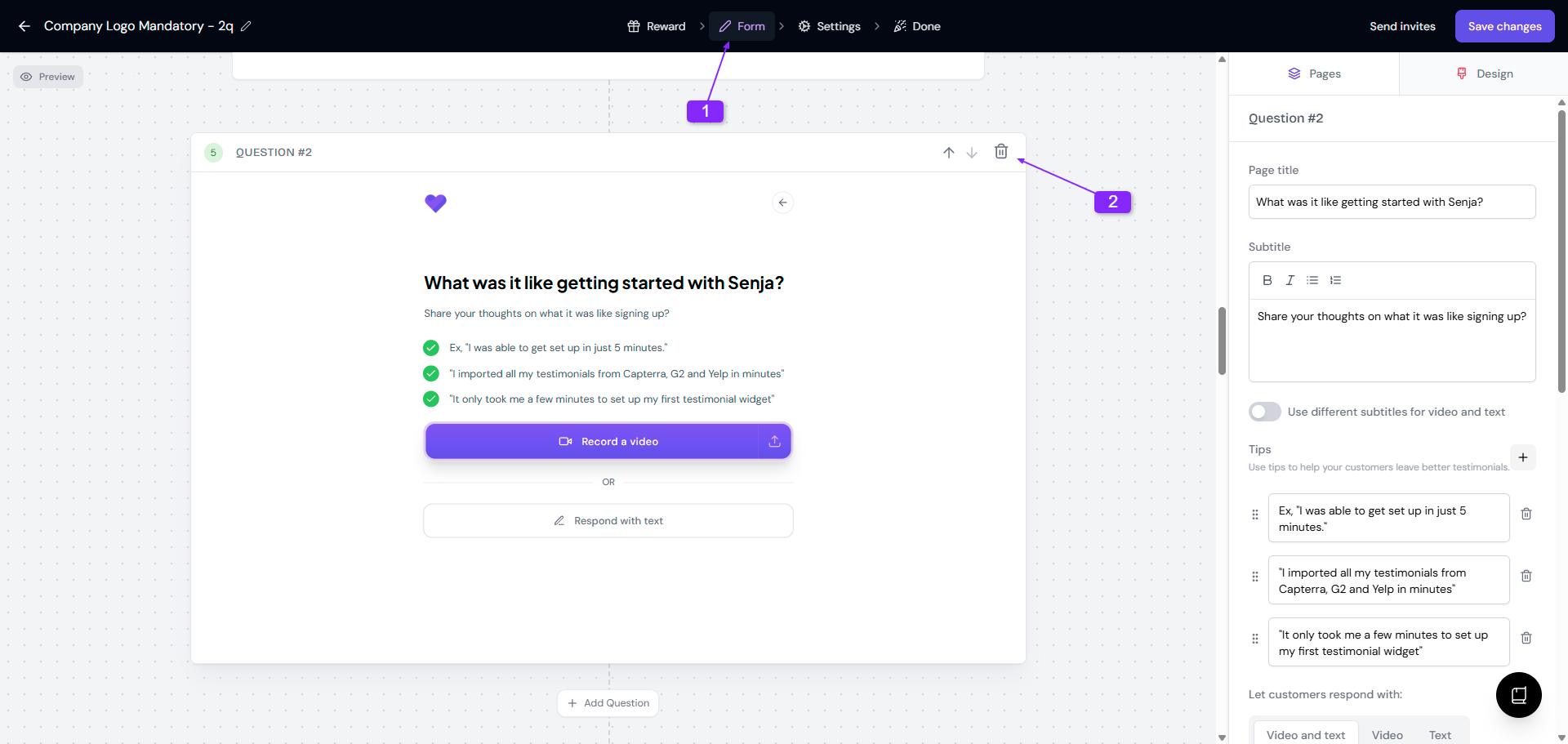
Click Delete to confirm that you want to delete the question
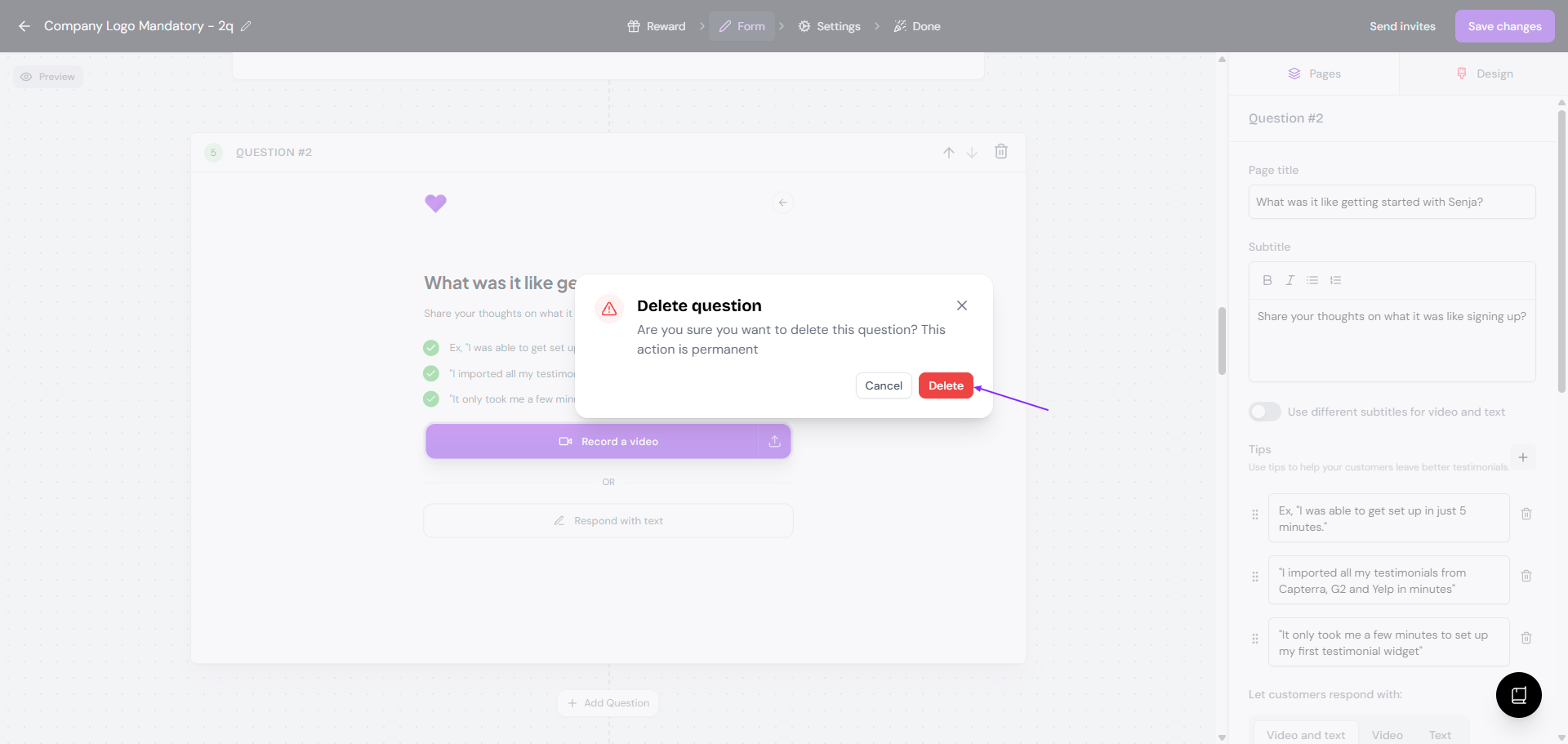
The question is now deleted
You can’t delete your primary (first) question, but you can delete any of the others below it.
What happens to past responses?
Deleting a question does not delete its past responses
The responses will still be displayed, but they will be marked as belonging to a deleted question
Was this helpful?