
Can I update past invoices with new billing information?
When your billing details are changed (name, address, email address, etc.), it's applicable to future invoices only. Past invoices remain unchanged and cannot be edited directly.
This is applicable only for paid users (Starter and Pro).
How to update billing details
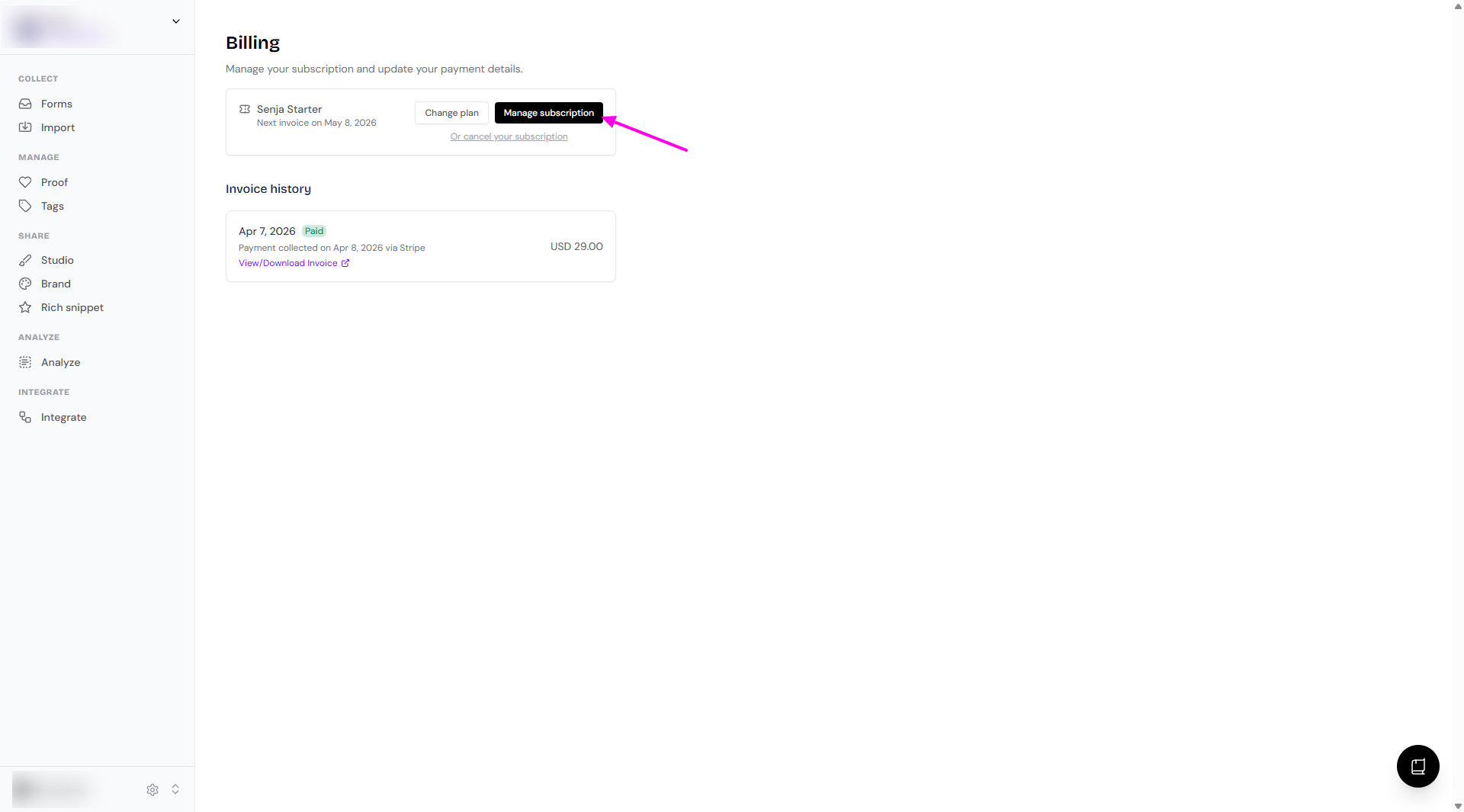
Go to your Billing page: https://app.senja.io/billing
Click Manage subscription
Click Update subscription
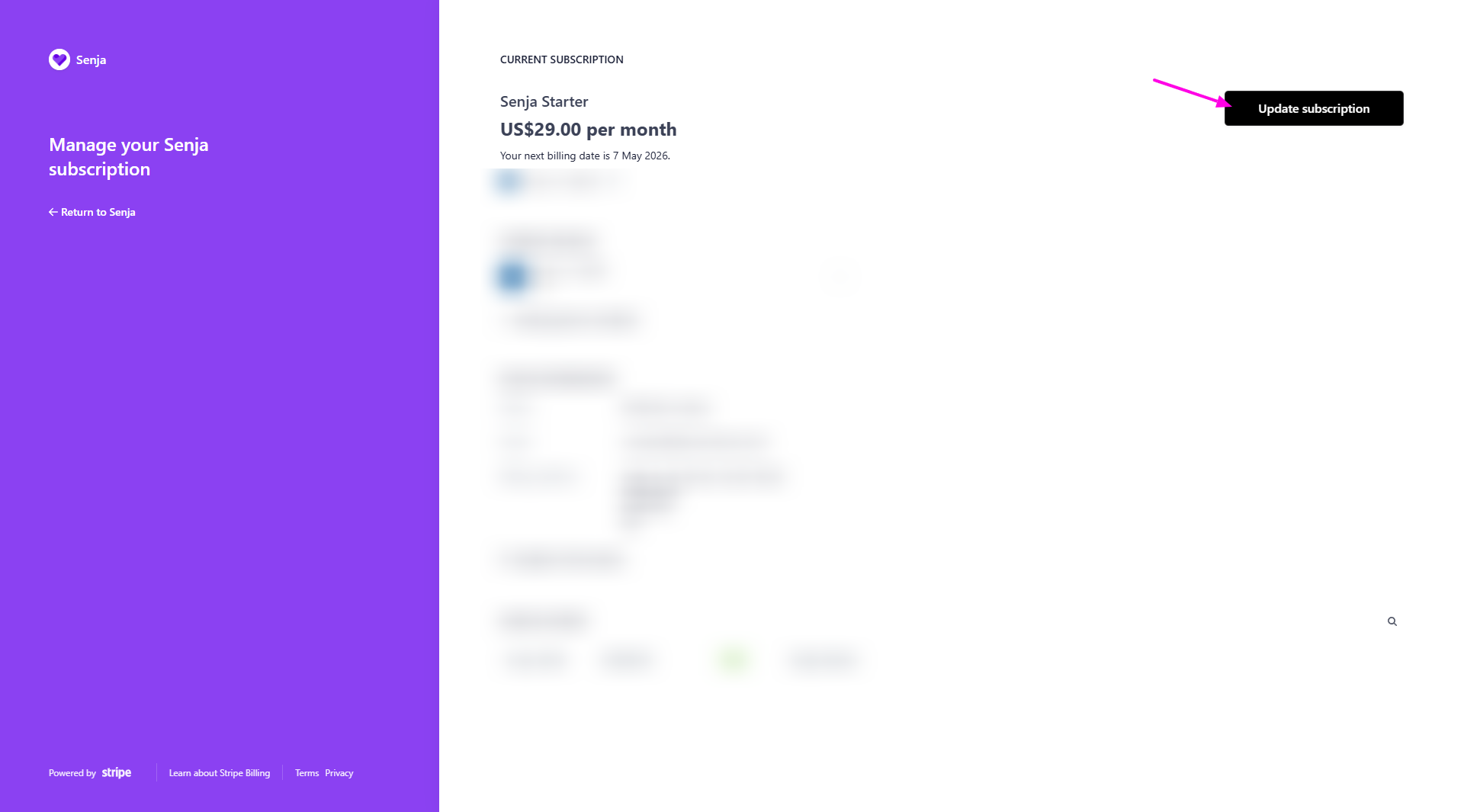
Follow the steps
New invoices will automatically reflect the updated information
For minor corrections like typos in your company name or address, contact Support — we may be able to help without requiring a refund.
Why past invoices don't update
Once an invoice is issued, it becomes a permanent financial record. This ensures accurate accounting and tax compliance for both you and Senja.
Getting a corrected invoice for a past payment
If you need an invoice with updated billing details for a previous payment:
Refund the original payment — Contact Senja Support to process a refund for the invoice you need corrected
Update your billing information — Go to your Billing settings and enter the correct details
Make a new payment — This generates a fresh invoice with your updated information
Refunding and reprocessing a payment may cause a brief interruption to your service. Your account will remain active once the new payment is processed.