
How to automatically populate widgets with high-rated reviews from multiple platforms
You can automatically import 4-5 star reviews from Trustpilot, Facebook, and Google, then filter them into separate widgets by platform.
This feature is available for Senja paid plans: Starter and Pro.
Set up auto import with star rating filters
Navigate to Import > Auto-import: https://app.senja.io/import/auto
Connect your platform following the guide How to auto-import testimonials from other platforms
On the Settings:
Specify the Minimum rating you want to import
Assign a unique tag to the source using Auto-tag imported testimonials
The imported testimonials will be automatically approved once the setup is complete
Create filtered widgets
Open your widget in Studio page: https://app.senja.io/studio
Go to the Design tab
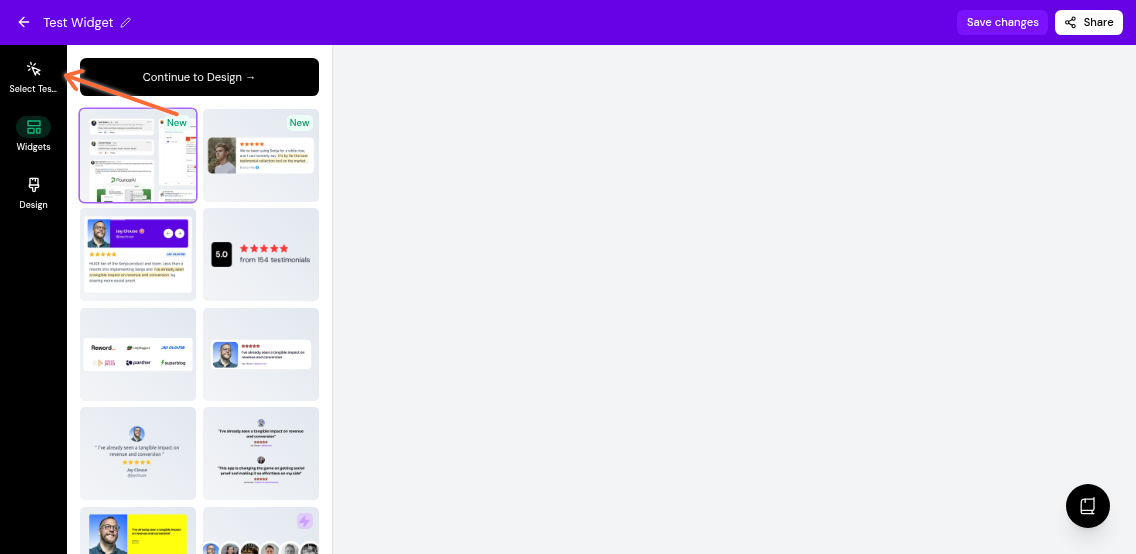
Click Select Testimonials in the left sidebar
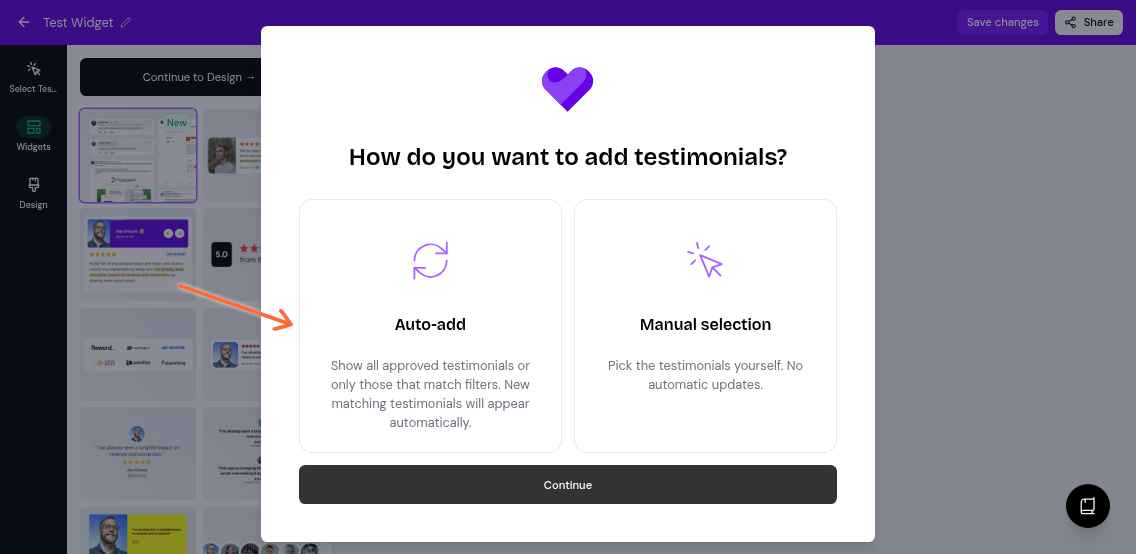
Choose Auto-add mode and click Continue
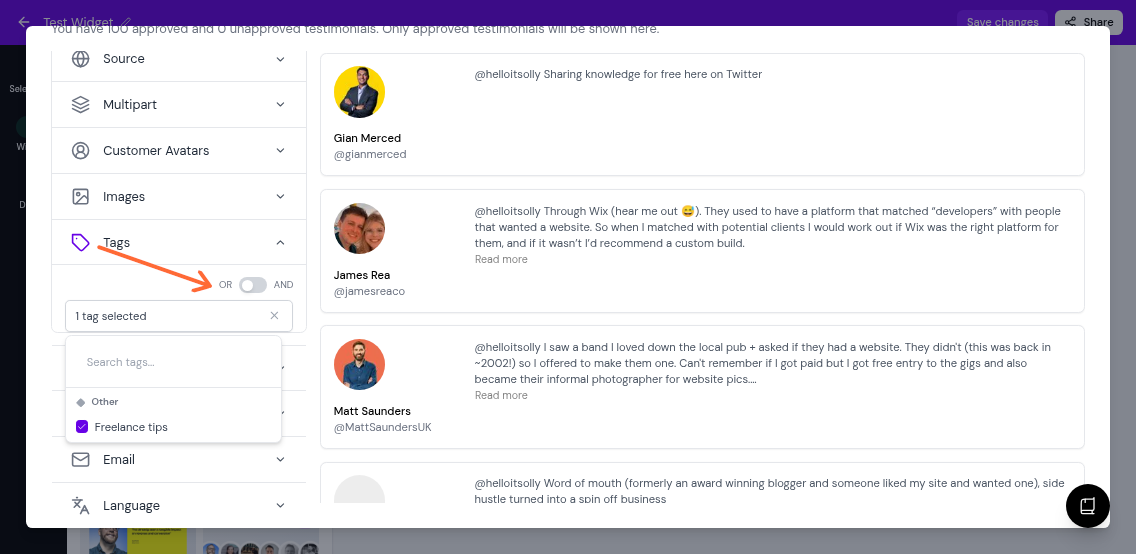
Expand the Tags section and select the tags you want to filter by
Use the toggle to choose your filter logic:
OR (default): Shows testimonials with any of the selected tags
AND: Shows only testimonials with all selected tags
You can also use the Source filter to grab the testimonials coming from specific platform only