
How to embed a widget using an iFrame?
You can embed your Senja widget on your website using an iFrame, though it may load slower than other methods.
This is applicable to any Senja plans: Free, Starter, and Pro.
Get your widget URL
Go to your Studio page: https://app.senja.io/studio
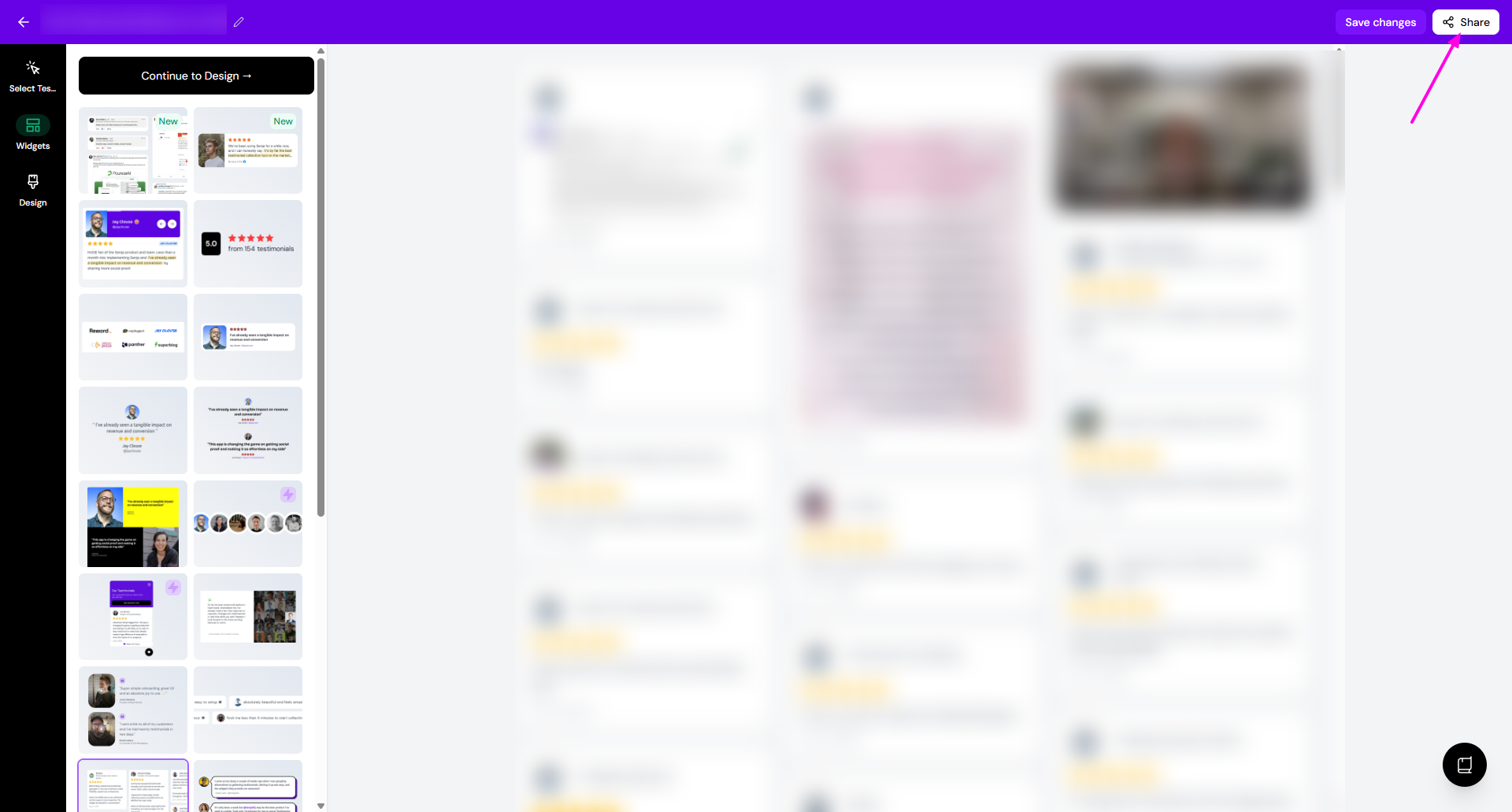
Open the widget you want to share
Click Share
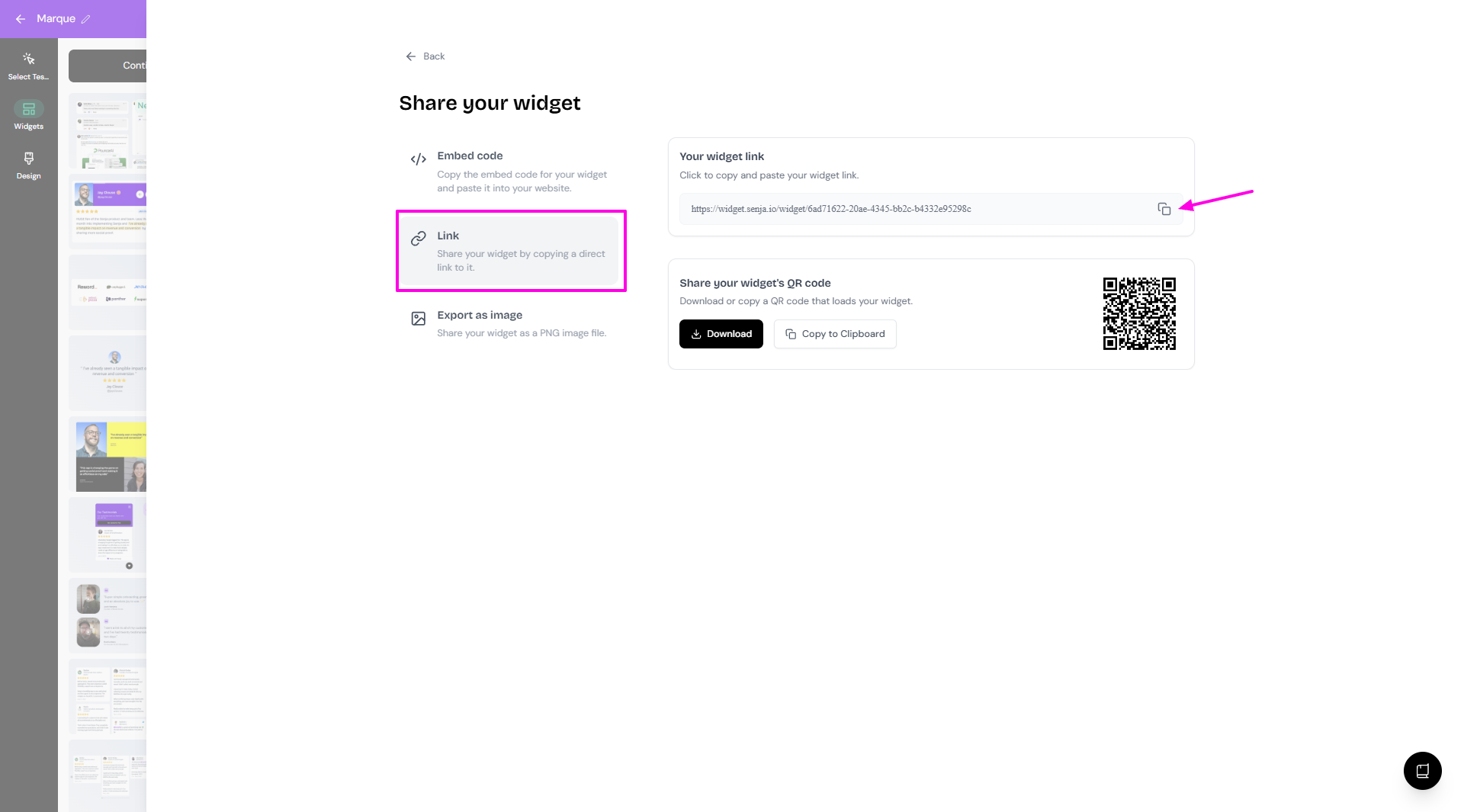
Choose the Link tab
Click the copy icon under Your widget link section
Embed the widget with an iFrame
Embed the widget onto your site using an iFrame
Use the following HTML code
<iframe
  id="senja-widget"
  src="SENJA_WIDGET_URL"
  title="Senja widget"
  frameborder="0"
  scrolling="no"
  style="width:100%; height: 100%;"
></iframe>
Replace
SENJA_WIDGET_URLwith your actual widget URL
.
Was this helpful?
Was this helpful?