
How to create social videos
Social videos are the quickest way to turn one testimonial into a short video you can post on Instagram, TikTok or YouTube Shorts.
Social videos are available on all Senja plans: Free, Starter, and Pro. They don’t use any credits.
When to use social videos
Social videos: one testimonial turned into a ready-to-post video, in a few clicks
Proof Reels: the more advanced option. Mix several video testimonials and use only the parts you want, see How to create reels in Senja
Video embeds: show one or more video testimonials on your website, see How do I turn my video testimonials into video embeds?
Create a social video
Go to Studio → Create → Social Video: https://app.senja.io/studio?tab=social_videos
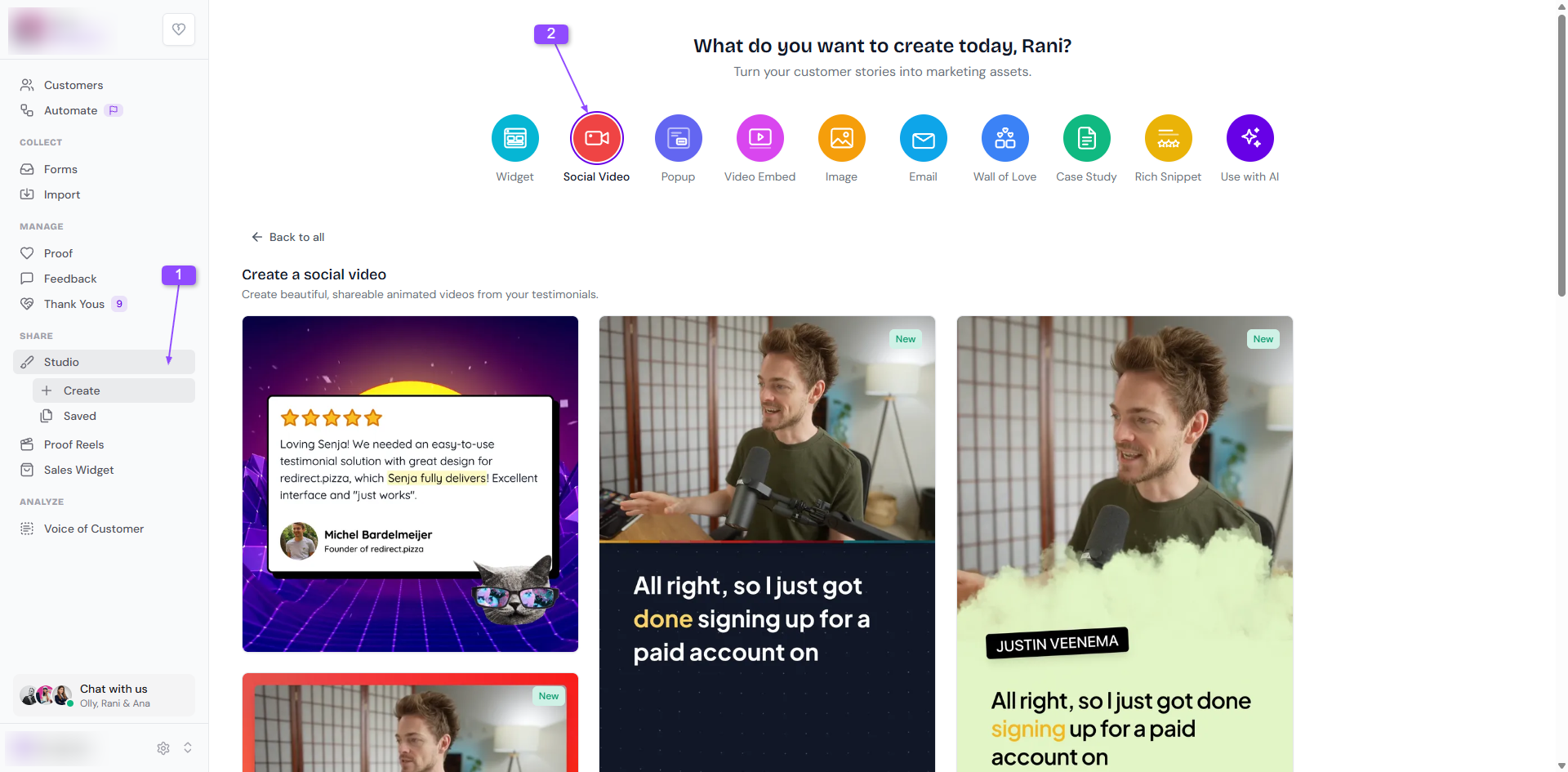
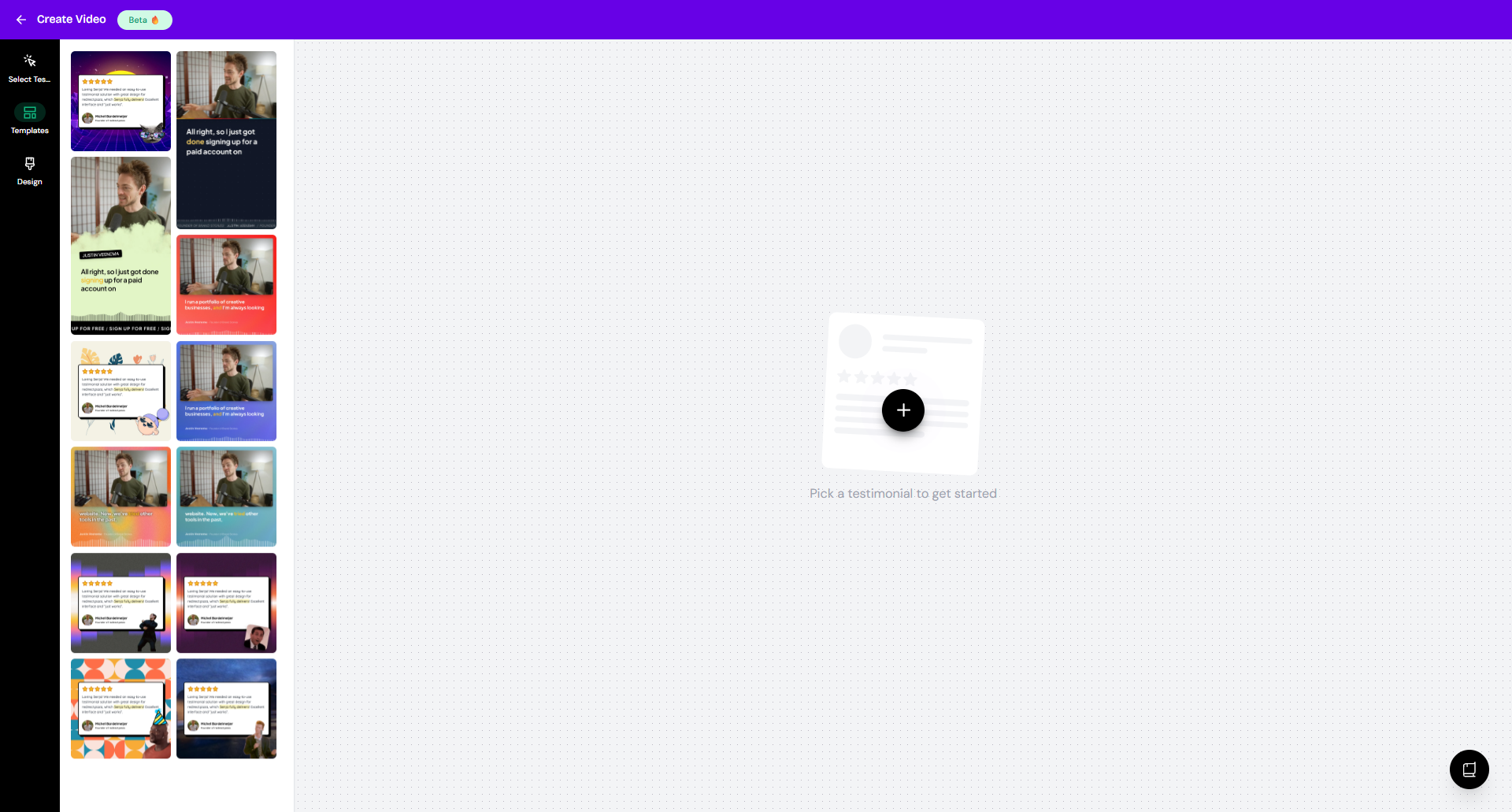
Choose the template that you want
Customize your video:
Select Testimonials: choose the testimonial you want to show
Templates: change the style
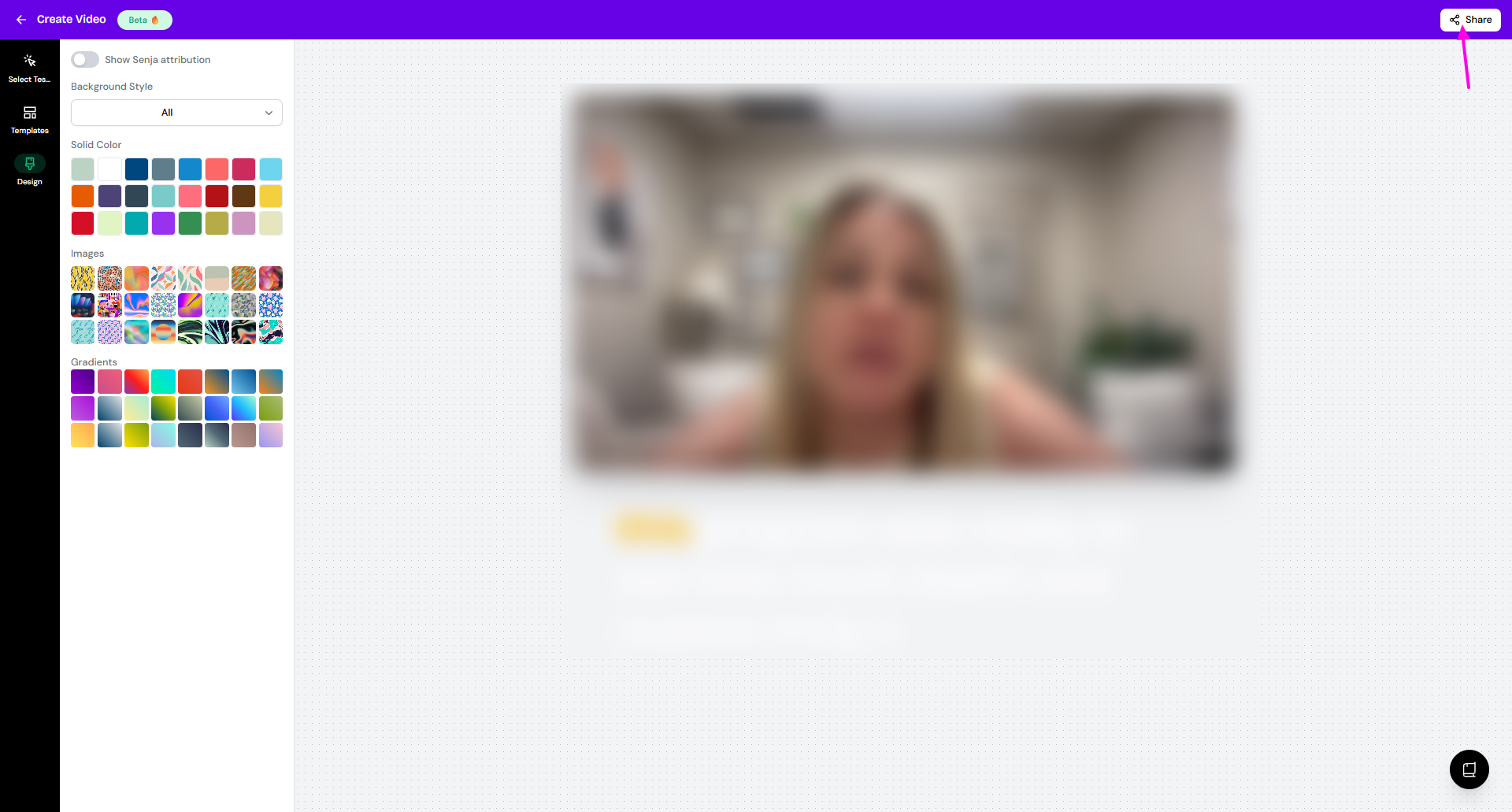
Design: change the background color or style
Click Share to download your video as an MP4
Good to know
Social videos can only be downloaded as MP4
You can’t embed them on your website, so use a video embed for that
Some templates turn a text testimonial into a video, while others only work with video testimonials
You can choose from Senja’s templates, but you can’t create your own