
How to hide dates on your widgets or Walls of Love
You can hide the dates on your widgets, including your Walls of Love, for a cleaner look. This is a per-display setting, so you'll need to configure it for each Wall of Love and widget individually.
This feature is available for any Senja plans: Free, Starter, and Pro.
Hiding dates on a widget
Navigate to the Studio page
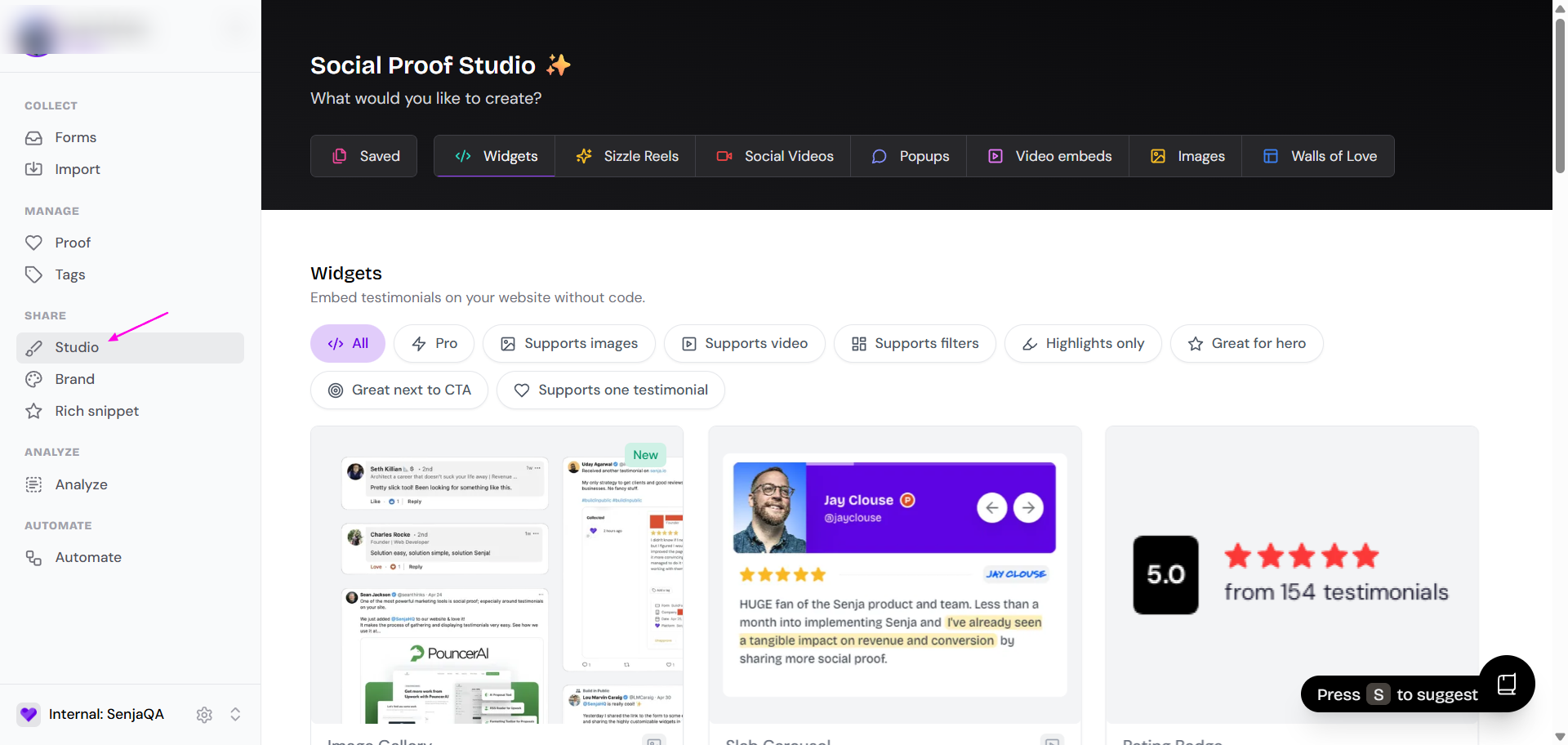
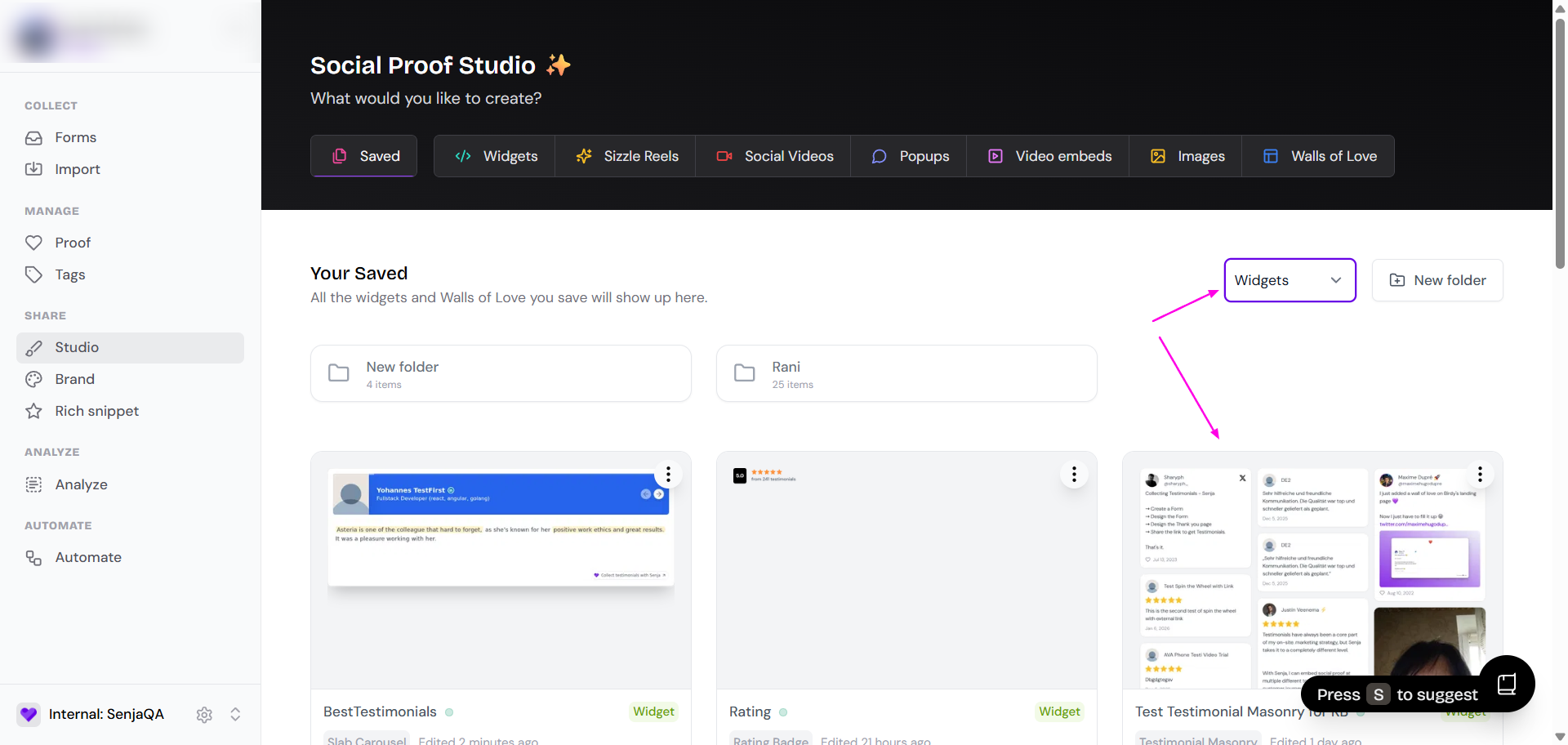
Click on the widget you want to edit or create a new one
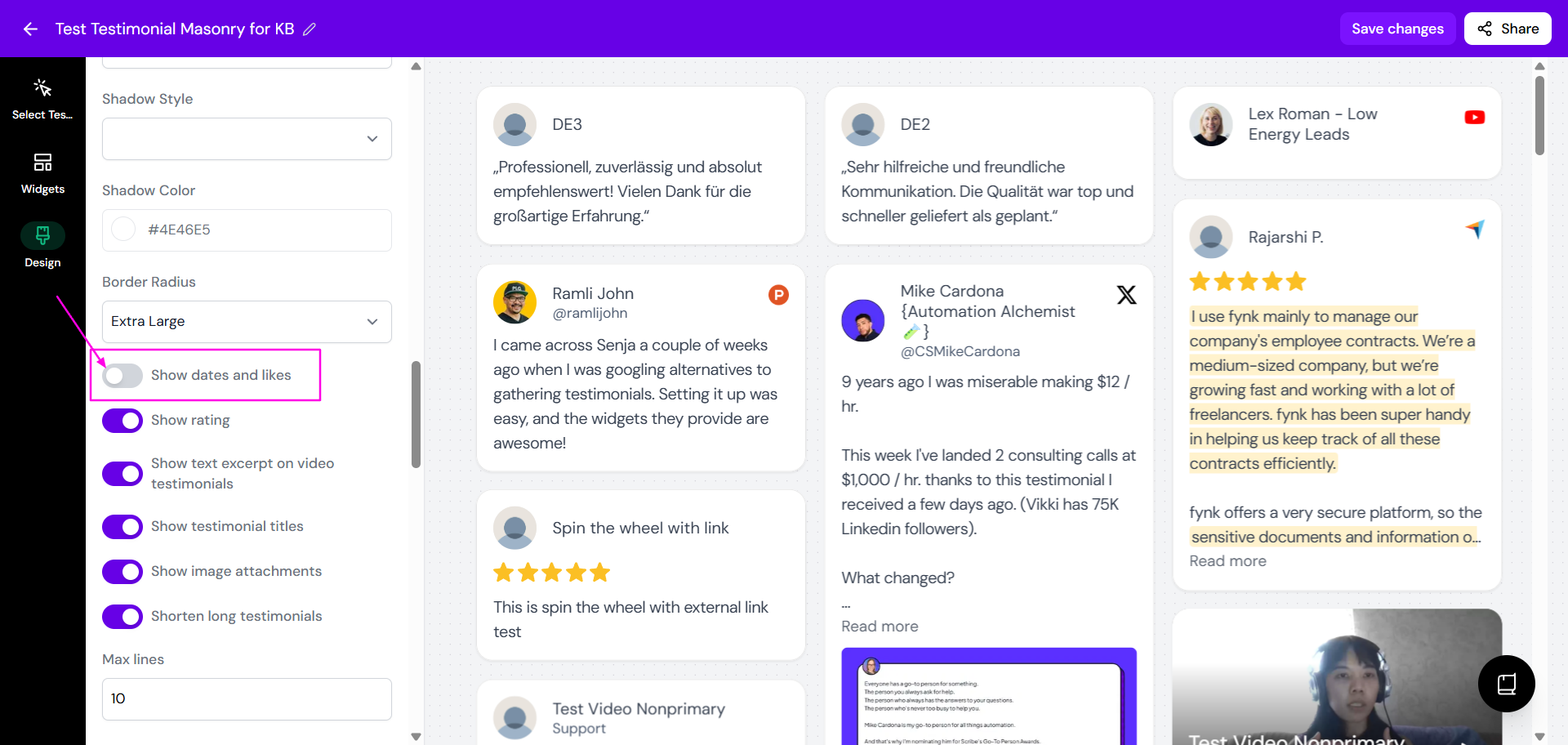
In the editor, go to the Design tab

Find the Show dates and likes option and turn it off
Click Save changes
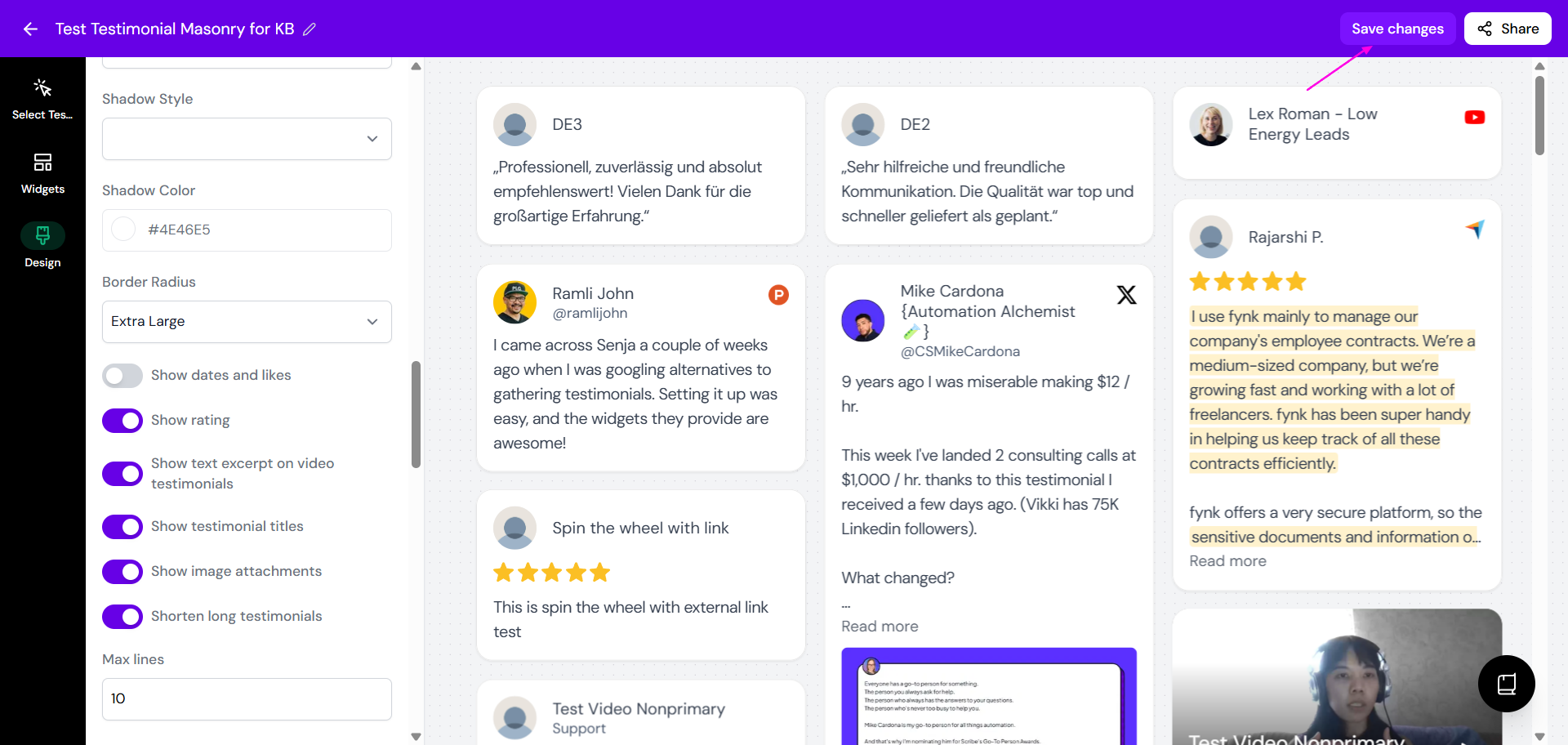
Your changes will be saved, and the dates will be hidden on your widget.
Hiding dates on a Wall of Love
Navigate to the Studio page
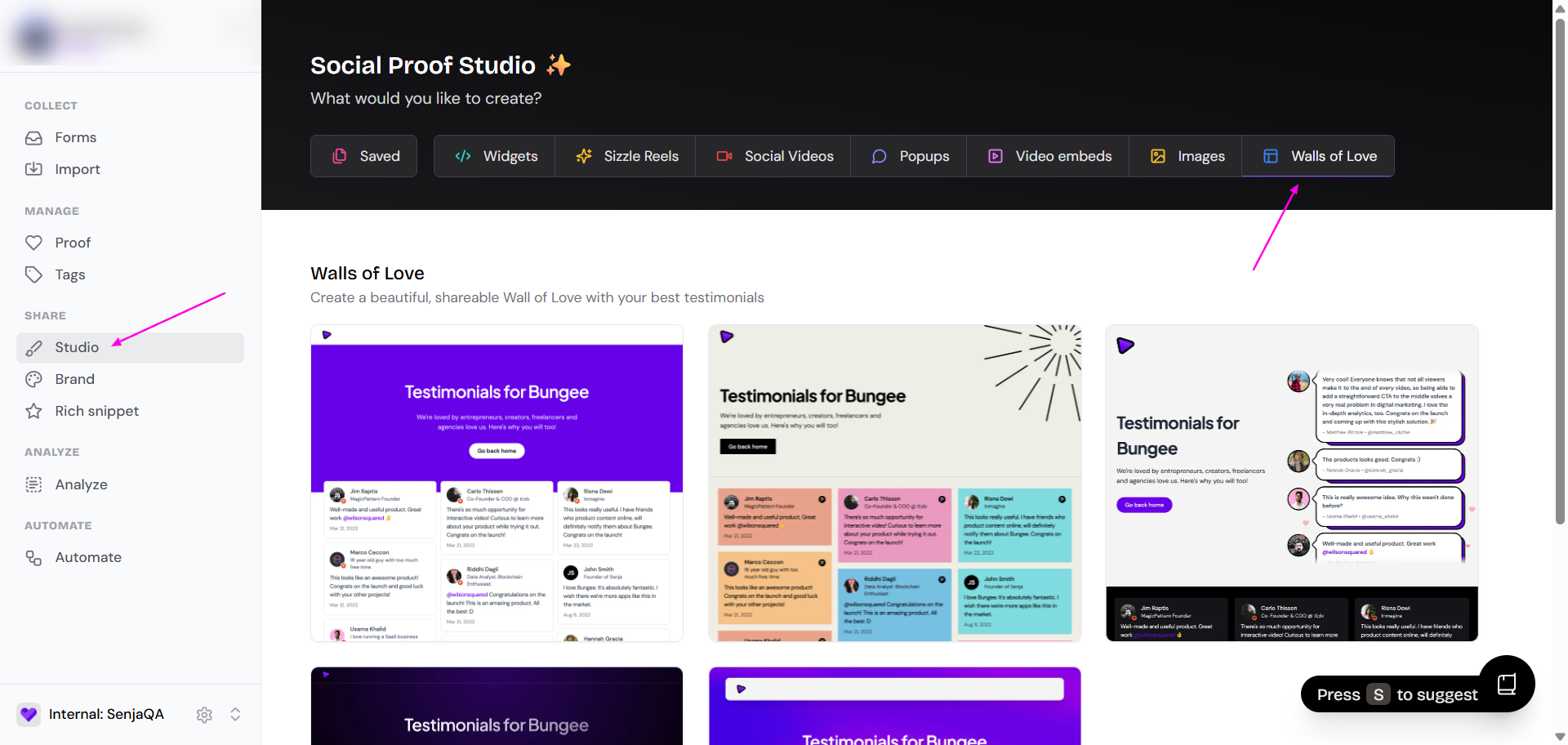
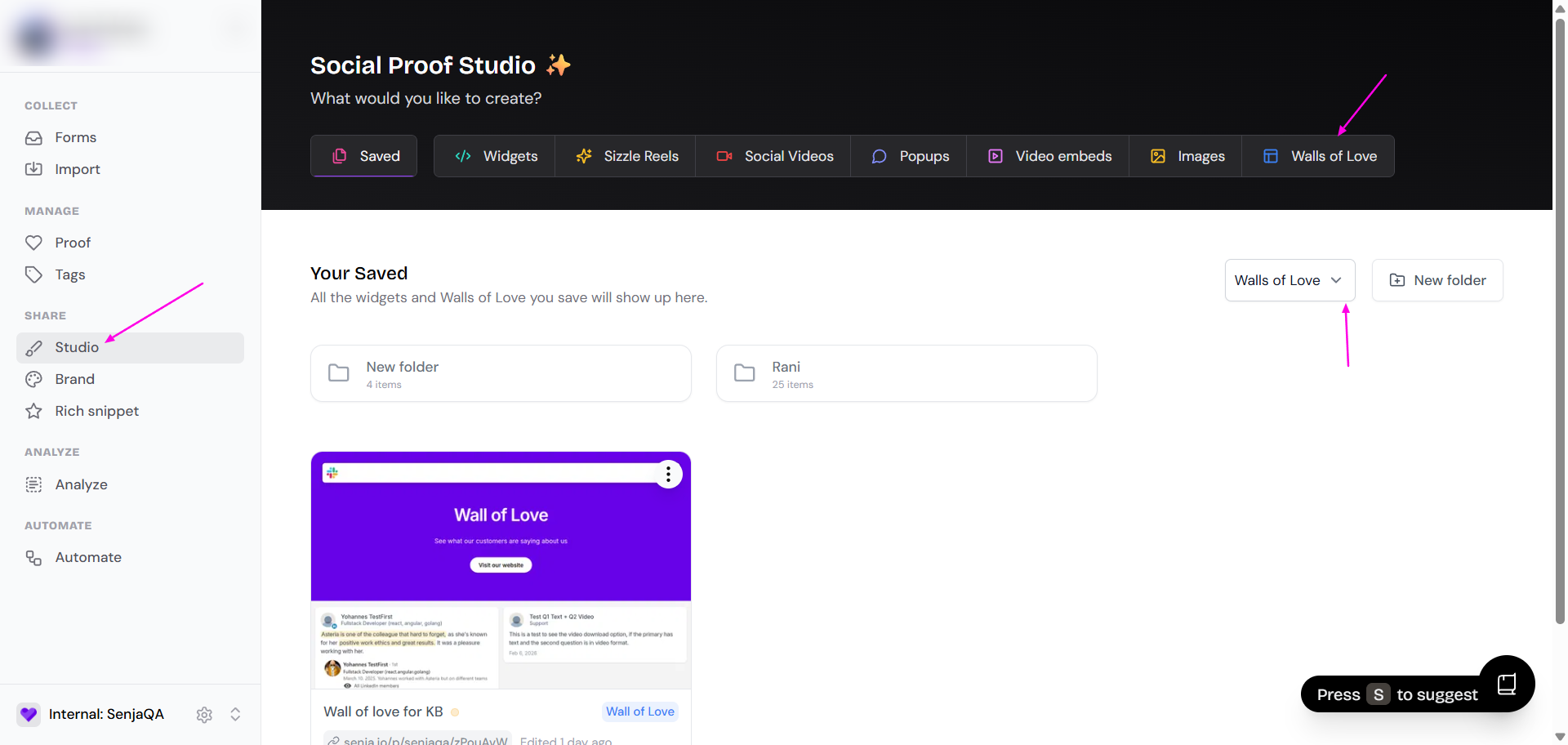
Click on the Wall of Love you want to edit or create a new one from the available templates
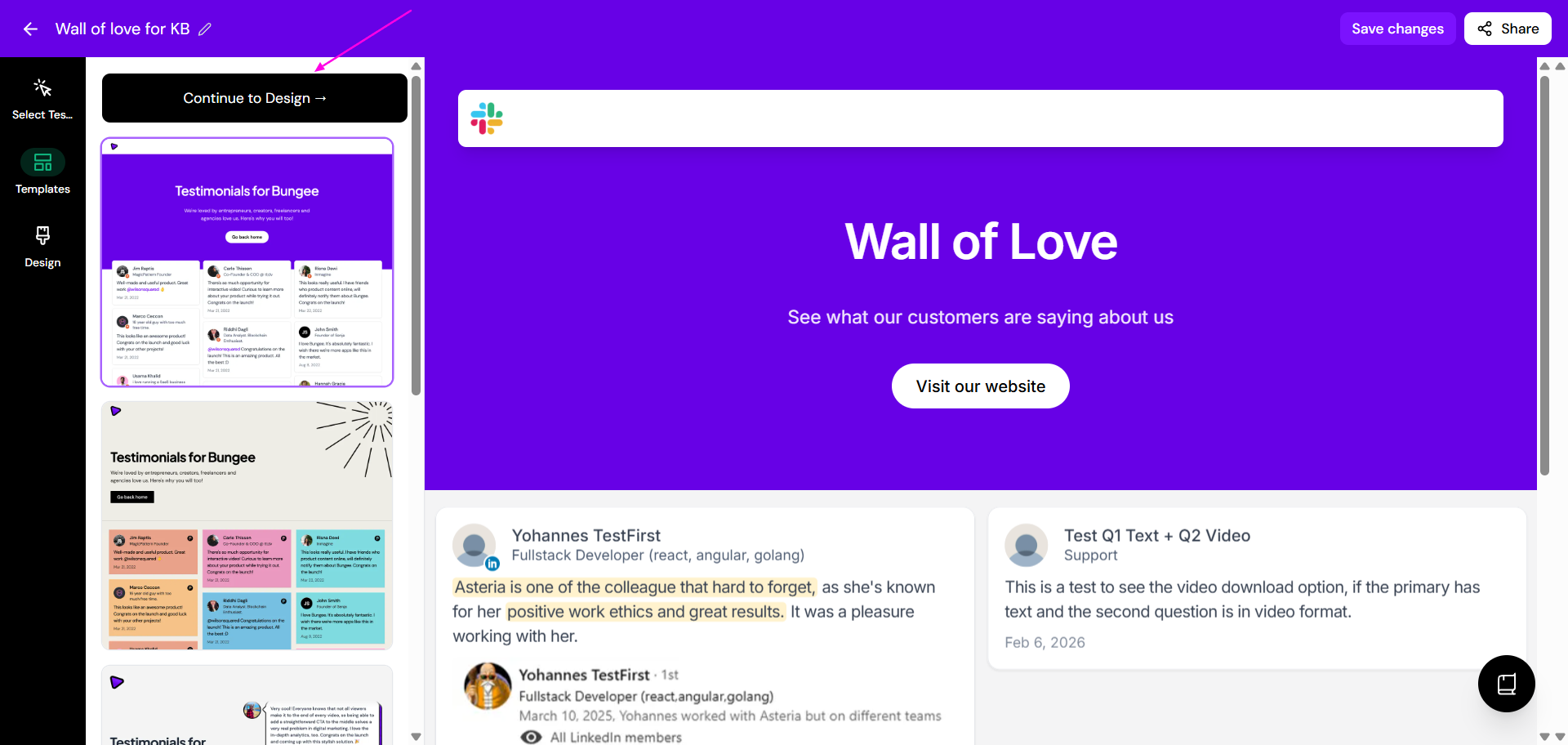
In the editor, go to the Design tab
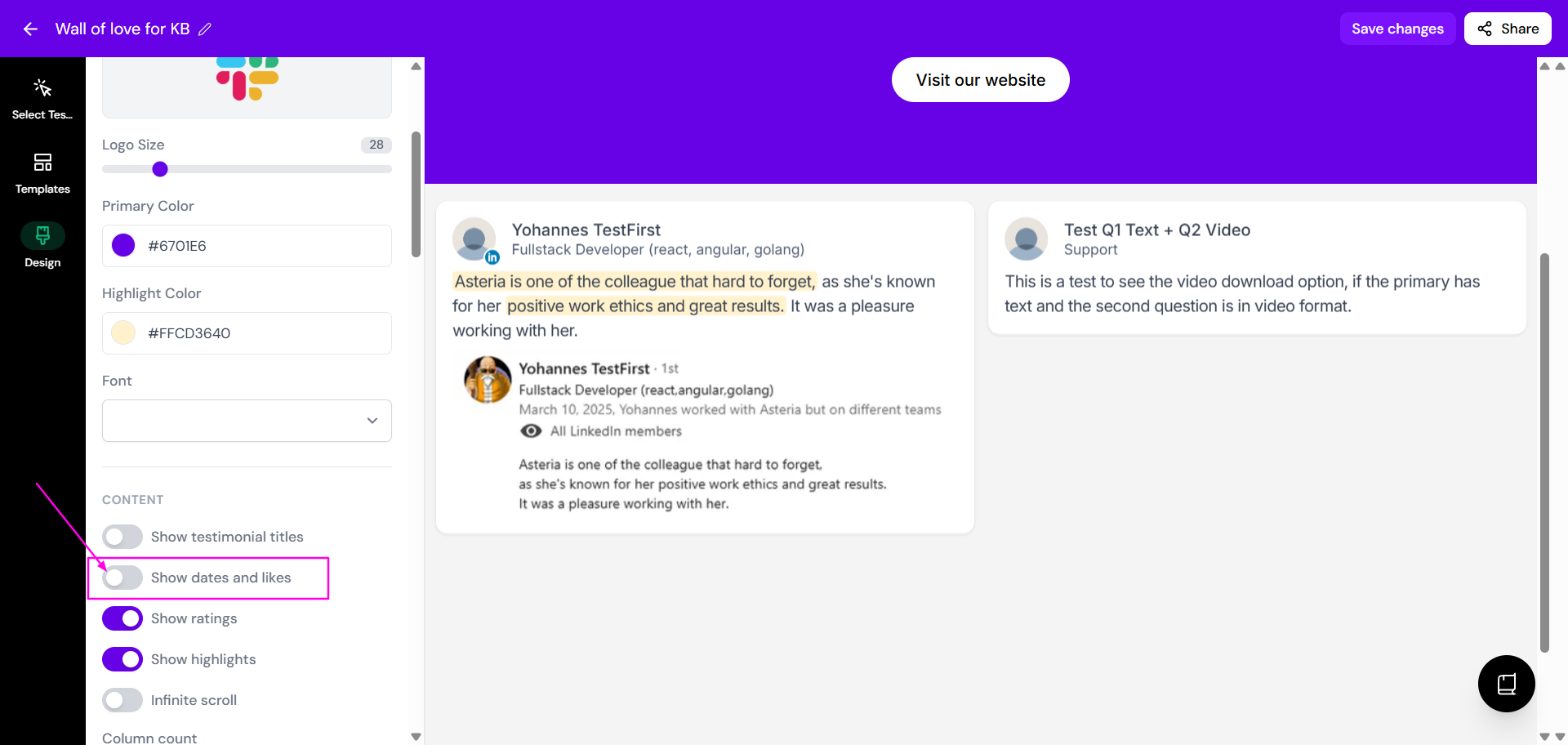
In the Content section, toggle off the switch for Show dates and likes
Click Save changes
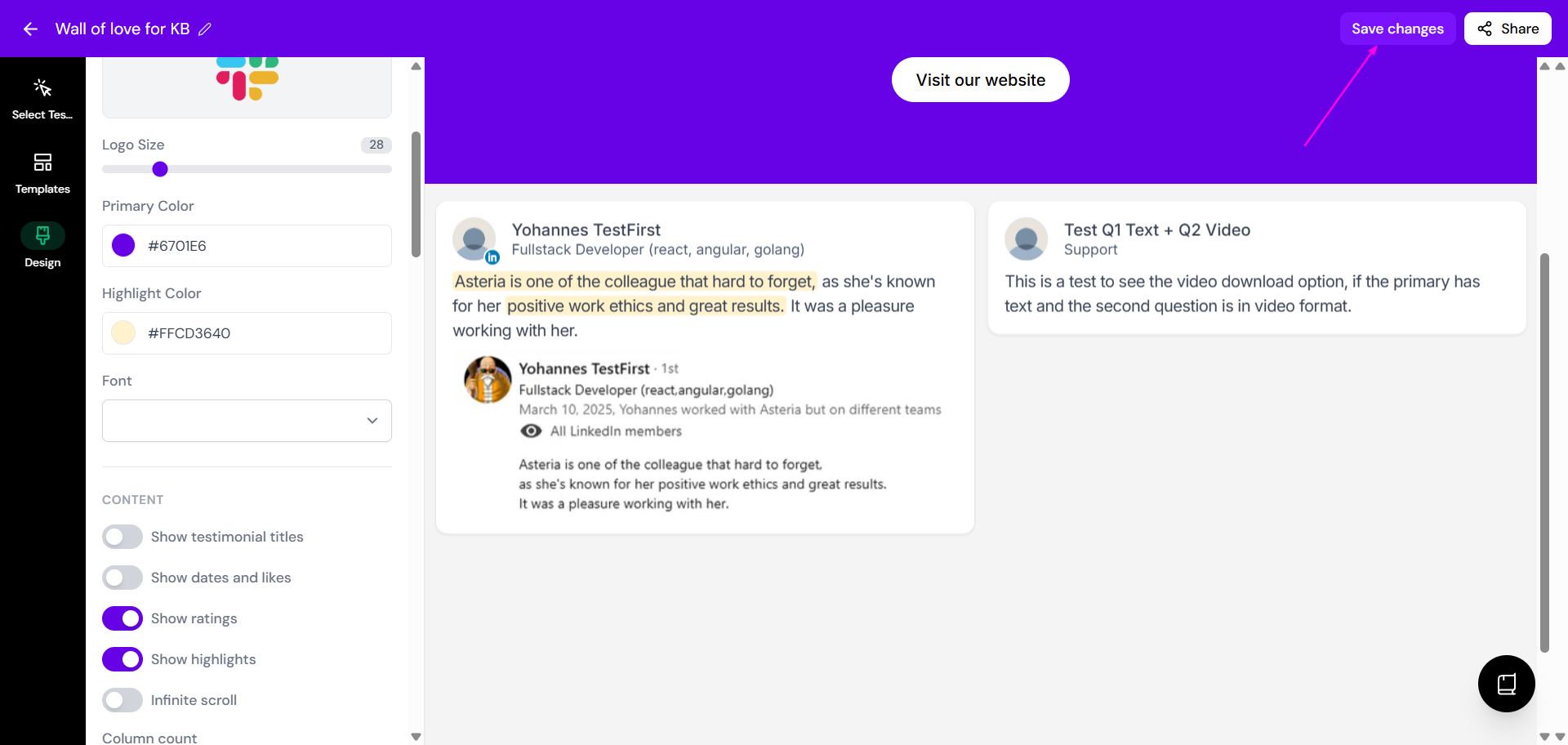
Your changes will be saved, and the dates will be hidden on your Wall of Love.