
How to auto-import testimonials from other platforms
Auto-import connects Senja to the review platforms you already use and brings in new reviews automatically, so your Proof page stays up to date without you lifting a finger.
Auto-import is available on paid plans: Starter and Pro.
Supported platforms
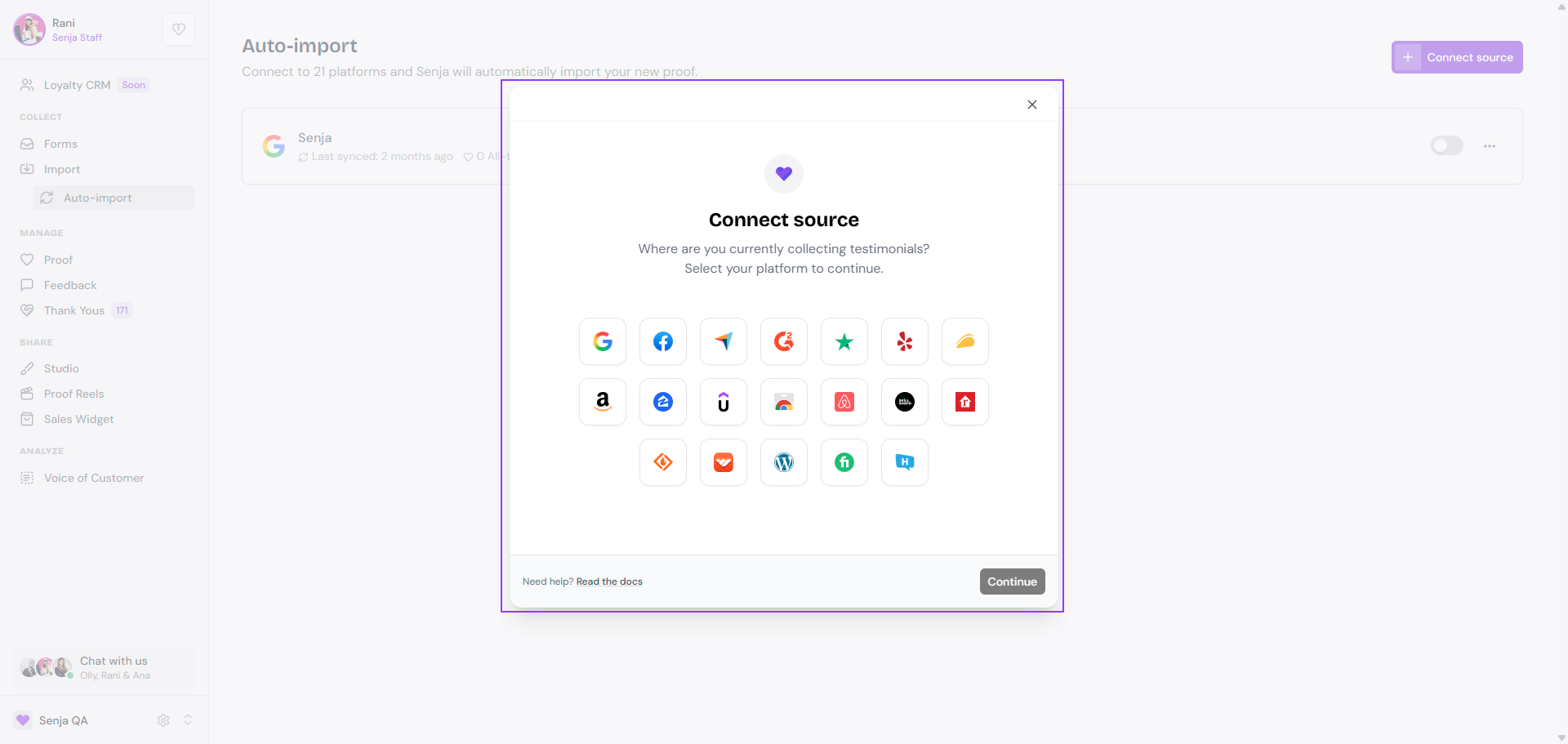
You can auto-import from these platforms:
Reviews: Google, Facebook, Trustpilot, Yelp
Software: G2, Capterra, AppSumo, SourceForge, Chrome Web Store, WordPress
Courses and communities: Udemy, Skillshare, Whop
Your platform isn't listed? You can still bring its reviews in once with Import from web or the Chrome extension. See How to import testimonials into Senja.
Connect a platform
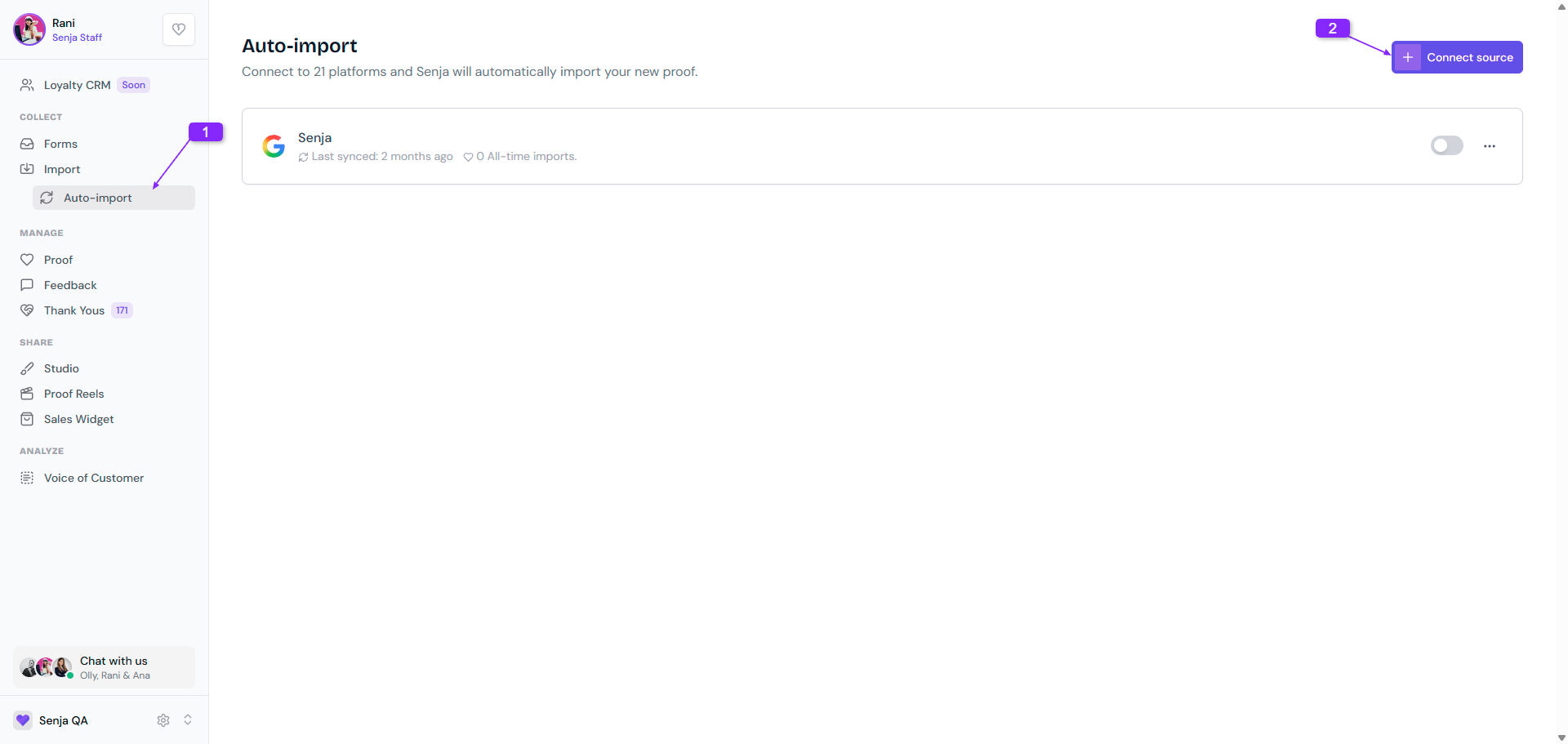
Go to Import → Auto-import: https://app.senja.io/import/auto
Click Connect source
Choose the platform and click Continue
Follow the steps on screen to find your page or profile
You can connect as many platforms as you like. Just repeat the steps for each one.
Manage your connections
Every connected platform appears on your Auto-import page. Make sure the toggle is on for each one you want to keep syncing.
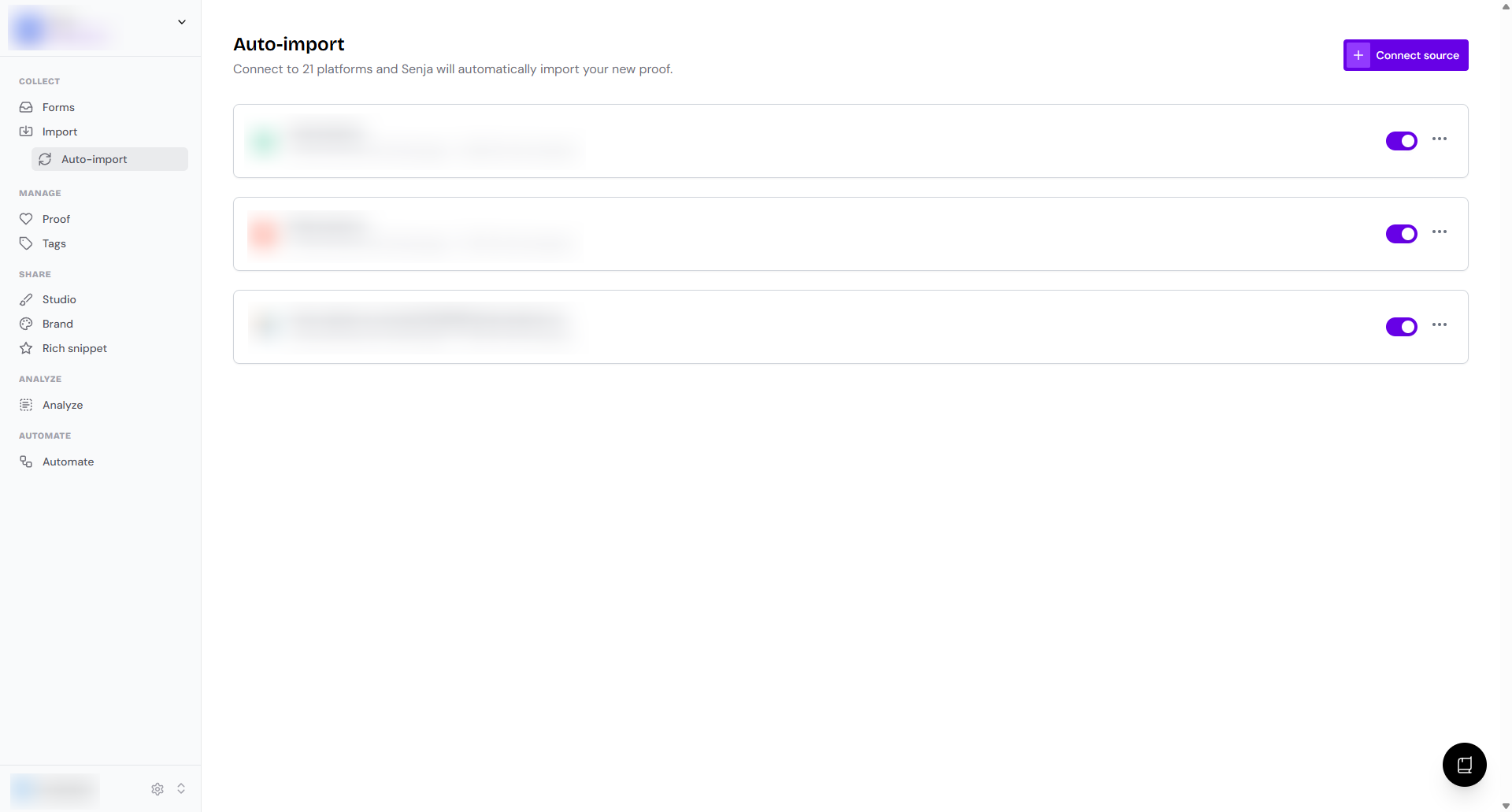
Click the three dots next to a connection for more options:
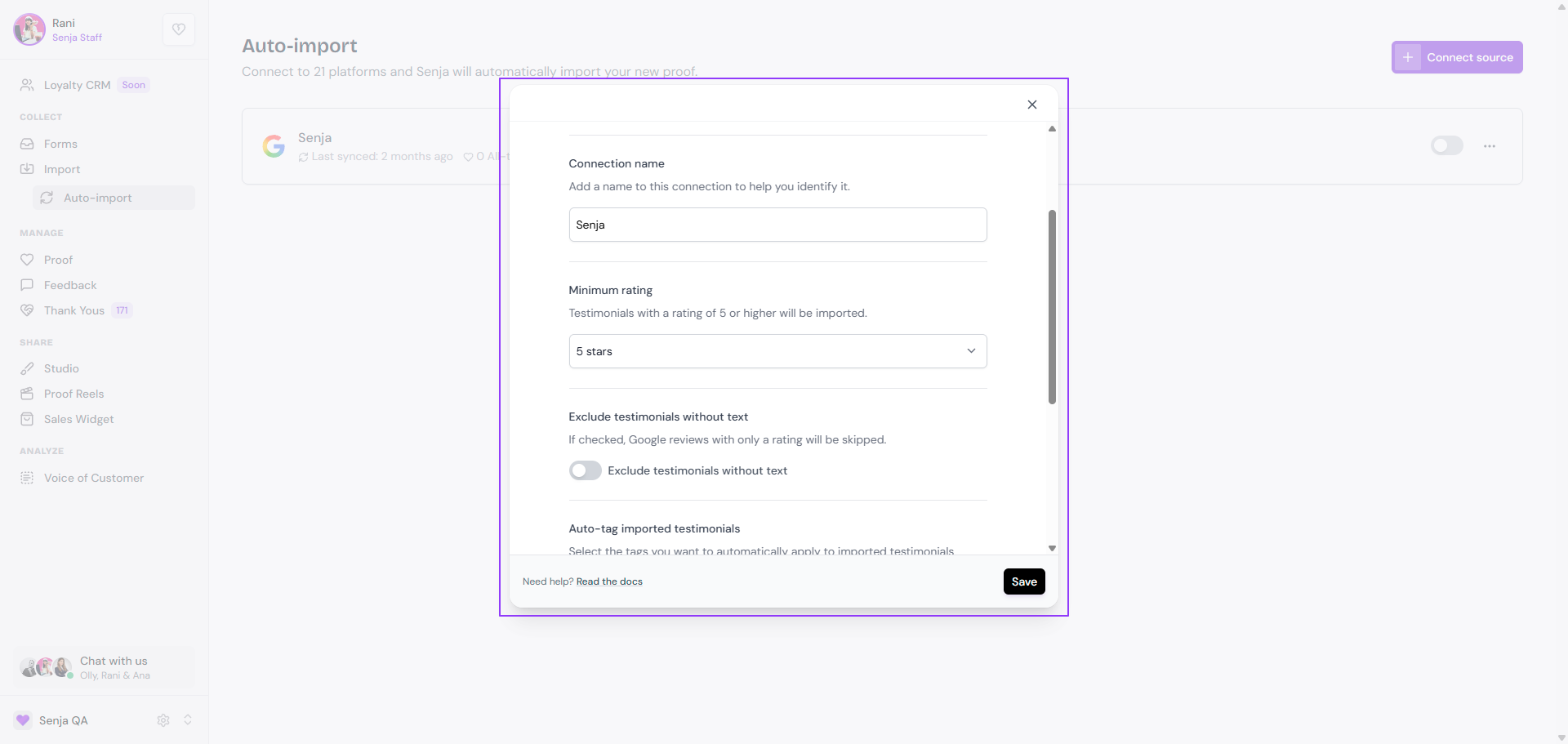
Settings: fine-tune what gets imported
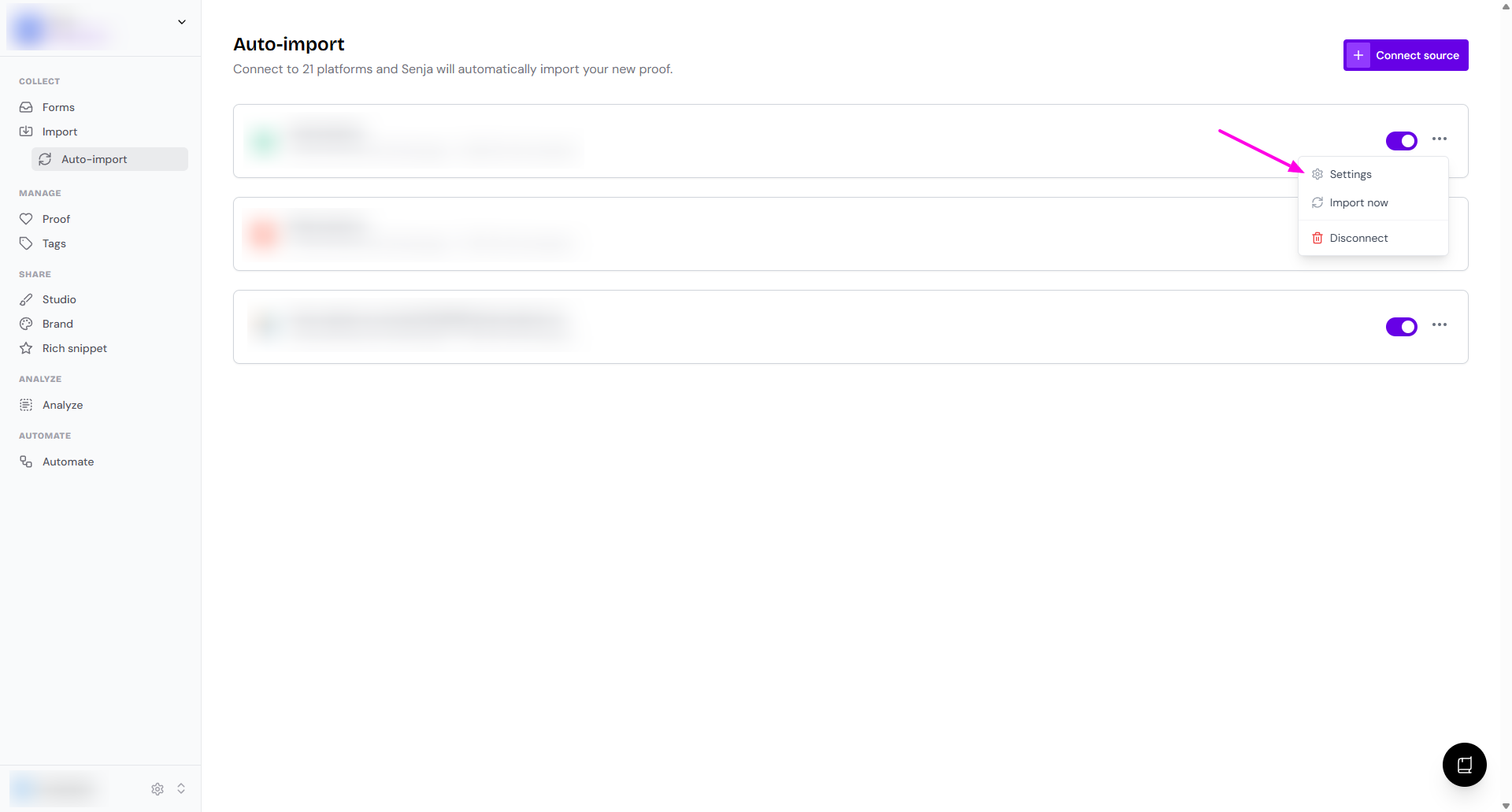
Connection name: a label to tell your connections apart
Minimum rating: only import reviews with this many stars or more (1 to 5)
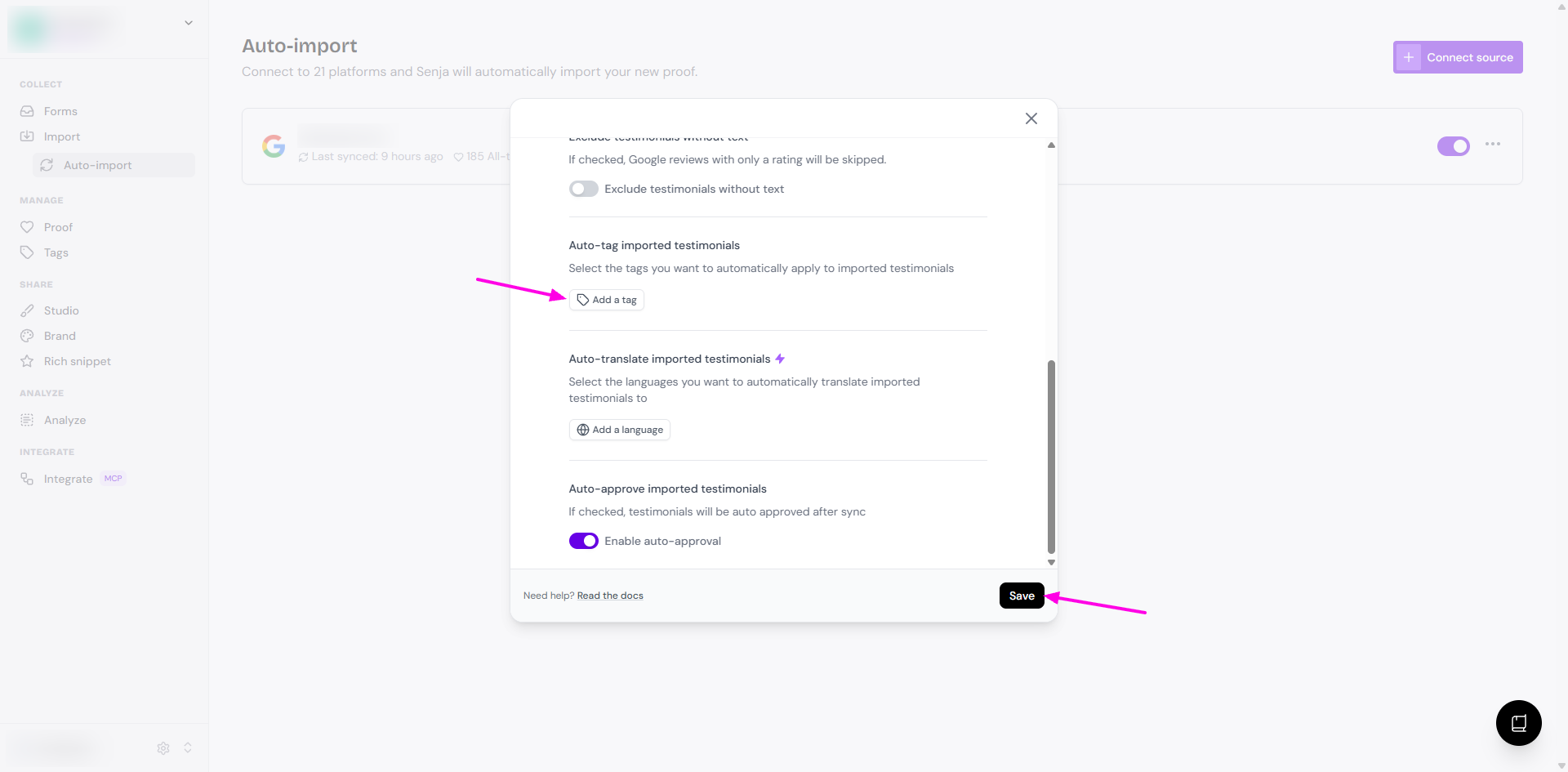
Auto-tag imported testimonials: add tags to every review from this connection
Auto-translate imported testimonials (Pro plan)
Auto-approve imported testimonials: skip manual approval
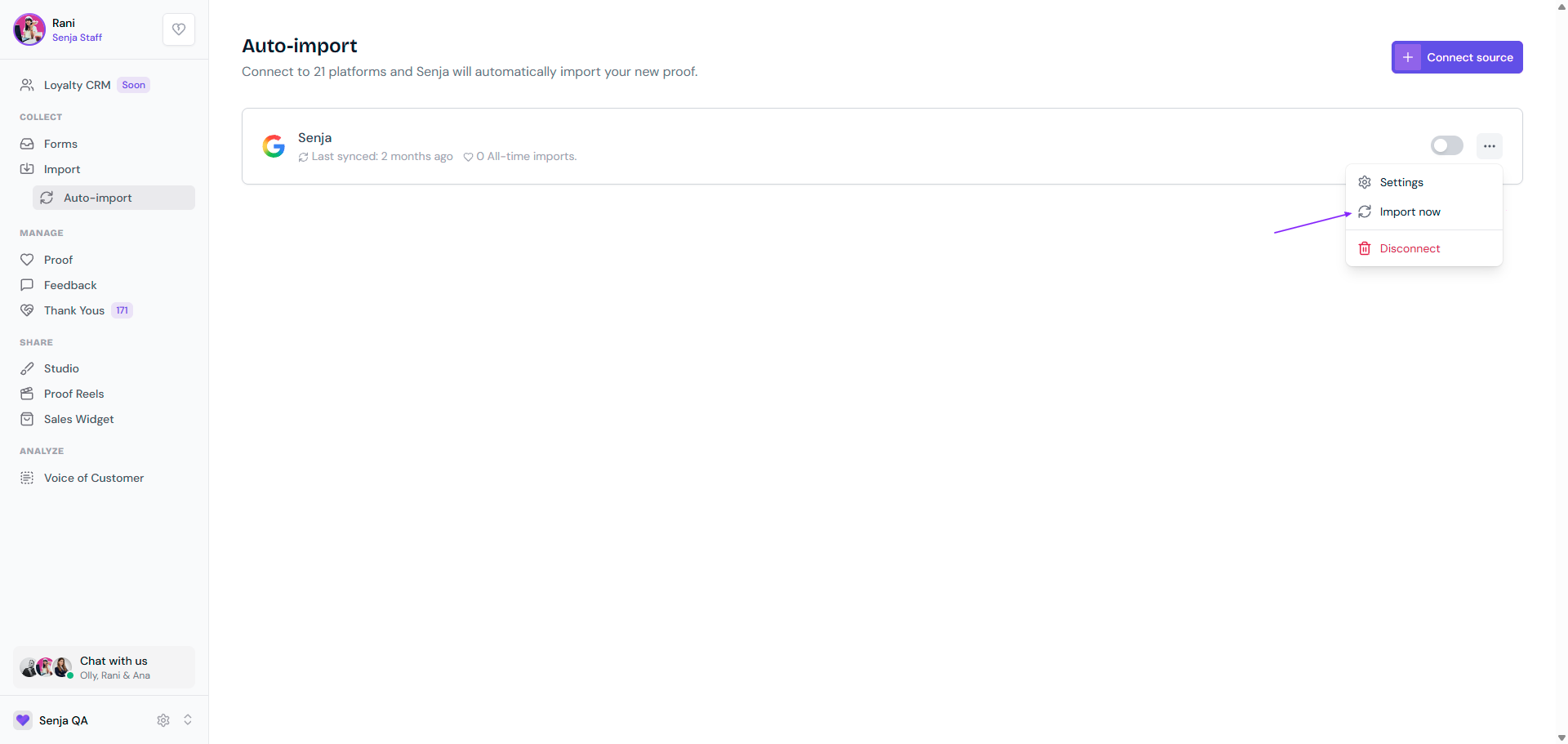
Import now: pull in the latest reviews straight away, without waiting for the next sync
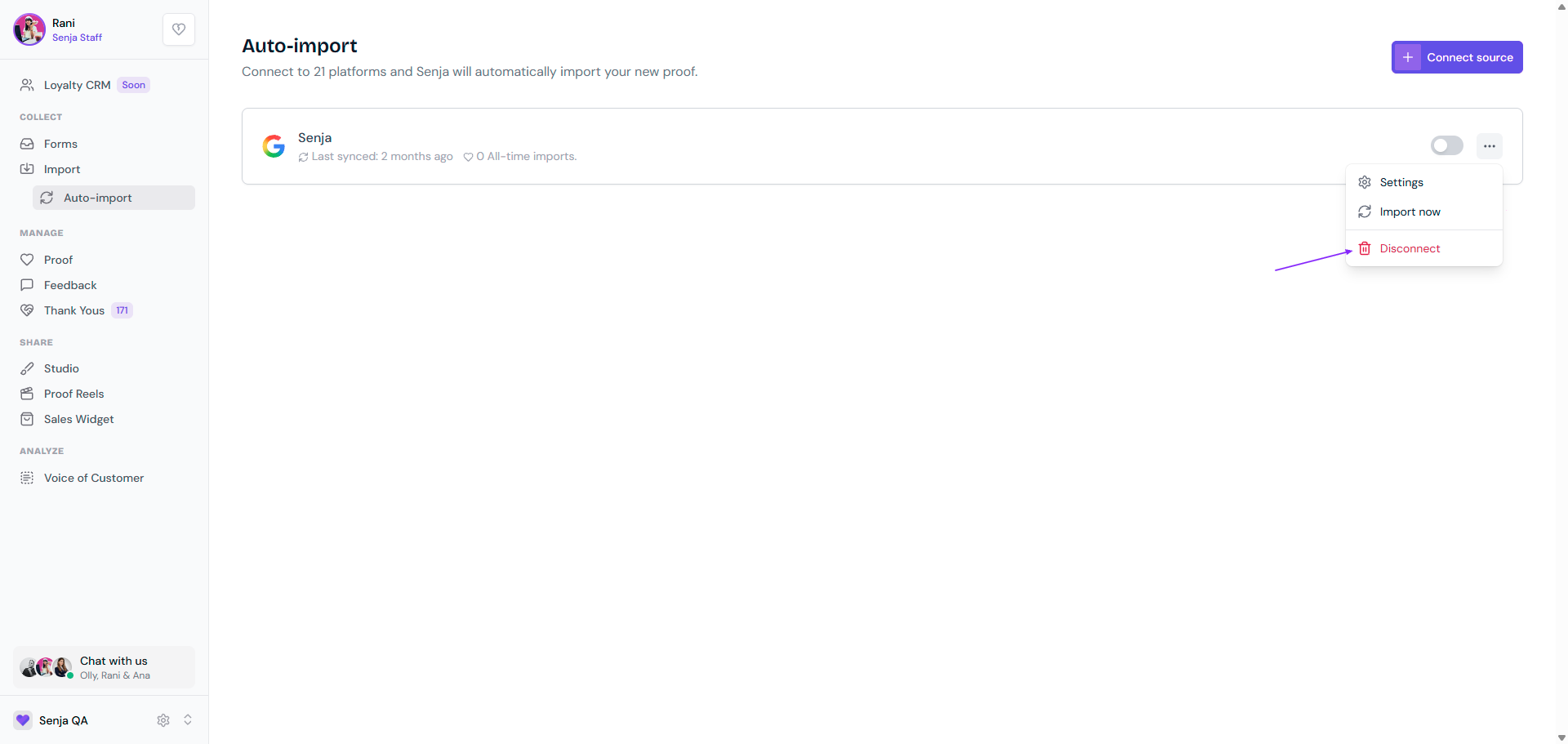
Disconnect: remove the platform from your Auto-import page
How often reviews are synced
New reviews are added to your Proof page every 12 hours, at 12 AM and 12 PM GMT
If a platform hasn't had a new review in about two months, we check it less often, every few days
As soon as a new review arrives, it goes back to the twice-daily schedule
Need them now? Click Import now on the connection
Auto-import stops running if your account moves to the Free plan. Your connections stay on the page, and syncing starts again when you upgrade to Starter or Pro.
Example: separate Google Reviews by location
Have several campuses, stores, or offices? You can show each location only its own reviews.
Connect each Google location as its own source. Each connection is tied to one Google Place ID
In each connection's Settings, turn on Auto-tag imported testimonials and add a tag for that location, like the campus name
When you build a widget or Wall of Love, filter by that tag, see Using tag filters in studio widgets
Every new review is tagged with its location as it comes in, so each campus page always shows the right reviews.
Having trouble? Contact our Support team.
Looking to send testimonial requests to your customers automatically? That's a different feature, see How to send testimonial requests automatically.