
Can I export my widget as an image?
Sometimes you make an awesome widget, but embedding it into your website isn’t an option (e.g. your site doesn’t support custom code). Don’t worry! Senja makes it easy to share your widgets as images instead.
This is available on all Senja plans: Free, Starter, and Pro.
Exporting widget as image
Go to your Studio page: https://app.senja.io/studio
Open your widget (or create a new one)
Click Share
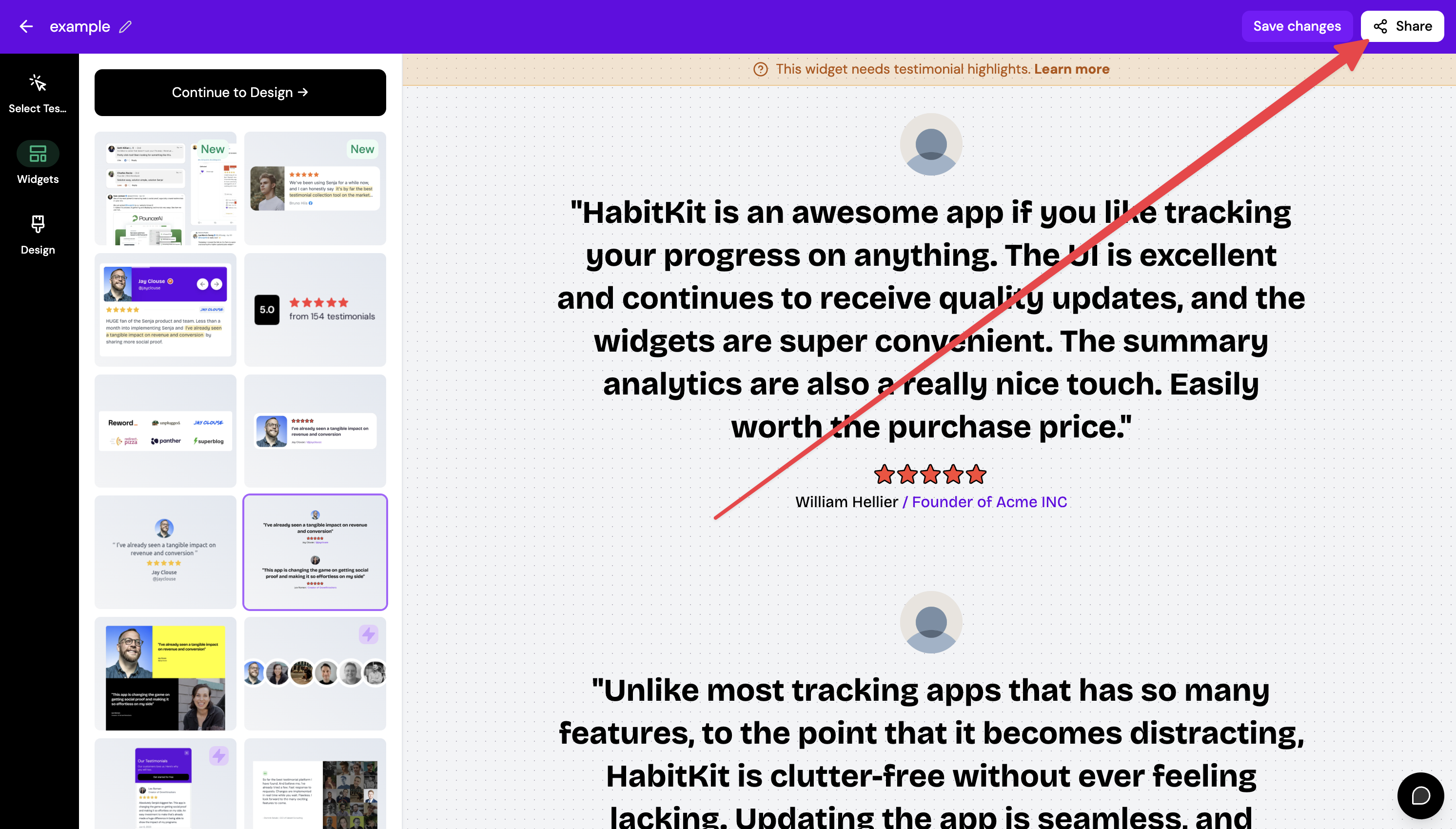
Choose Export as image tab
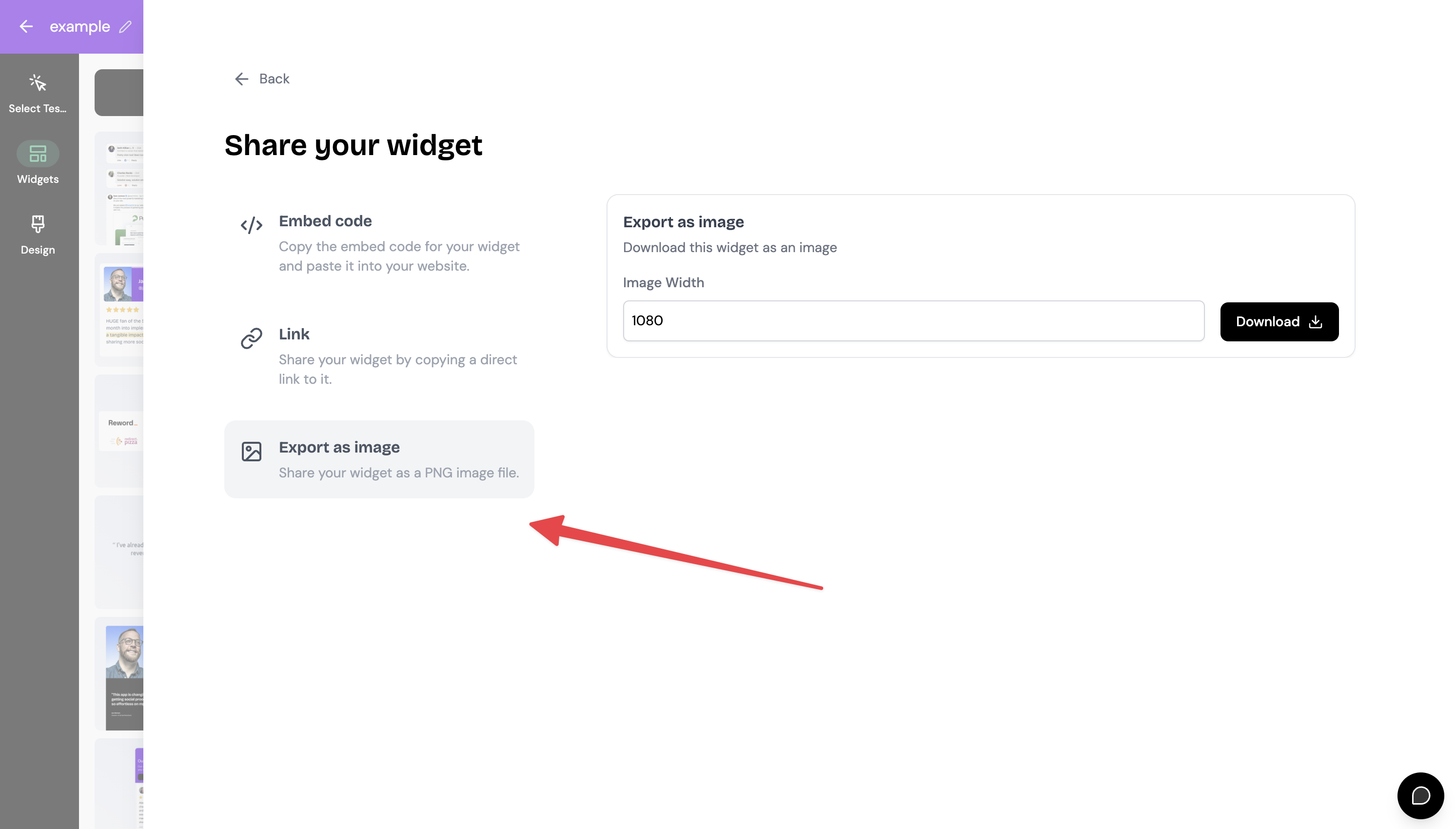
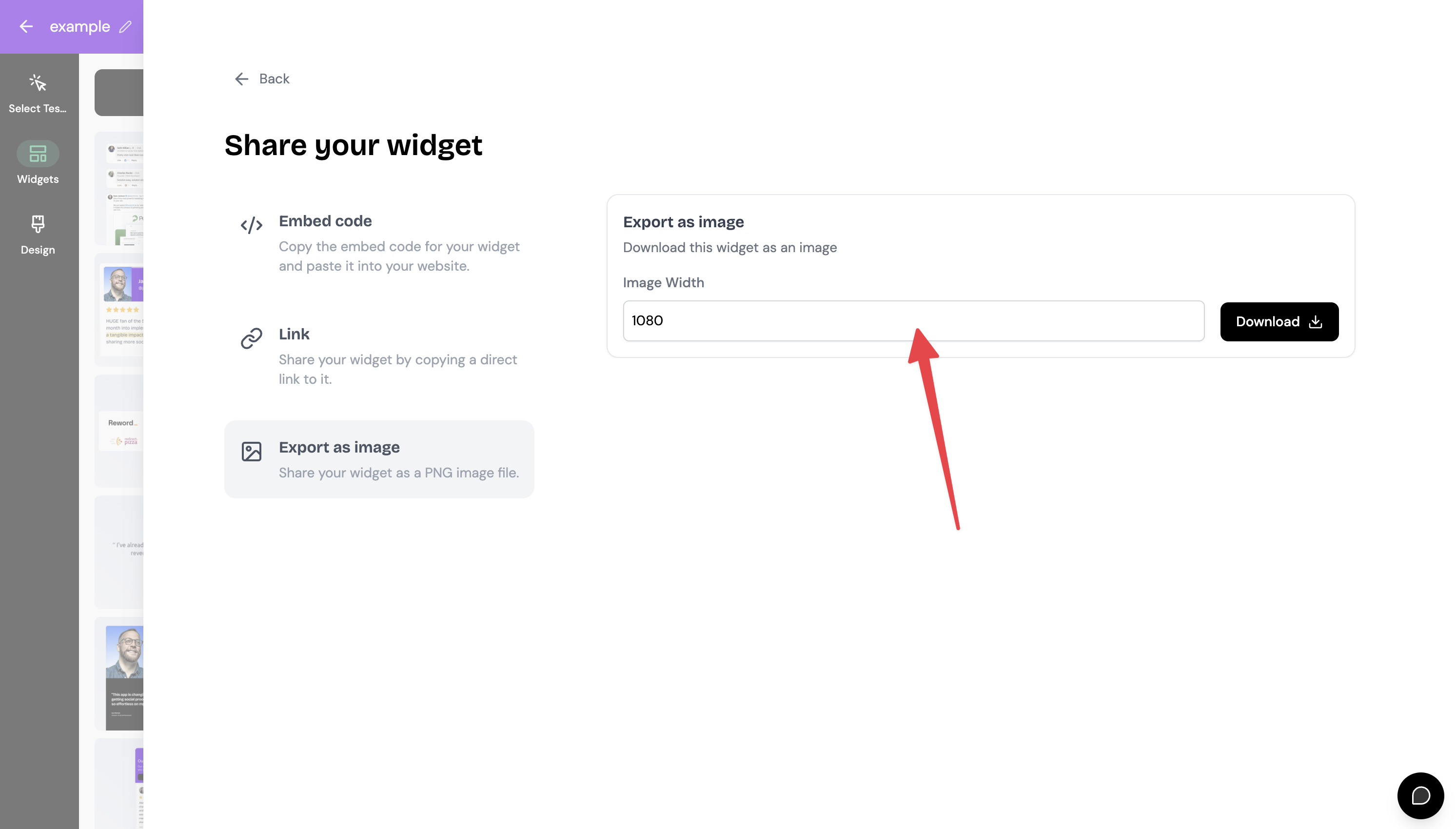
Set the Image Width
Head to your site and add the image
All done!
Exporting image widget
Create testimonial image or template following this guide: How to create image template
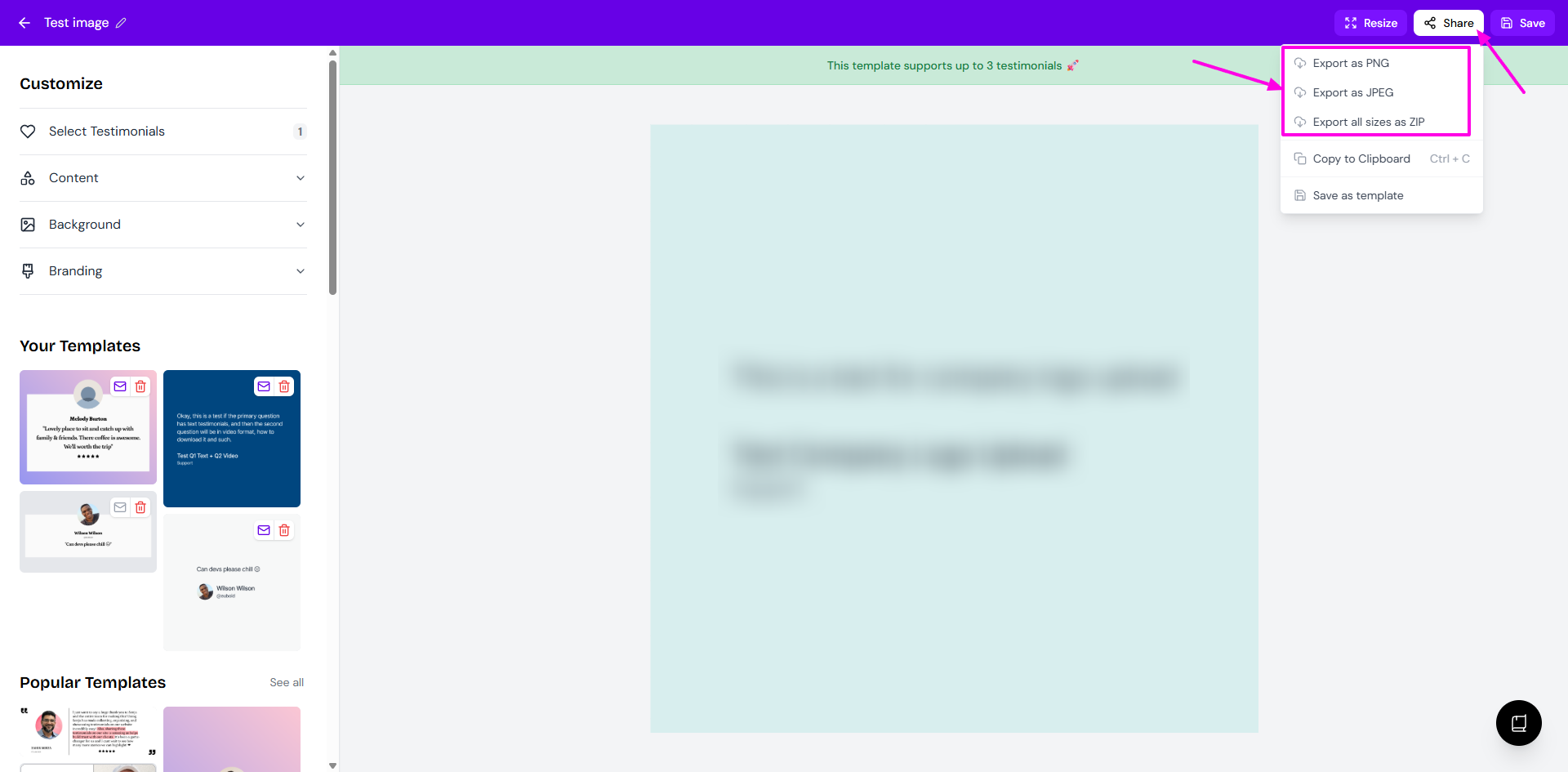
Click Share on the top-right from the image editing modal
Choose how you want to export it
Was this helpful?
Was this helpful?