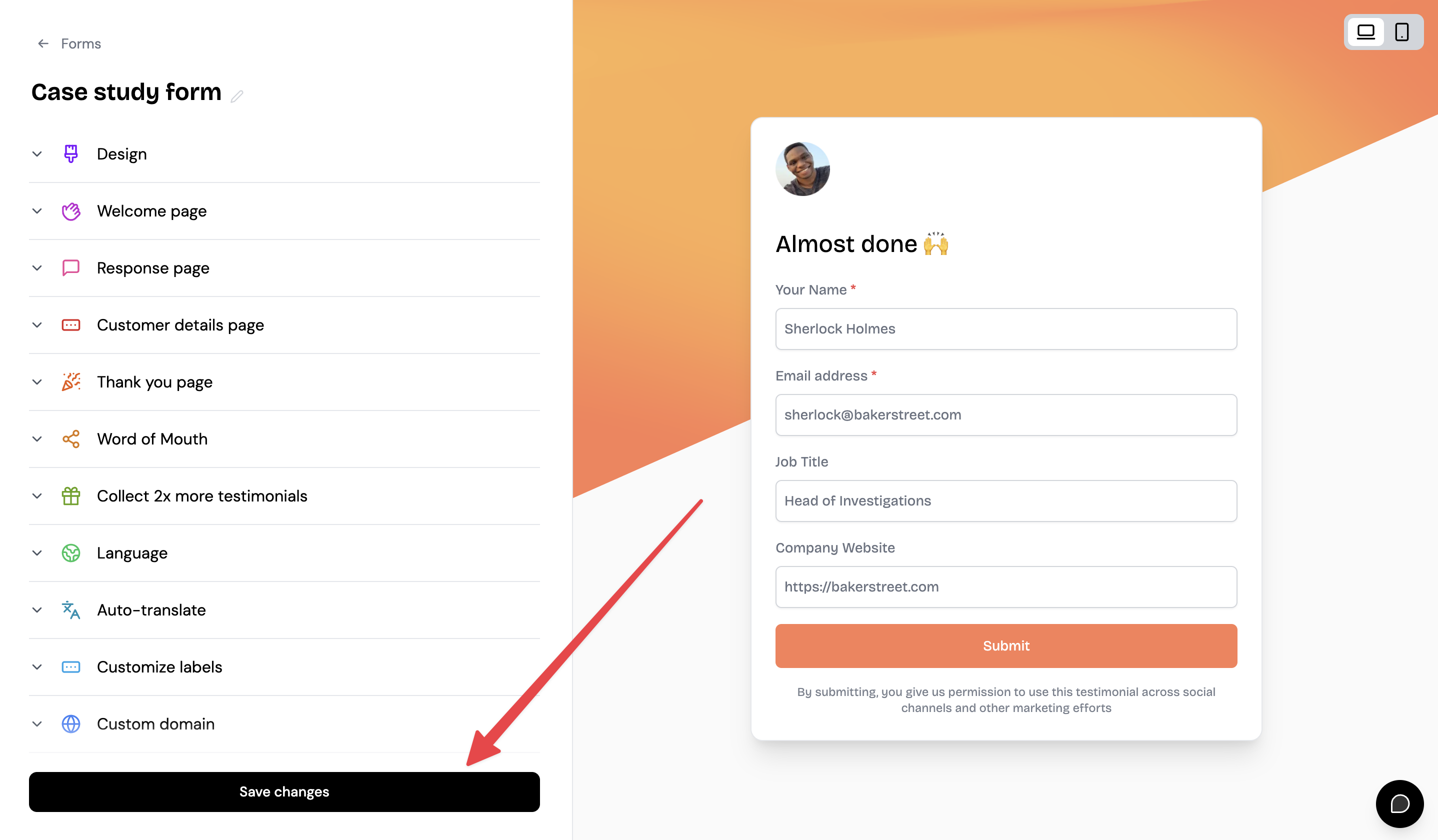
How do I customize my Classic Form design?
Classic Forms let you collect text and video testimonials with customizable branding, questions, and design. You can adjust everything from your logo and colors to welcome messages and reward incentives.
Available on all plans. Some customization options (like removing Senja branding) require paid plans.
Customize your form
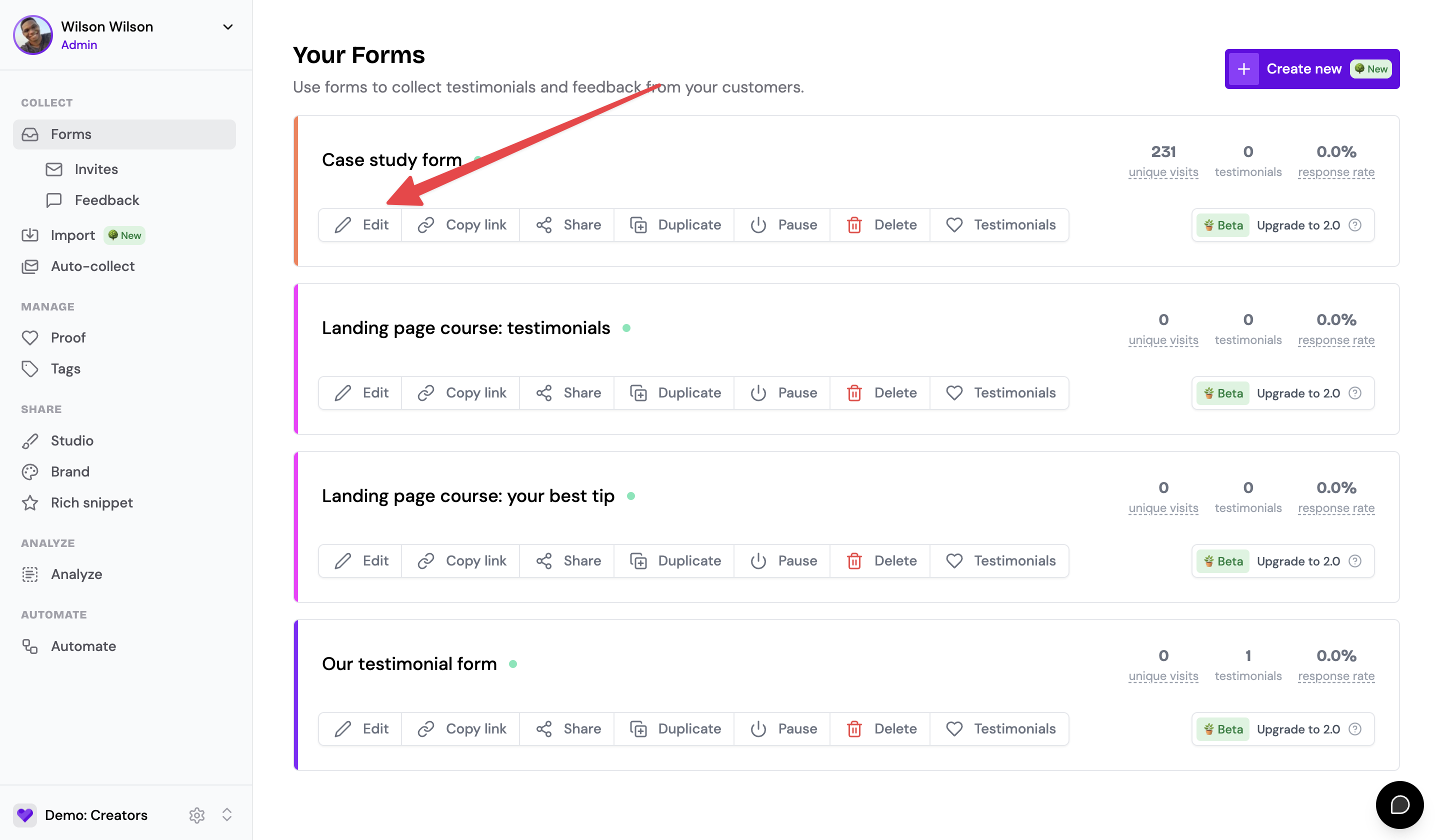
Go to Forms in the main menu, then click Edit on the form you want to customize.
Design settings
Click Design to access customization options. The left panel shows settings, the right panel shows a live preview of your form.
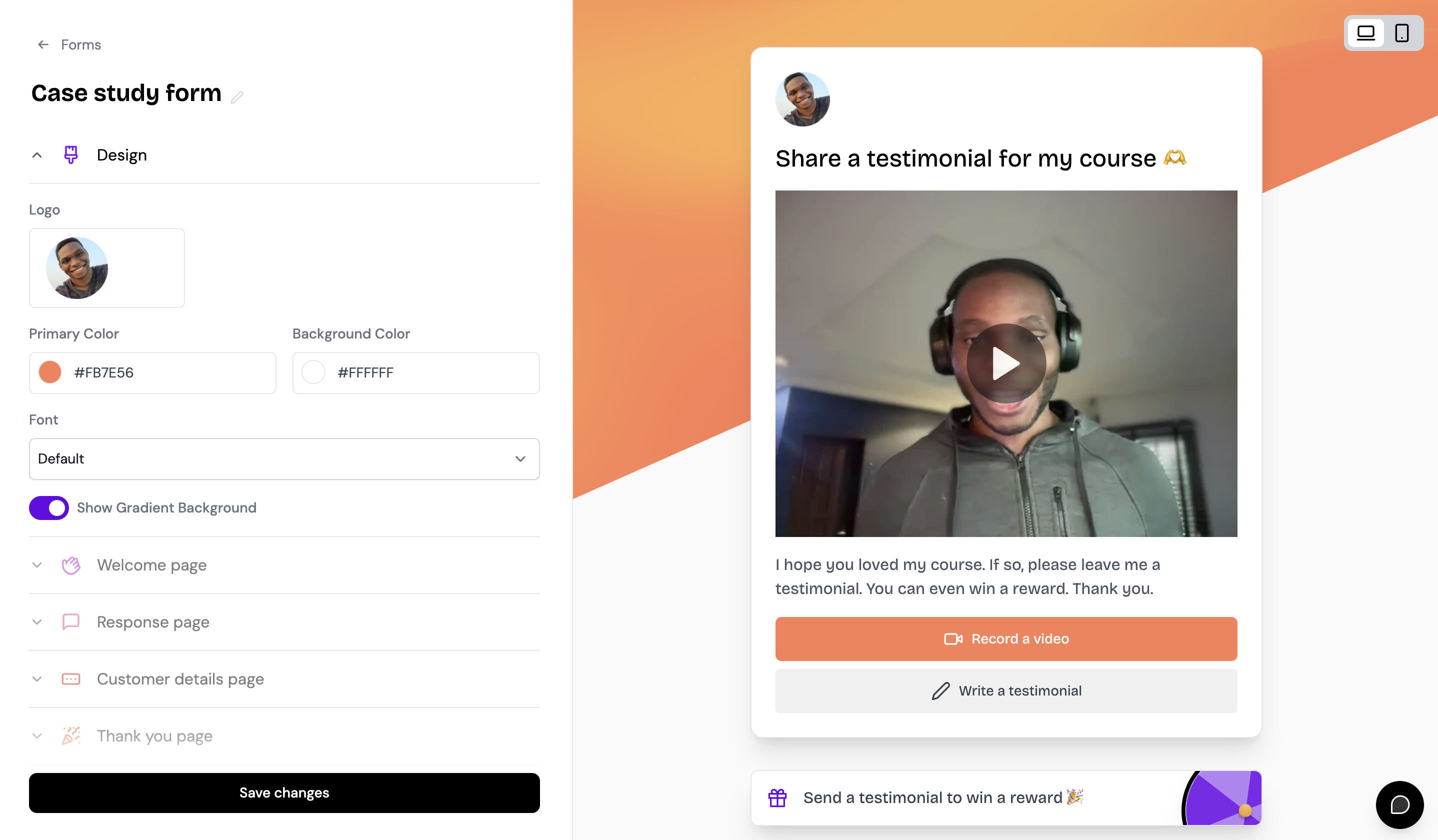
Here you can customize:
Form type (text, video, or both)
Logo and brand colors
Button color
Form language
Form slug and URL
Senja branding visibility
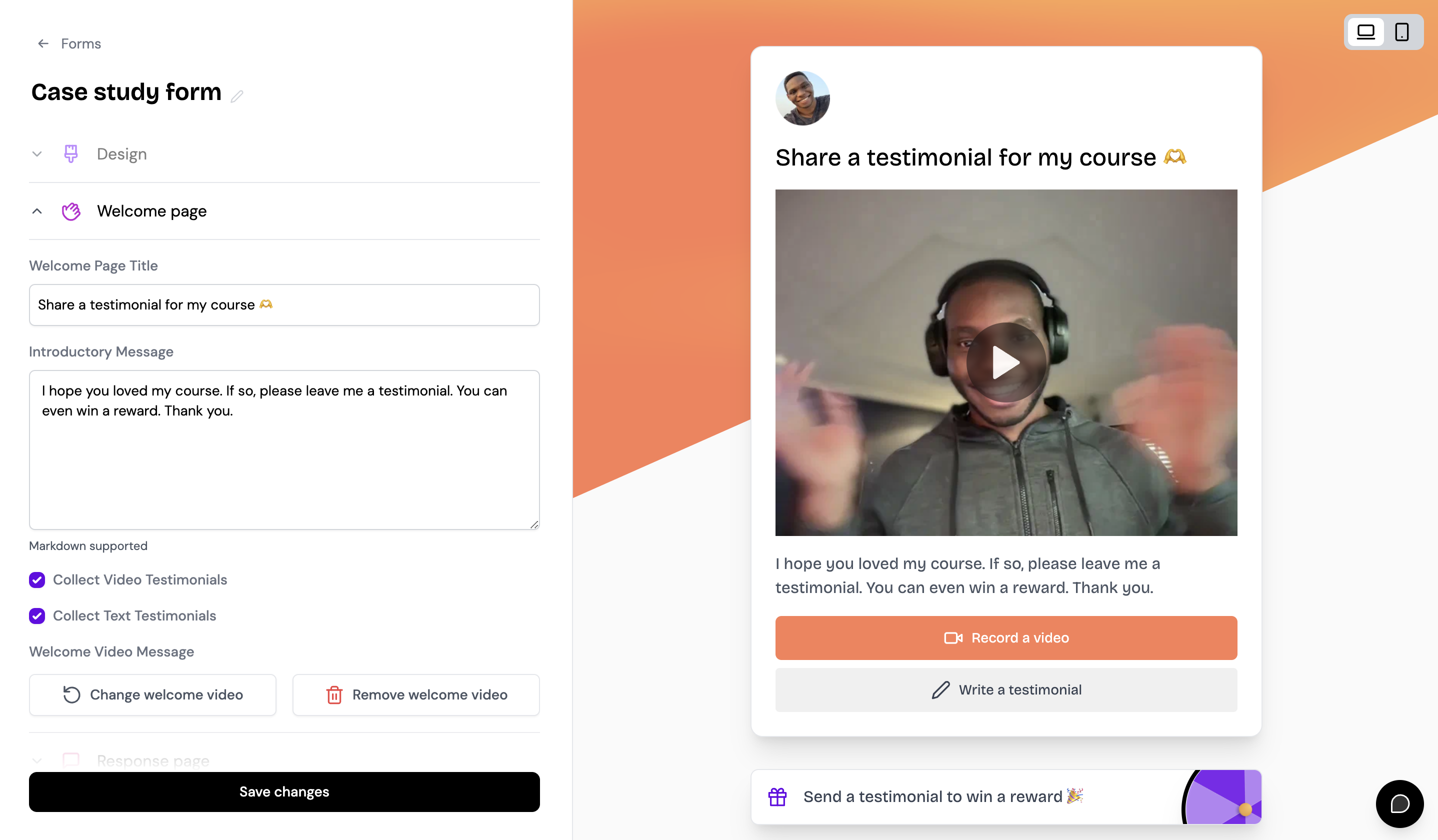
Welcome page
Click Welcome page to edit the copy visitors see when they first open your form.
Response page
Click Response page to customize the questions you ask and how you collect testimonials.
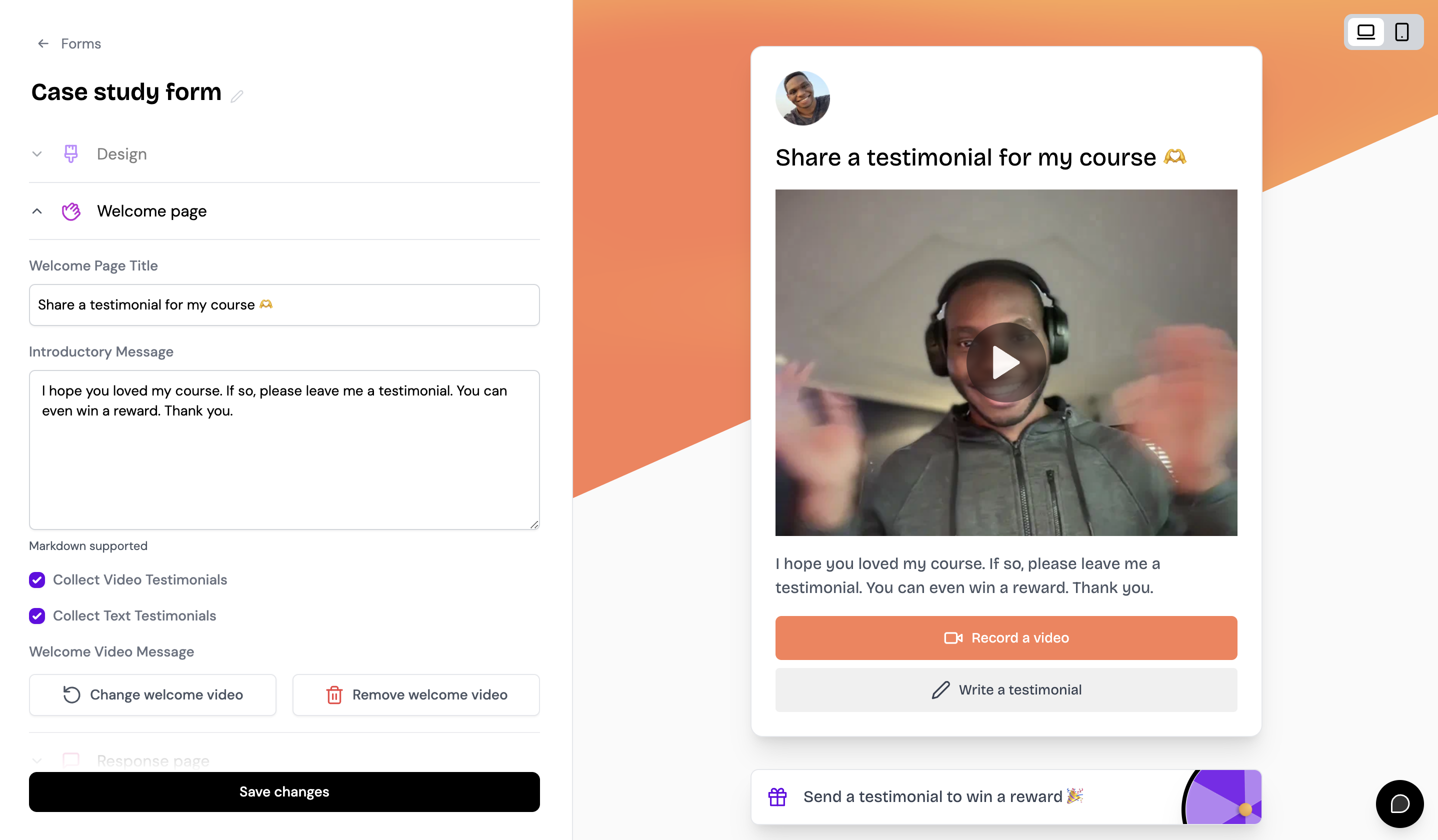
You can set up form rewards (like Spin the Wheel) and auto-tagging options from this section.
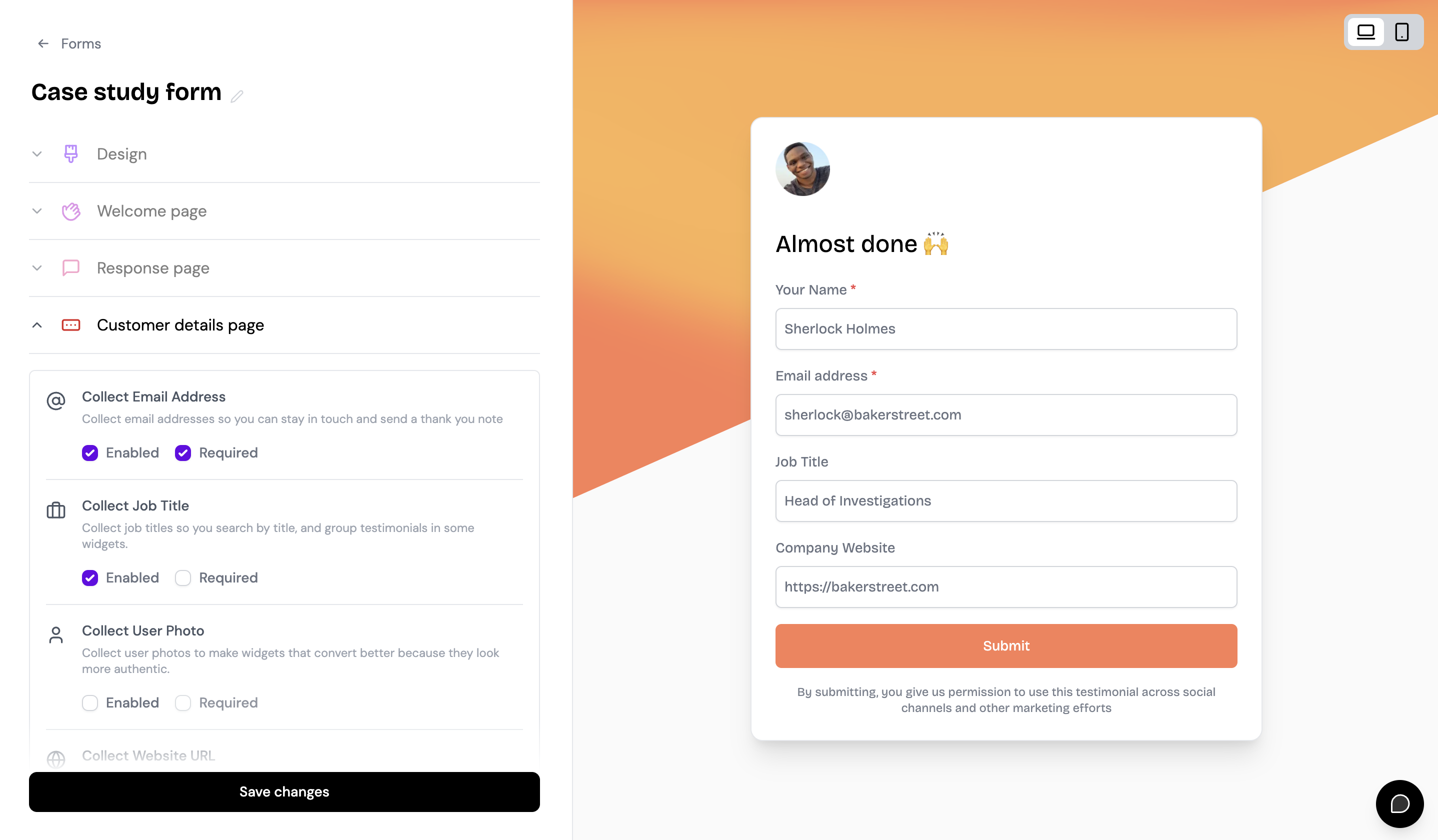
Customer details page
Click Customer details page to choose which information you collect (name, email, company, photo, etc.).
Save your changes
After customizing each section, click Save changes at the bottom of the page.