
How do I merge testimonials?
You can merge testimonials when the same customer has submitted more than one testimonial and you want to keep them under one customer profile.
This is applicable on any Senja plans: Free, Starter, and Pro.
Once merged, you cannot unmerge testimonials. Check the selection before you confirm.
Same email, same customer page
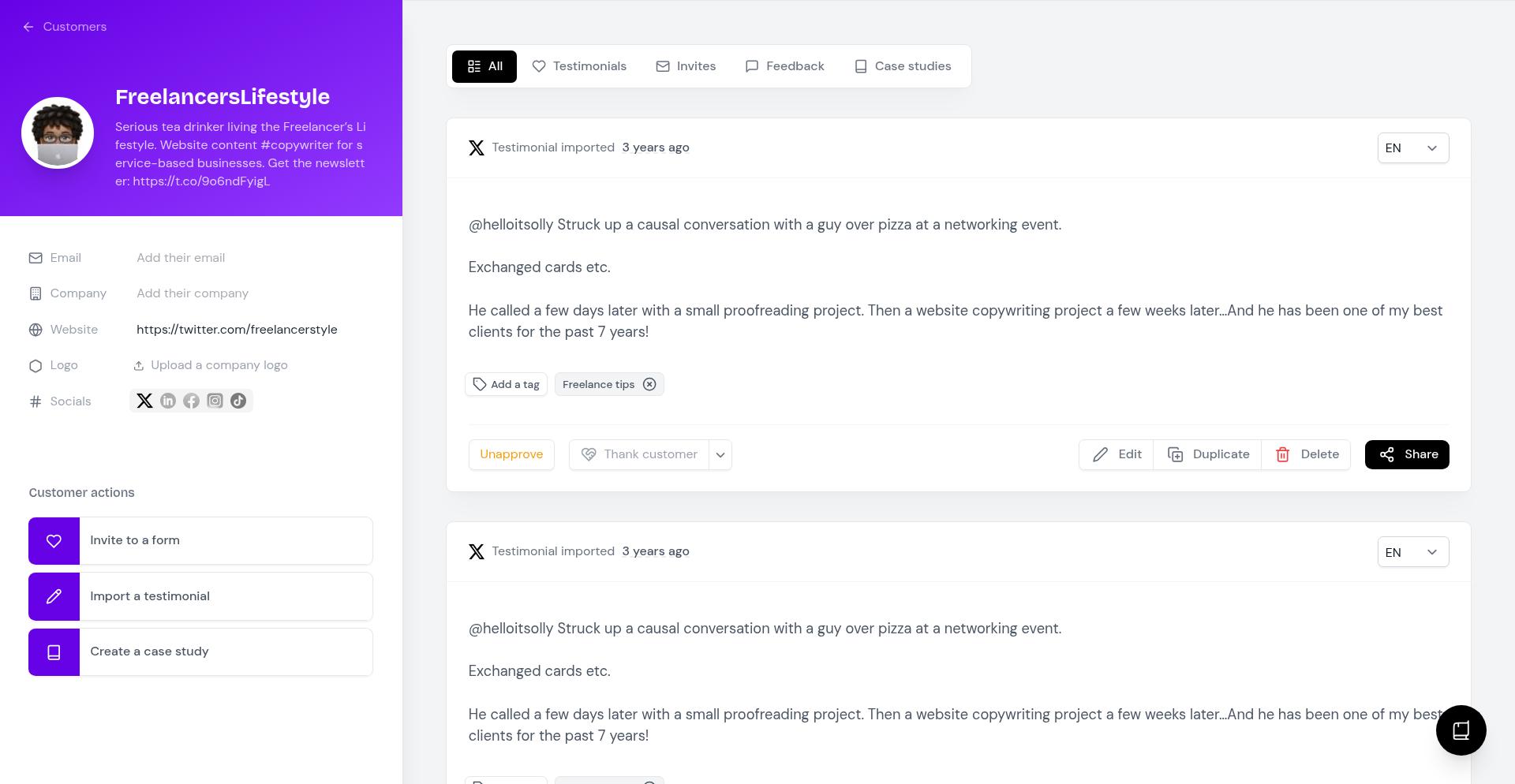
If a customer uses the same email address every time they leave a testimonial, Senja automatically puts all their testimonials on 1 customer page, like this:
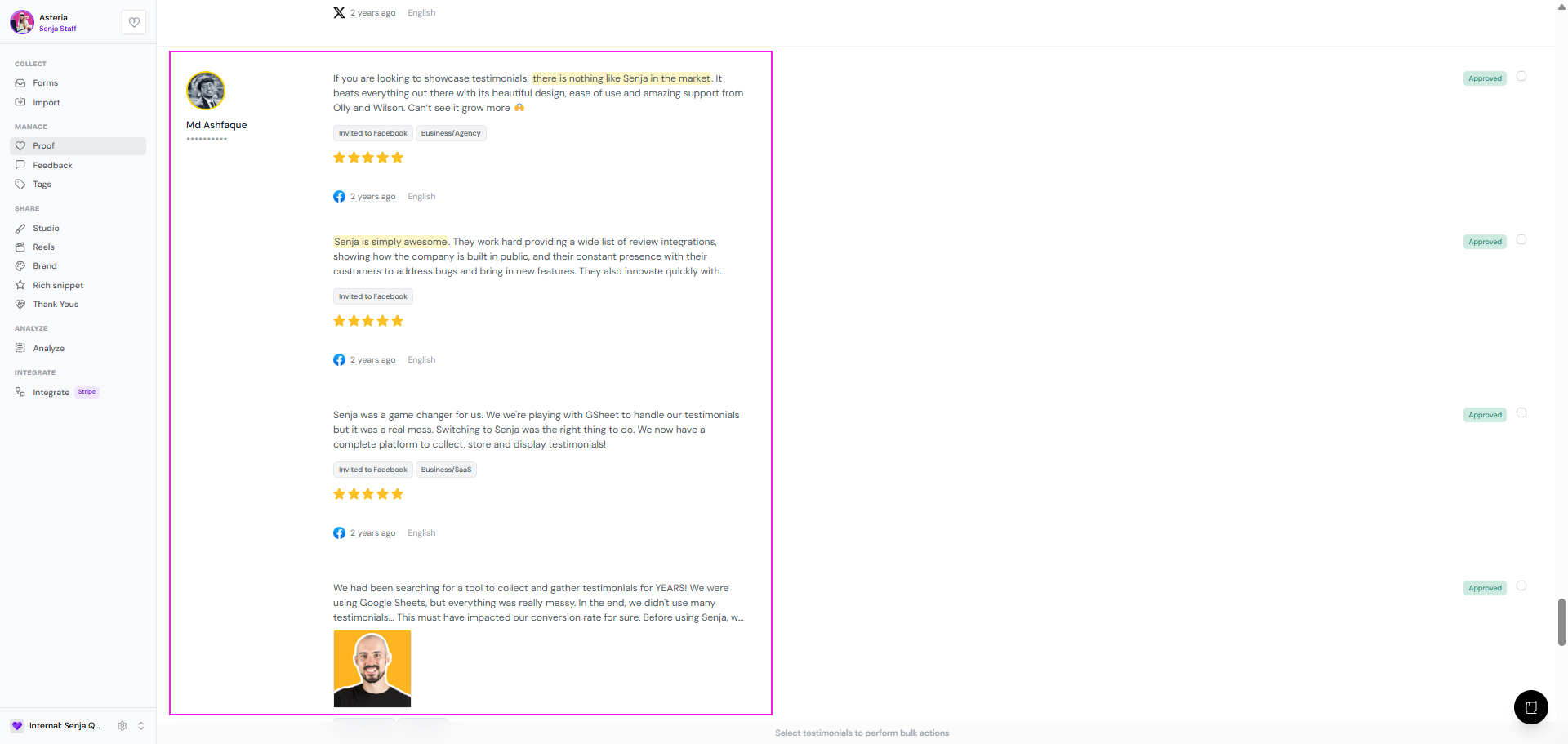
In this case, the testimonials are already merged and there's nothing else to do. Use Merge when the same customer used different emails, or none at all.
Merge testimonials
Go to your Proof page: https://app.senja.io/
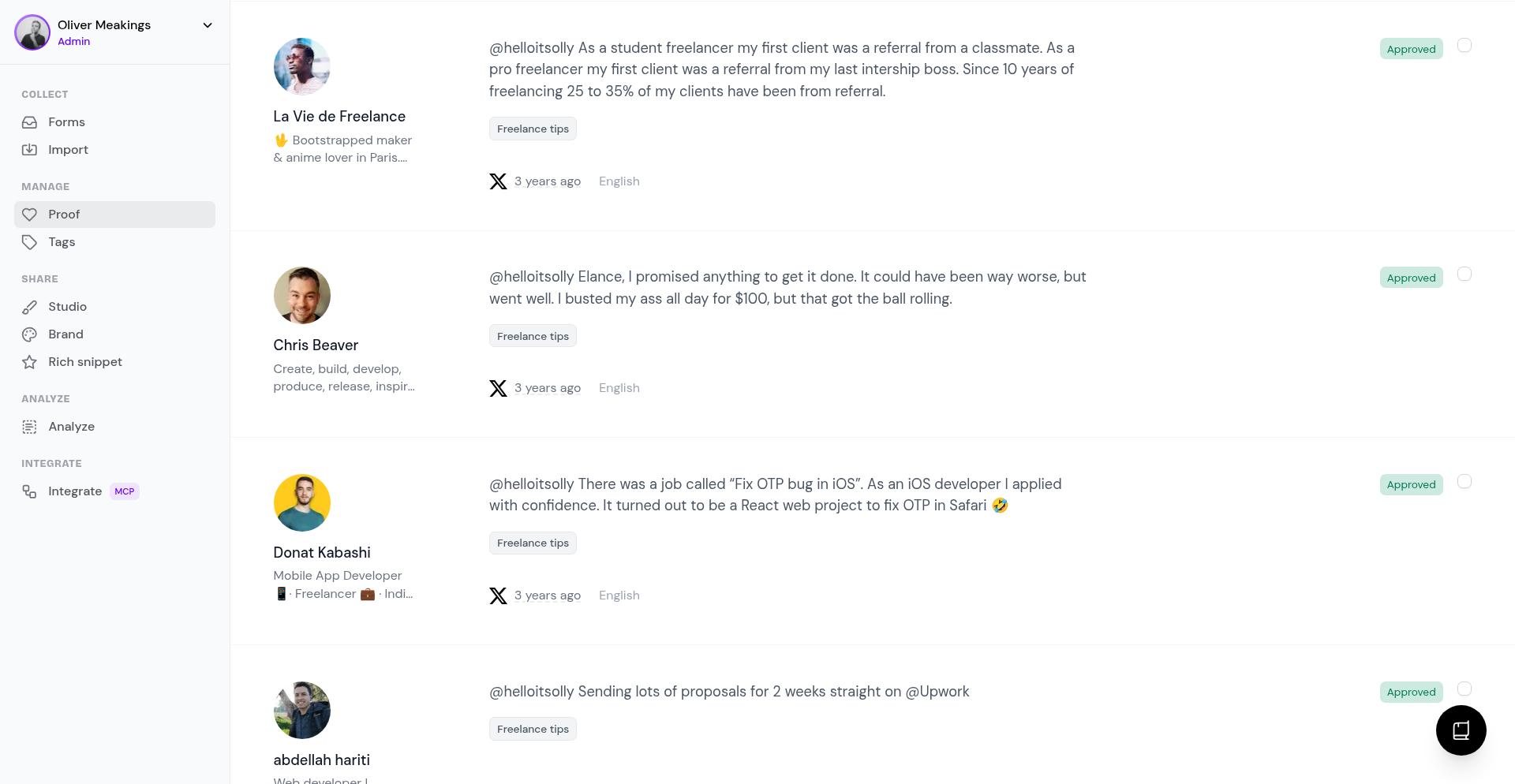
Find the customer whose testimonials you want to merge
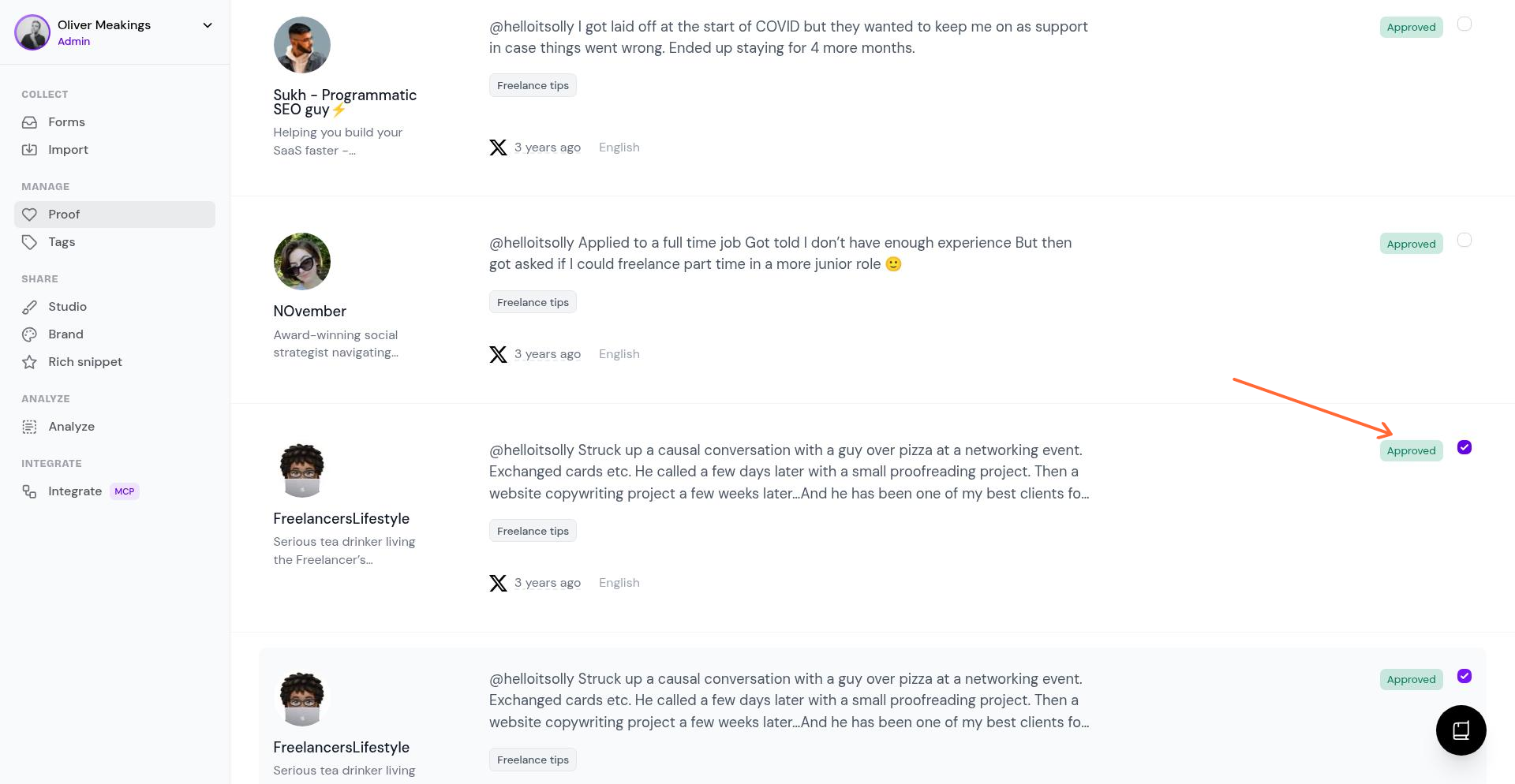
Select the testimonials you want to combine by checking the boxes next to them
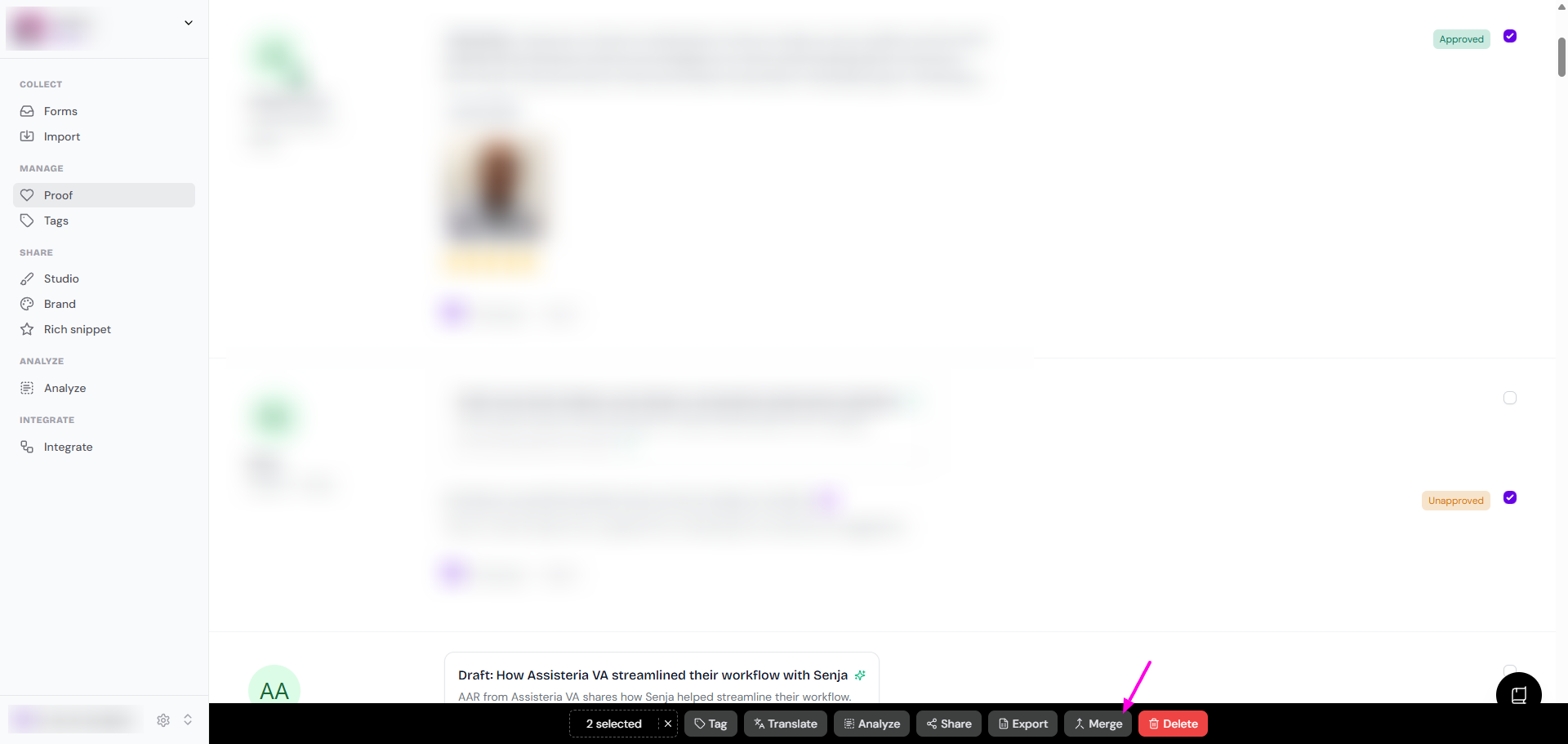
Click Merge from the selection bar
Review the customer details in the Merge customers window and choose the details you want to keep
Click Merge to confirm
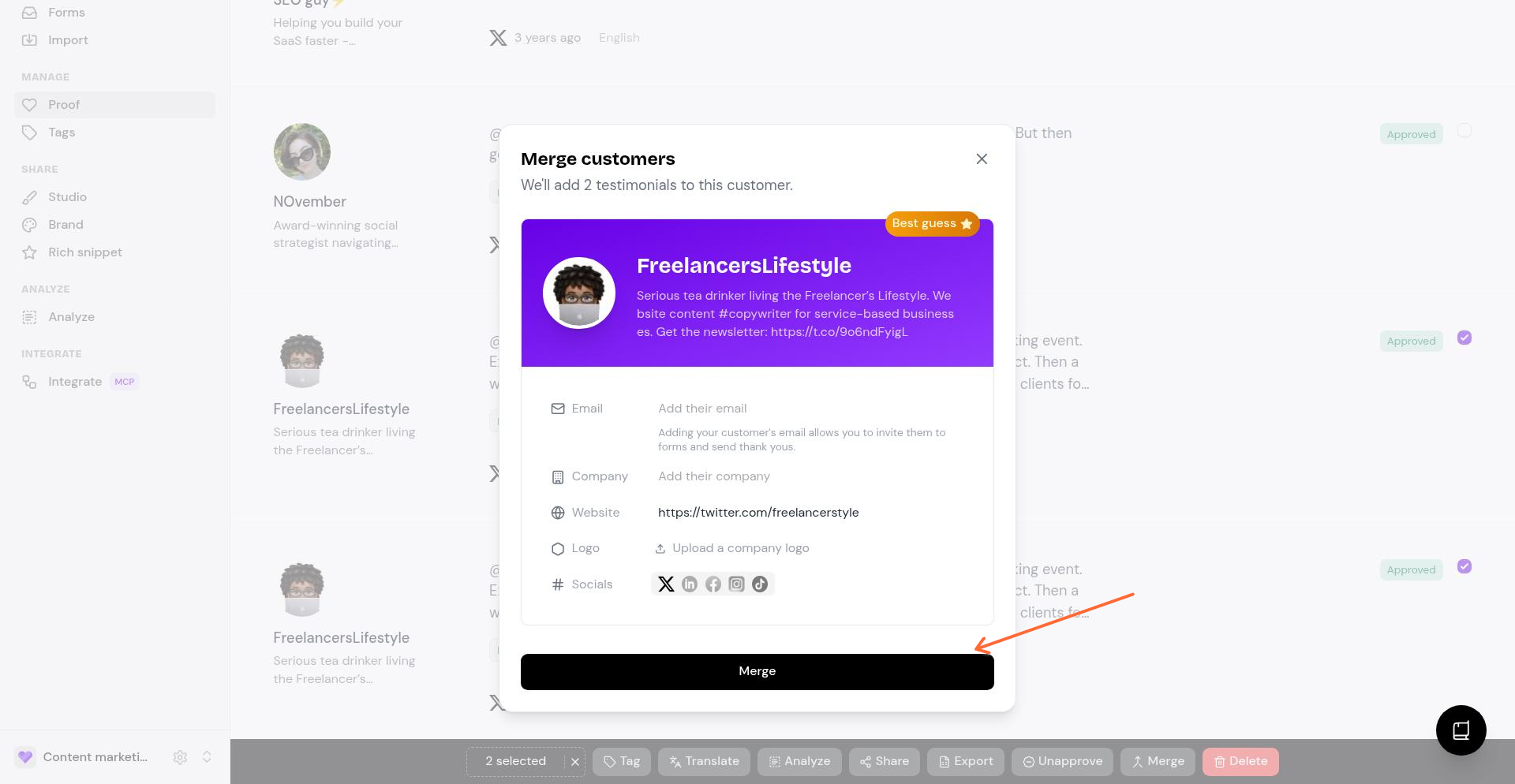
The testimonials are now on 1 customer page, and you can keep managing them from your Proof page as usual
Can I combine them into 1 testimonial?
No. Merge puts testimonials from the same customer on 1 customer page instead of scattered all over the Proof page. It doesn't combine their text into 1 testimonial.
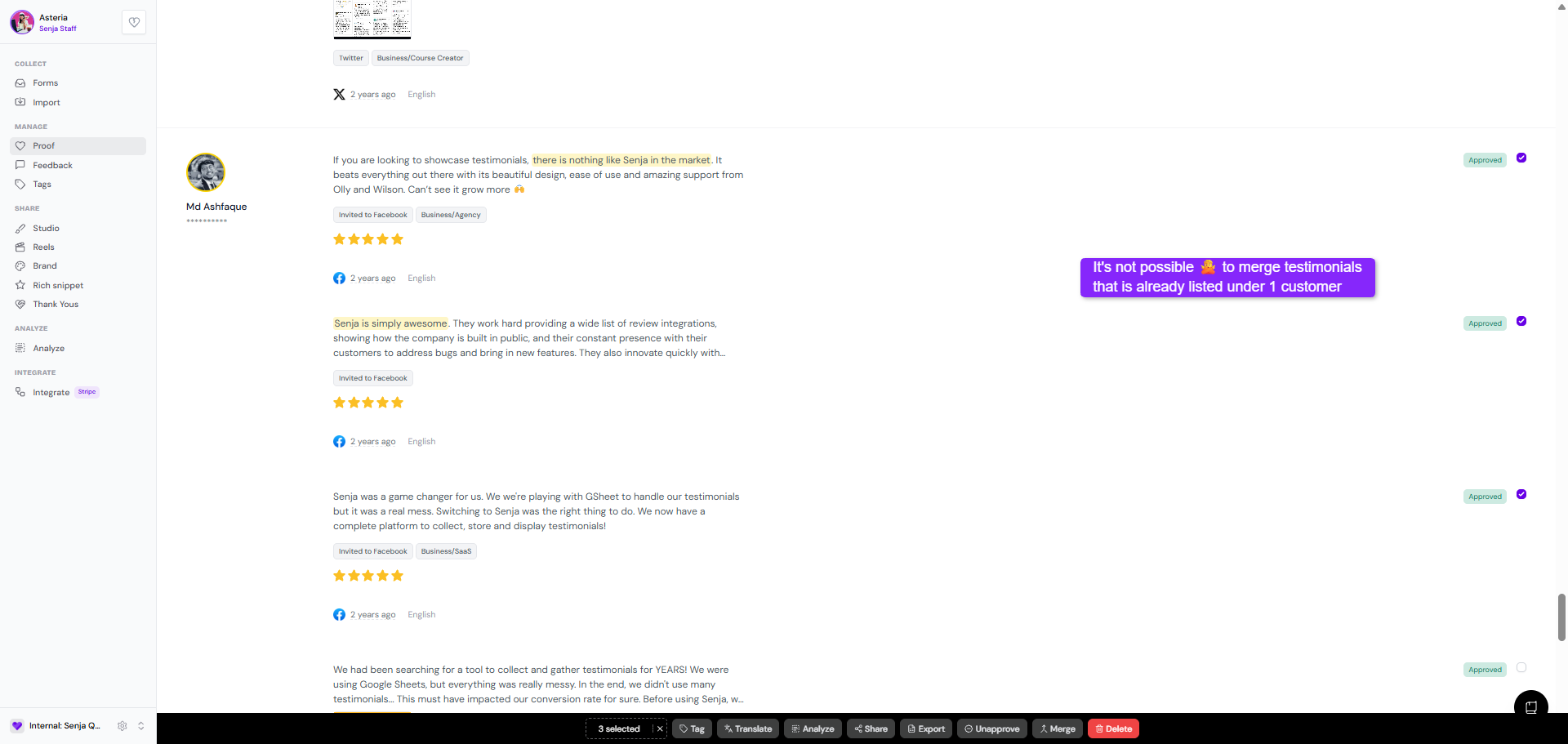
There's a workaround:
Open the customer page by clicking on one of the testimonials
Click Duplicate
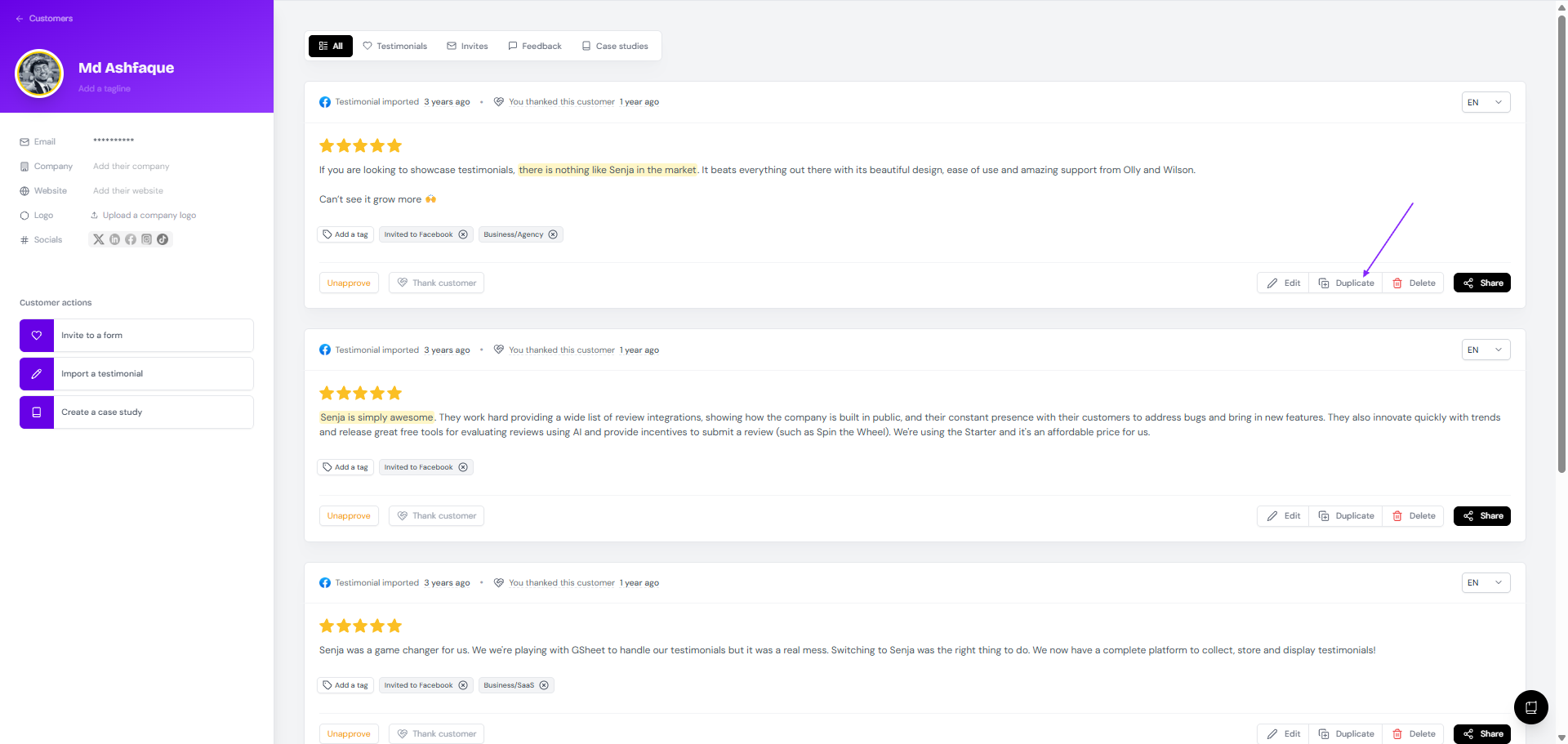
Copy and paste the text of the other testimonials into the duplicate you just created
Add a tag like Merged or Duplicate so you can find it easily later
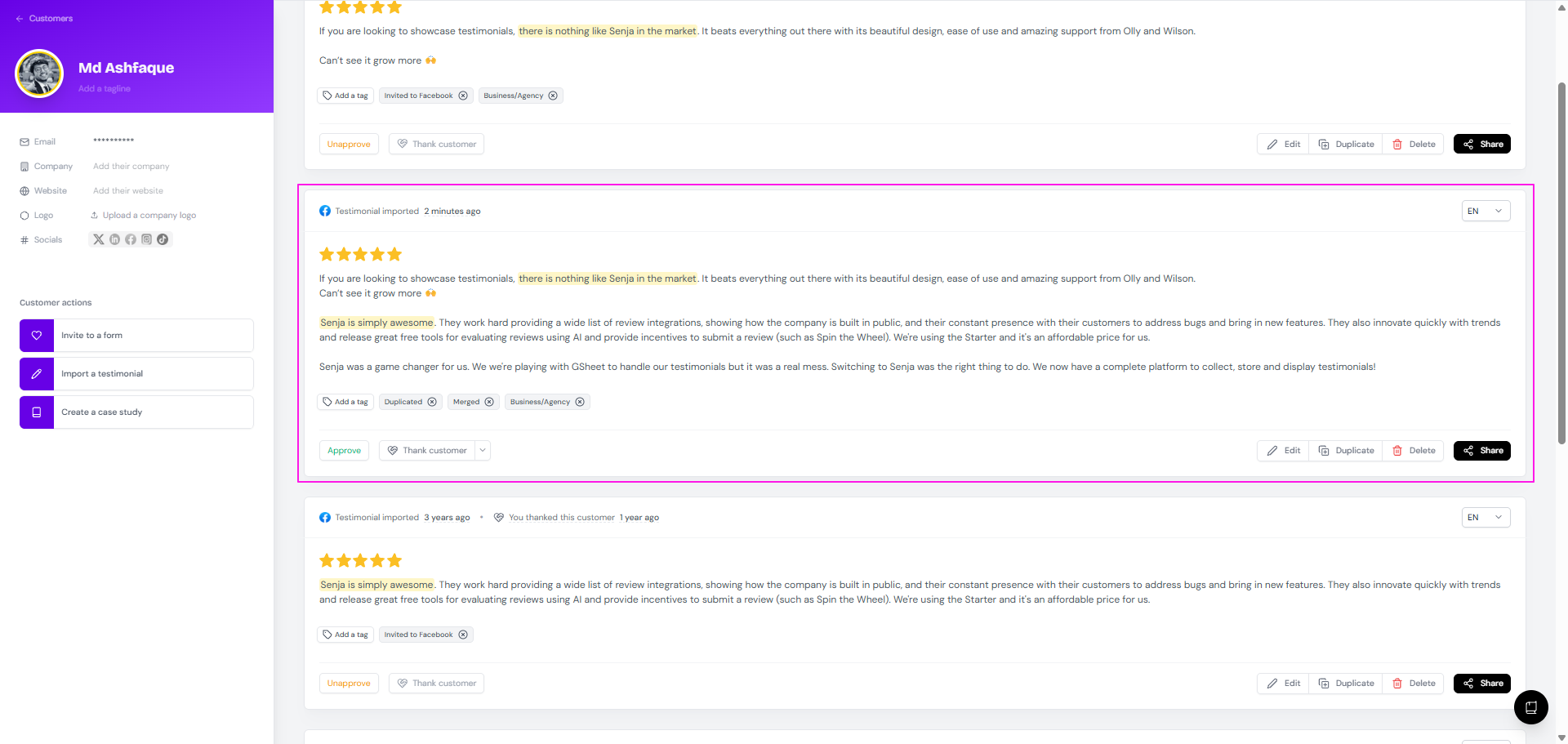
Remember to Approve the combined testimonial if you want to use it in your widget or Wall of Love
The original testimonials stay as they are. If you don't want them showing alongside the combined one, unapprove or delete them.
Need to clean up other testimonials? See How do I delete a testimonial? and How do I search or filter testimonials?.