
How do I delete a testimonial?
Sometimes you need to delete testimonials, for different reason:
Your customer asks to be removed from your testimonial page
The testimonial is no longer relevant
It's a mock-up or testing testimonials
And more!
You can do it in Senja.
How to delete testimonials in bulk
Go to your Proof page: https://app.senja.io/
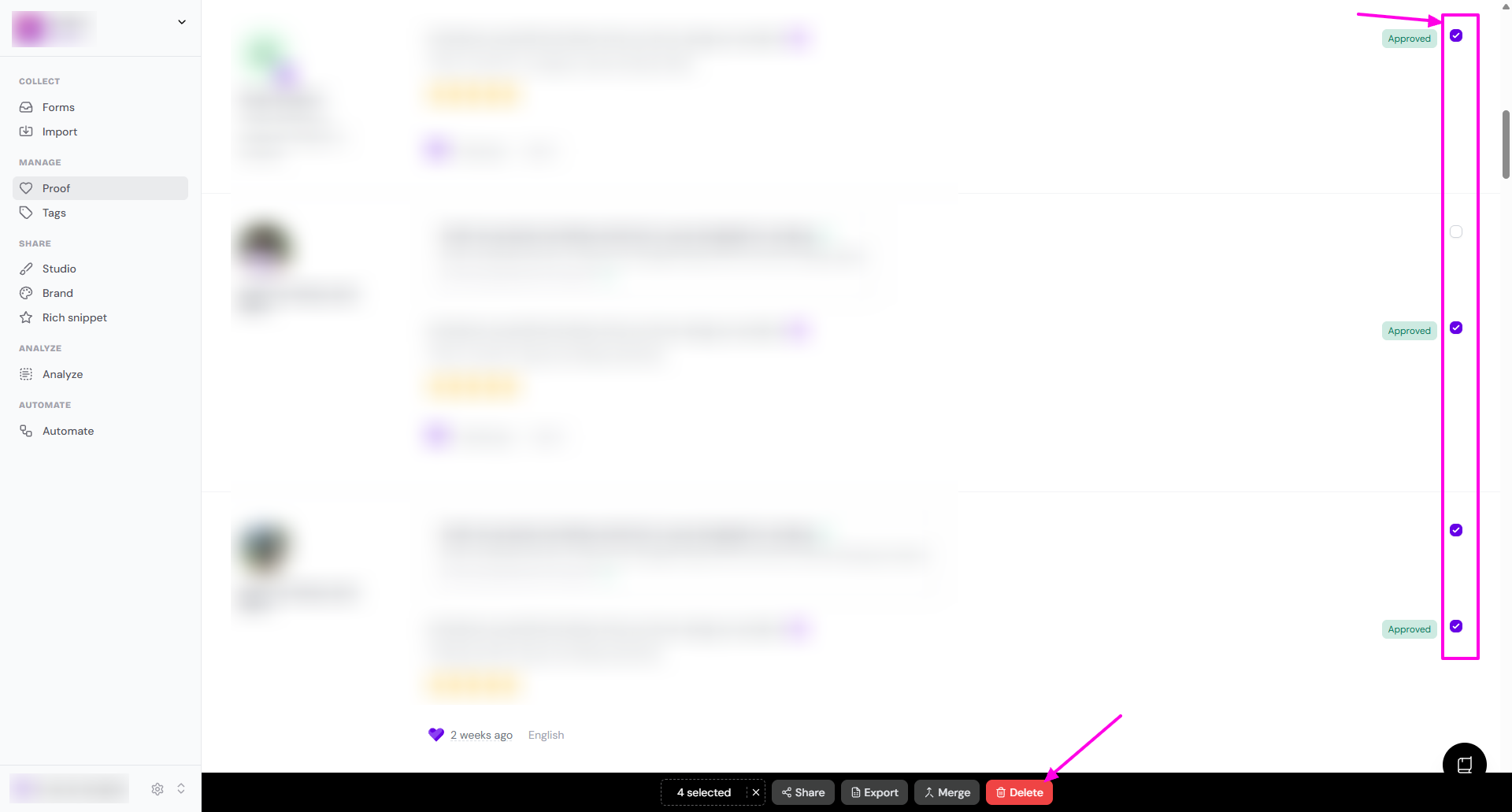
Use the checkbox to choose multiple testimonials you want to delete
Click Delete on the popup toolbar in the bottom
How to delete 1 testimonial
Go to your Proof page: https://app.senja.io/
Select the testimonial you want to delete
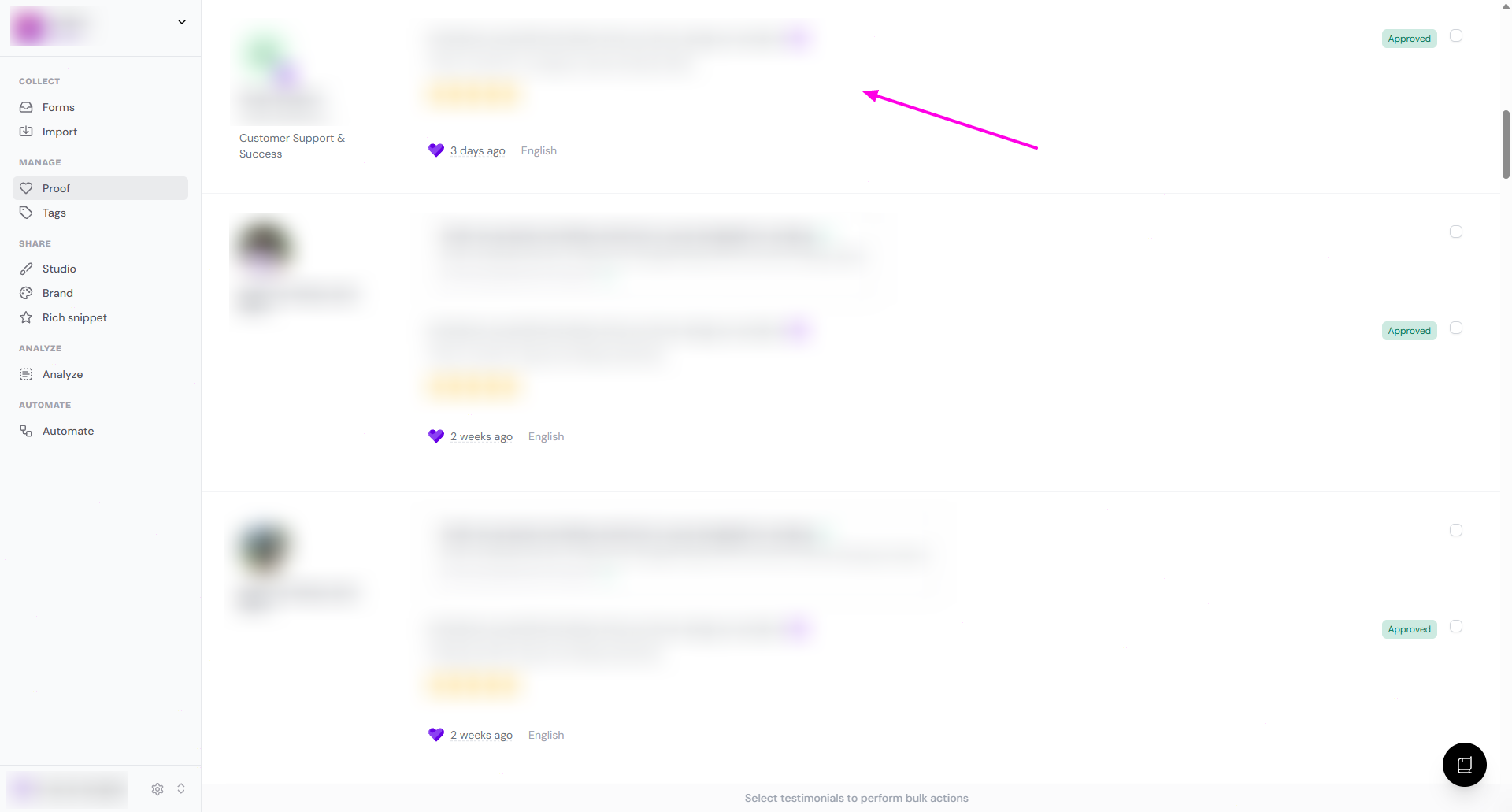
You'll be directed to the customer's page
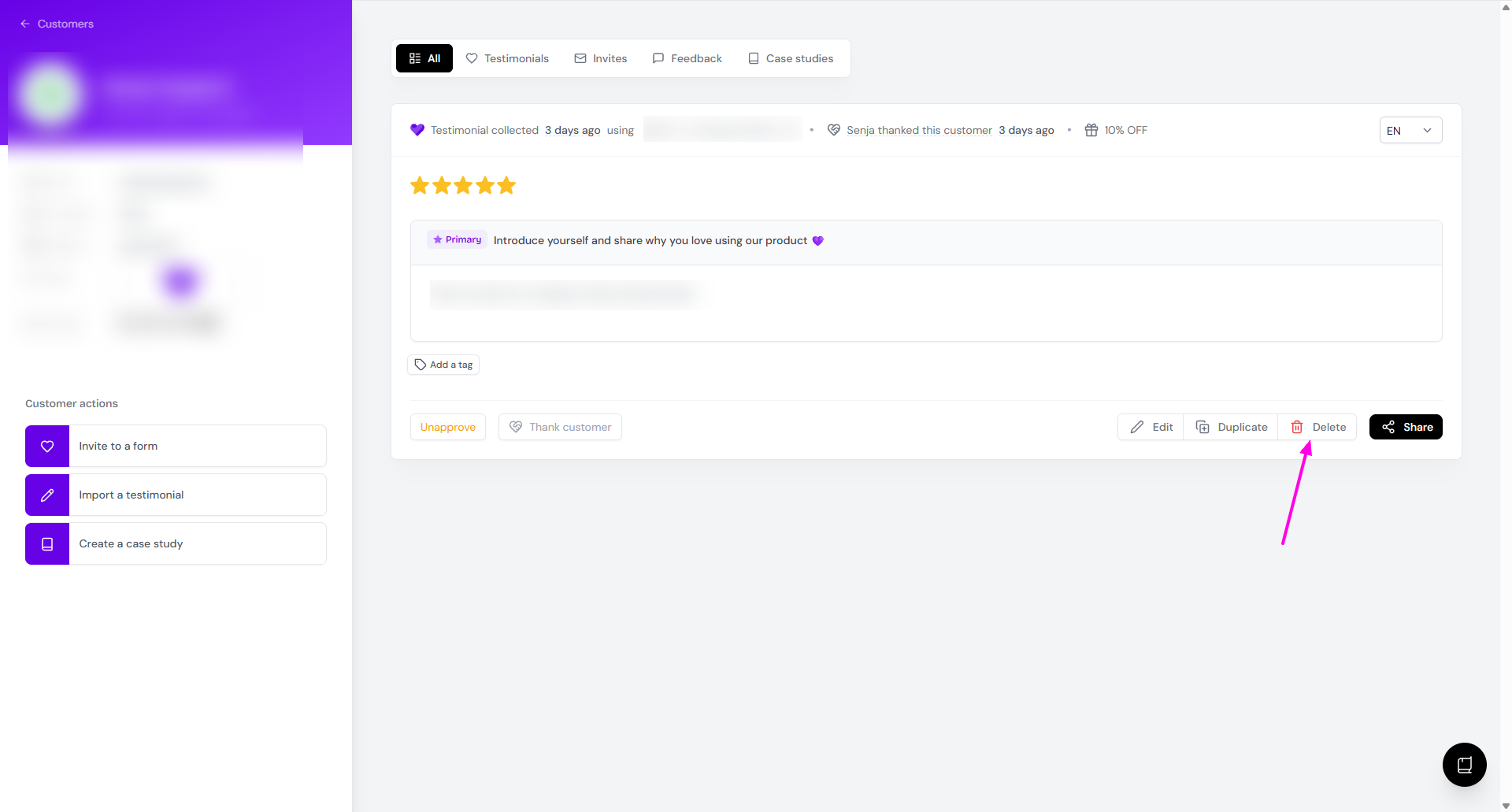
Click Delete
You did it 🎉
It’s time for your happy dance. The testimonial is officially deleted permanently. ✅
Was this helpful?