How do I share my testimonials?
Senja makes it easy to share your customer testimonials everywhere in your marketing funnel. Under Senja Share section, you'll find the Studio tab, Brand, and Rich snippet.
Studio page
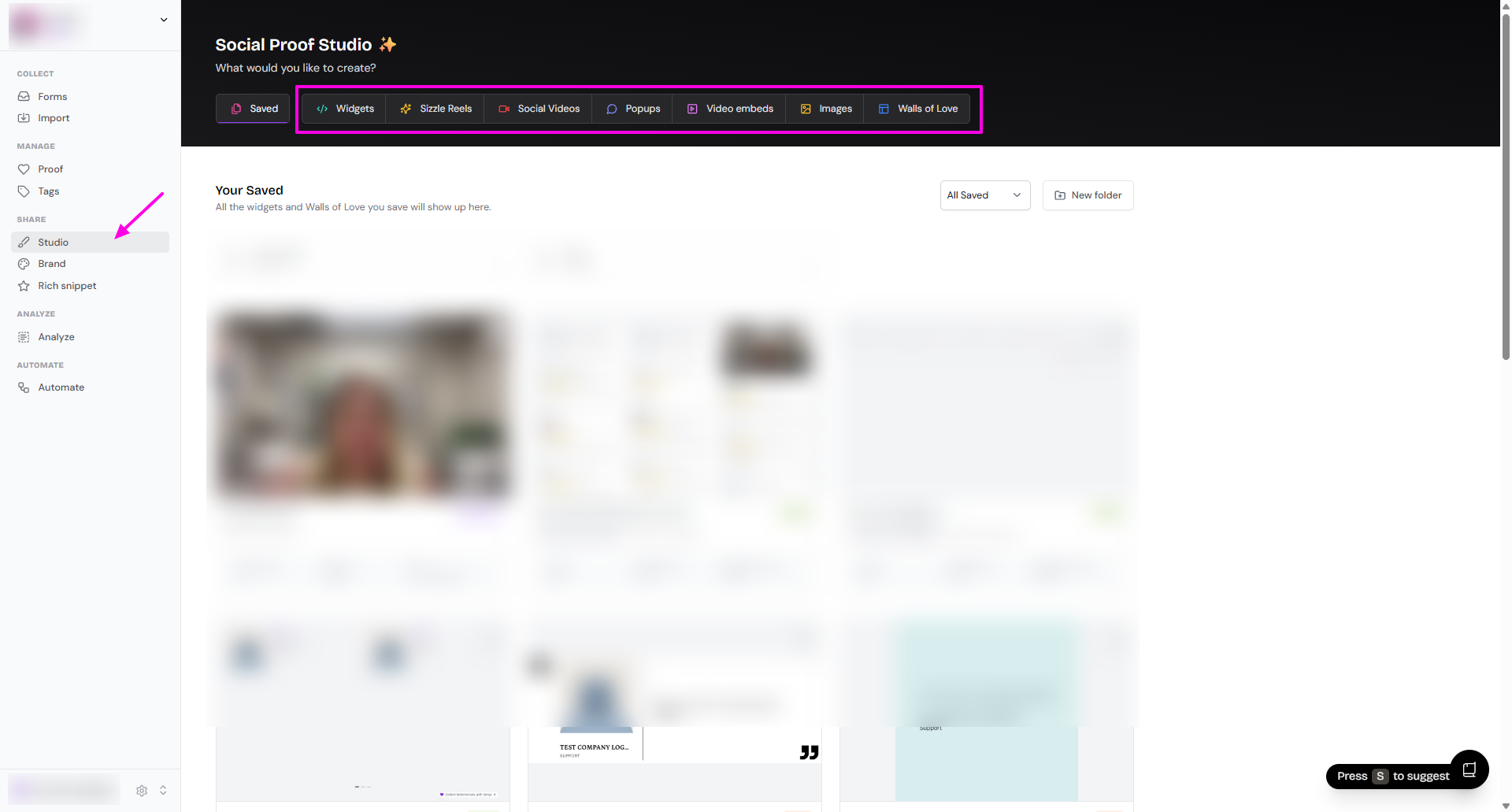
Think of Senja Studio as the Canva for testimonials.
From this page (https://app.senja.io/studio), you can create your assets using the testimonials you collected
These assets are shareable as link, embedded page, and more, very useful to increase conversion
Places you can share include across your website, in your emails, in your navigation, and on your social channels
With Senja, you can turn your testimonials into:
Widgets (read How do I create widget?)
Sizzle reels (read How to create sizzle reels)
Social videos (read How to create social videos)
Popups (read How to create popups)
Video embeds (read How do I turn my video testimonials into video embeds?)
Images (read How do I turn my testimonials into images?)
Wall of love (read How do I create Wall of Love?)
Learn more about sharing your testimonials.
Brand page
On this page, you can setup your brand kit, so you don't need to update your assets individually.
After you set the brand kit, new assets you create will use the logo, colors, and font that you've set.
Go to the Brand page: https://app.senja.io/studio/brand
Add your Brand Kit
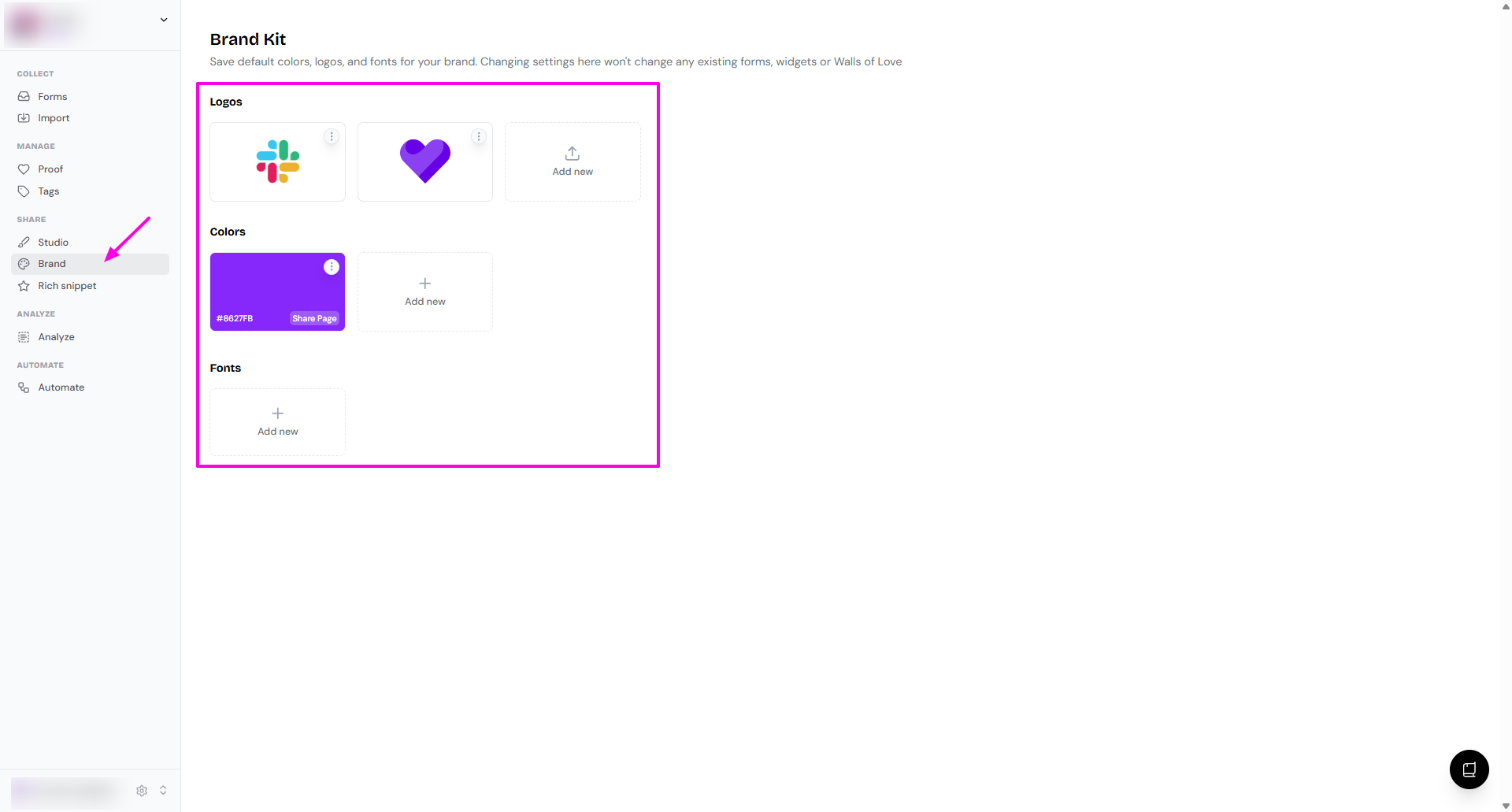
This feature is available for Pro plan only.
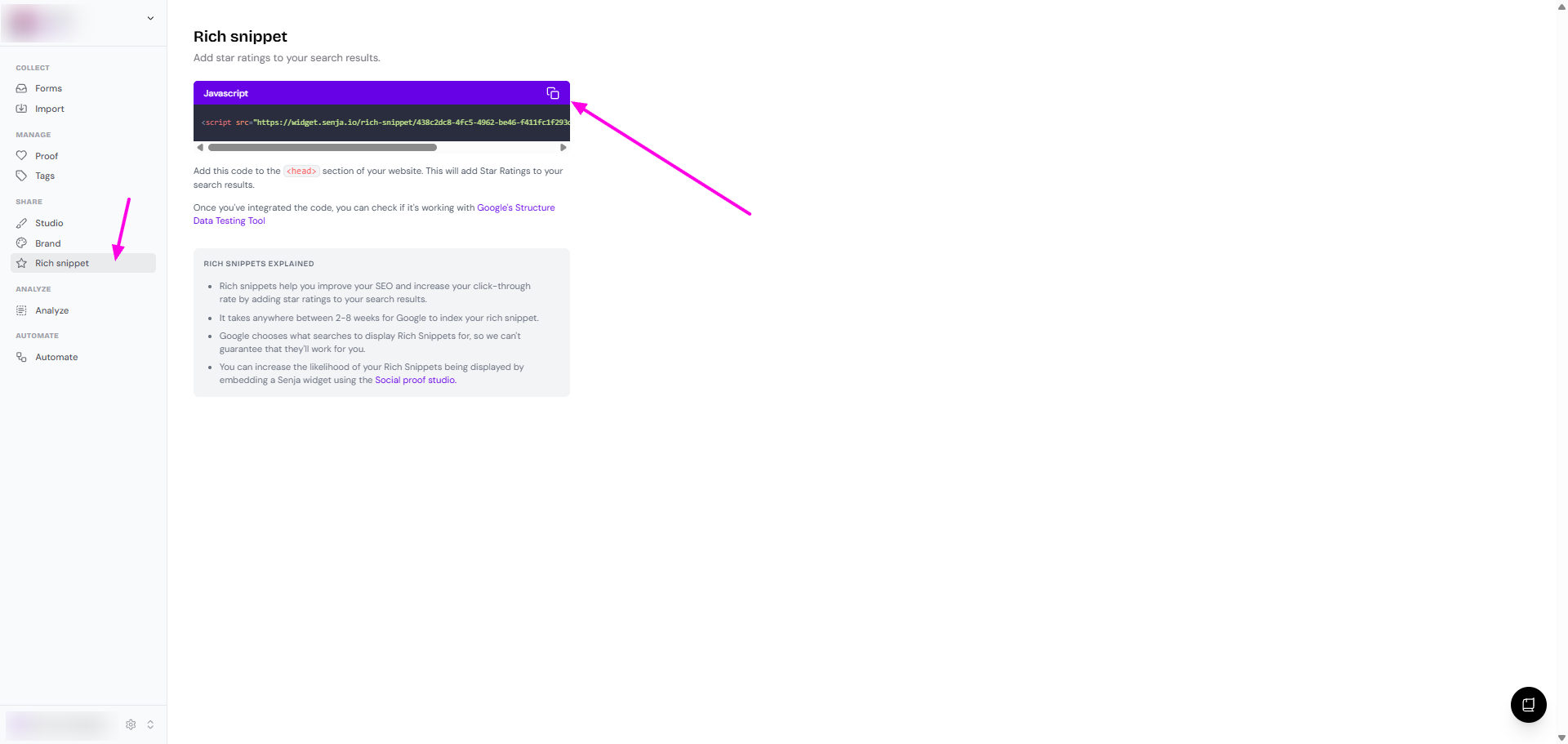
Rich snippet
Rich snippets are star ratings that show up in your Google Search results, which will show up just below your page title and description.
You can read the details on How do I add a rich snippet?