
How do I translate my testimonials?
Use bulk translation to create new language versions of your testimonials so you can share the right version anywhere.
Before you begin: You need a Pro plan and at least one testimonial selected for translation.
Account type
Pro plan
Step by step
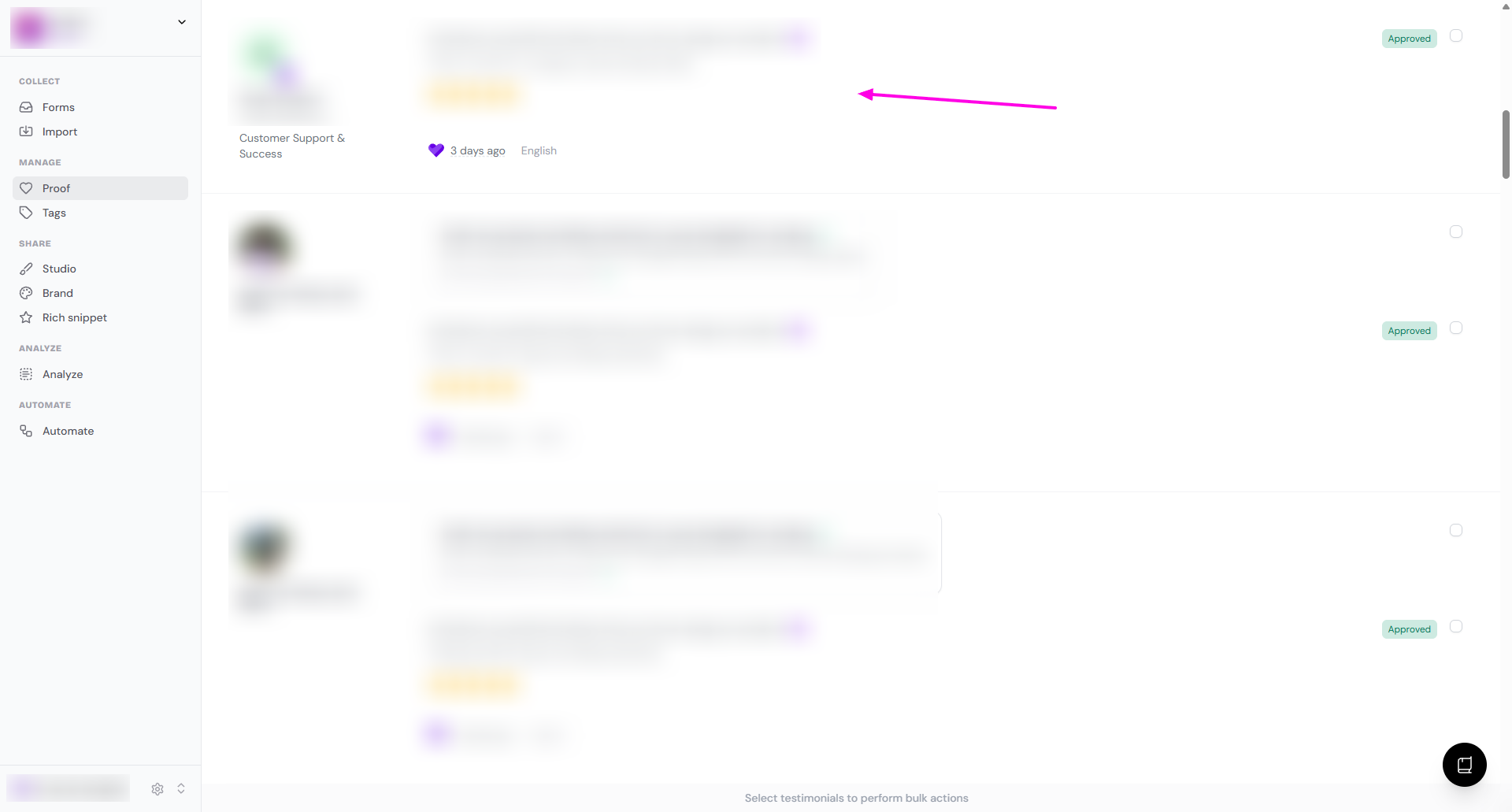
Go to your Proof page
Click the testimonial you want to translate
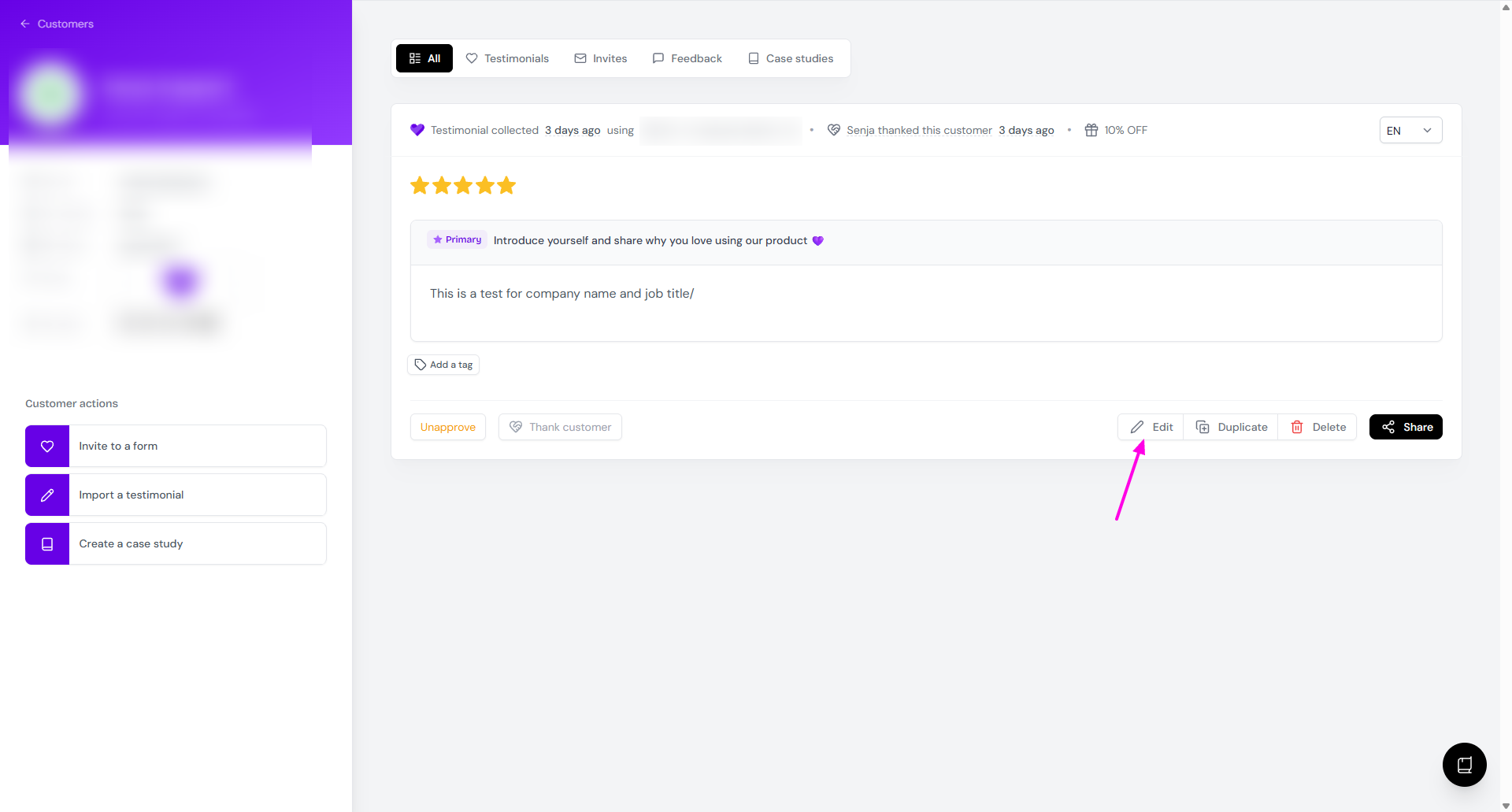
Click Edit
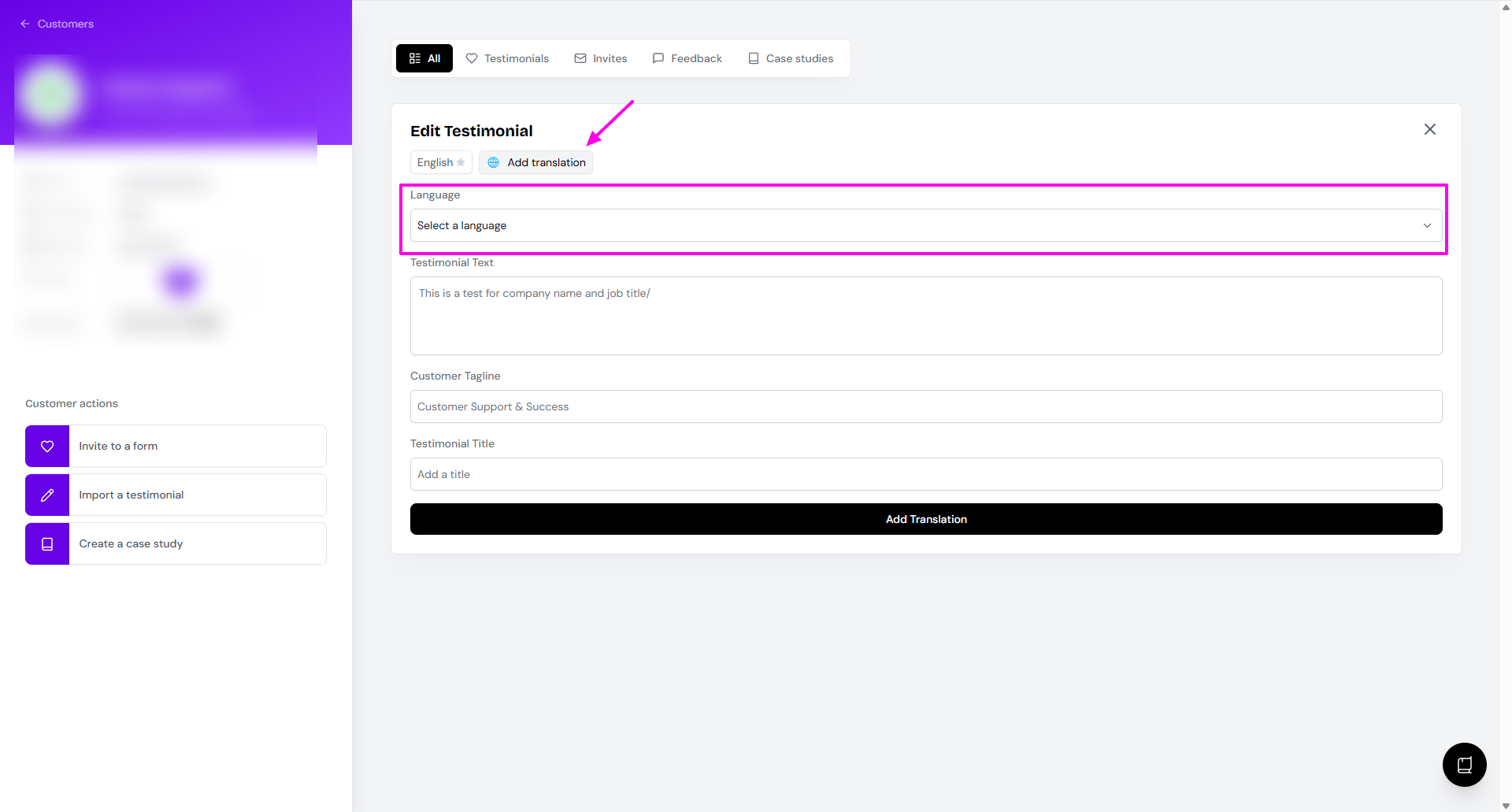
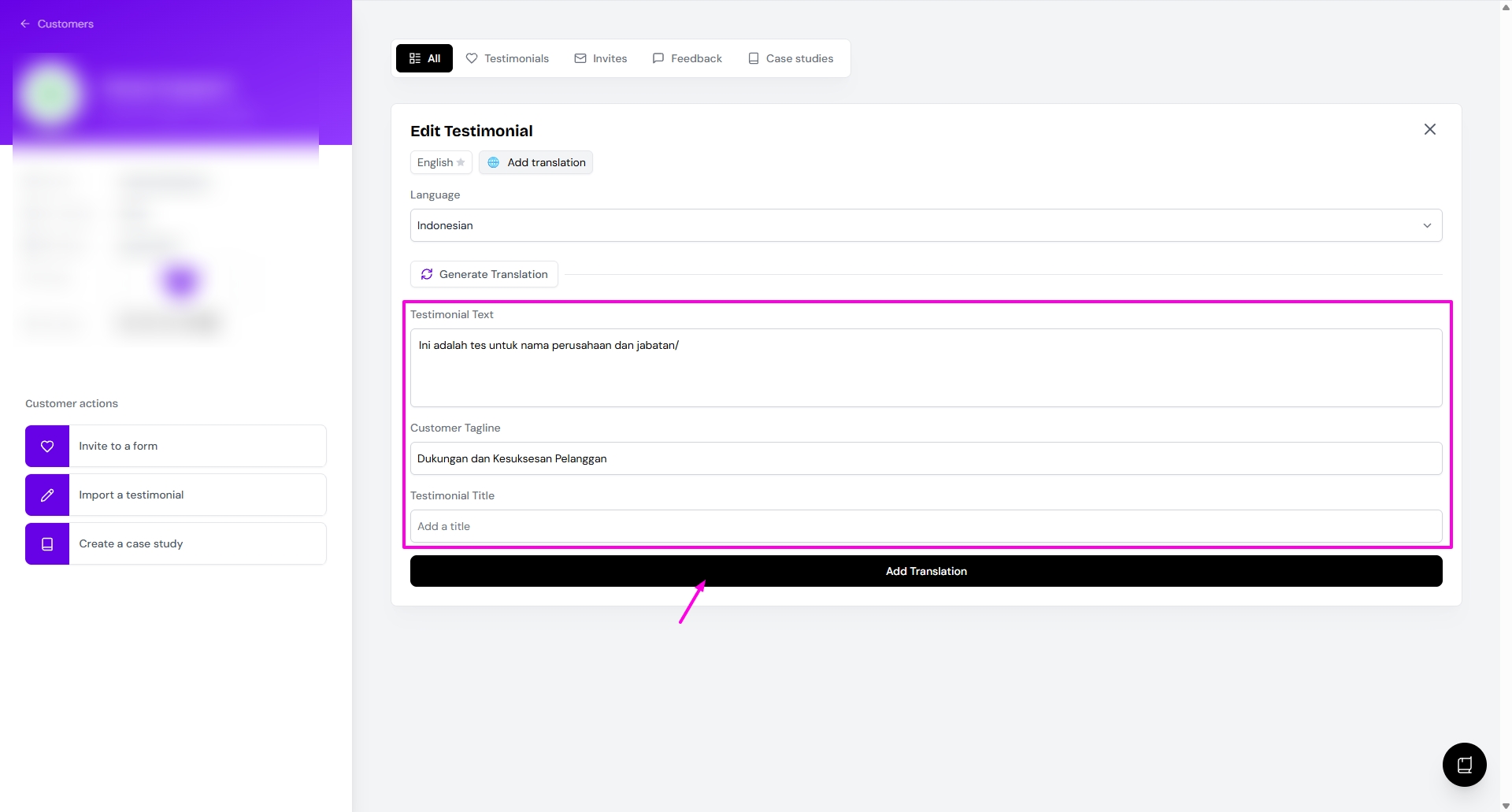
Click Add translation and then choose the Language from the dropdown
Click Generate Translation
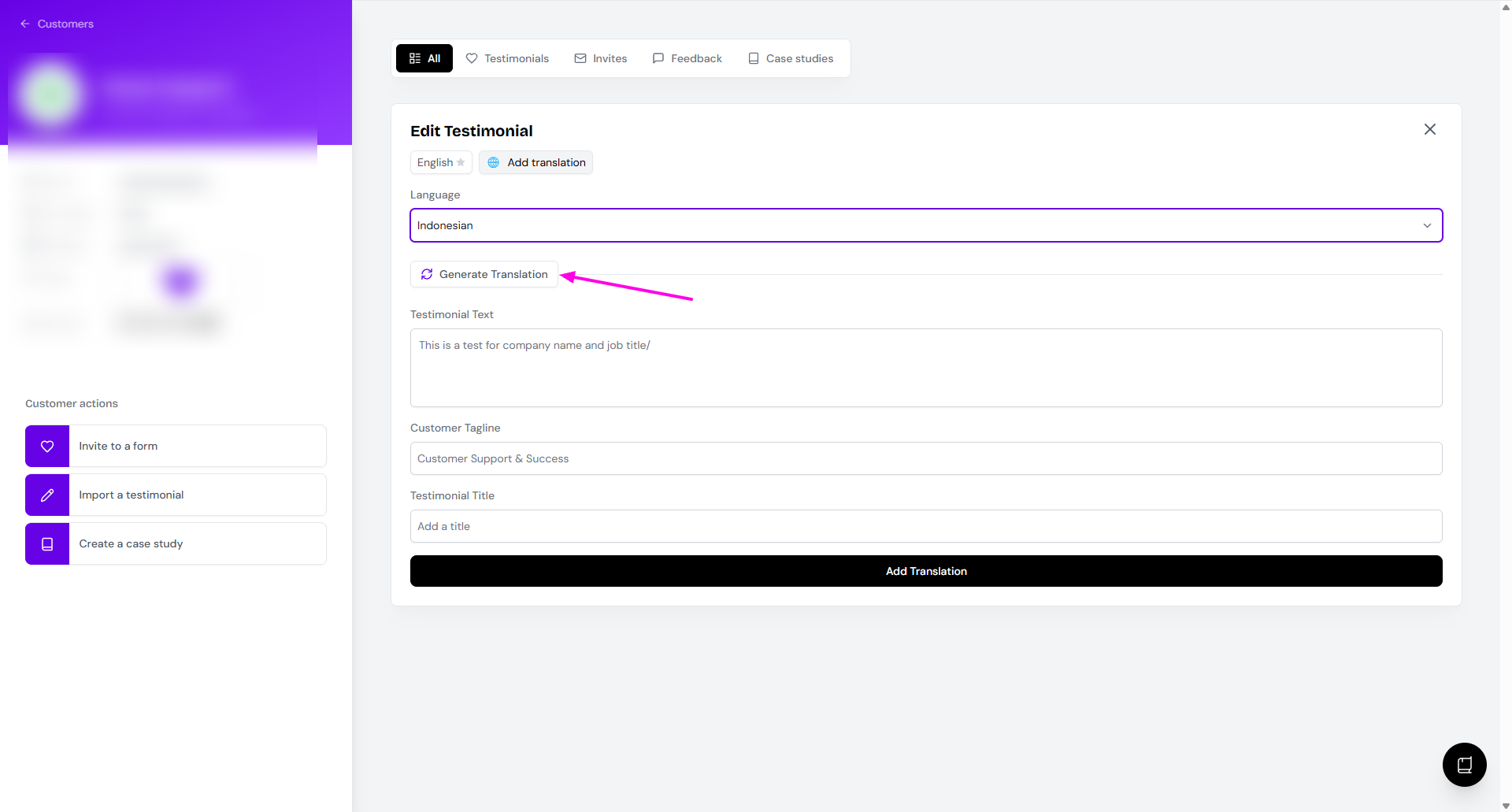
The translation will be loaded
Click Add Translation if you're happy with it
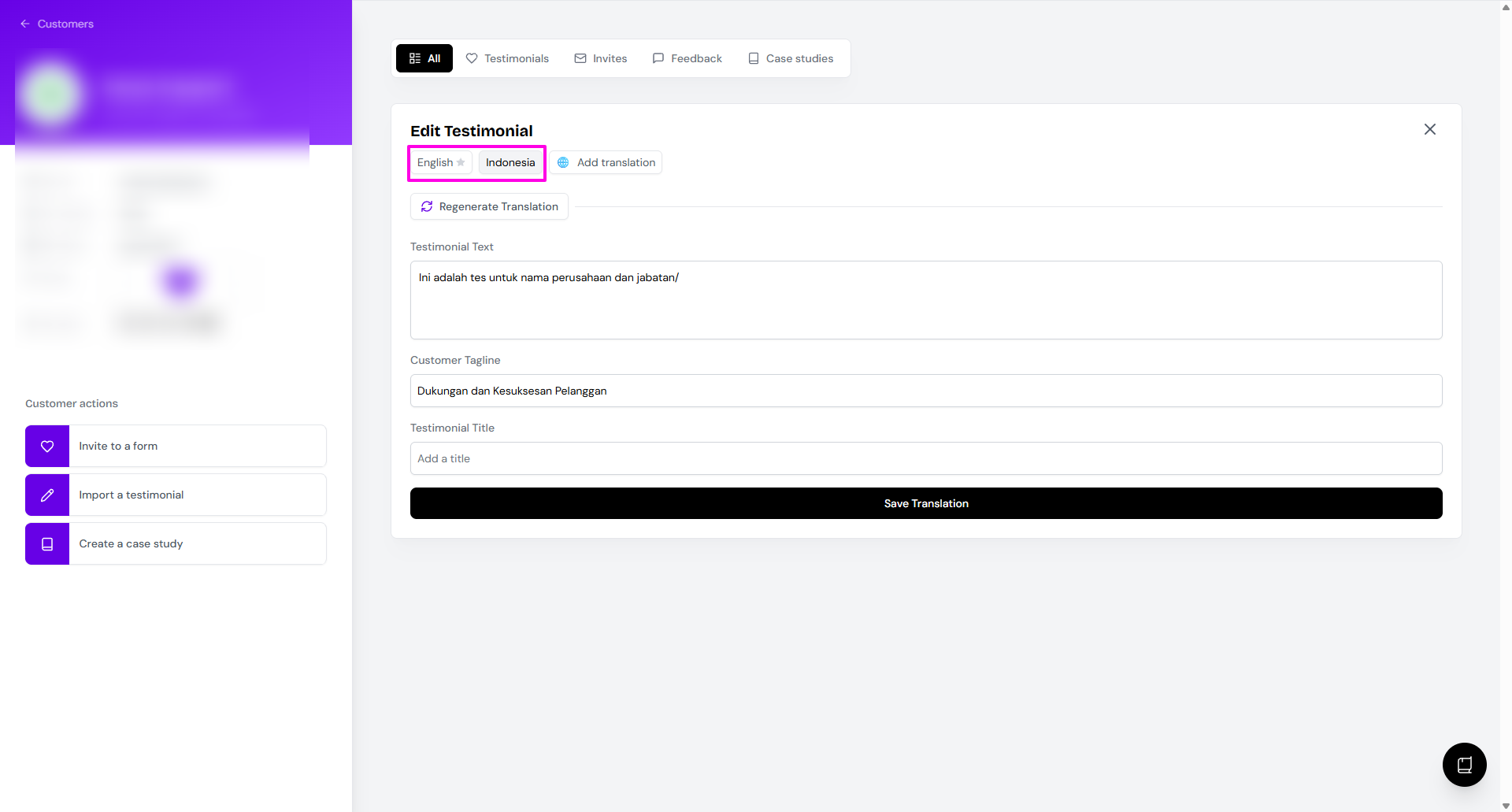
Now you can navigate between different languages
Languages available
English
Spanish
Japanese
Mandarin Chinese
German
French
Portuguese
Italian
Russian
Korean
Arabic
Dutch
Polish
Swedish
Turkish
Hindi
Indonesian
Thai
Vietnamese
Czech
Translate in batches if you have a large selection to keep the review easier.
Related resources
Was this helpful?