
How to add testimonials to LindoAI
You can upload testimonials to LindoAI as images, embed widgets using Senja's code snippet, but there's no direct app integration available.
Here's how to embed your testimonial widget into your LindoAI website.
Create and share your widget in Senja
Follow the guide How do I create widget?
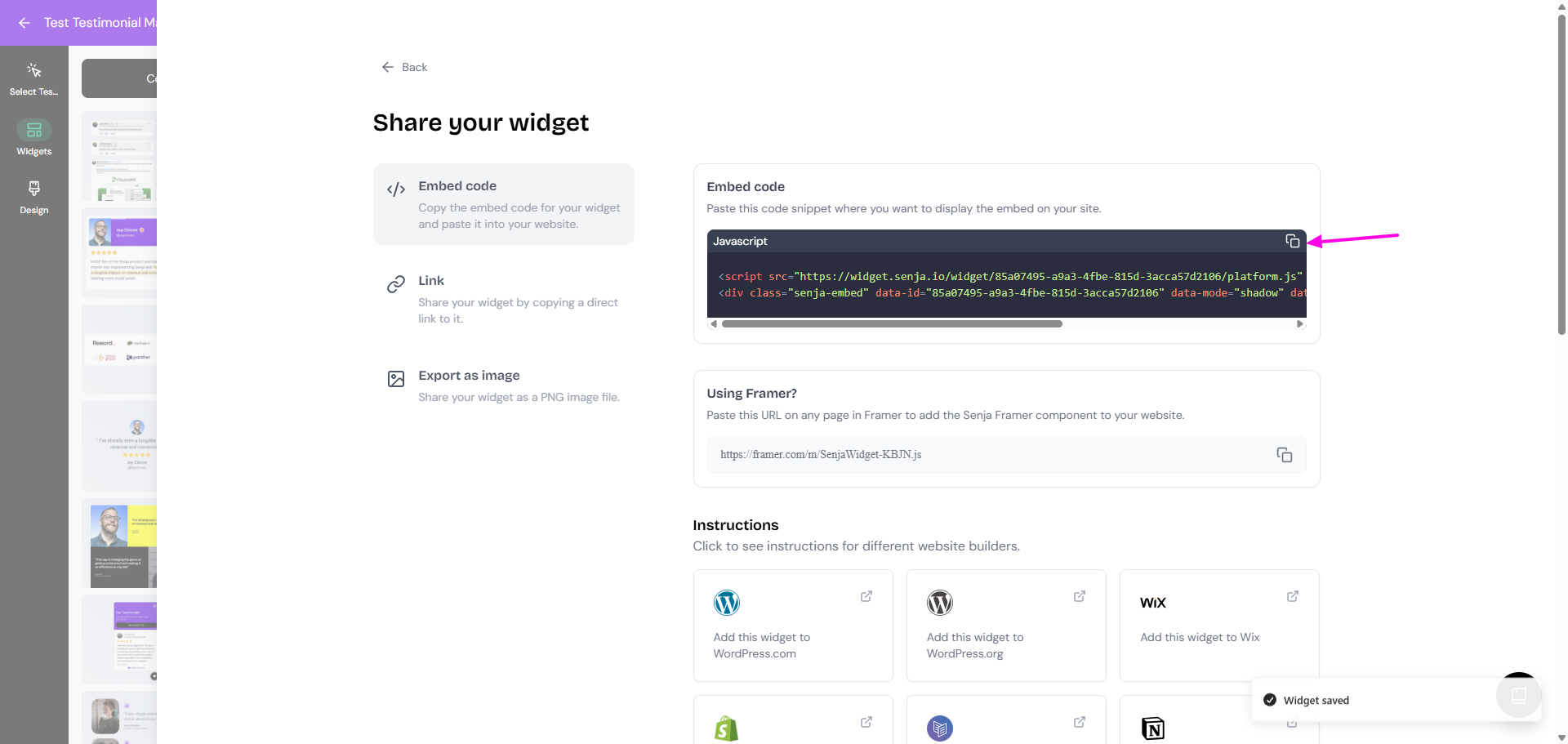
On your widget page, click Share
Copy the embed code
Want a faster way to copy your widget code? Senja's free Chrome Extension allows you to copy your widget code and form URLs, and see all your latest testimonials, all without leaving the page you're on. Download it free here
Embed the widget in LindoAI
You're done in Senja. Switch to your LindoAI account.
Go to the LindoAI page where you want to add your testimonial widget.
Open your page in the editor
Add an HTML Embed or Custom Code element to your page
Paste the code you copied from Senja
Save and publish your changes
Your testimonial widget is now live on LindoAI 🥳 Not working? Just click Contact Us below and we'll assist you.