
How to add testimonials to Instapage
You can add Senja testimonials to Instapage by embedding widgets using custom HTML code. Instapage doesn't have a native Senja app integration, but the HTML widget lets you embed any Senja widget style into your site.
Create and copy your widget code
Follow the guide How do I create widget?
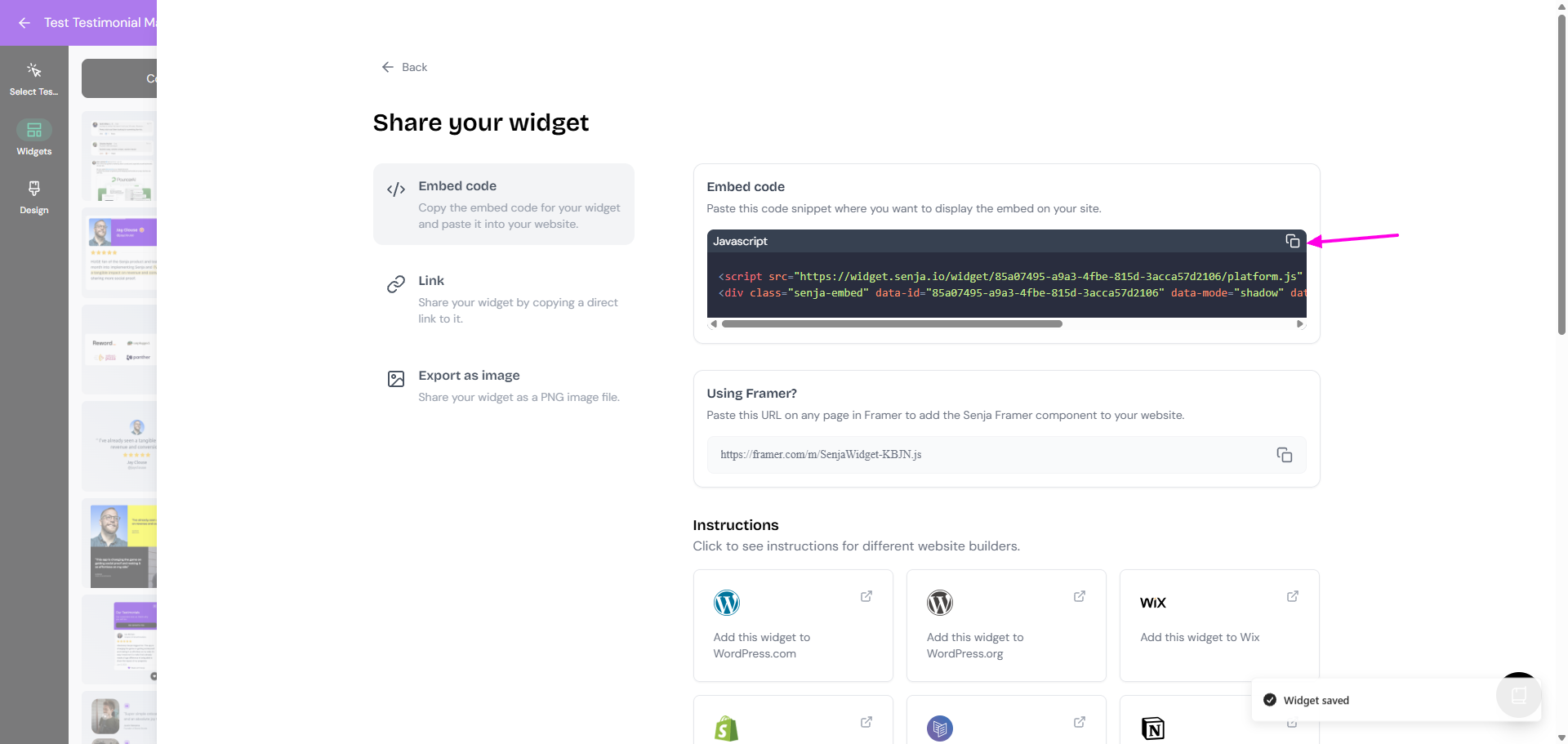
On your widget page, click Share
Copy the embed code
Senja's free Chrome Extension allows you to copy your widget code and form URLs, and see all your latest testimonials, all without leaving the page you're on. Download it free here
In Instapage
Go to the Instapage page where you want to add your testimonial widget
In the page editor, locate the HTML Element button in the left sidebar
Click it to add an HTML block to your page
Double-click the block or click Edit to open the content field
Paste the Senja widget code you copied earlier
Resize and position the block as needed
Click Save and publish your page
Your widget will only display on the live published page—it won't render in the Instapage editor preview.
Your testimonial widget is now looking amazing in Instapage 🥳 Not working? Just click Contact Us above and we'll assist you.