
How do I share a link to my testimonials?
Sharing a link is the quickest way to show off your testimonials. You can share a link to a single testimonial, a case study, a Wall of Love, or a widget, and paste it anywhere: social posts, DMs, emails, or your link in bio.
Testimonials, case studies, and Walls of Love can have a call to action button, like Book a call, so people who open the link know what to do next. It's optional, and the steps for each are below.
This is available for all Senja plans: Free, Starter, and Pro.
Share a testimonial
Go to your Proof page: https://app.senja.io/
Click on the testimonial you want to share
Click Share in the bottom right
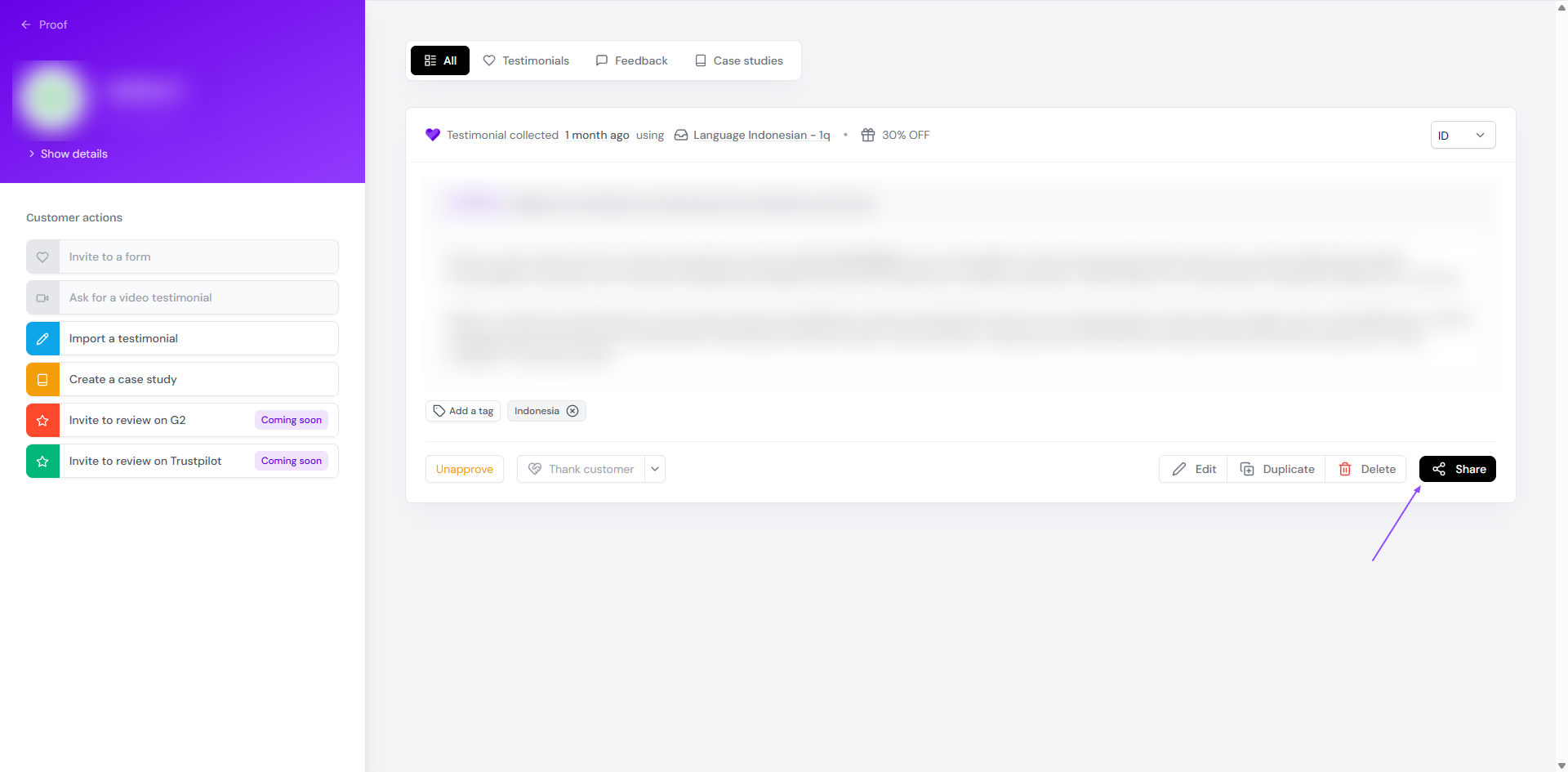
Click Copy link to testimonial
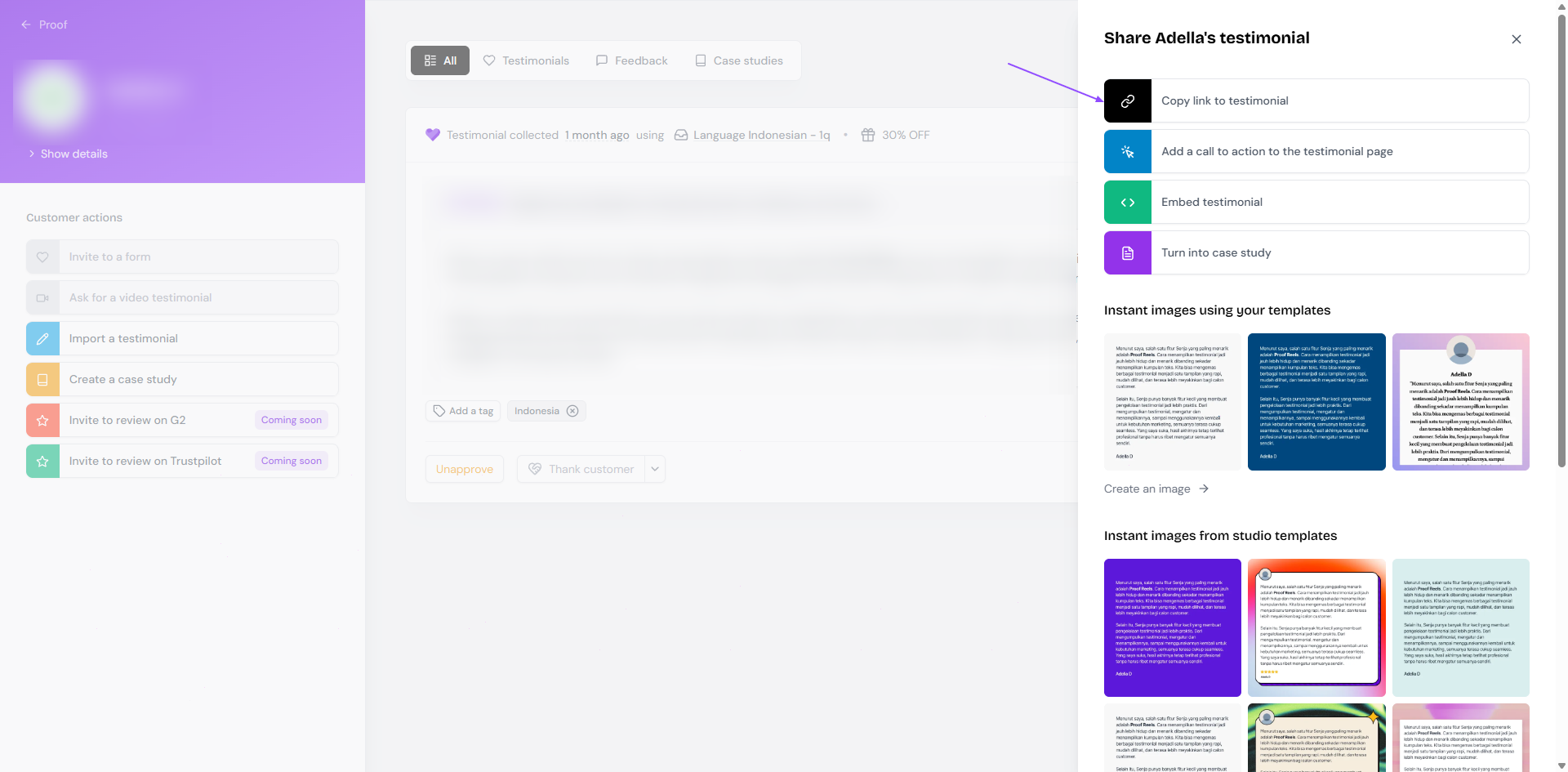
Paste the link wherever you want to share it
You can add a custom CTA on the shared link, following these steps:
Click on the testimonial you want to share
Click Share in the bottom right
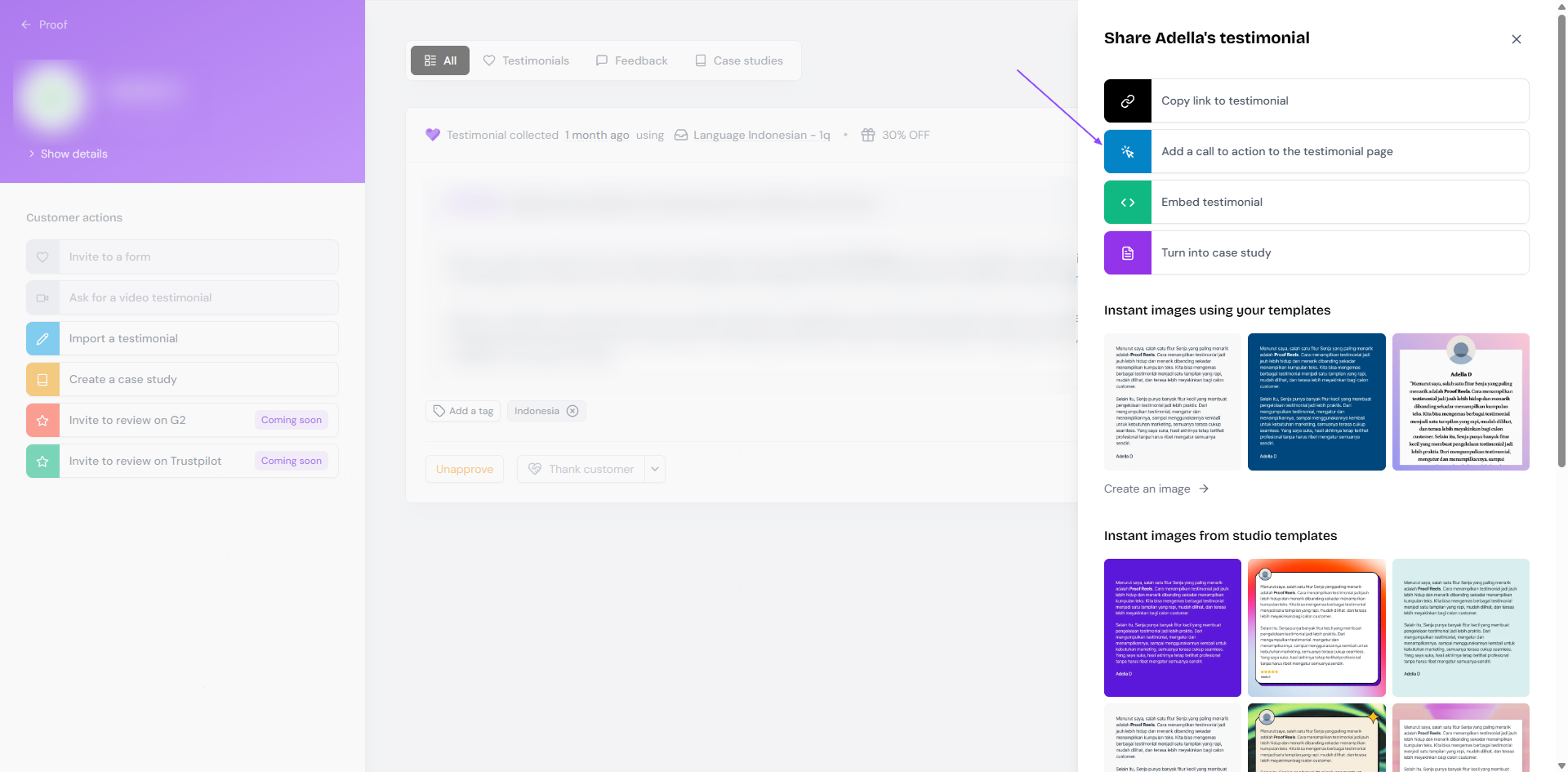
Click Add a call to action to the testimonial page and set it up
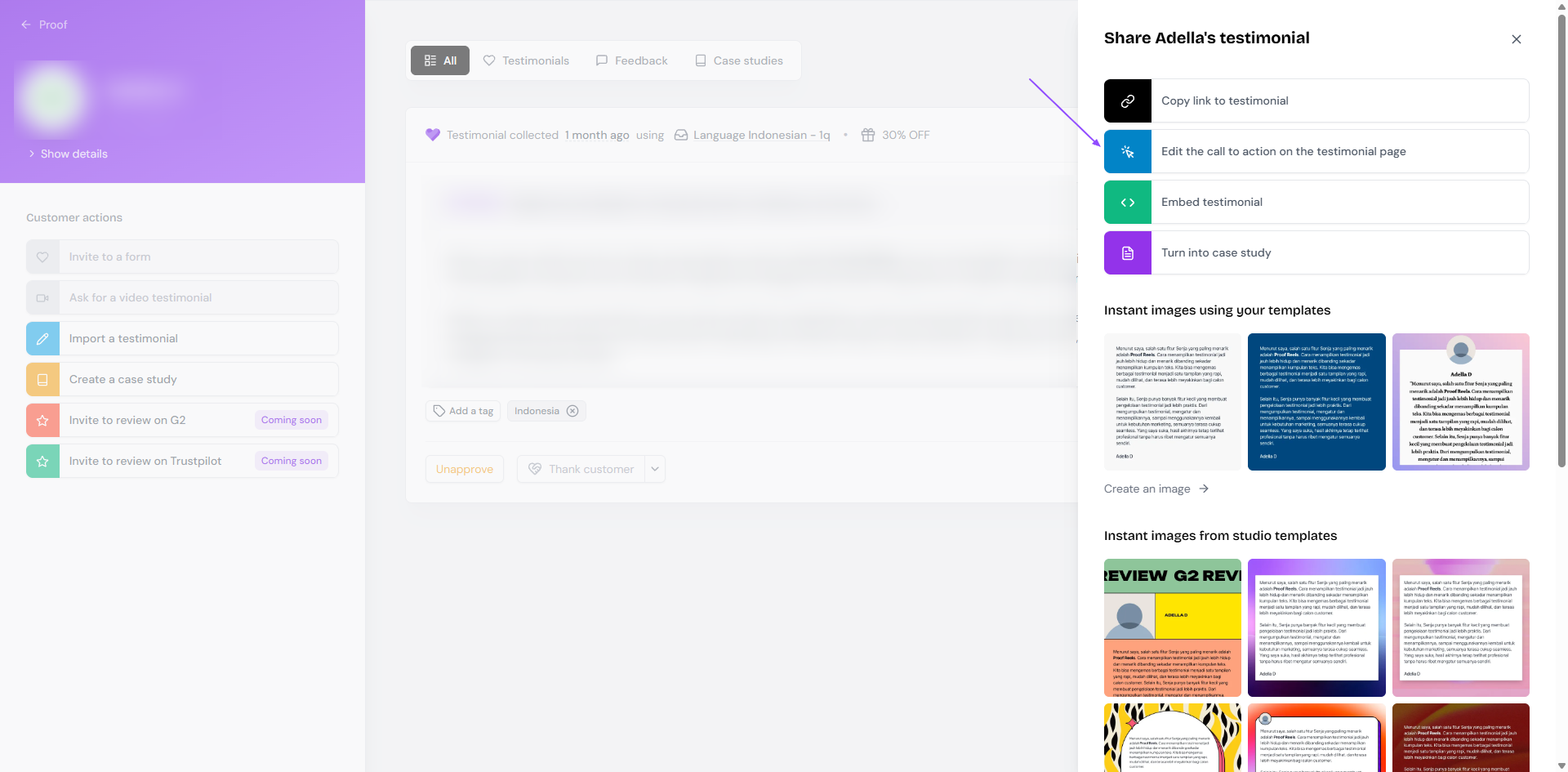
If you already added a CTA before, you can update it by clicking Edit the call to action on the testimonial page to update or remove it
Now the shared URL will have a customized CTA button in it

Share a case study
Go to your Proof page: https://app.senja.io/
Click on the case study you want to share
Click Share in the top right
Click Copy share link
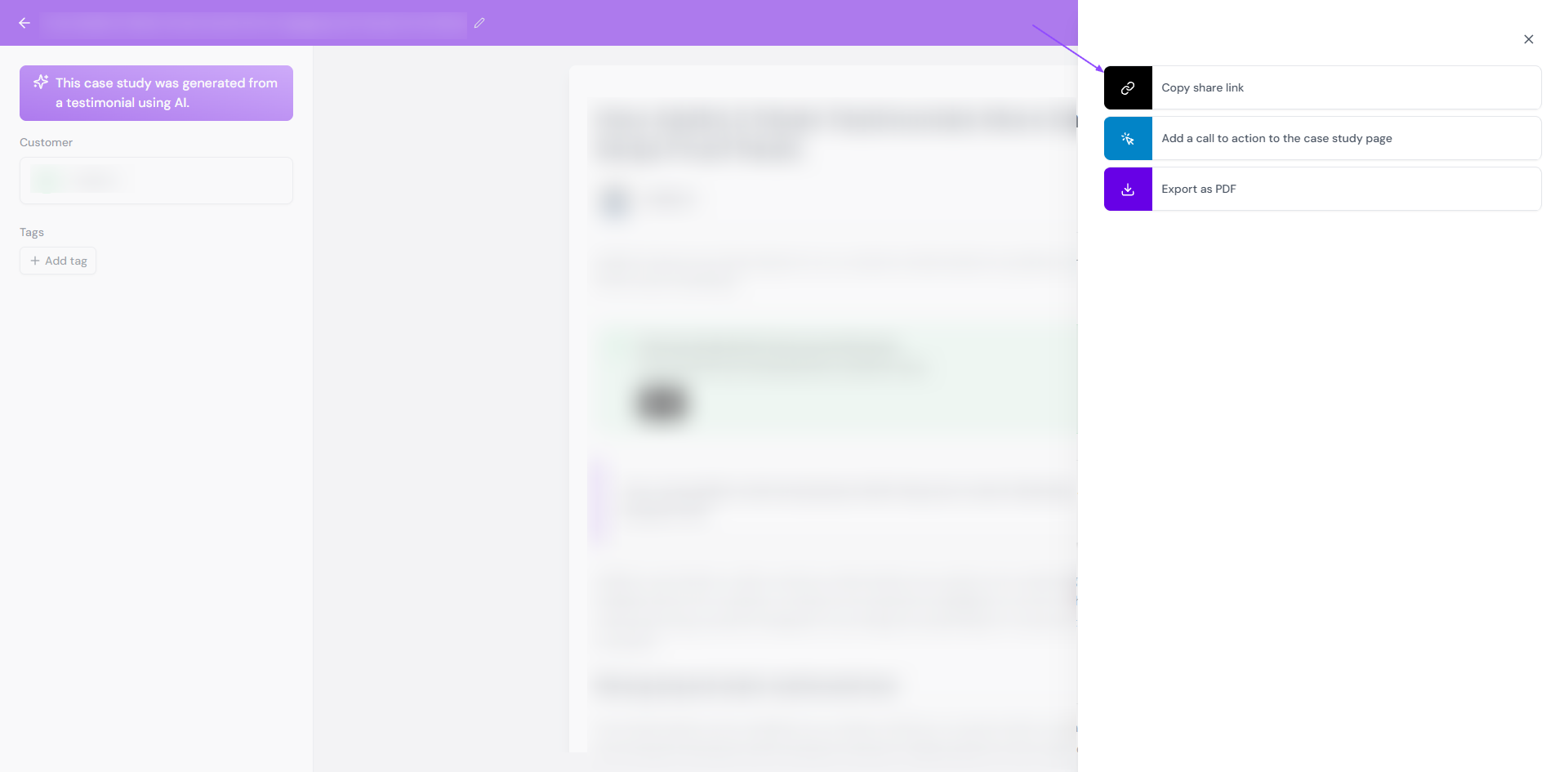
Paste the link wherever you want to share it
The same way as sharing testimonial link, click Add a call to action to the case study page to have a customized CTA button on your case study URL sharing.
Share a Wall of Love
Go to Studio → Saved: https://app.senja.io/studio/saved
Open your Wall of Love
Click Share in the top right
Want a cleaner link? Click the ✏️ icon next to the URL preview to edit your Wall of Love slug
Click the 🔗 icon under Copy the link
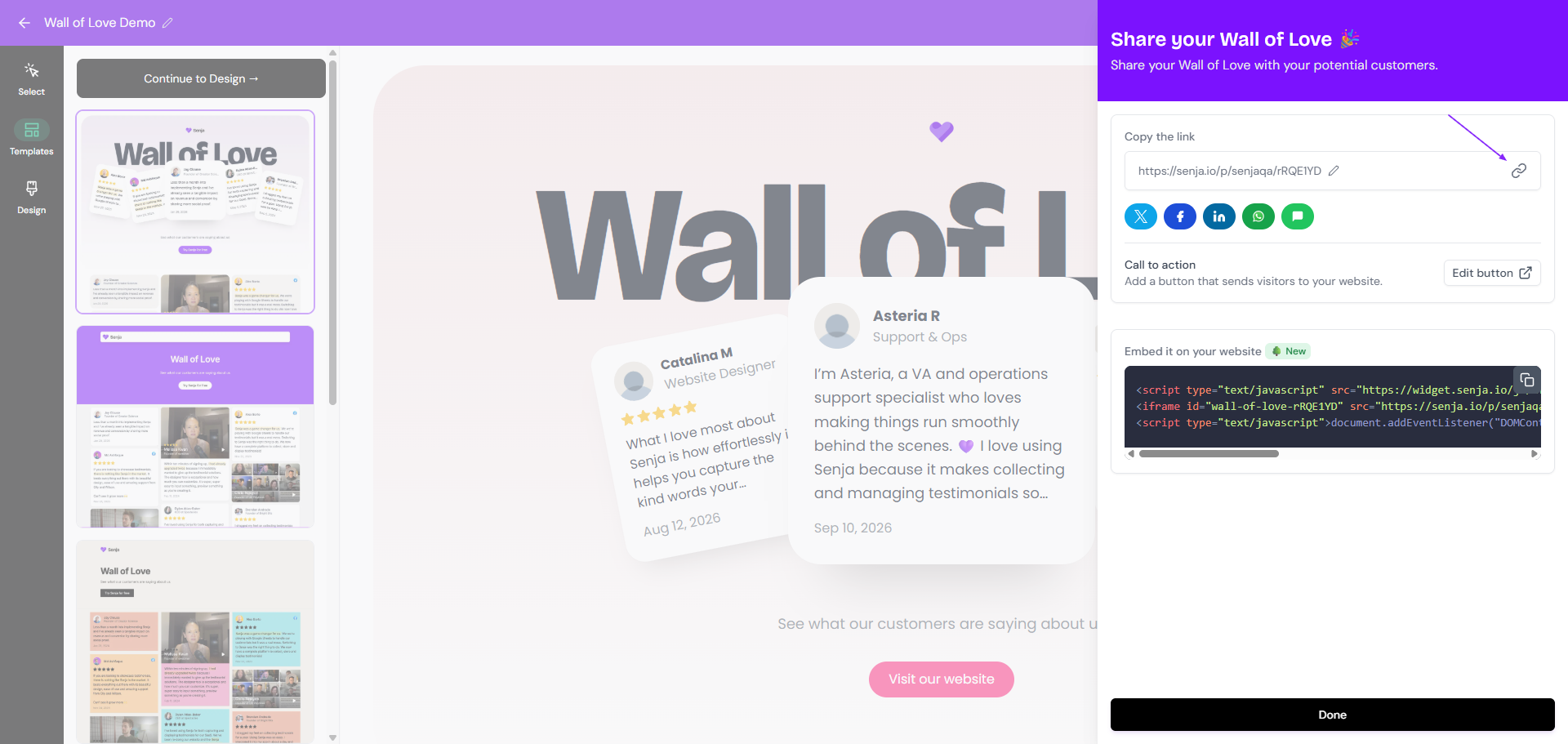
Paste the link wherever you want to share it
The same way as sharing testimonial link, click Edit button in the Call to action section to have a customized CTA button on your Wall of Love URL sharing.
Share a widget
Go to Studio → Saved: https://app.senja.io/studio/saved
Open your widget
Click Share in the top right
Choose the Link tab
Click the 🔗 icon under Your widget link
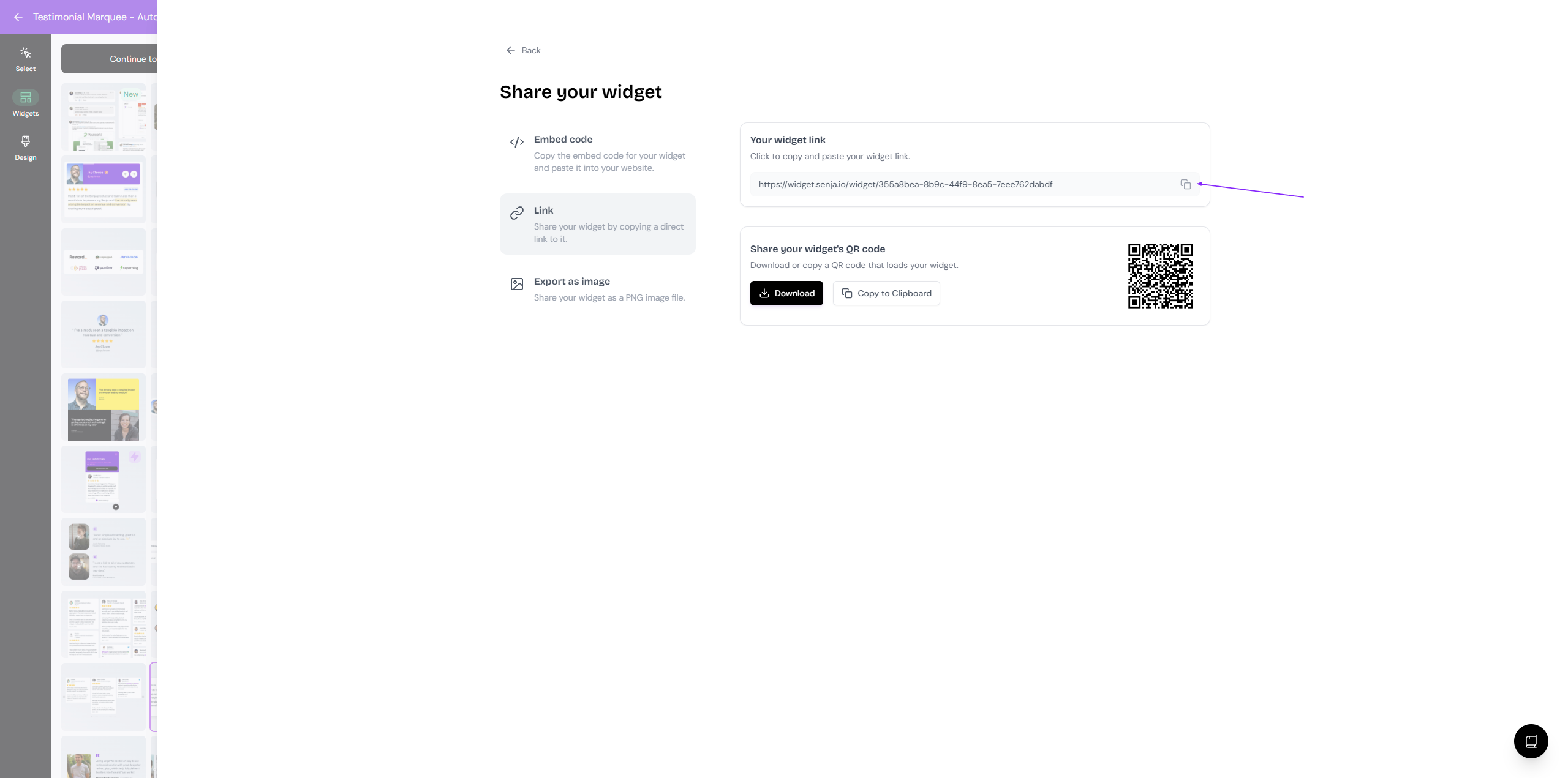
Paste the link wherever you want to share it
Want to show testimonials on your website instead? Add a widget with its embed code, see Add testimonials to your website.