
How to add testimonials to your Kit emails
Senja has a free Kit app that lets you add your testimonials and Senja forms to the emails you write in Kit, without leaving the editor. Use it for launch, update or upgrade emails and newsletters.
The Kit app is free and works on all Senja plans: Free, Starter and Pro.
What the Kit app can do
Add styled text testimonials to your emails
Add a GIF preview of your video testimonials
Add a preview of your Senja form, so readers can leave a testimonial
Install the Senja app in Kit
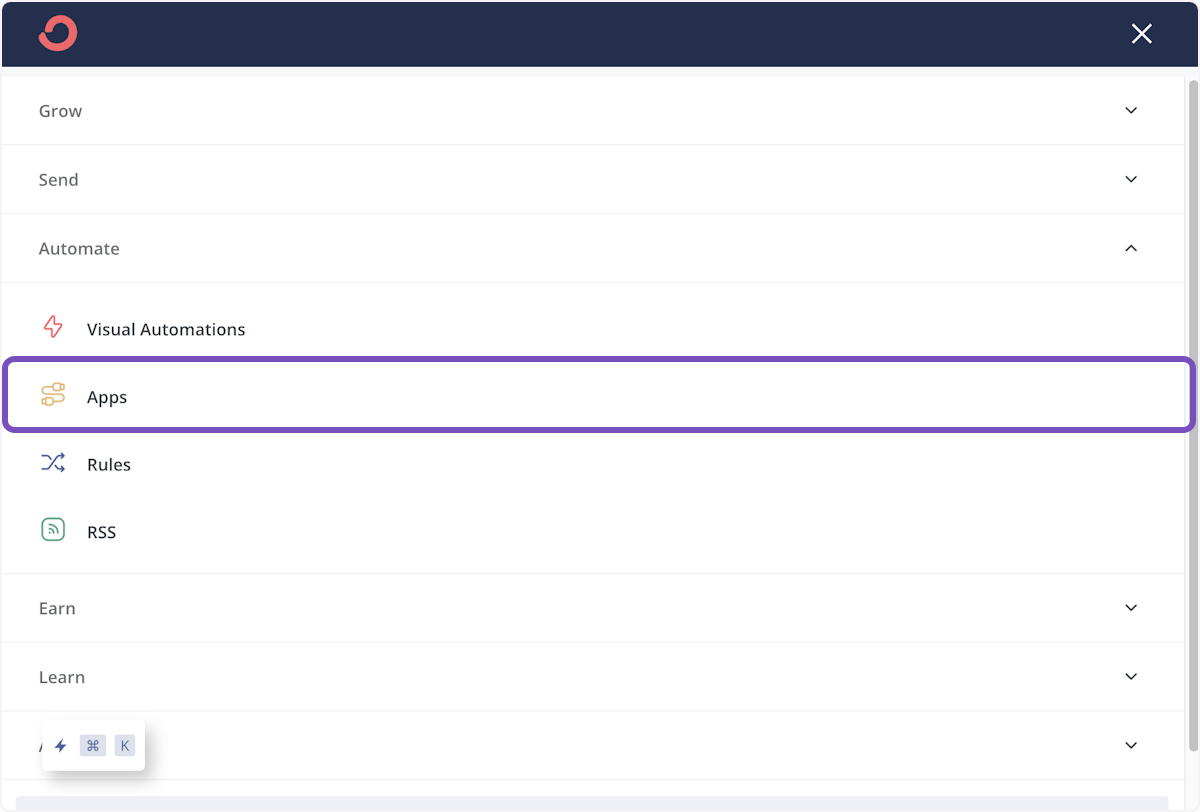
In Kit, hover over Automate and click Apps, or go straight to the Senja app in Kit
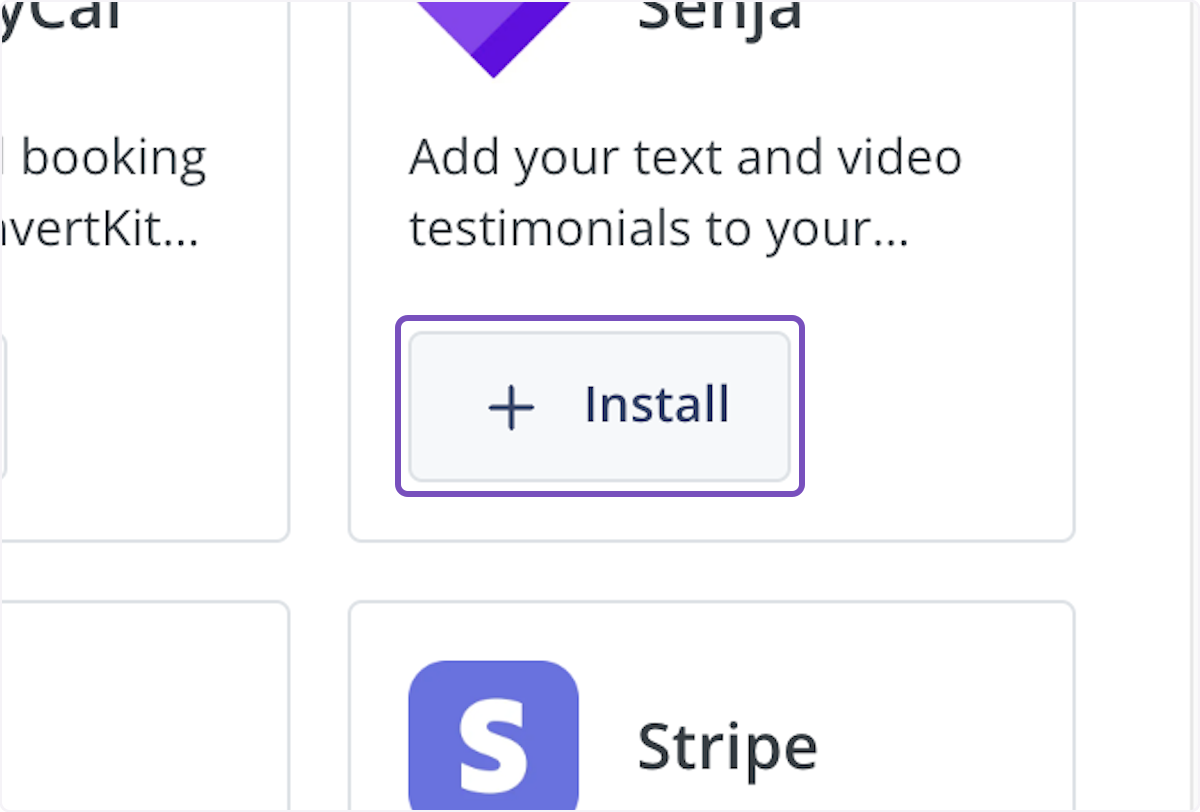
Find Senja and click Install
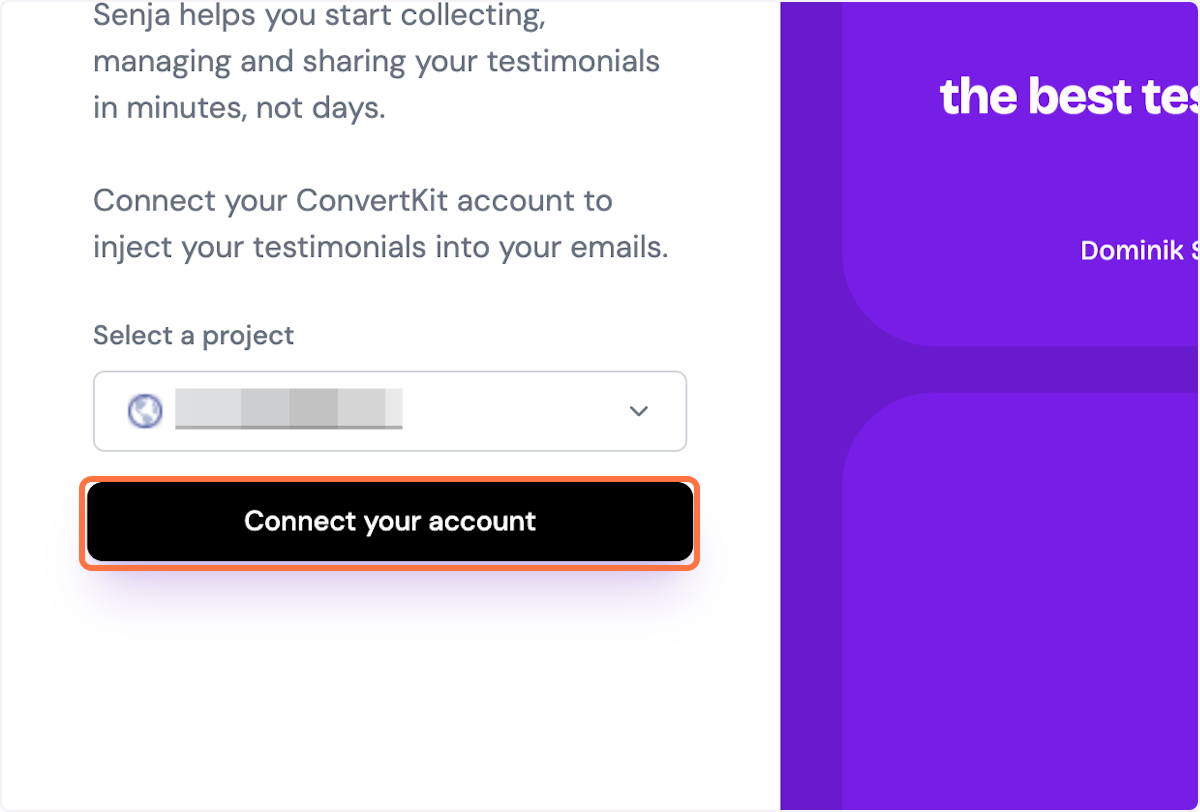
Click Connect your account and log in to Senja
Add a testimonial to an email
Open your broadcast in Kit
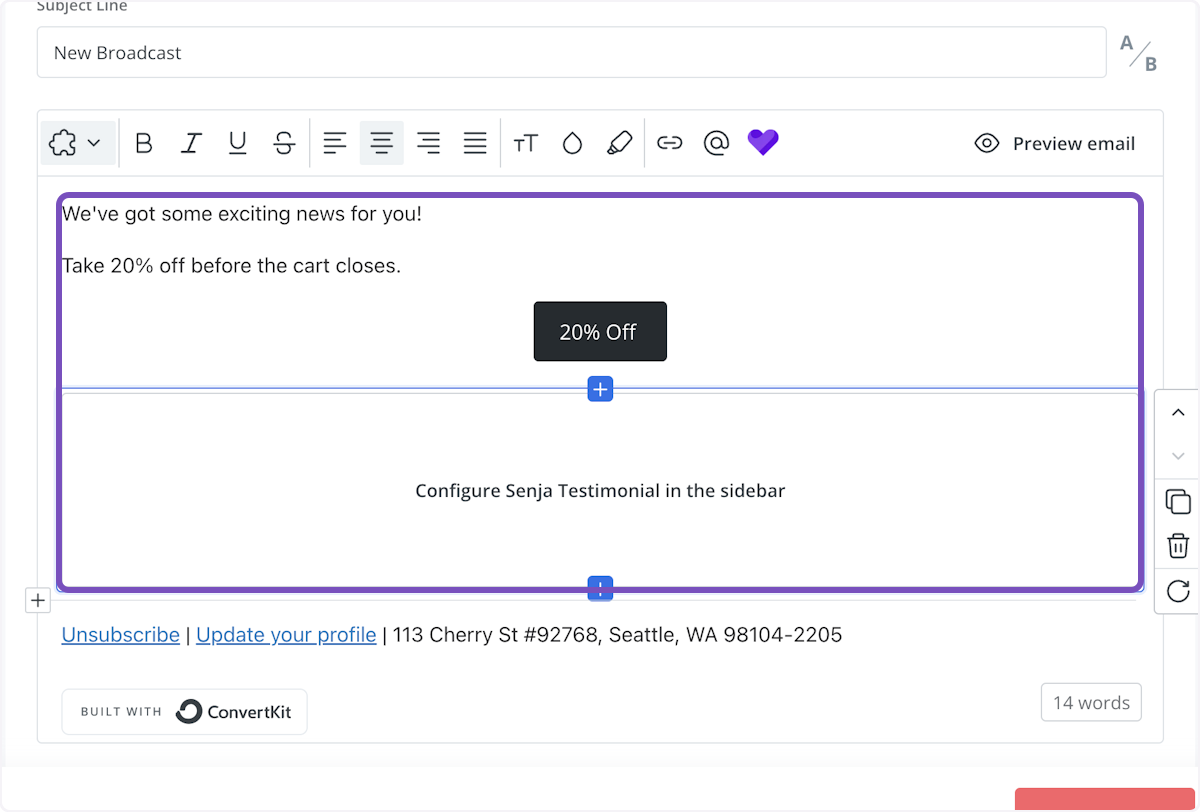
In the email body, type /test and choose a testimonial image or a video testimonial preview
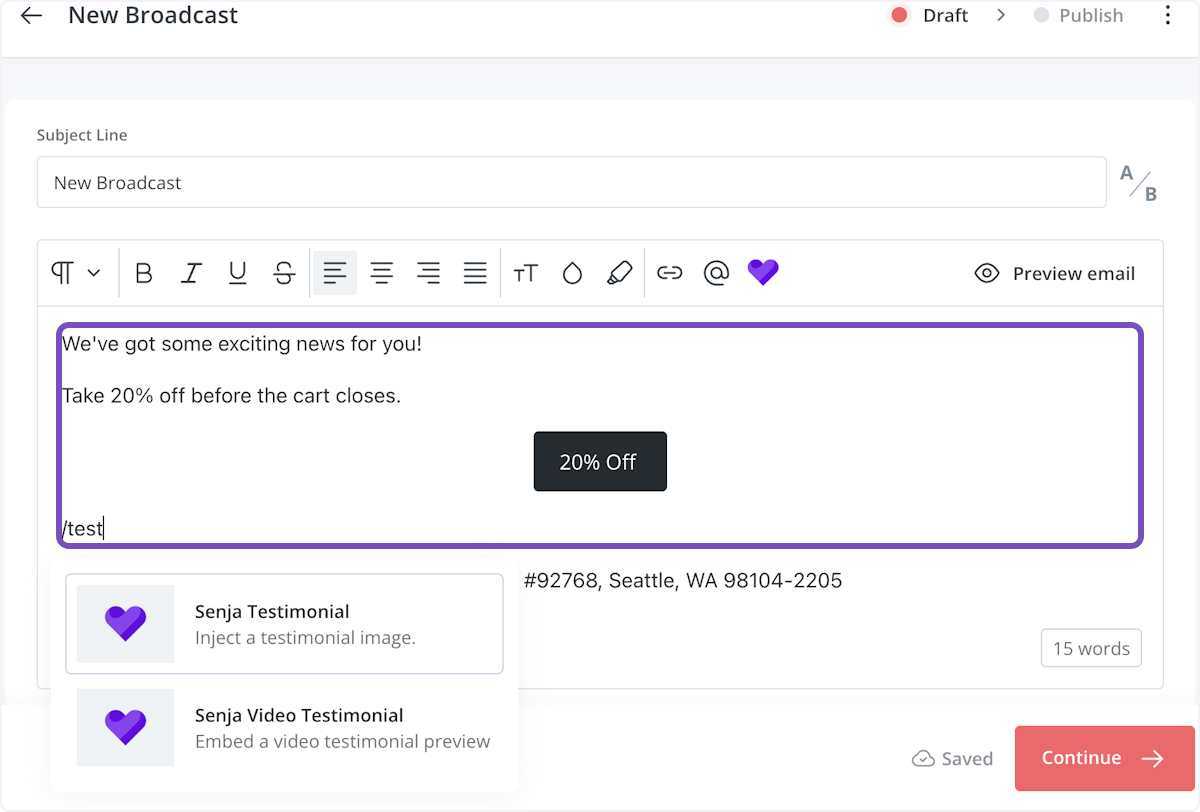
A box appears in your email. Set it up in the sidebar
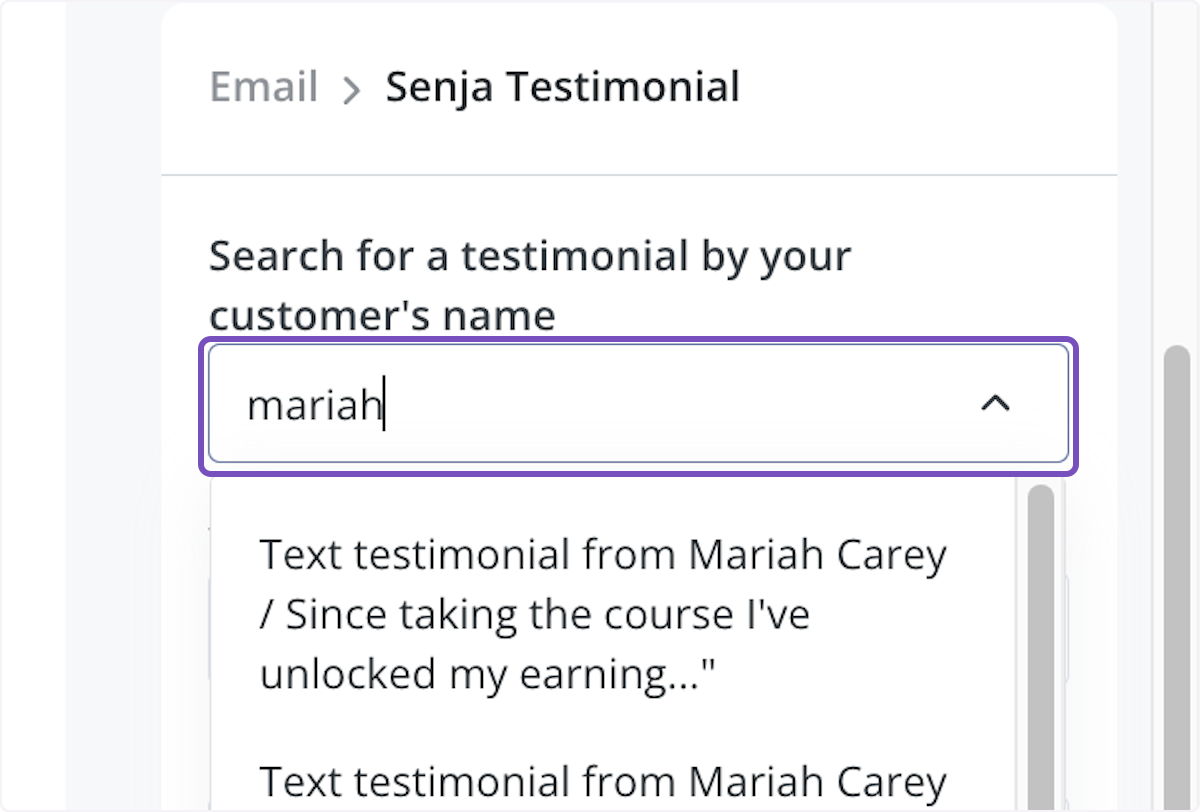
Search for the testimonial by your customer's first name, and click it
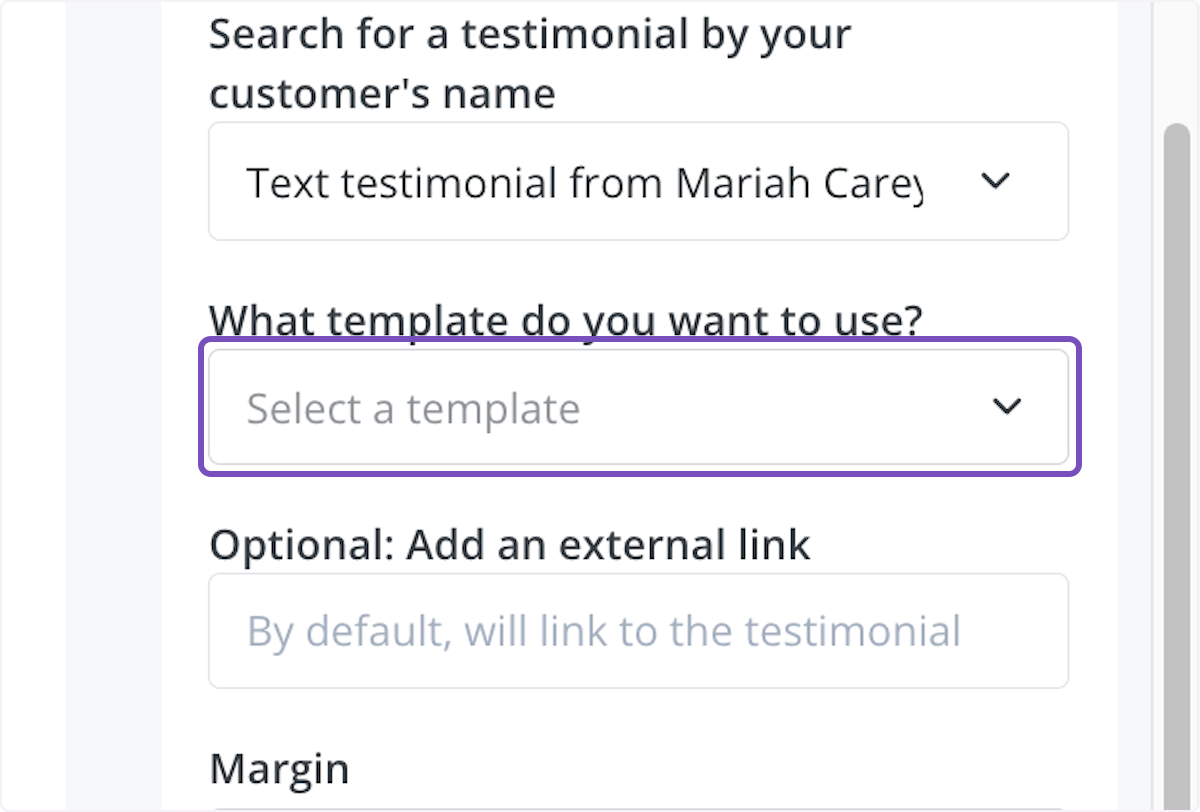
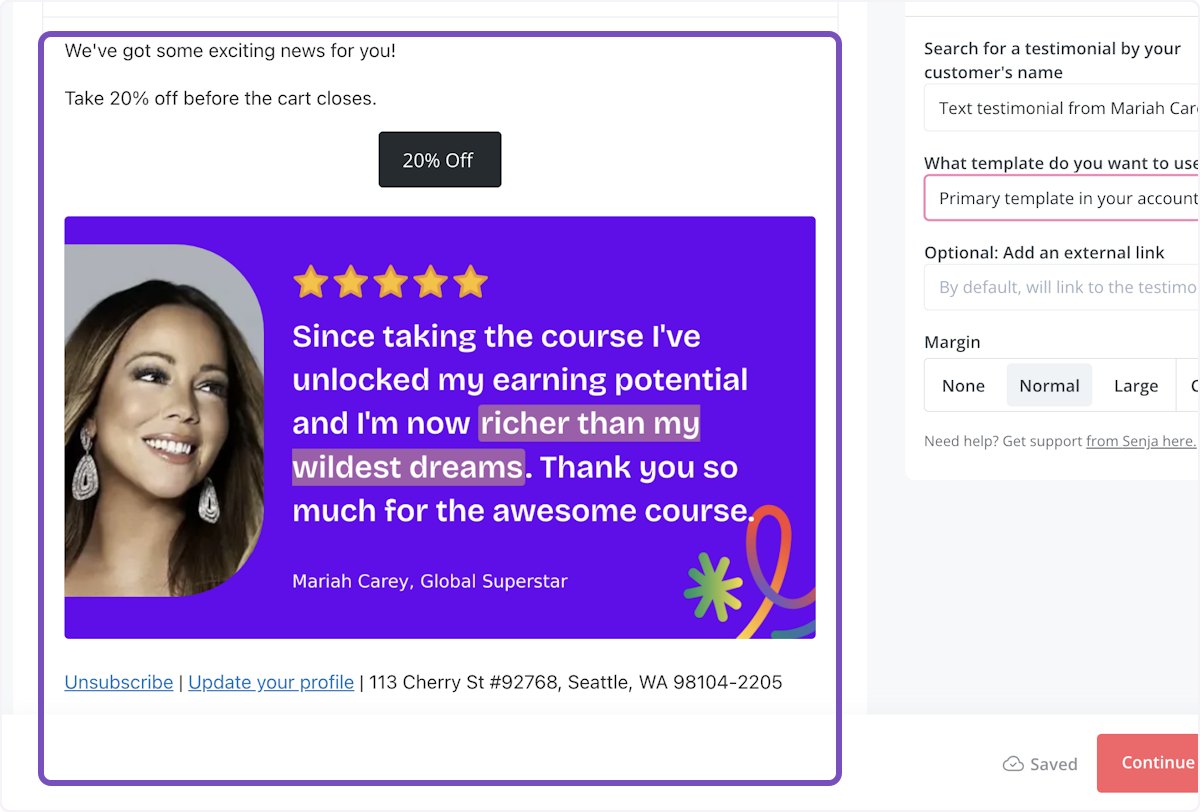
Choose a template from What template do you want to use?, like the primary template in your Senja account
Your testimonial now shows in your email
Add your Senja form to an email
In the email body, type /form
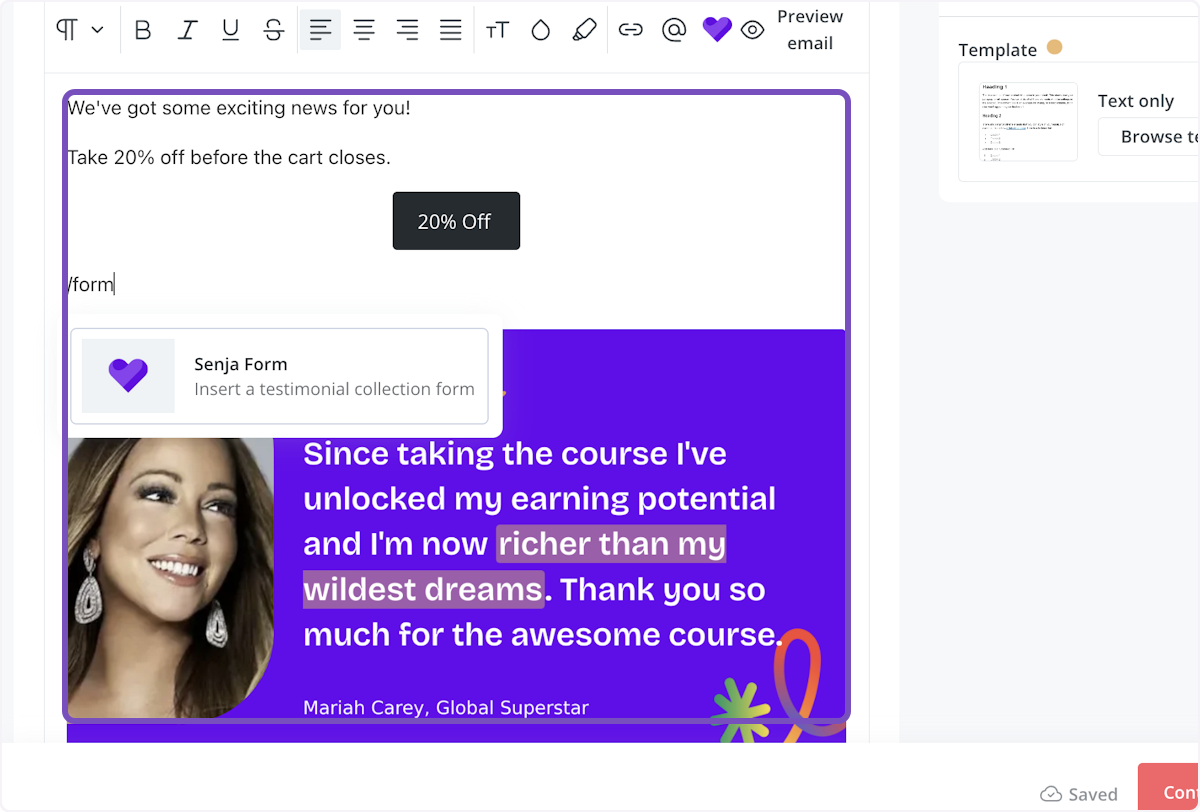
Choose the form you want to include
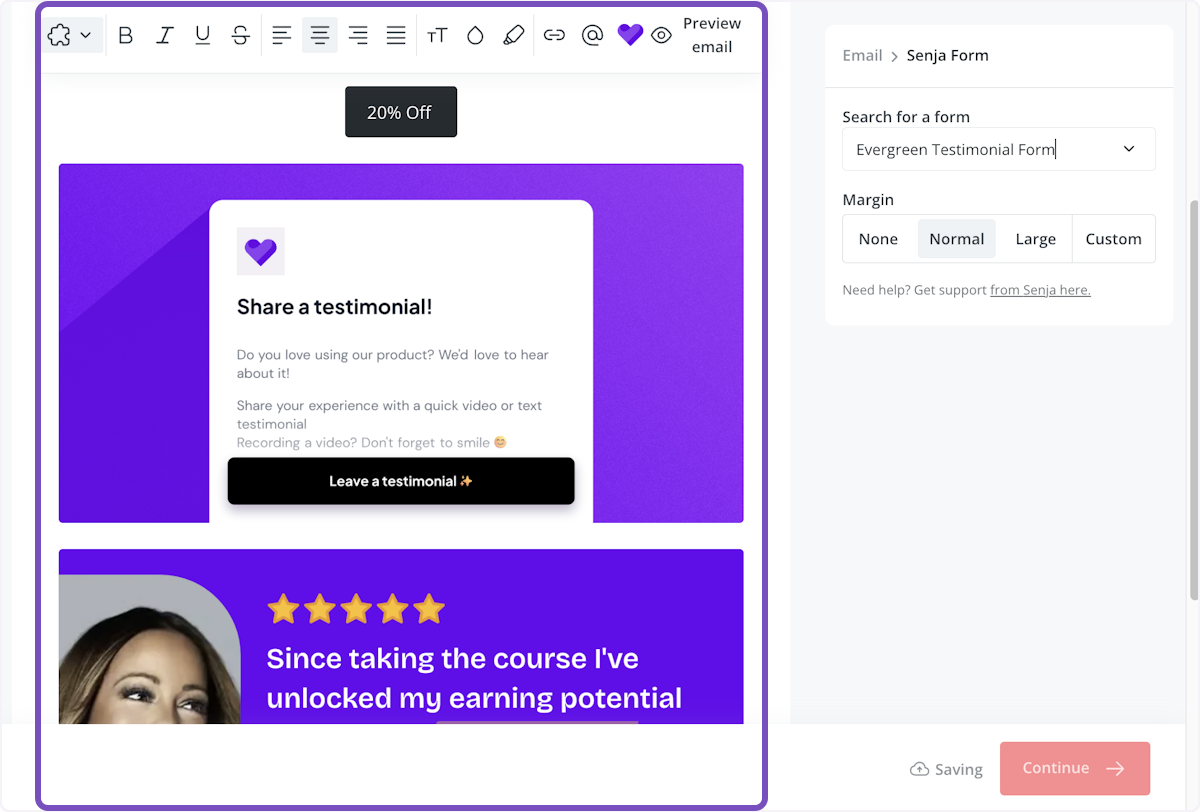
Set it up in the sidebar, and change the margin if you like
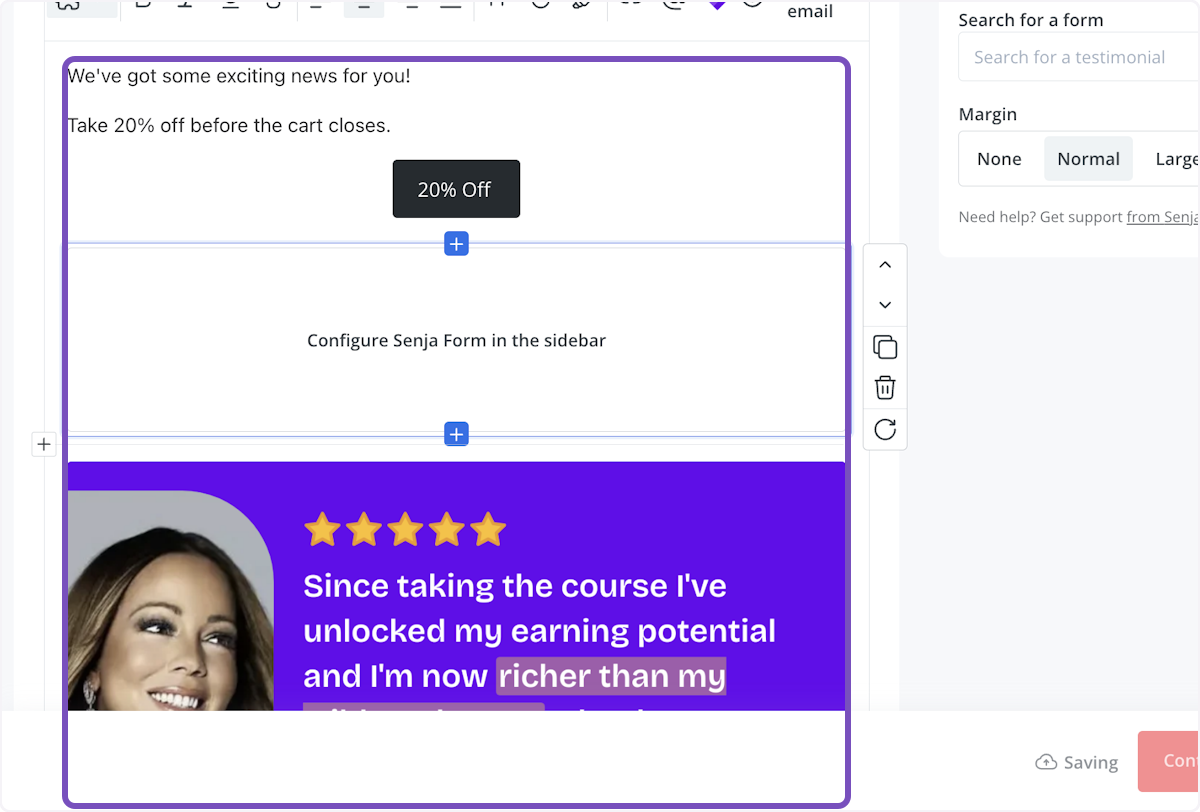
Your form preview now shows in your email, ready to send
Watch how it works
Watch the Kit app walkthrough on YouTube
Using another email tool? See How to add testimonials to your emails and email signature. Not working? Contact Senja Support.