
How to analyze my testimonials?
Voice of Customer reads all your testimonials and shows you what customers say about you, in their own words, ready for your copy. See the themes that come up most, run a report on a set of testimonials, or ask a question like "Why do agencies choose us?".
Voice of Customer is available on all Senja plans: Free, Starter and Pro.
Open Voice of Customer
In the left sidebar, go to Analyze → Voice of Customer: https://app.senja.io/analyze
Choose a tab: Themes or Run a report
Only approved testimonials are used, see How to approve testimonials (and what it means).
Themes: what customers talk about most
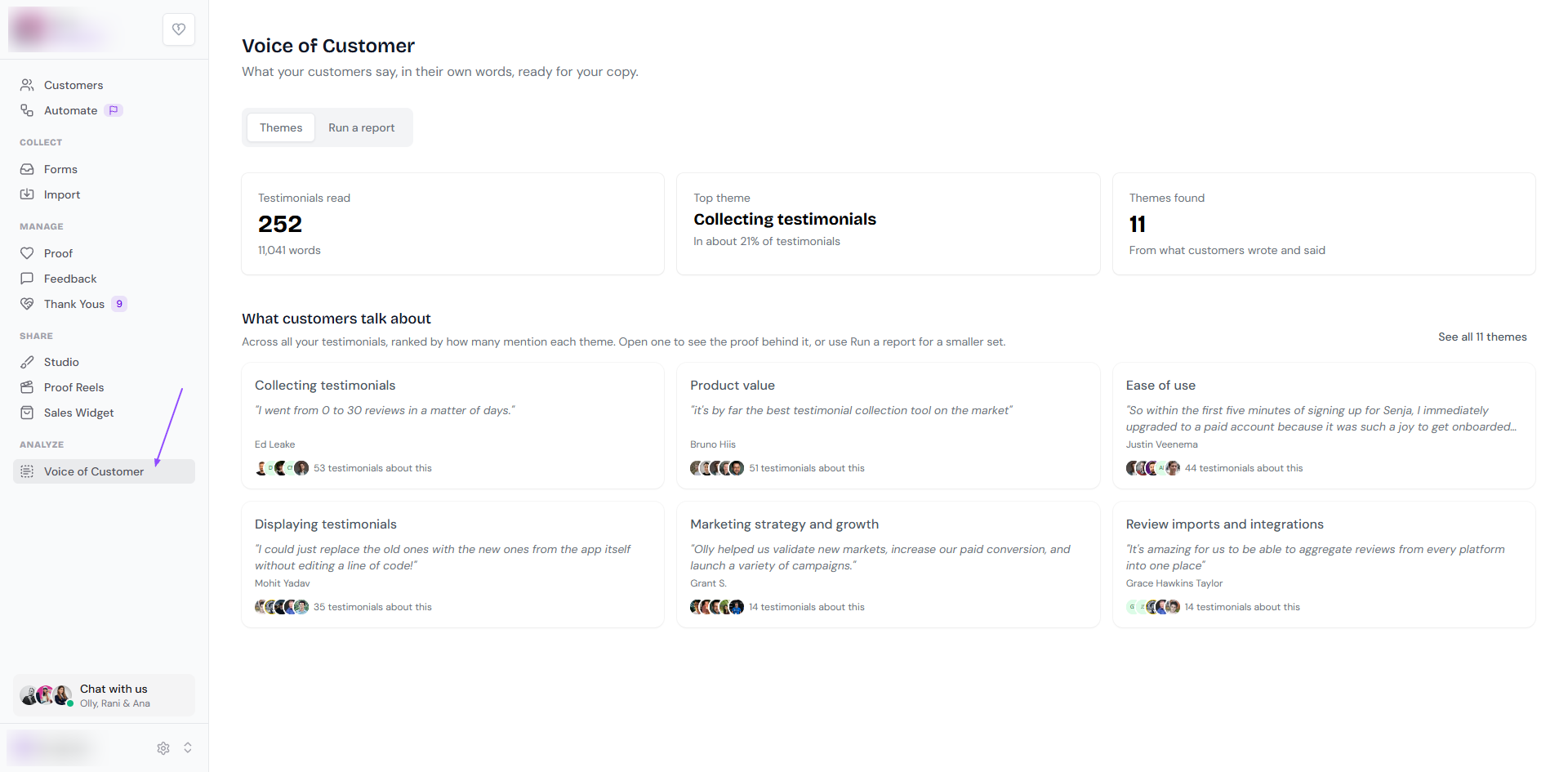
The Themes tab gives you an overview of all your testimonials.
At the top, you'll see:
Testimonials read: how many testimonials Voice of Customer has read, and how many words
Top theme: the theme that comes up most, and the share of testimonials that mention it
Themes found: how many themes it found in what customers wrote and said
Under What customers talk about, themes are ranked by how many testimonials mention them. Each theme card shows:
The theme, like Ease of use or Product value
A quote that sums it up, and the customer who said it
How many testimonials are about it
Click a theme to see the testimonials behind it. Click See all themes to see the full list.
Want themes for only part of your testimonials, like one product or your latest reviews? Use Run a report.
Run a report
The Run a report tab lets you pick a set of testimonials and choose what you want to learn.
1. Choose your testimonials
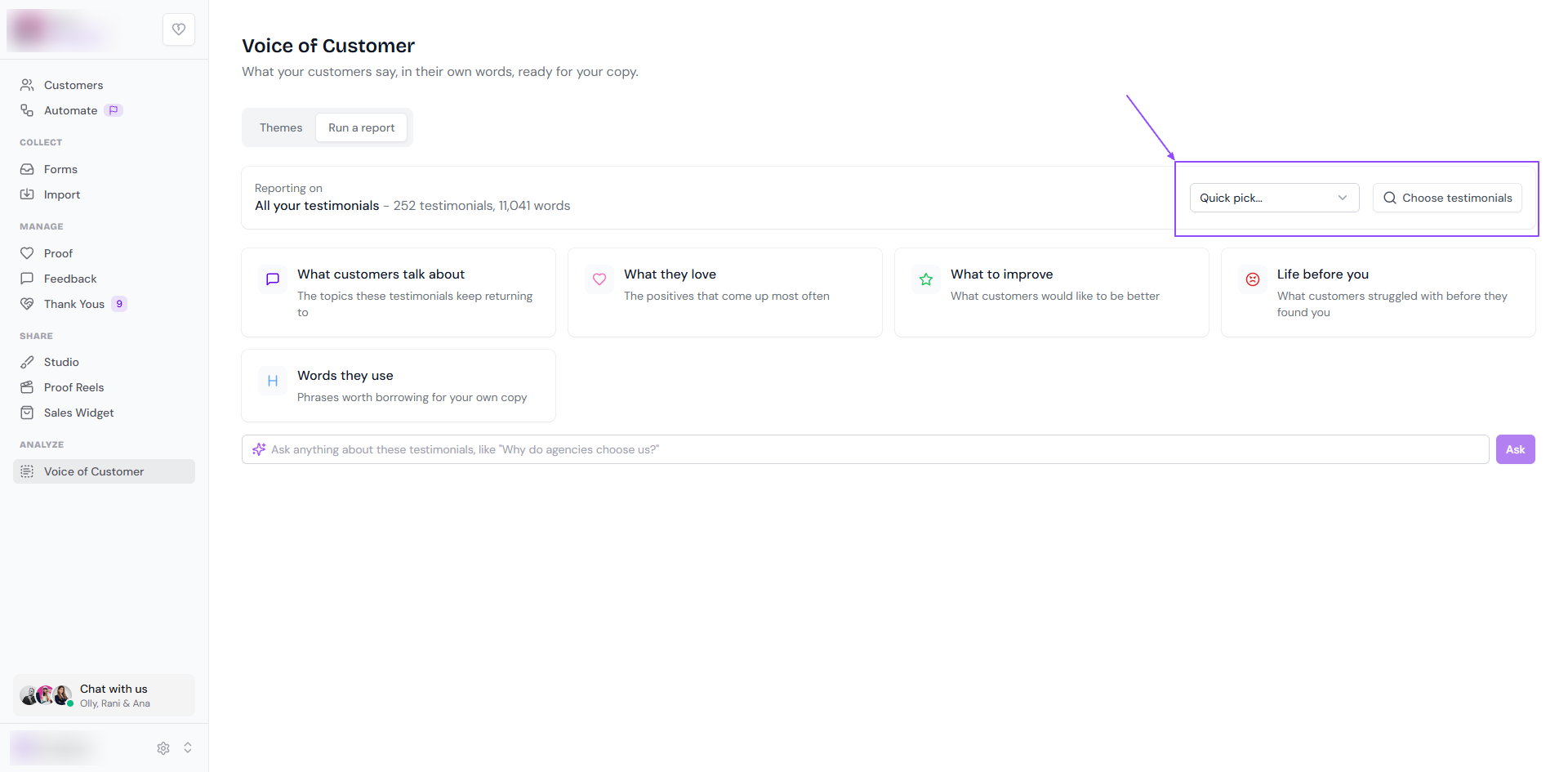
Reporting on shows which testimonials the report uses. It starts with all your testimonials. To change it:
Quick pick: choose a ready-made set
Popular tags: your most-used tags, with how many testimonials each has
Most recent: Latest 20 or Latest 50
Other: 5-star testimonials, Video testimonials or Written testimonials
Choose testimonials: pick them yourself. Use the Filters sidebar (rating, type, source, tags, forms and more) or search, tick the testimonials you want, and click Save Selection
2. Choose your report
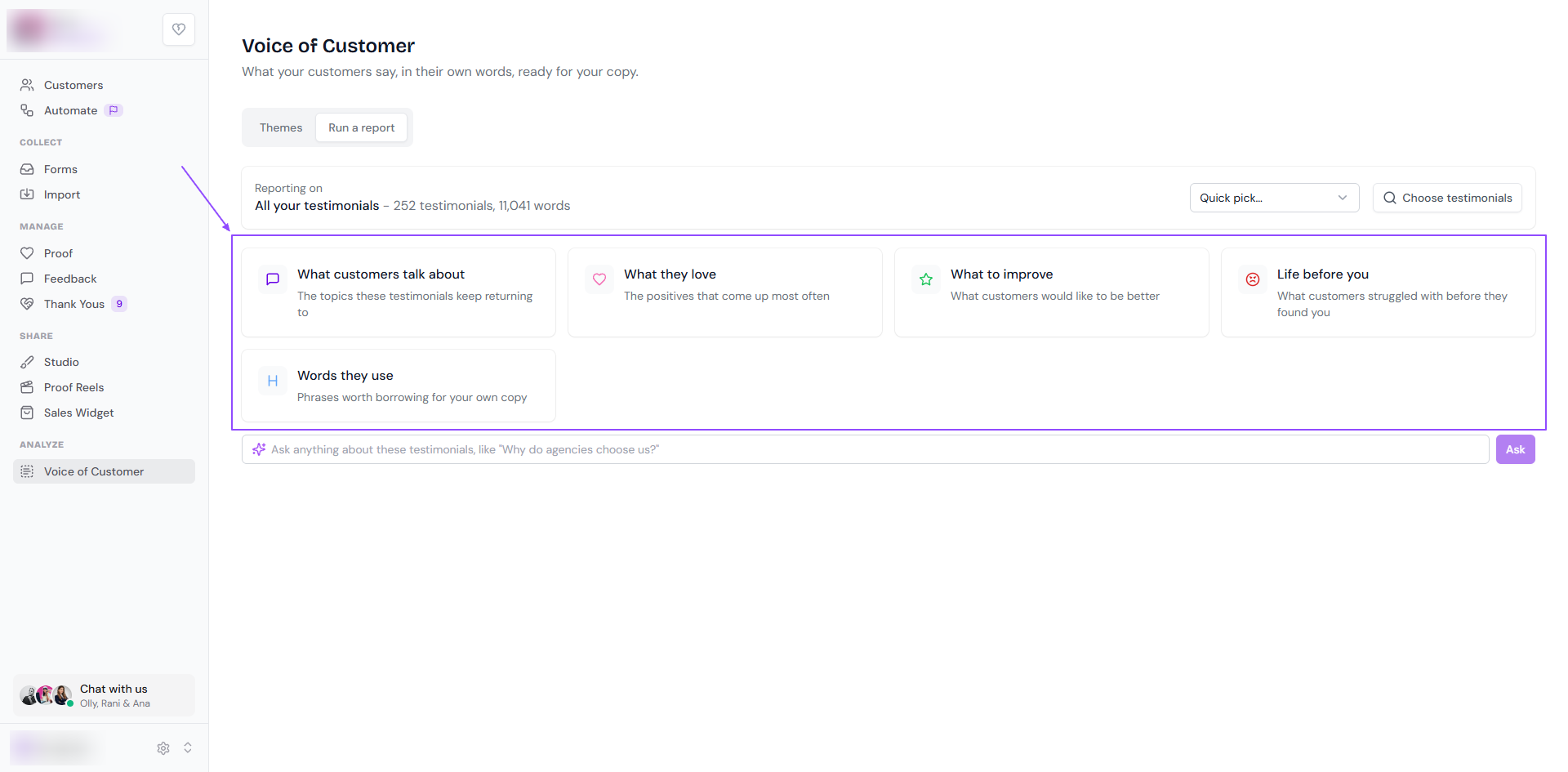
Report | What it shows |
|---|---|
What customers talk about | The topics your testimonials keep returning to |
What they love | The positives that come up most often |
What to improve | What customers would like to be better |
Life before you | What customers struggled with before they found you |
Words they use | Phrases worth borrowing for your own copy |
Click a report and Voice of Customer starts reading your testimonials. It shows its progress, like "Reading 252 of all your testimonials…", then your report.
3. Or ask a question
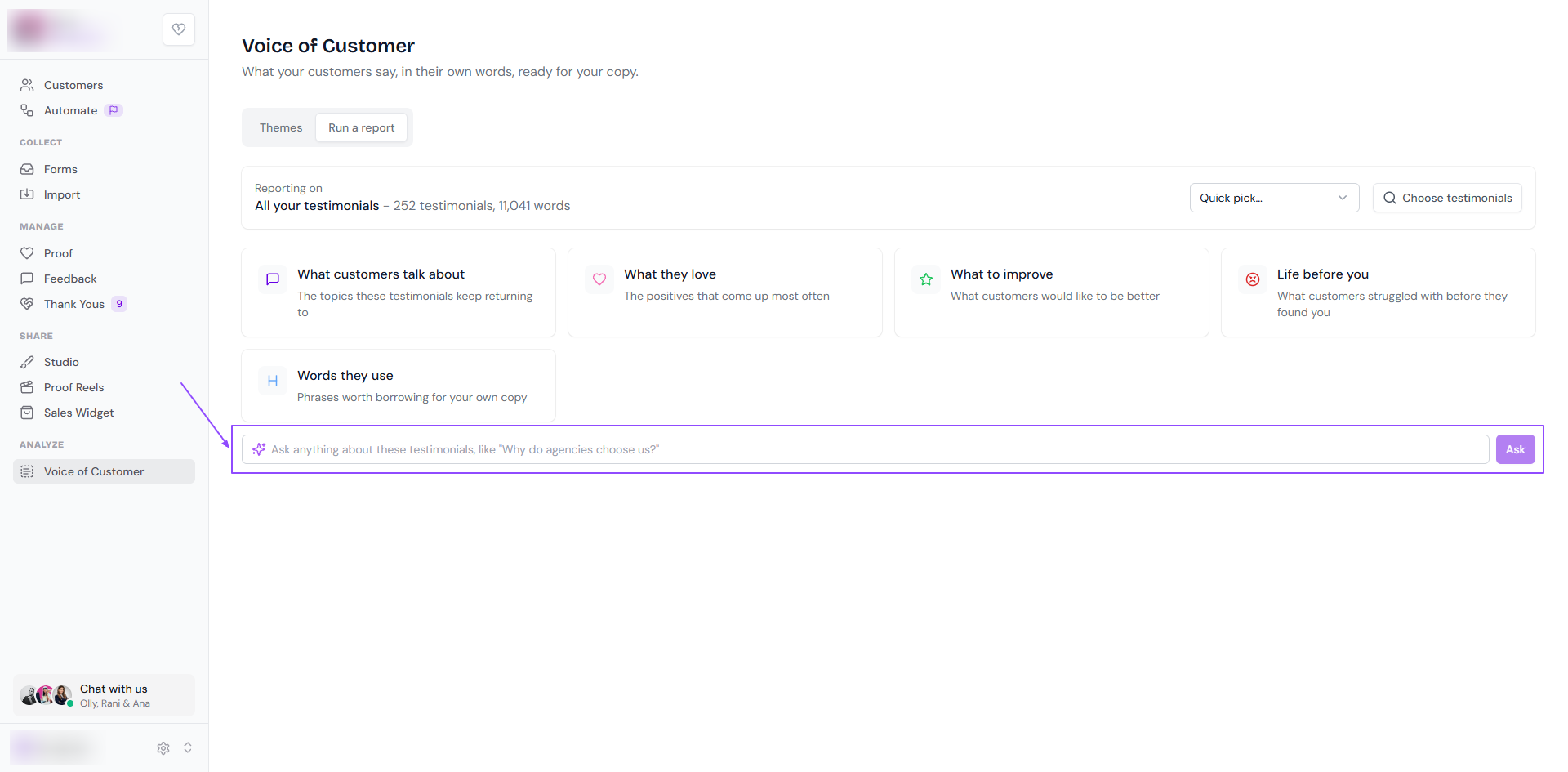
Type a question in the box under the reports, like "Why do agencies choose us?", and click Ask. Voice of Customer answers from the testimonials you chose.
Ideas for using your results
Words they use: borrow customer phrases for headlines, ads and emails
Life before you: write copy that speaks to the problems people have before they find you
What they love: decide which testimonials to put on your website, see How to create a testimonial widget
What to improve: share it with your product team
Themes: tag the testimonials behind each theme, so you can show them on the right pages, see How to create, apply and manage tags
Looking for views and clicks on your widgets, forms or Walls of Love instead? See What are testimonial analytics?