
How do I log in to Senja with SSO?
Senja supports single sign-on (SSO) with Google. You can sign up and log in using your Google account instead of setting up email and password from scratch.
This works the same way on every plan (Free, Starter, Pro), there's no plan-gating on login methods.
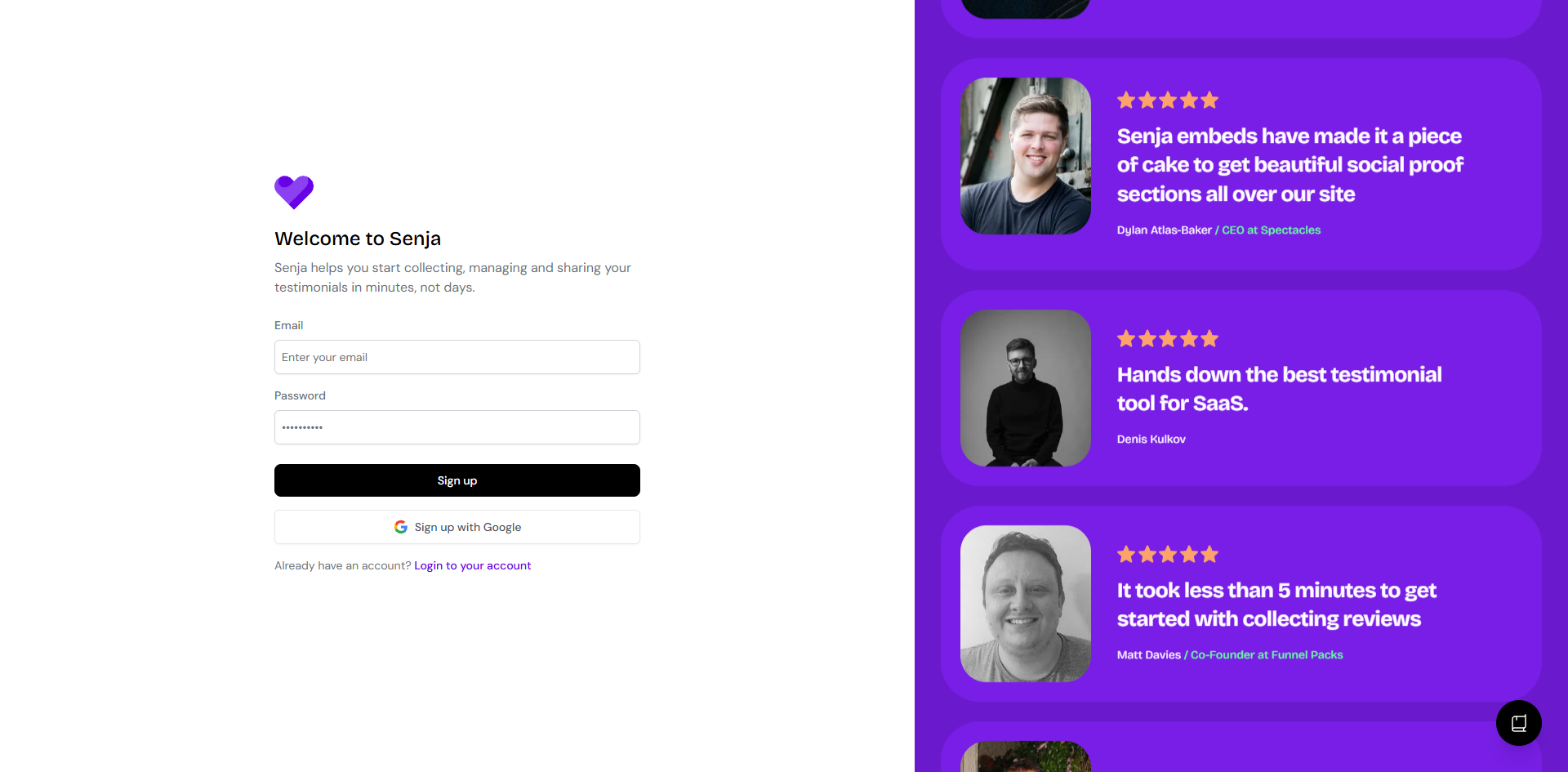
Signing up with Google SSO
Go to the Senja sign-up page
Click Sign up with Google
Confirm the Google account
Your new Senja account is created using that Google email
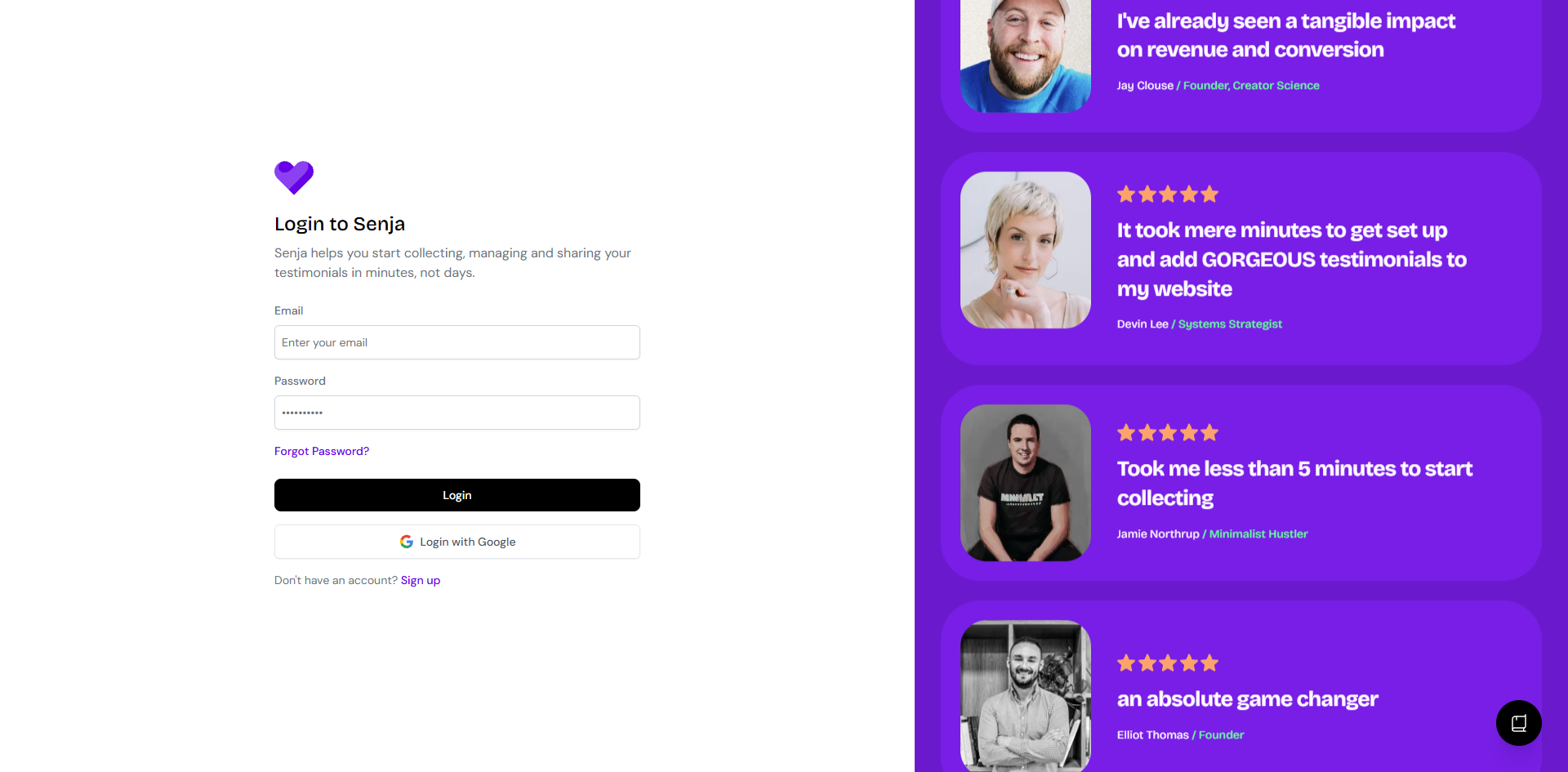
Logging in with Google SSO
Go to the Senja sign-in page
Click Login with Google
Pick the Google account you want to use
You'll land straight in your Senja dashboard
Adding a password to your SSO account
Logged in with Google but want a password too, as a backup? You can add or change one anytime:
Go to reset password
Enter the email address you use to sign in to Senja
Check your inbox and follow the instructions
No email after a few minutes? Check spam/junk
Once set, you can log in with either Google or your email + password. Same account, two ways in.
Troubleshooting
"Account not found" or "no user found with this email"
Double check you're using the exact email tied to your Senja account, some teams have more than one email in play (e.g. a personal Gmail vs a work email)
If you're not sure which email your account uses, reach out to Senja support and we'll help you track it down
Signed up with Google, now Google login isn't working
Try the reset password flow above to set a password as a fallback, then log in with email + password instead
Is Enterprise SSO (SAML, Okta, etc.) supported?
Not yet. Right now Google is the only SSO option, and it's available to everyone, not an Enterprise-only feature.
If your team needs SAML/Okta-style SSO, let us know at Senja support.