
How do I delete my account?
When you open an account in Senja, you have the option to choose the plan that you want (free or paid), downgrading from paid plan to free plan, or deleting your account completely. Follow this guide if you want to fully delete your Senja account and the data in it.
The action is applicable on any Senja plan: Free, Starter, and Pro.
Deleting your Senja account
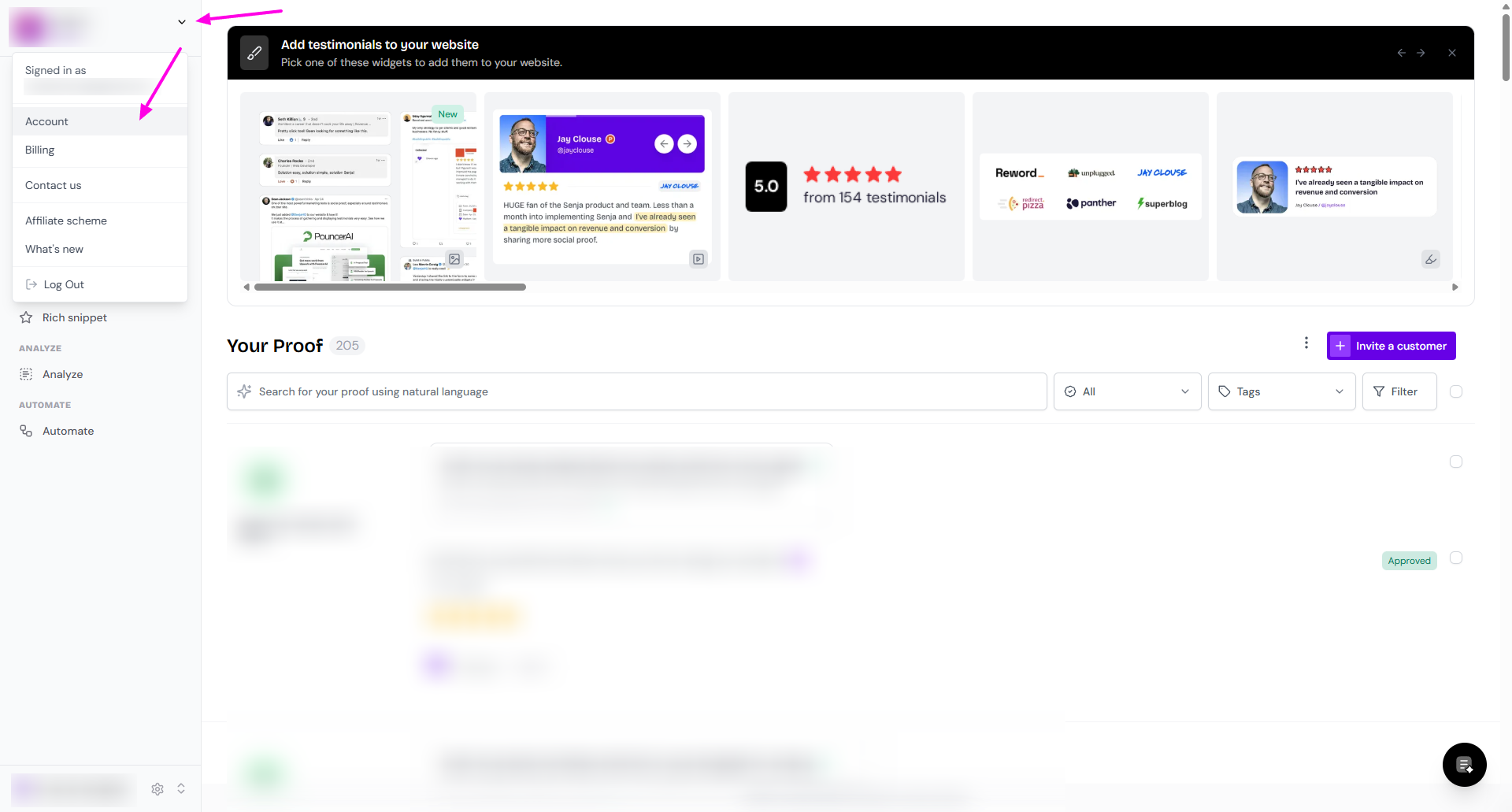
Go to your Account settings (click the arrow next to your avatar)
Click Delete Account button
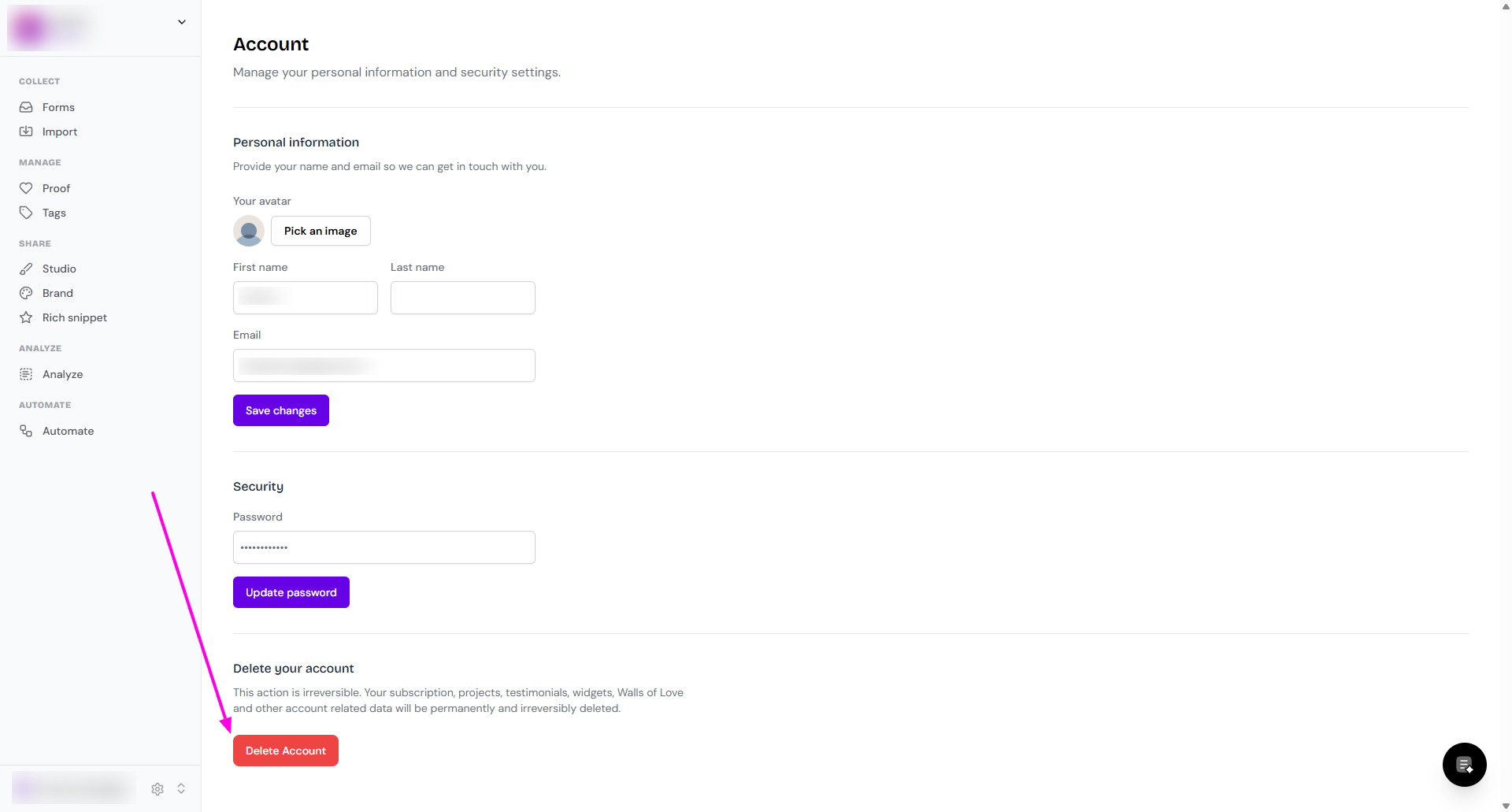
Your account and all its data will be deleted in a few seconds
If you see an error message or if you can't delete your account, you will need to contact Senja Support team.
This action is irreversible. Your subscription, projects, testimonials, widgets, Walls of Love and other account related data will be permanently and irreversibly deleted.