Account

How do I change/reset my password?

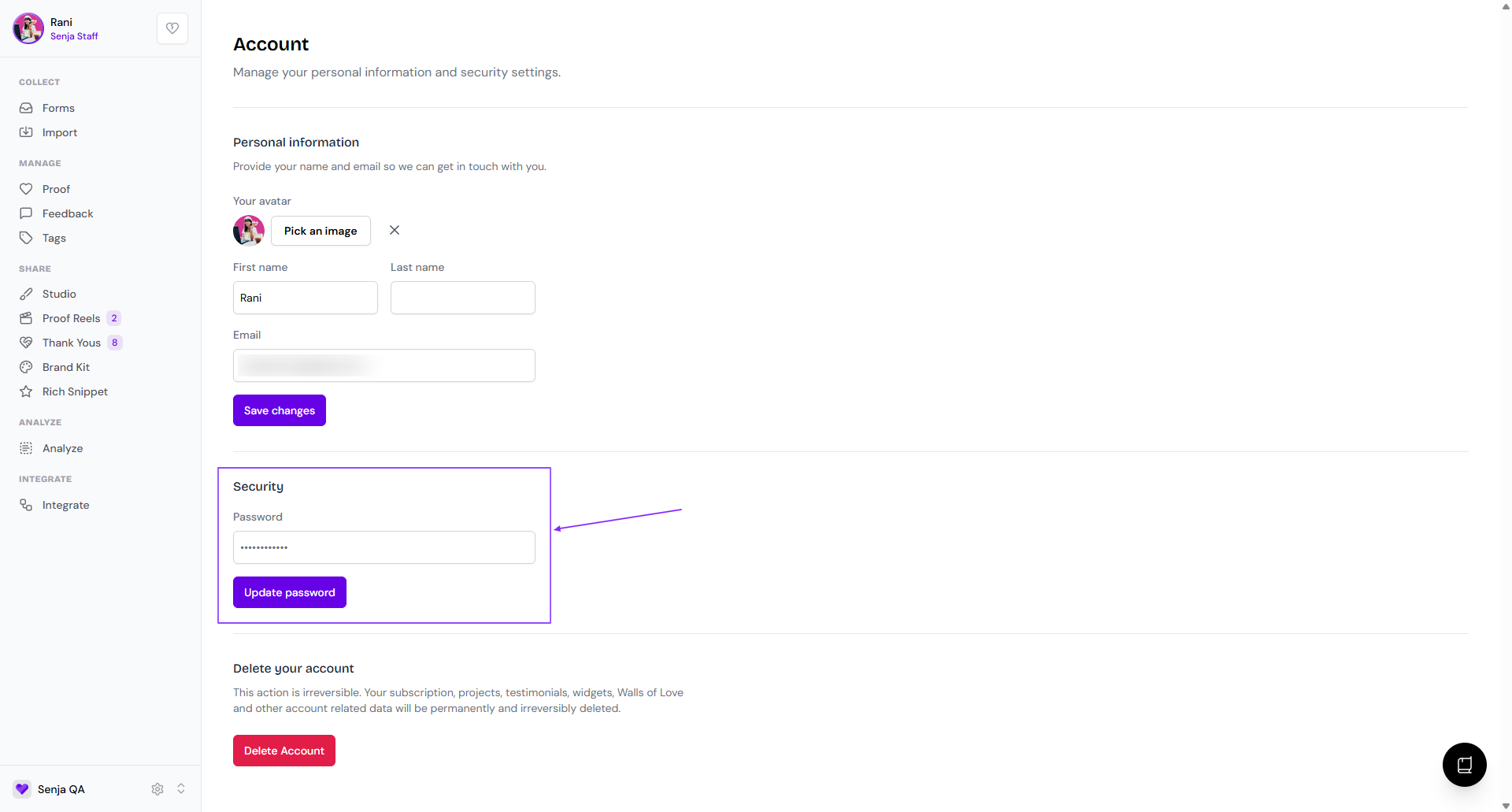
In case you cannot login to your Senja dashboard because you forget your password or you just want to change it to a new one, follow this guide. For security reasons, we cannot do this for you.

It's applicable to all Senja plan: Free, Starter, and Pro.

Resetting your password

  • First log out of your account

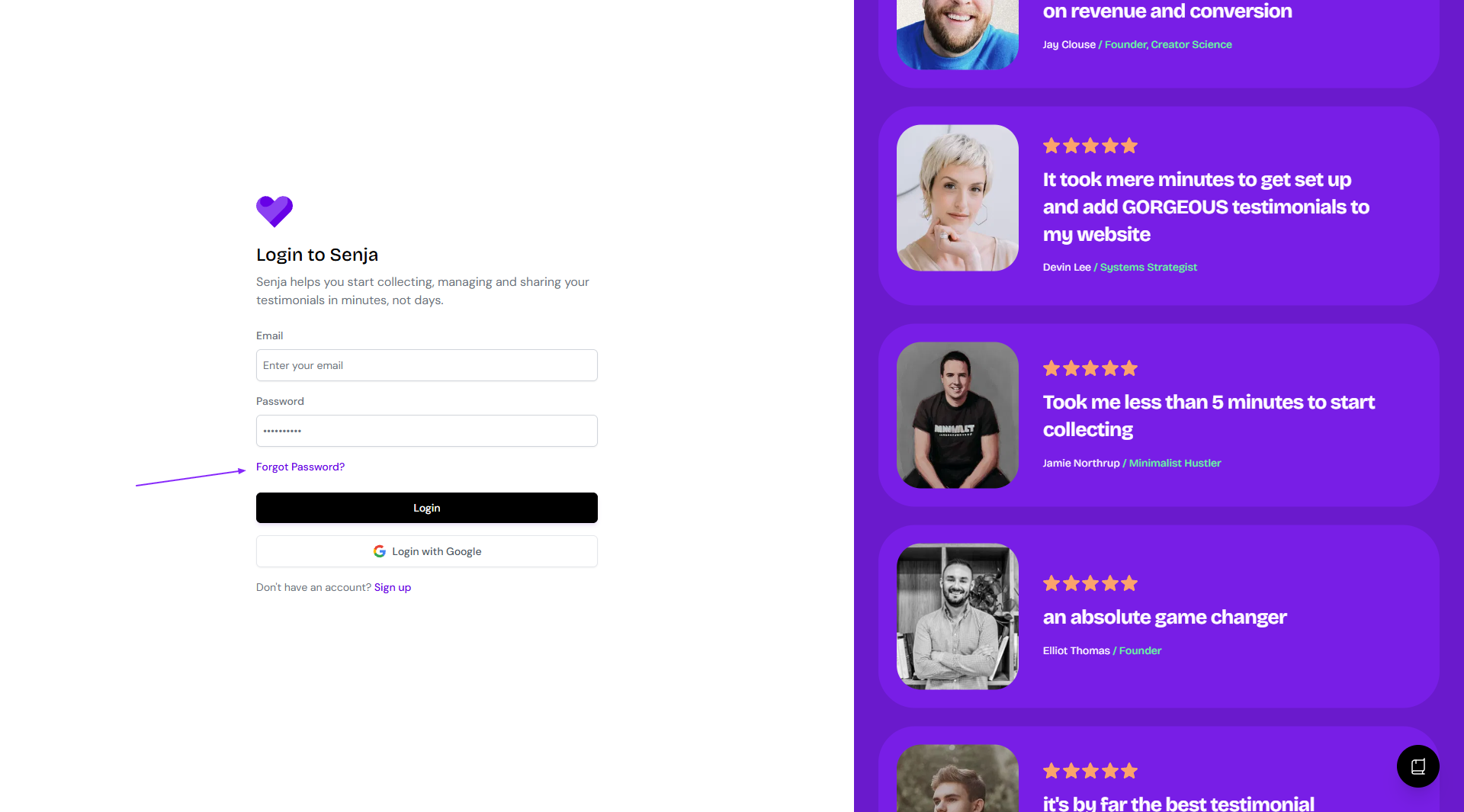
  • Click on Forgot Password?

    Forgot Password link on Senja login page
  • Follow the reset password flow on this page

Troubleshooting password reset issues

If you're having trouble with the password reset process, try these solutions:

Password reset email not received

  1. Check your spam/junk folder: Password reset emails are often filtered into spam folders. Look for an email from Senja with the subject line about password reset.

  2. Verify your email address: Make sure you're entering the exact email address associated with your Senja account. Check for typos or extra spaces.

  3. Wait a few minutes: Email delivery can sometimes take 5-10 minutes. Try waiting before requesting another reset.

  4. Try the reset process again: Go back to https://app.senja.io/reset-password and request another password reset email.

Still not receiving the email? Learn more about email delivery troubleshooting or see our dedicated guide below.

Password reset created a new account

If completing the password reset process seems to create a new, empty account instead of accessing your existing account:

  1. You may have multiple accounts: Check if you have accounts with different email addresses (work email vs. personal email).

  2. Contact support immediately: This issue requires manual assistance. Contact Senja support and provide:

    • The email address you used for the password reset

    • Any other email addresses you might have used with Senja

    • When you first created your account

Still can't access your account?

If none of these steps work, contact our Support team. Include:

  • The email address you're trying to reset

  • What happens when you try to reset (error messages, empty account, etc.)

  • Whether you've checked your spam folder

Need more help with email delivery issues? Check our comprehensive guide: What to do when password reset emails aren't received.

Was this helpful?