
How do I add or create a new project?
Projects let you organize testimonials by client, brand, or product line. Free and Starter plans include 1 project, while Pro includes 5 projects with the option to add more at $10/month each.
You need a Pro plan ($59/month) to create more than 1 project. Only the project owner needs Pro—team members don't need their own subscription.
Before you start
Free and Starter plans cannot add additional projects
Each additional project on Pro costs $10/month
Only the project owner needs a Pro subscription
If the project owner doesn't have Pro, the project is treated as a free account regardless of team member subscriptions
Downgrading from Pro to Starter or Free limits you to 1 project (additional projects become inaccessible but aren't deleted)
Plan | Monthly Cost | Projects Included | Additional Projects |
|---|---|---|---|
Free | $0 | 1 | Not available |
Starter | $29 | 1 | Not available |
Pro | $59 | 5 | $10/month per project |
When to upgrade to Pro
You manage testimonials for multiple clients or brands
You need to separate testimonials by product line or business unit
You're an agency managing social proof for 2+ clients
You need team collaboration with up to 5 seats
For agencies, the Pro plan lets you manage multiple clients and bill them separately. Check out the agency plan guide for billing strategies.
How to upgrade
Go to Billing Settings
Click Change plan
Select Pro
Complete the payment process
Add a new project
Login to your Senja dashboard: https://senja.io
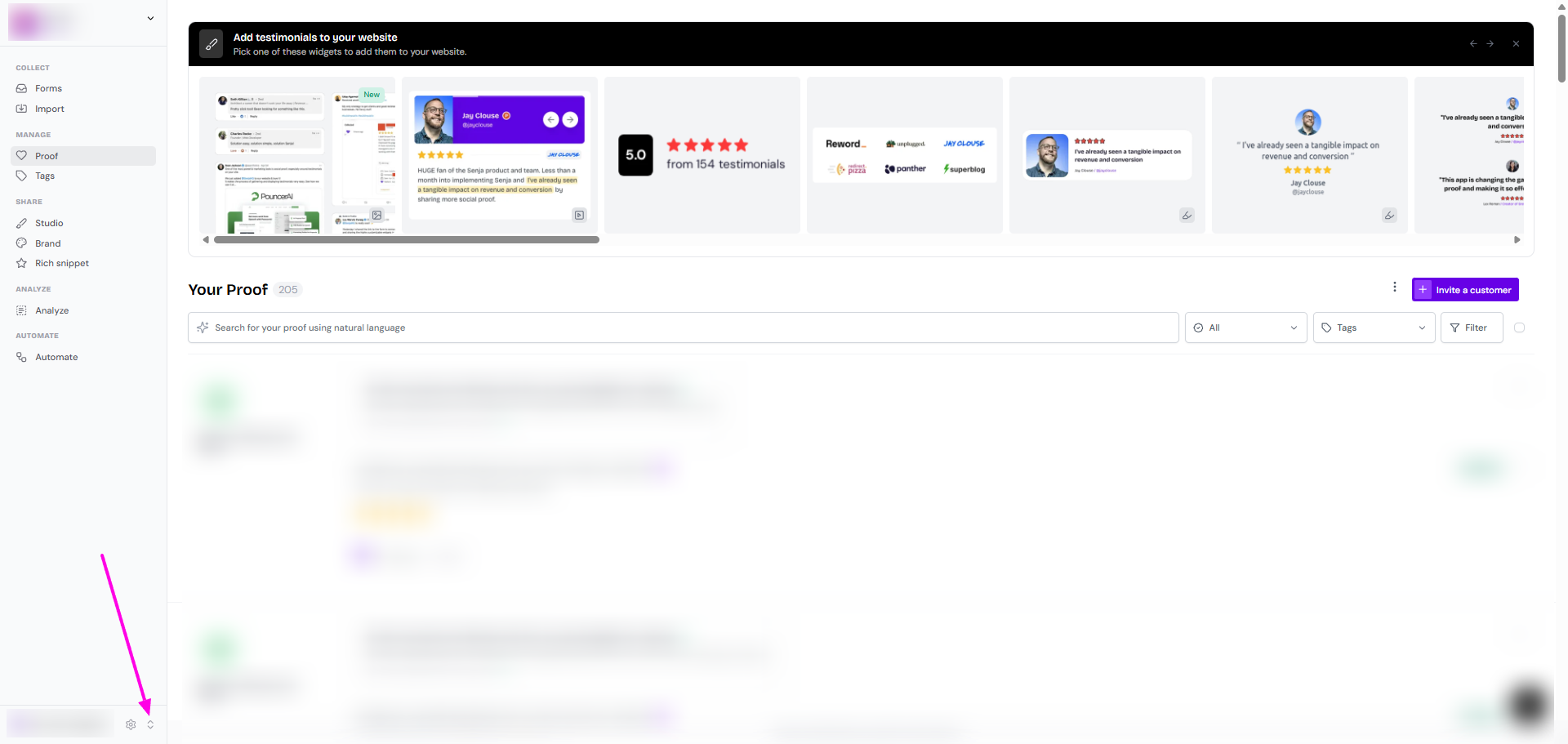
Click the up-down arrow on the sidebar, bottom left
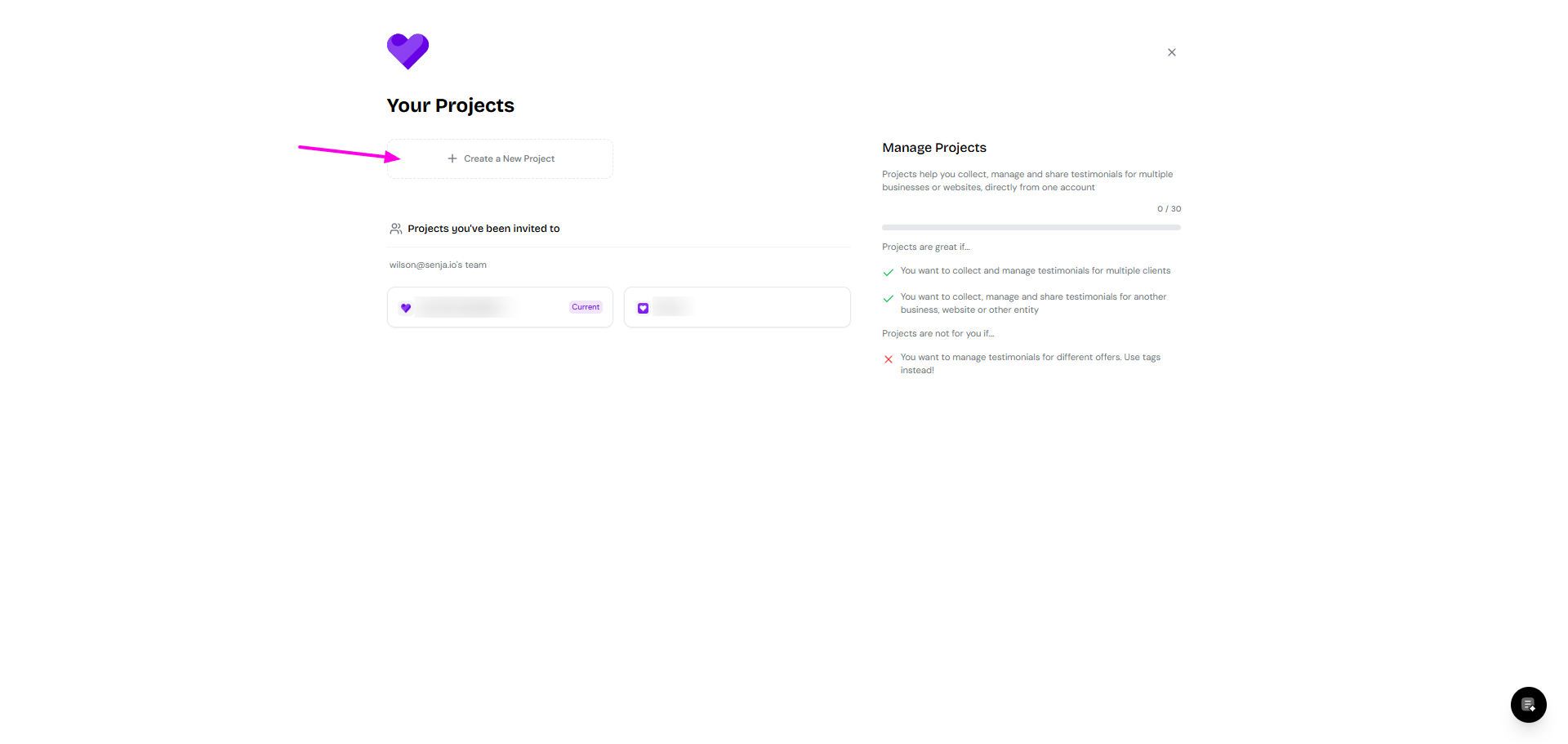
Click on Create a New Project
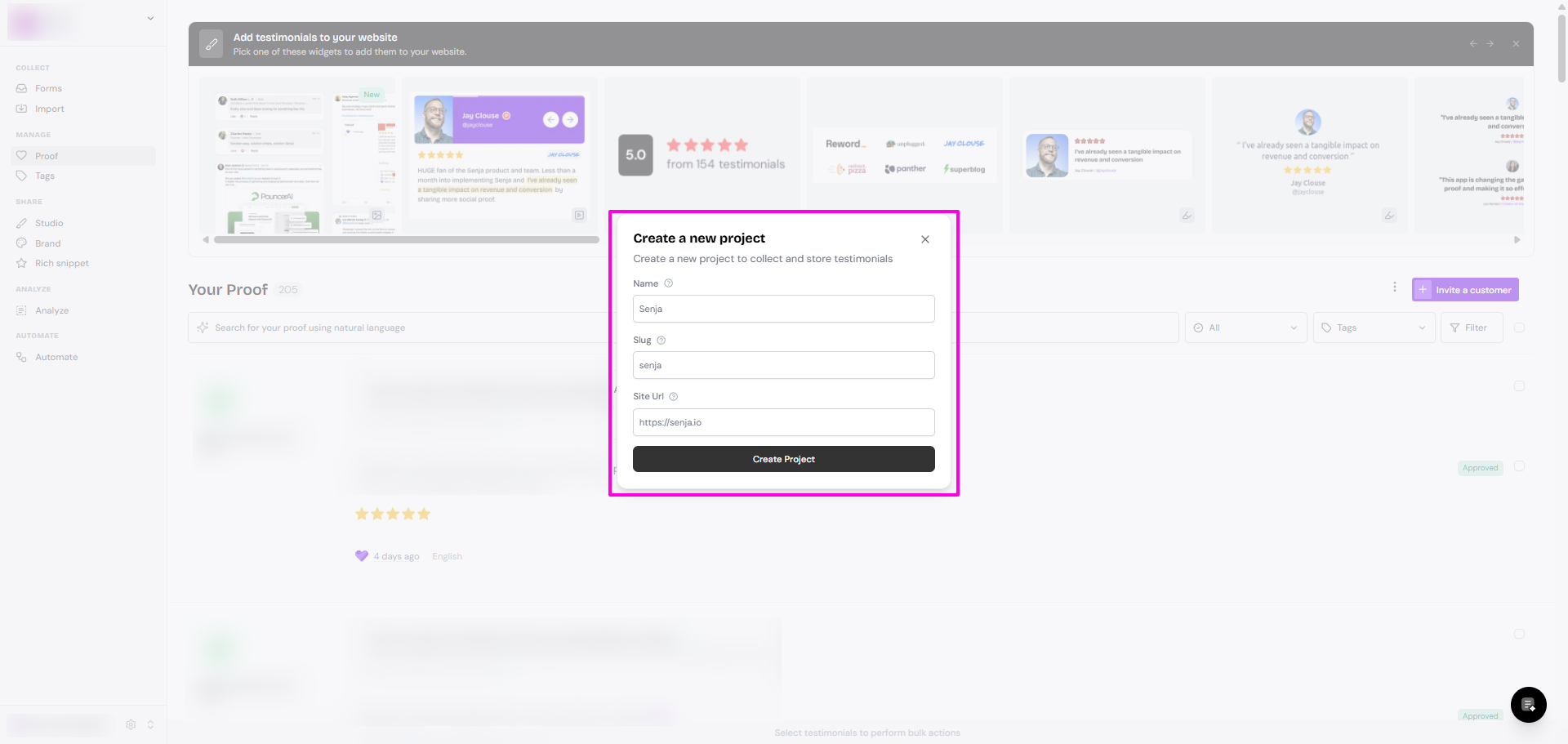
Complete the project details: Name, Slug, and Site URL
Click Create Project
Purchase additional project slots
If you've reached your 5-project limit on the Pro plan, you can purchase additional slots at $10/month per project.
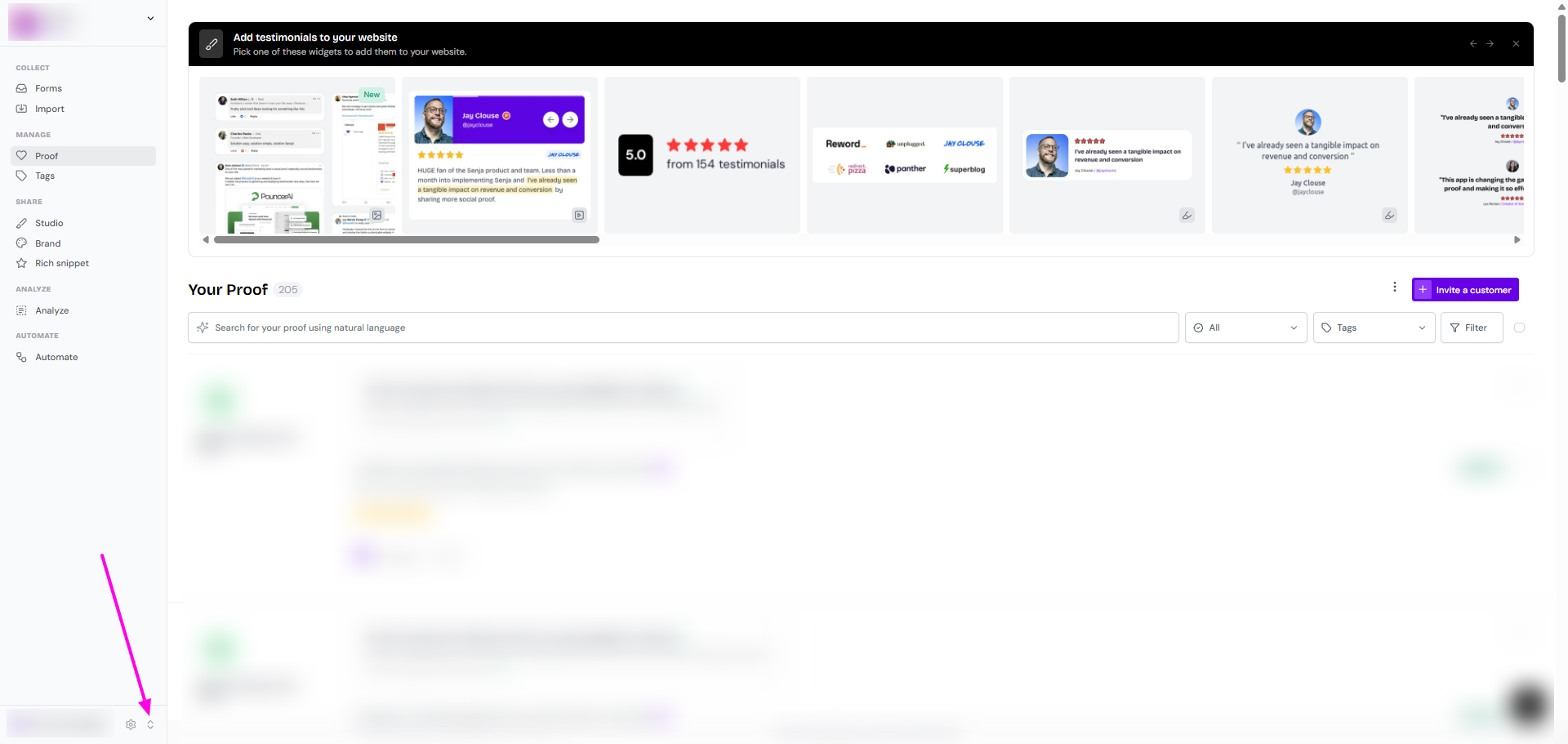
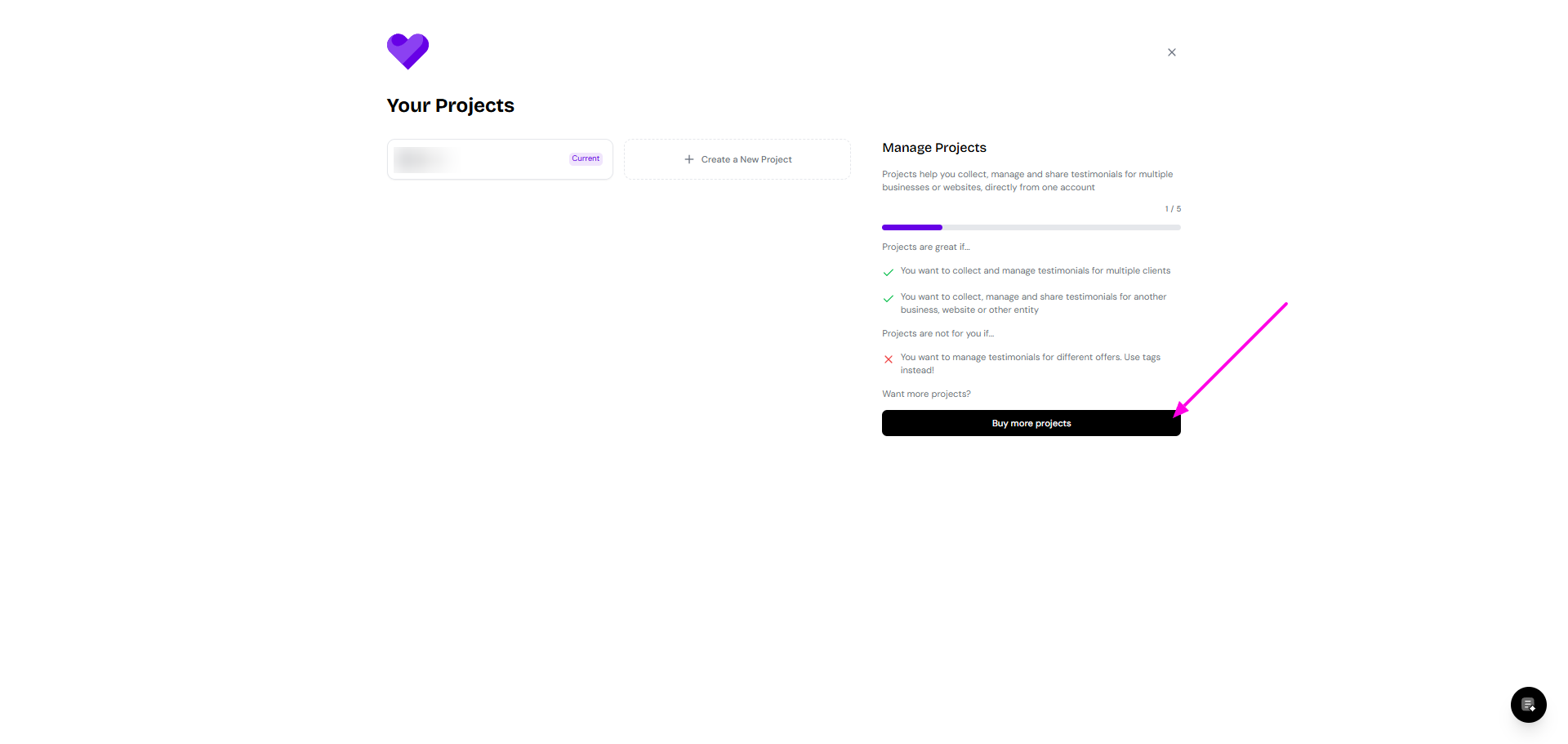
Click the project switcher (up-down arrow on the sidebar, bottom left)
Click on Buy more projects button
Select how many projects to add
Click Buy more projects
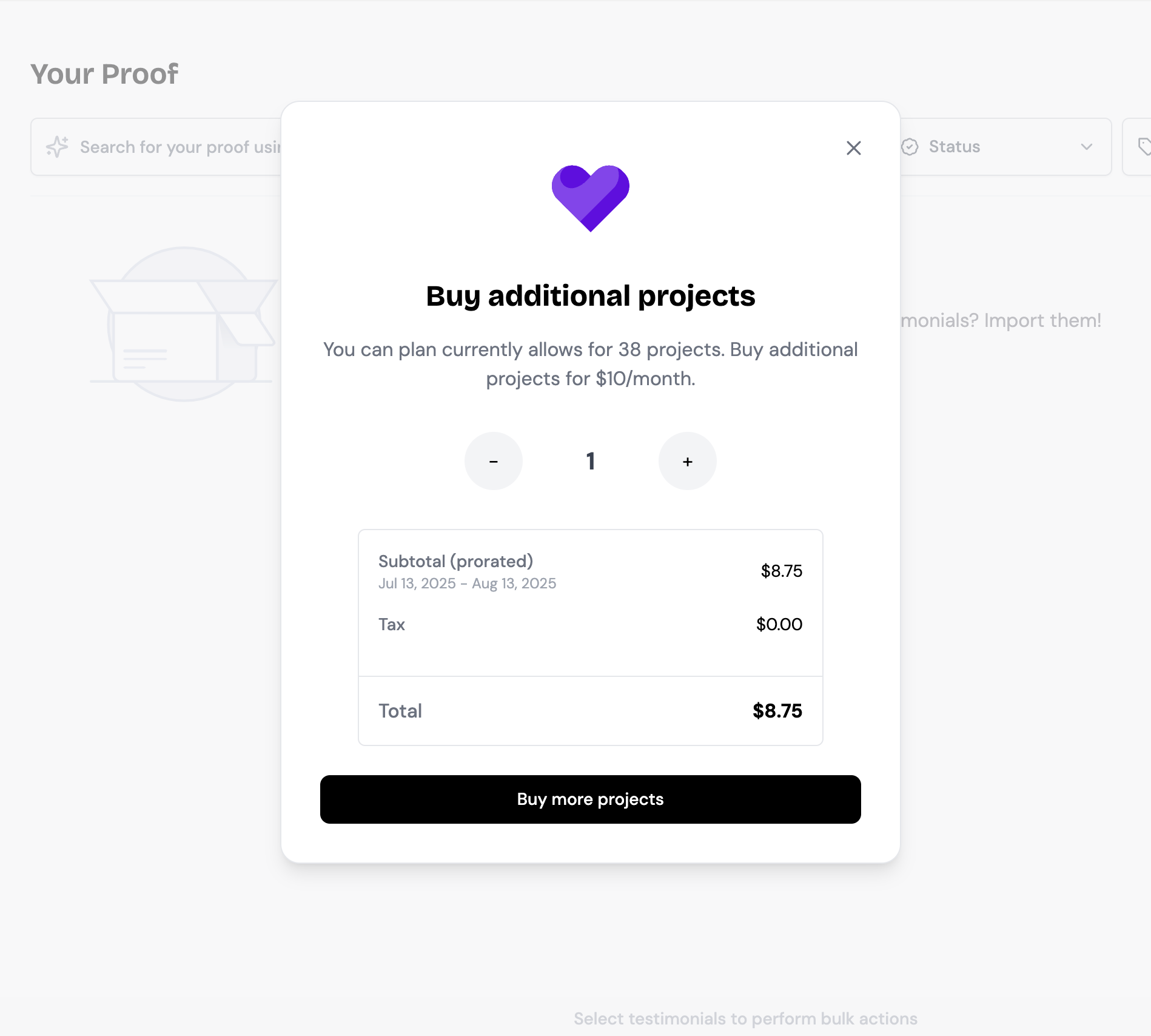
Your project allowance updates immediately after purchase.
Troubleshooting: When project purchases don't work
Common symptoms
The Buy more projects button doesn't respond
Payment processing fails or shows an error
Your subscription doesn't show the purchase
You can't create a new project despite purchasing slots
Request a manual backend update
Specify exactly how many additional projects you need
Mention that you're unable to purchase through the interface
Backend updates typically complete within a few hours during business hours. The additional cost will be added to your next billing cycle.