
How do I add a favicon to my form and Wall of Love?
A favicon is the small icon that appears on a browser tab next to your page title. Adding your own keeps your Wall of Love looking on-brand when visitors have it open alongside other tabs.
This feature is available for all Senja plans: Free, Starter, and Pro.
Adding favicon
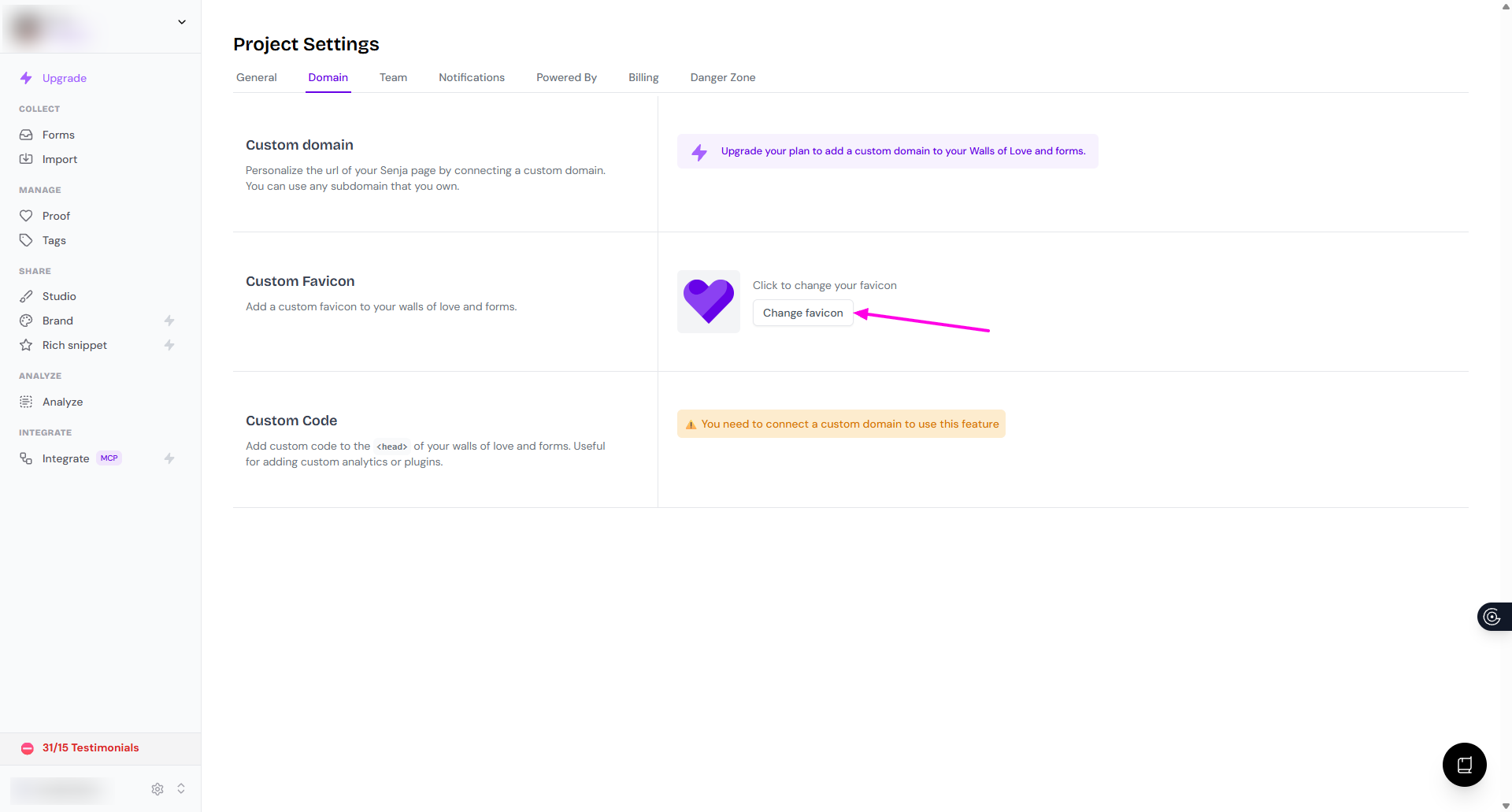
Go to your Project Settings > Domain: https://app.senja.io/settings/domain
Click the Change favicon button
Upload and save your favicon
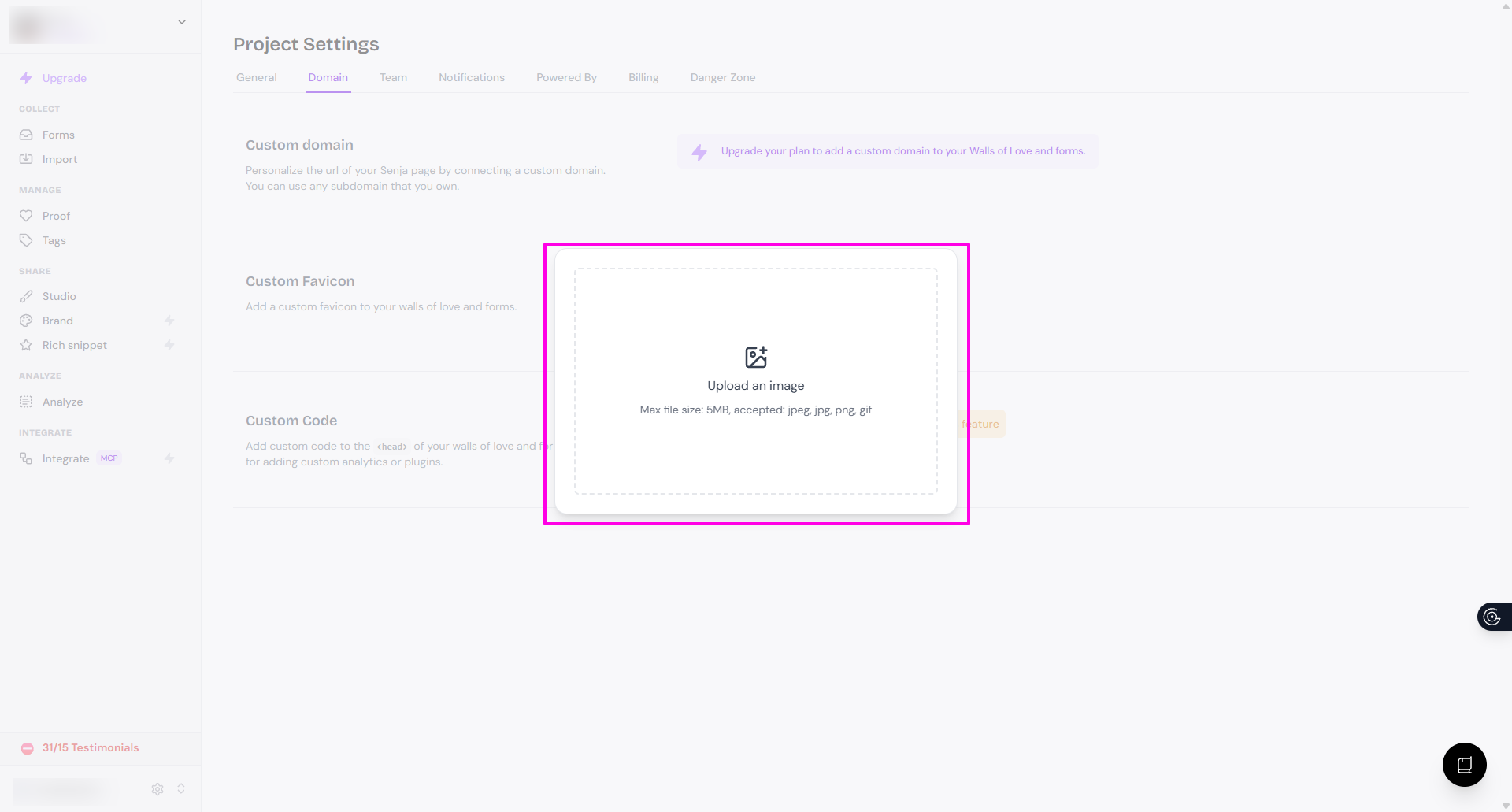
This will update the favicon on your Wall of Love and Senja forms
Tips for a good favicon
Use a square image (32x32px or 64x64px works best)
PNG format with a transparent background looks cleanest
Keep it simple: favicons are tiny, so detailed logos don't render well at that size
Was this helpful?
Was this helpful?