
How do I turn off notification emails?
Senja emails you when you get new testimonials, and when a paying customer with approved testimonials churns. You can turn any of these off in your settings.
This is available on all plans: Free, Starter and Pro.
Turn off notification emails
Go to Project Settings → Notifications: https://app.senja.io/settings/notifications
Set the notifications that you want
Tick for turning it on
Untick for turning it off
Click Save settings
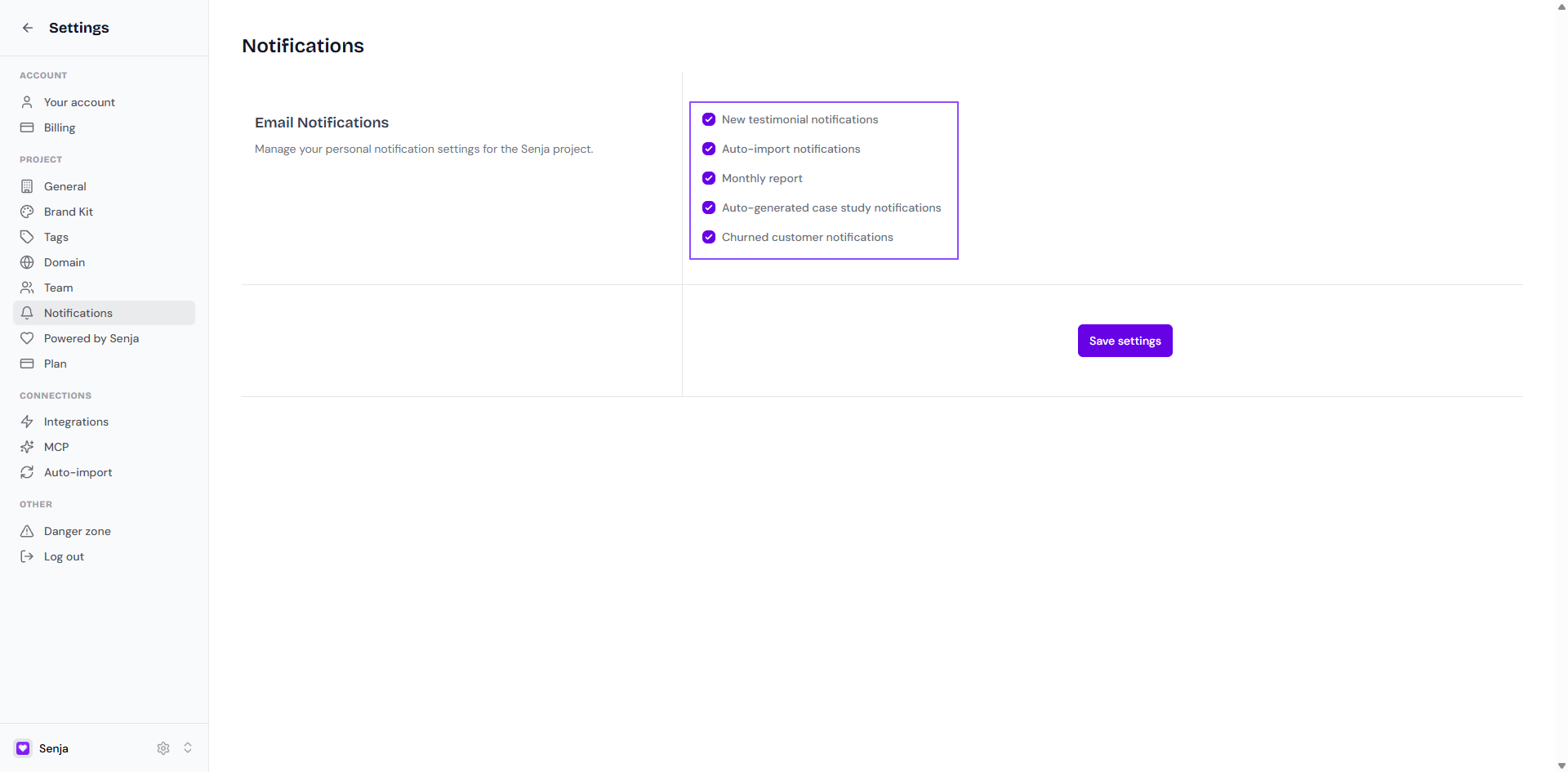
Churned customer notifications
When a paying customer with approved testimonials stops paying, everyone on your project gets an email. It links to their testimonials, so you can reach out to them or decide whether to keep showing their testimonials.
It’s on by default
To turn it off, untick Churned customer notifications and click Save settings
This setting only shows once you’ve connected Stripe