
Collect testimonials in Circle
There are two ways to collect testimonials from your Circle members: add your Senja form to a course lesson or post, or send testimonial requests automatically with auto-collect.
Adding your form to a lesson works on all Senja plans: Free, Starter, and Pro. Auto-collect needs a paid plan: Starter or Pro.
Add your form to a lesson
In Senja
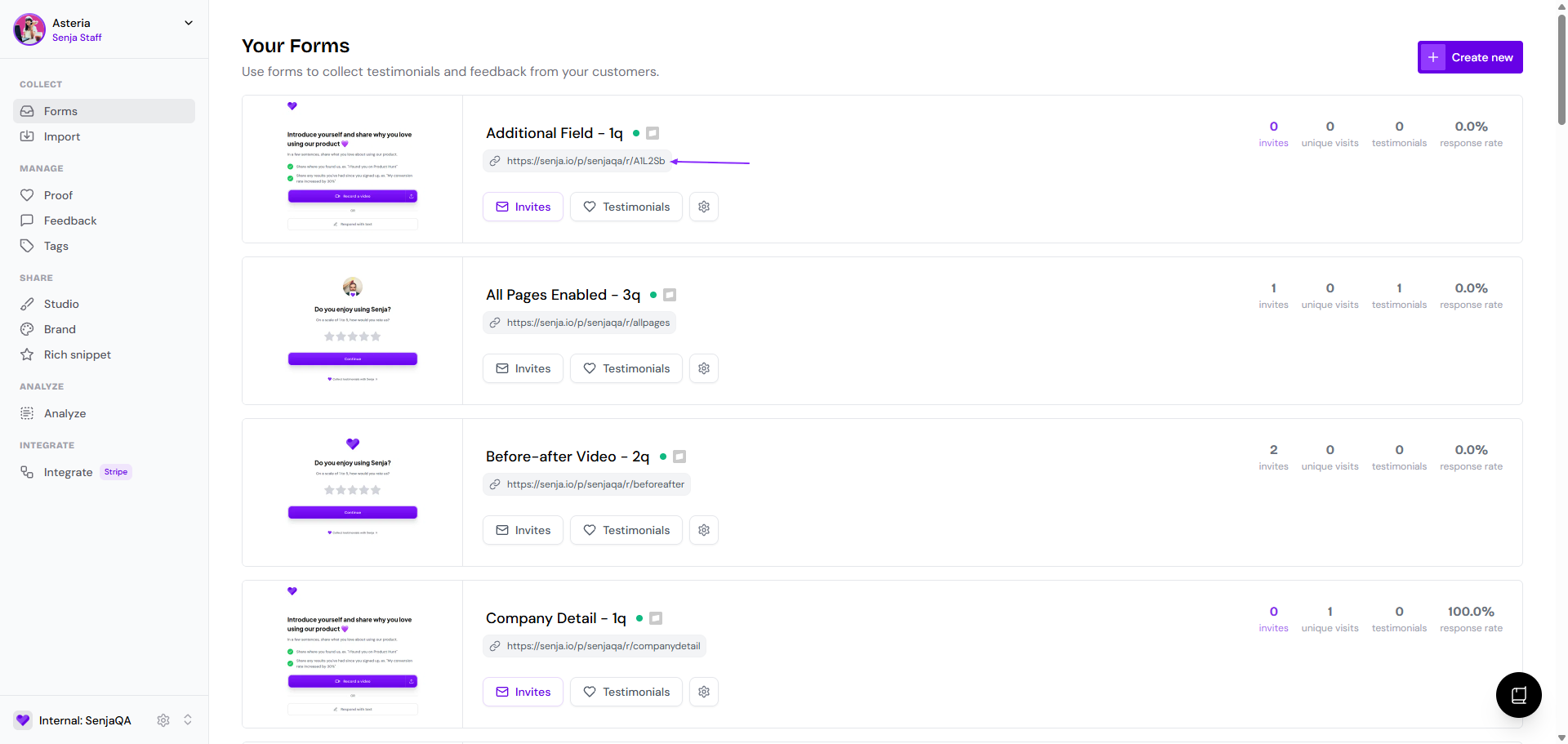
Go to your Forms page: https://app.senja.io/forms
Click the link under your form's name to copy it
In Circle
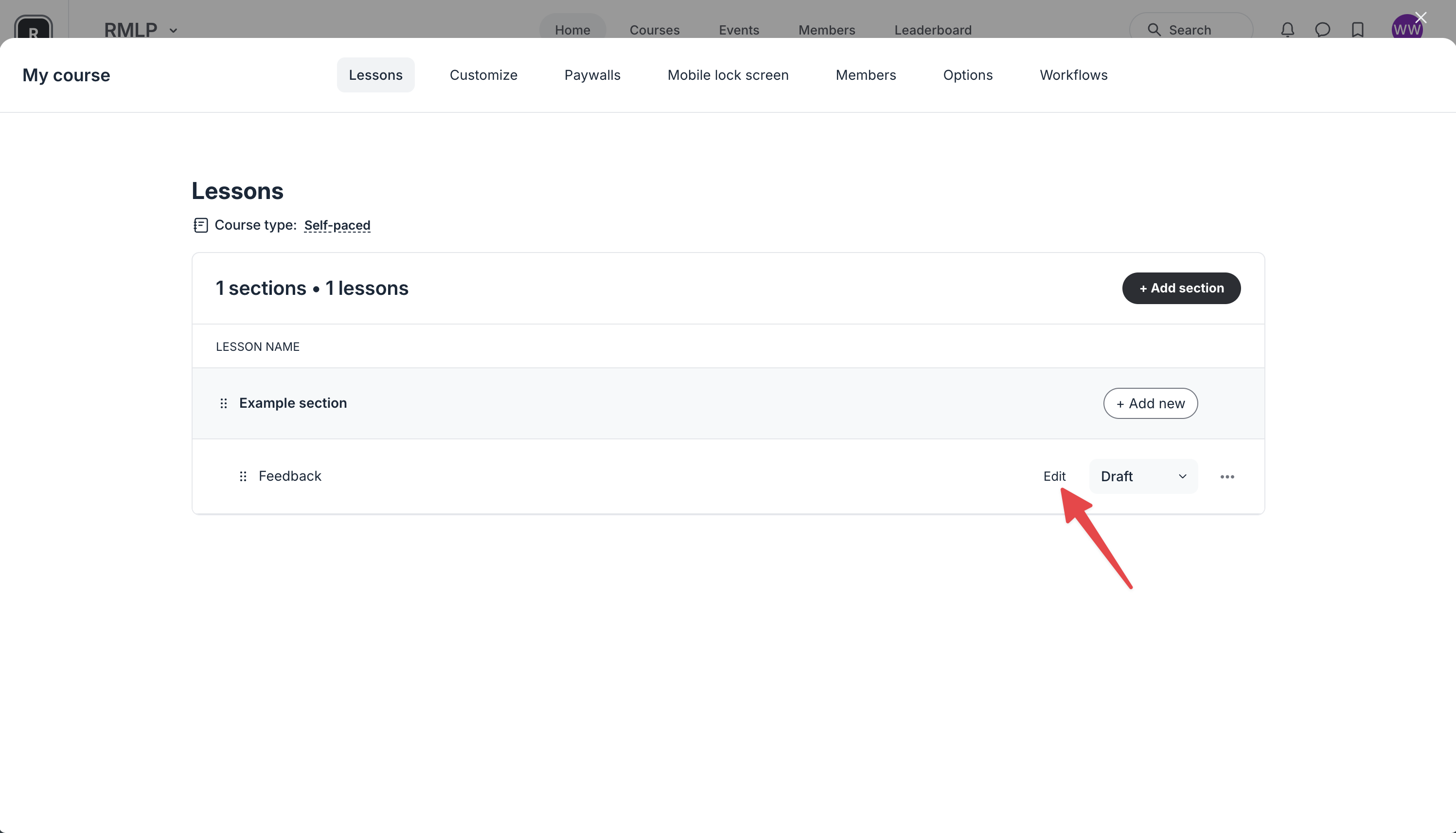
Create a lesson, then click to edit it
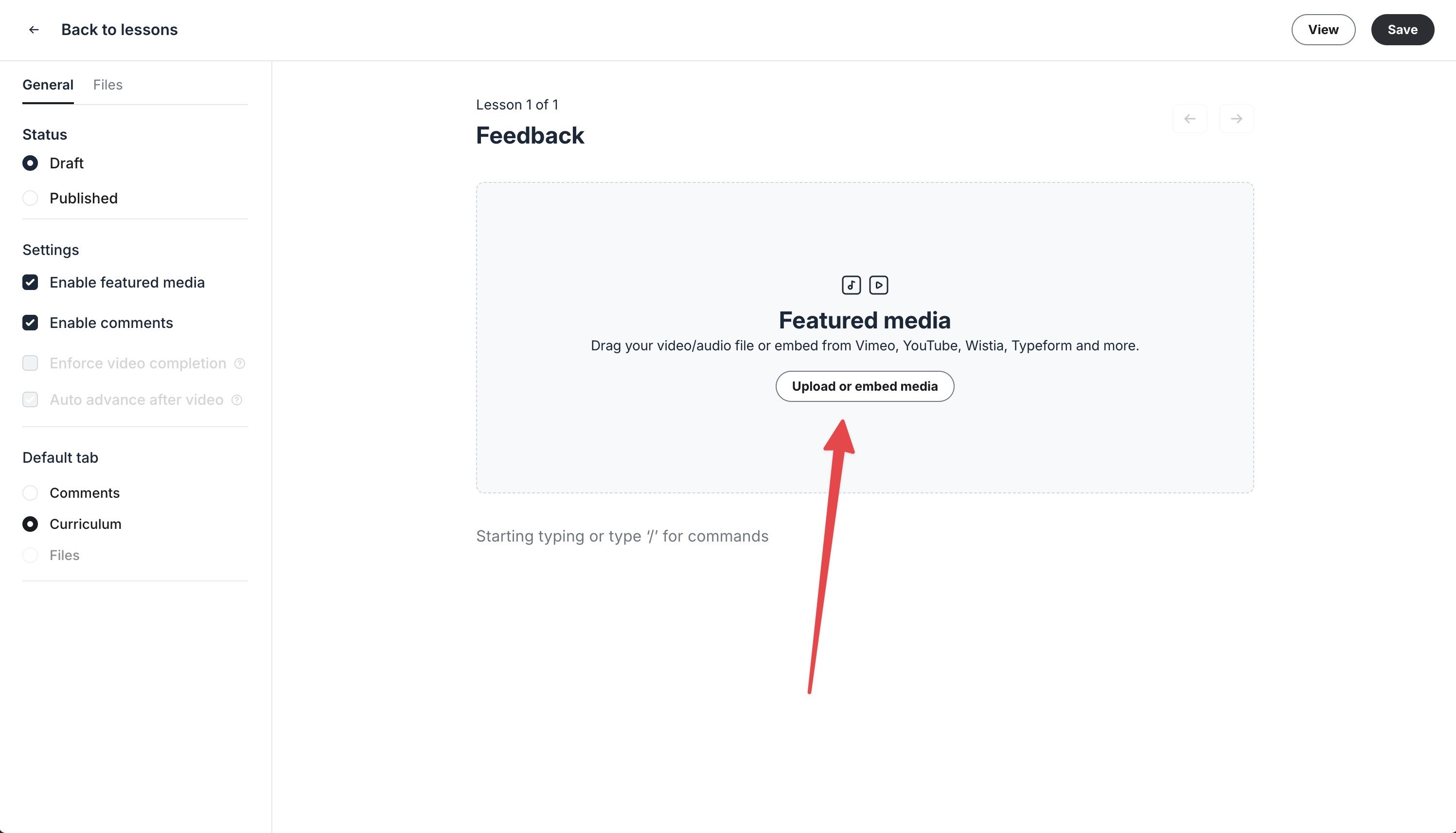
Click Upload or embed media
Click the Embed tab
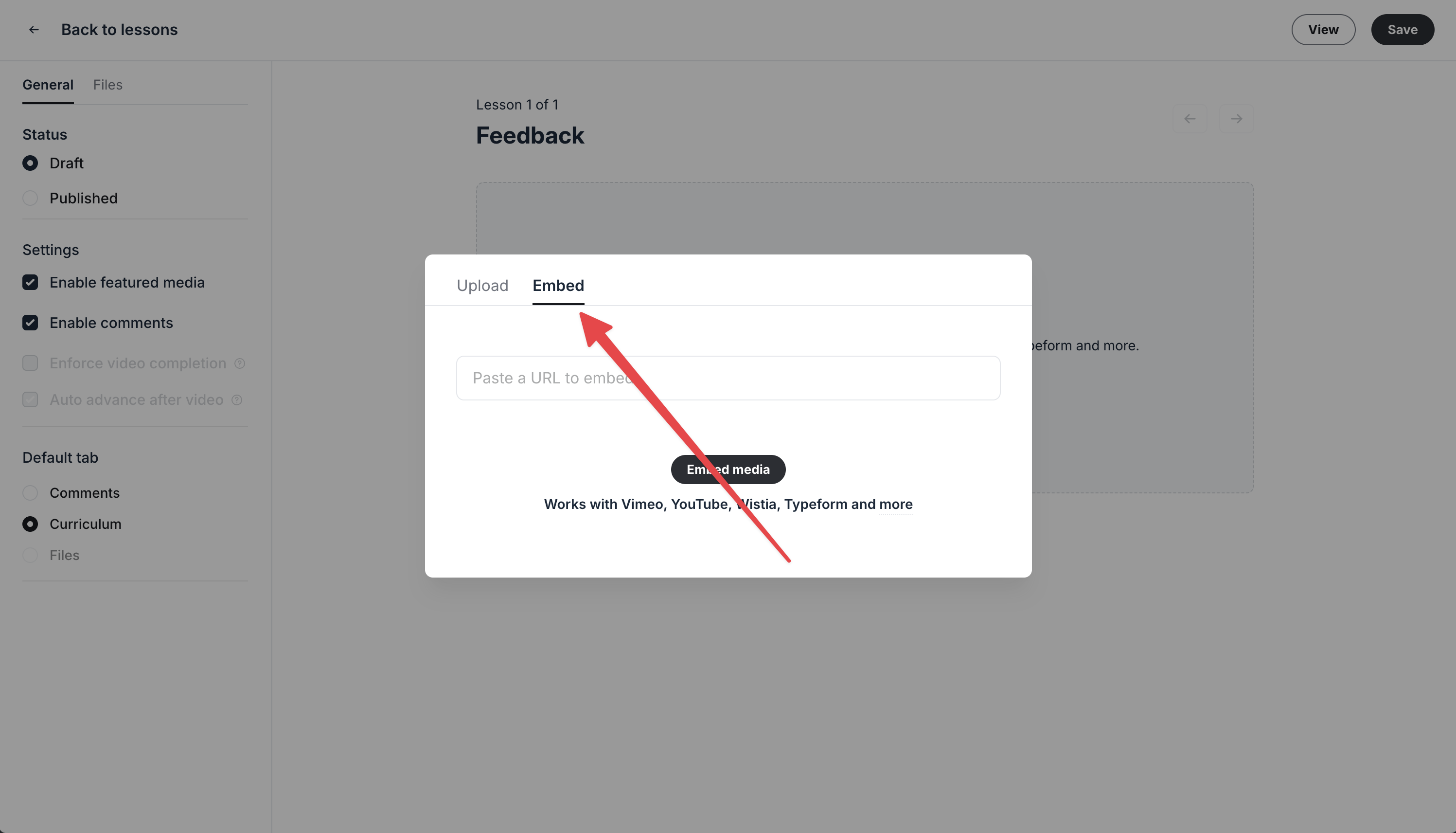
Paste your form link and click Embed media
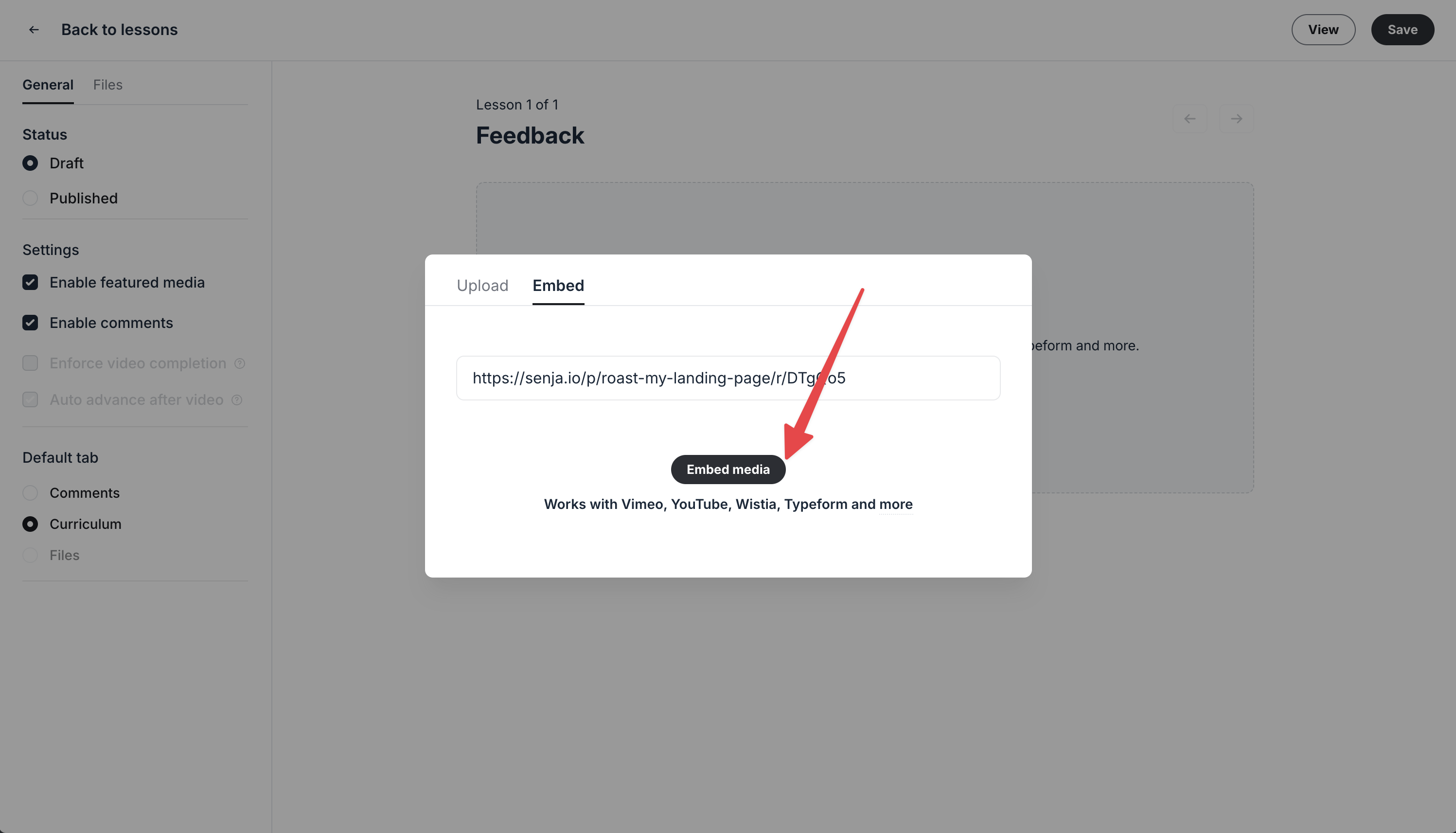
Your form is embedded in the lesson
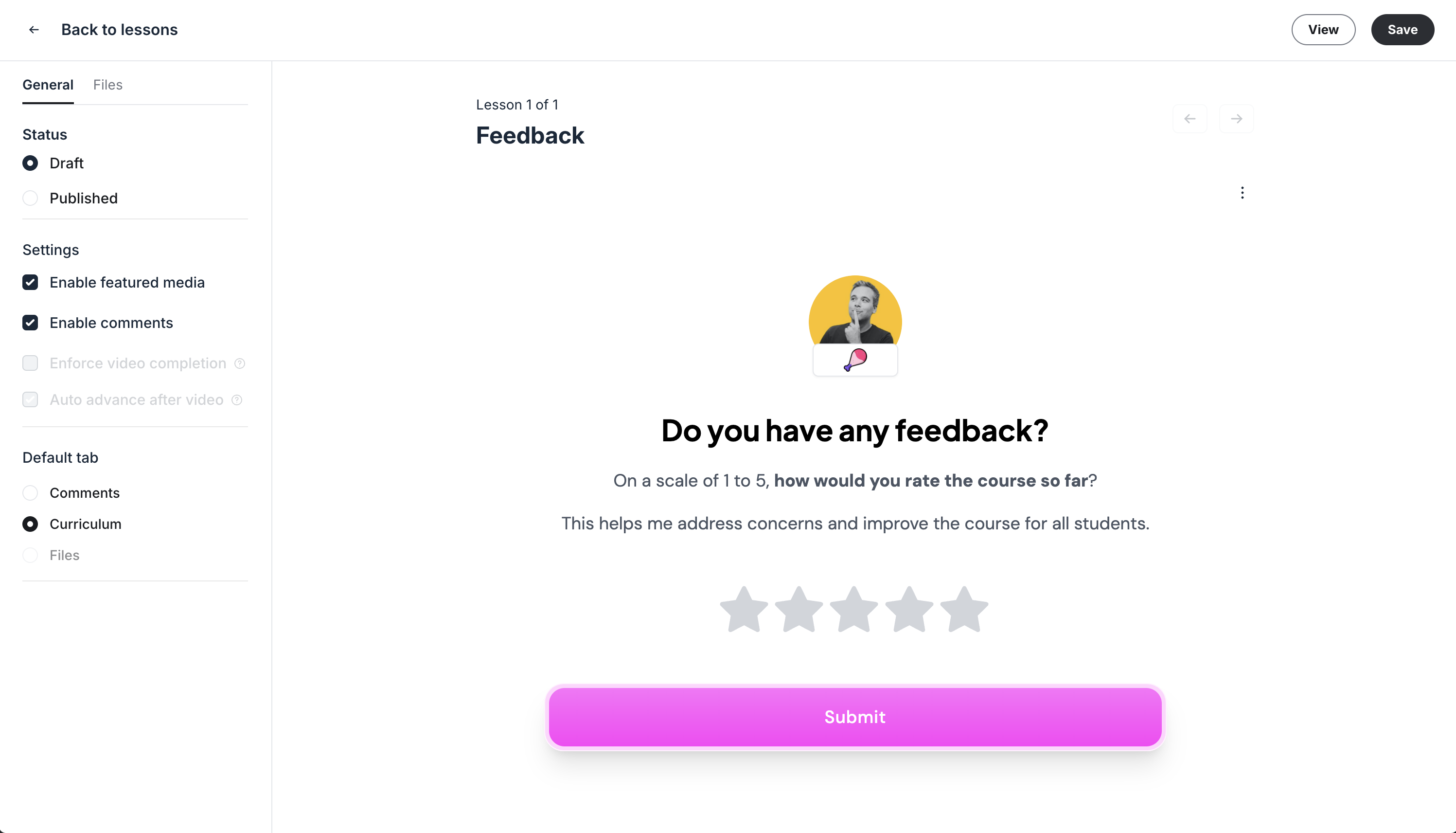
Your form is now live in your course
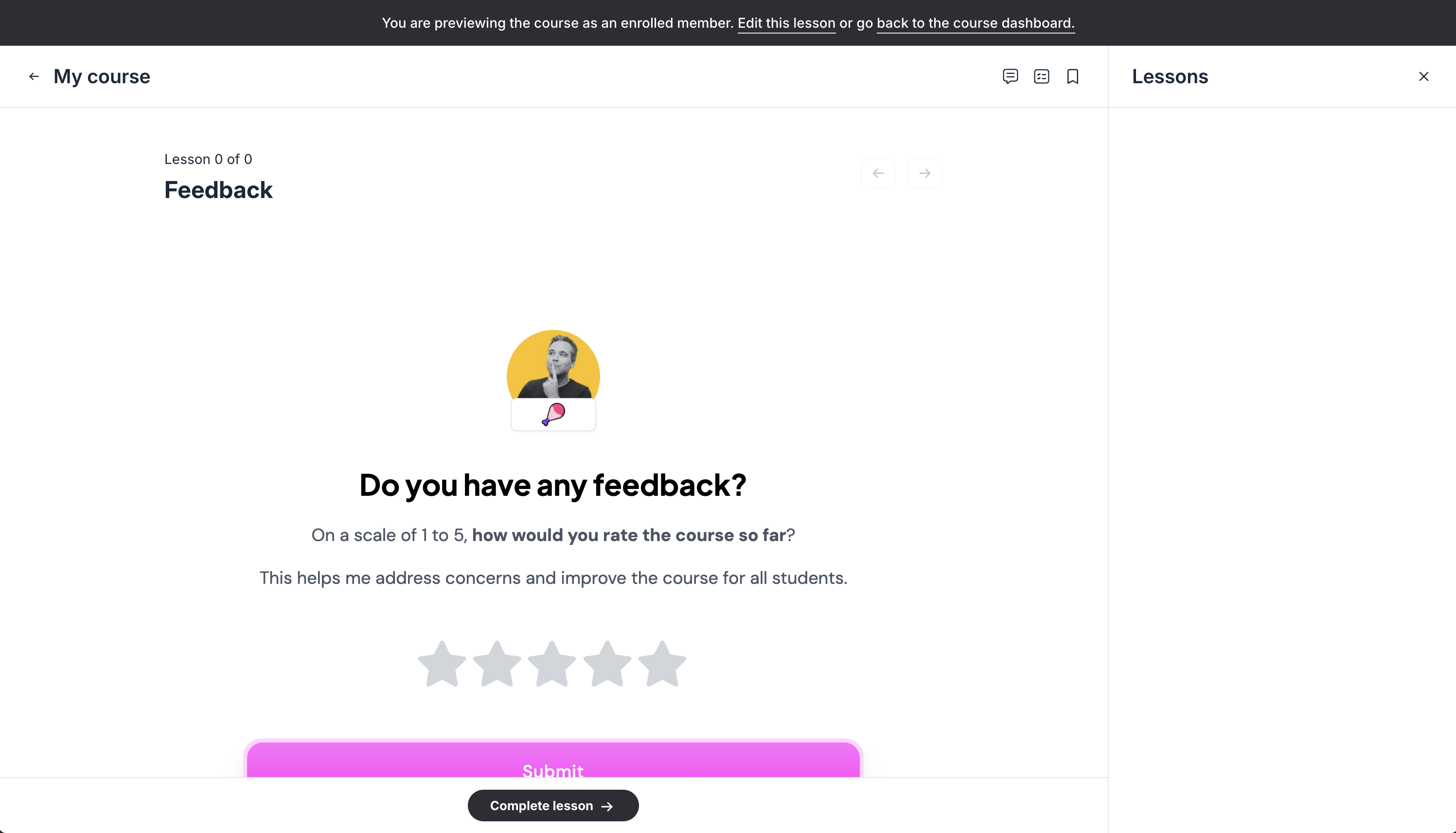
Add your form partway through the course, not only at the end. You'll usually get more testimonials.
You can embed Senja forms and widgets anywhere Circle supports embeds: in posts, inside courses, on lock screens (use the Description field), and even in comments.
Send requests automatically
Auto-collect emails a testimonial request to your members when something happens in Circle (new member subscription, event RSVP, member completed course).
Go to your Forms page and click Invites on the form you want to use
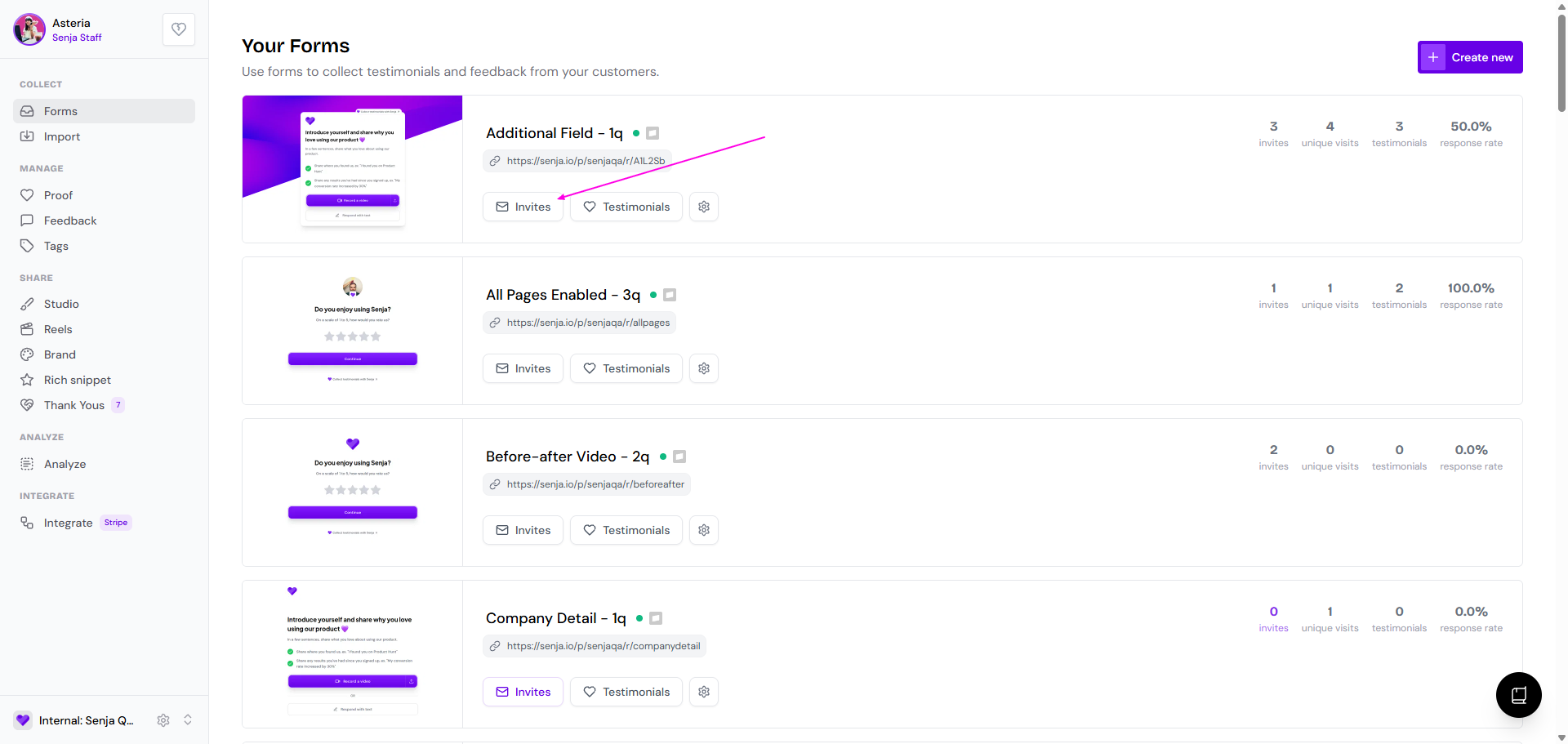
Go to the Automate tab
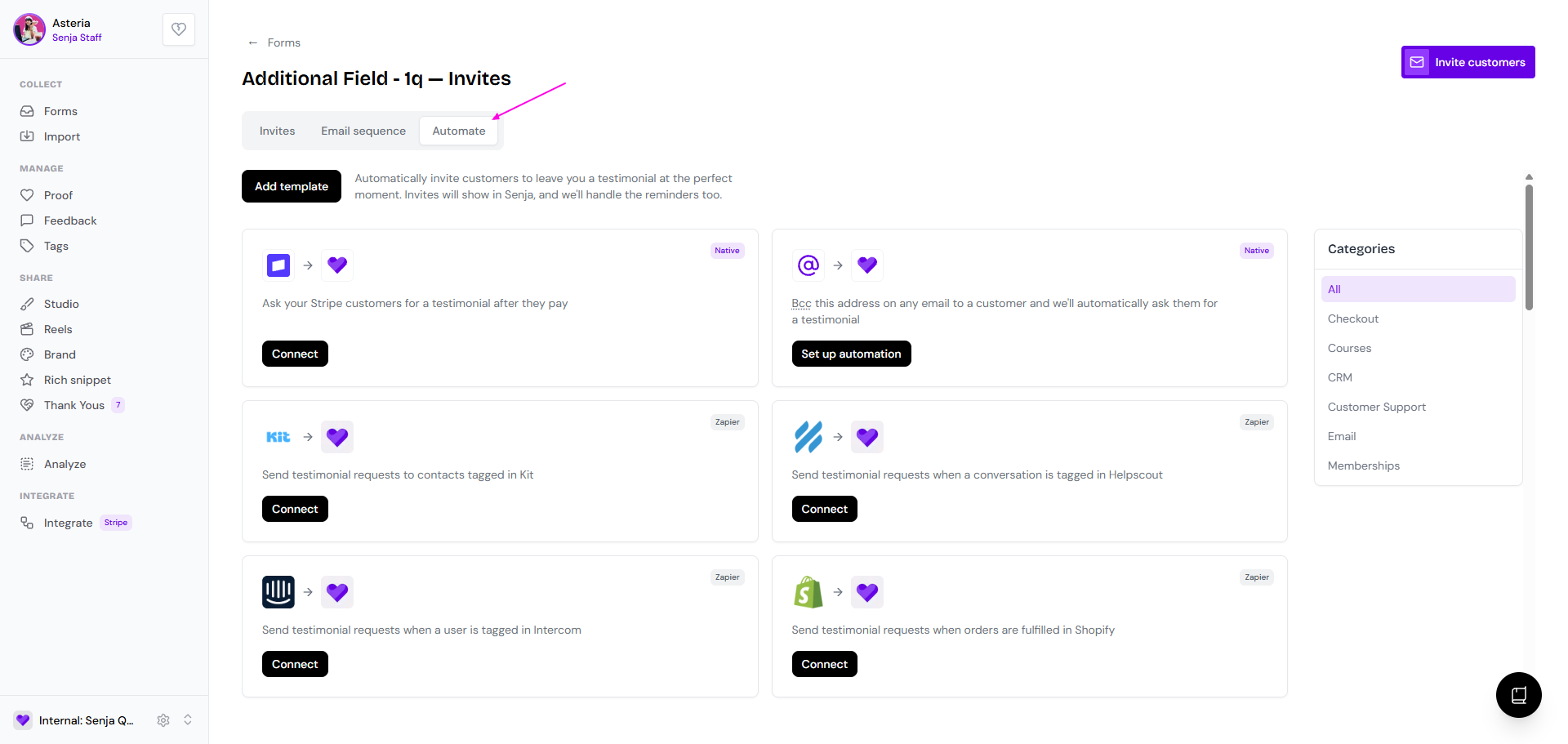
Find Circle and click Connect
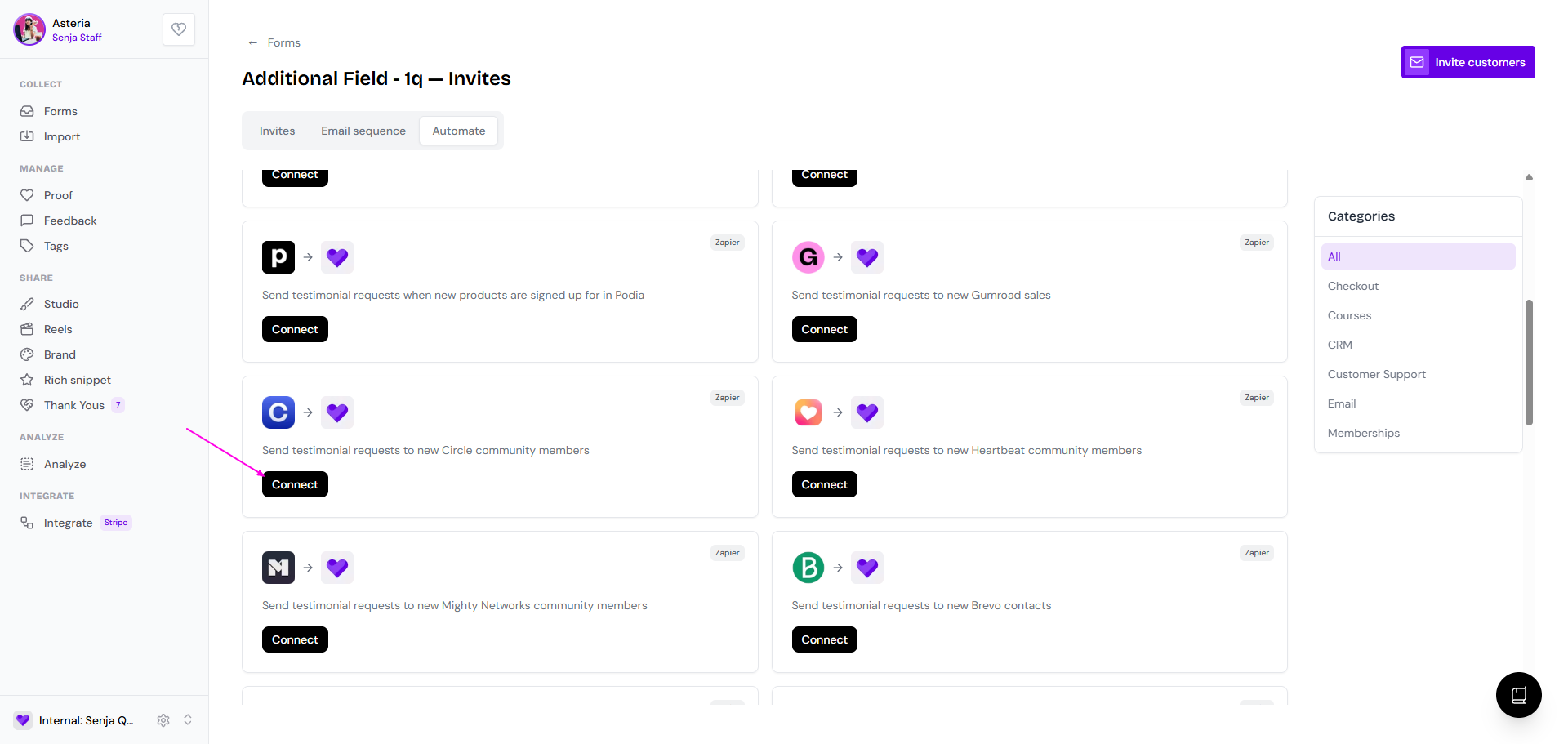
Choose your trigger and invite settings in Zapier, then turn the Zap on
Each time the trigger fires, Senja emails that member your form's invite.
If you've turned on follow-ups in the Email sequence tab, Senja sends reminders too, and stops them as soon as the member submits.
You can see every request in your form's Invites tab. See How do I use form invites? and How to send testimonial requests automatically.