
Where do I get my widget embed code or link?
You can get your widget embed code or link from two places: the Studio or the Chrome extension.
This is applicable to any Senja plans: Free, Starter, and Pro.
From the Studio
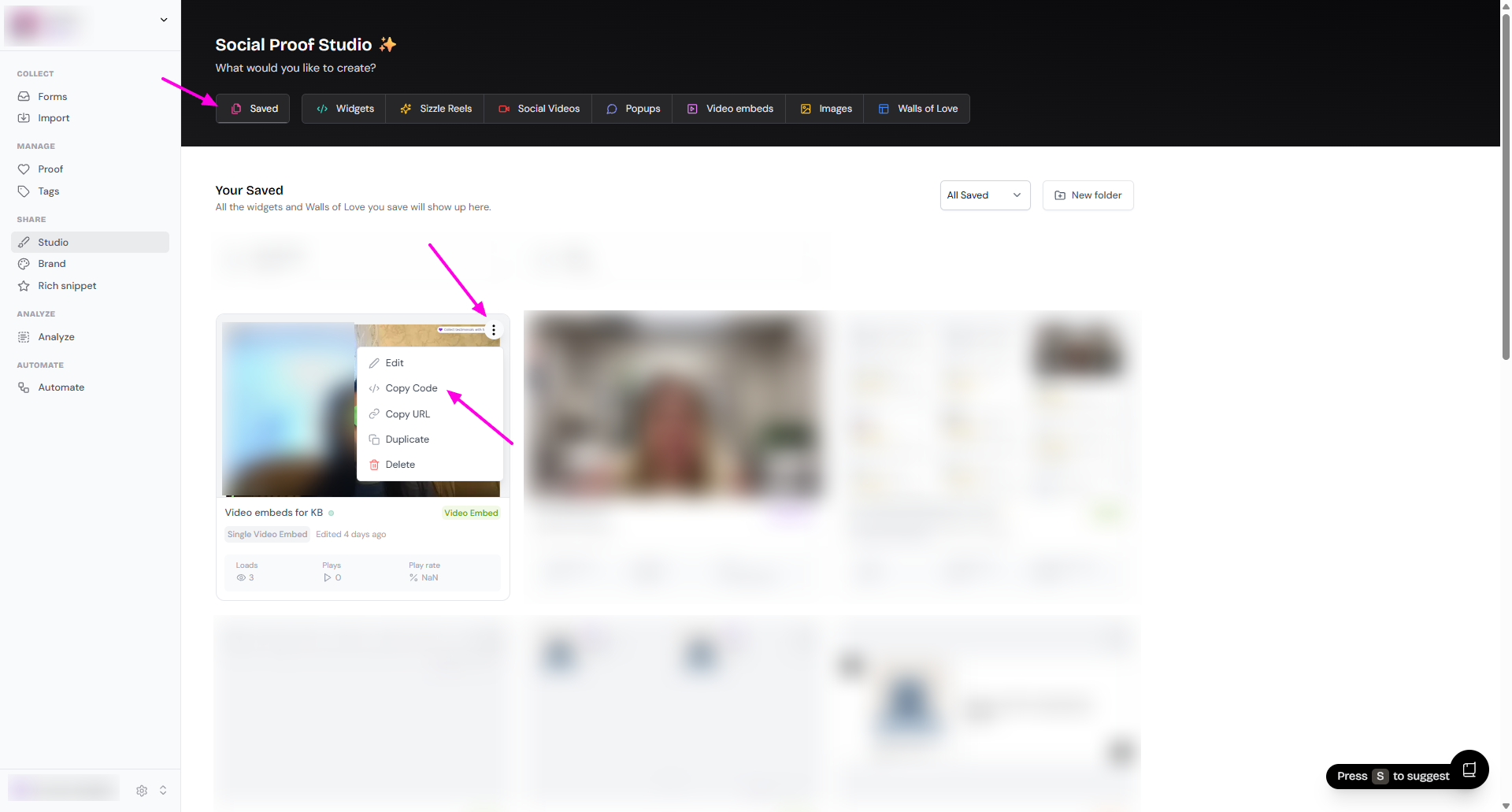
Go to your Studio page: https://app.senja.io/studio
See your saved assets
Click the 3-dots on the top-right corner of the widget you want
Click Copy Code or Copy URL
Copy Code is for grabbing the whole code to embed
Copy URL is for grabbing the link to view the widget
Paste the code/link in the page you want to embed the widget to
From the Chrome extension
With Senja's free Chrome Extension you have instant access to all your proof, and your form, widget and Wall of Love links and embed code. Here's how to grab your widget embed code:
Open the page where you want to embed the widget to
Open Senja Chrome extension
Click on Saved
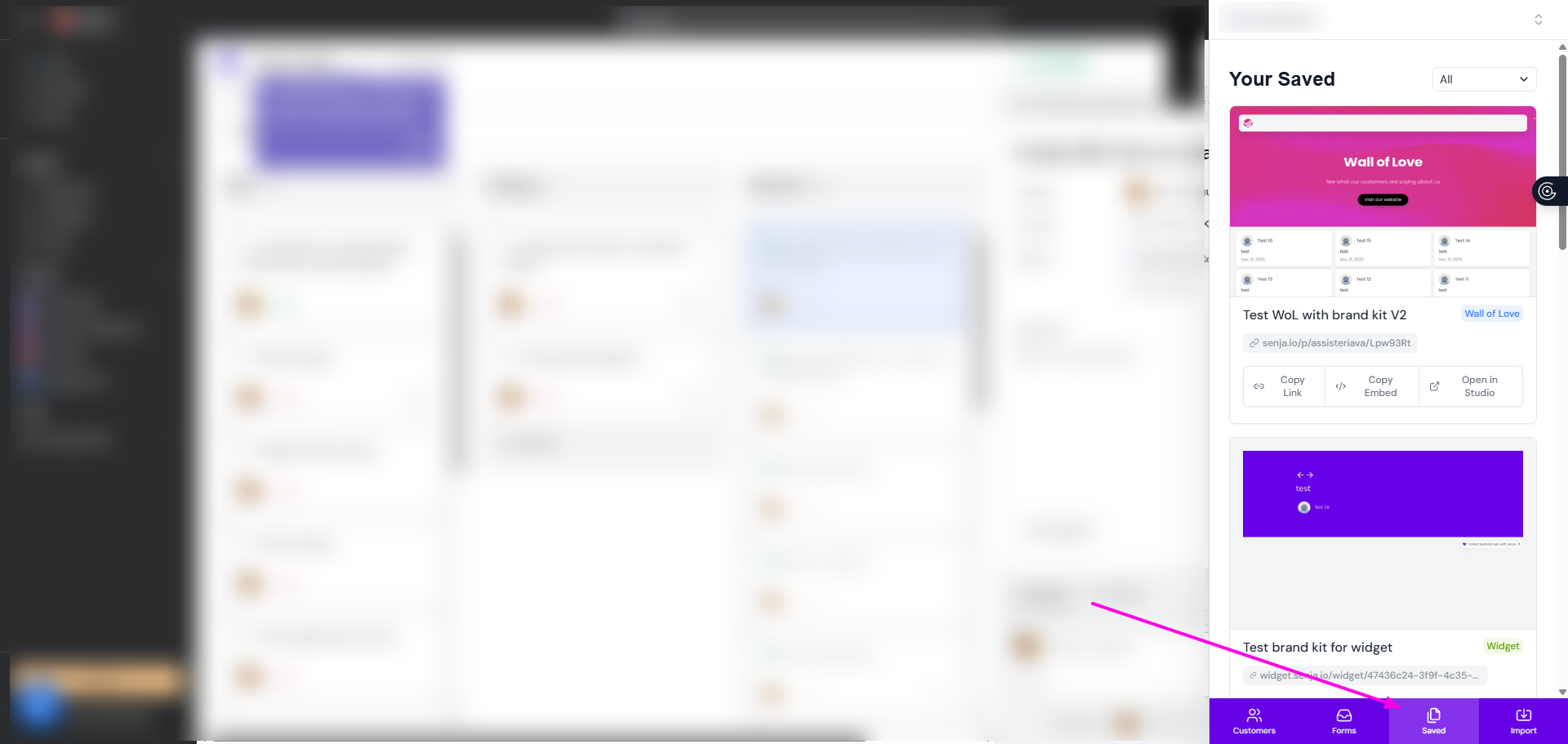
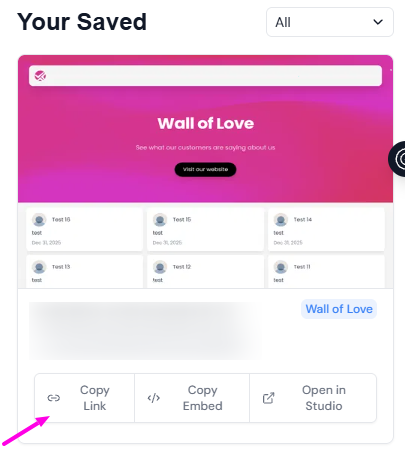
Click on Copy Link to or Copy Embed
Paste the code/link in the page you want to embed the widget to