
How to hide dates on my Wall of Love
Hide the dates on your Wall of Love for a cleaner, timeless look. The setting applies to one Wall of Love at a time, so turn it off on each one you want.
This is available on all Senja plans: Free, Starter and Pro.
Hide dates on a Wall of Love
Go to your Studio page and open your Wall of Love
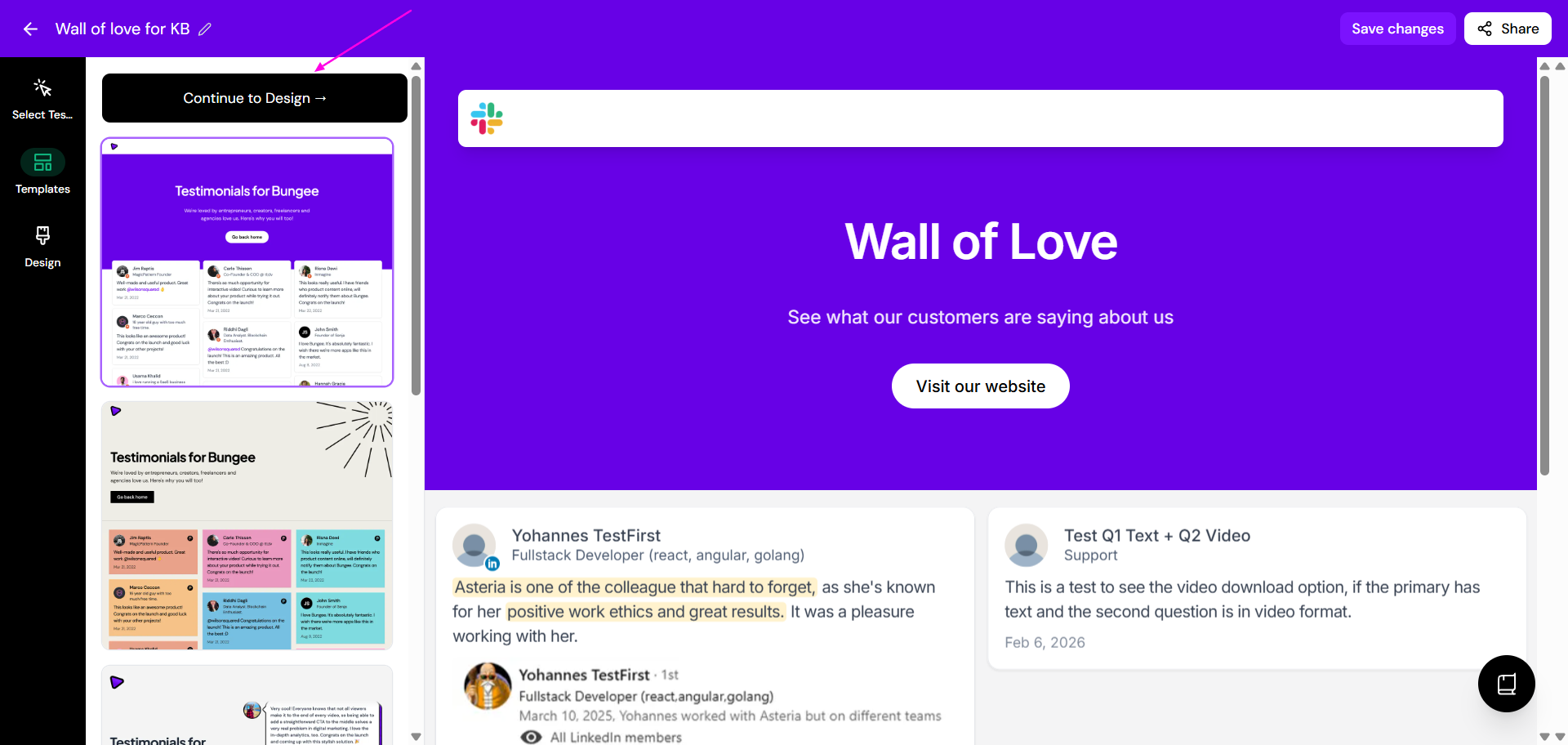
Click Design
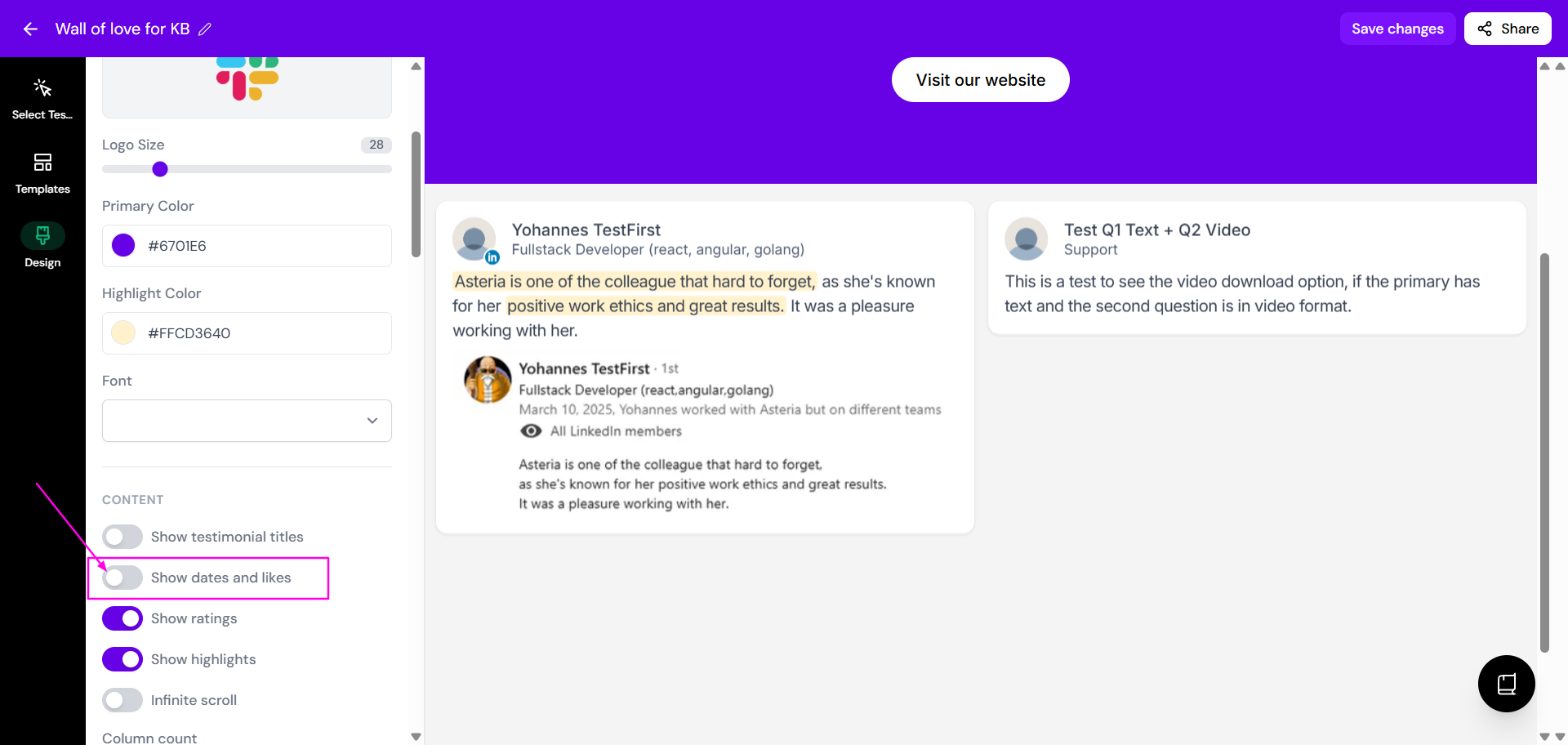
In the Content section, turn off Show dates and likes
Click Save changes
Using a widget instead? It has the same Show dates and likes setting in its Design tab, see How to edit the design of your widget.
Was this helpful?
Was this helpful?