
How do I change the font on my Wall of Love or widget?
Match your testimonials to your brand by changing the font on any widget or Wall of Love.
This feature is available for any Senja plans: Free, Starter, and Pro.
Changing the font face
Go to your Studio page: https://app.senja.io/studio
Open the widget or Wall of Love that you want to update
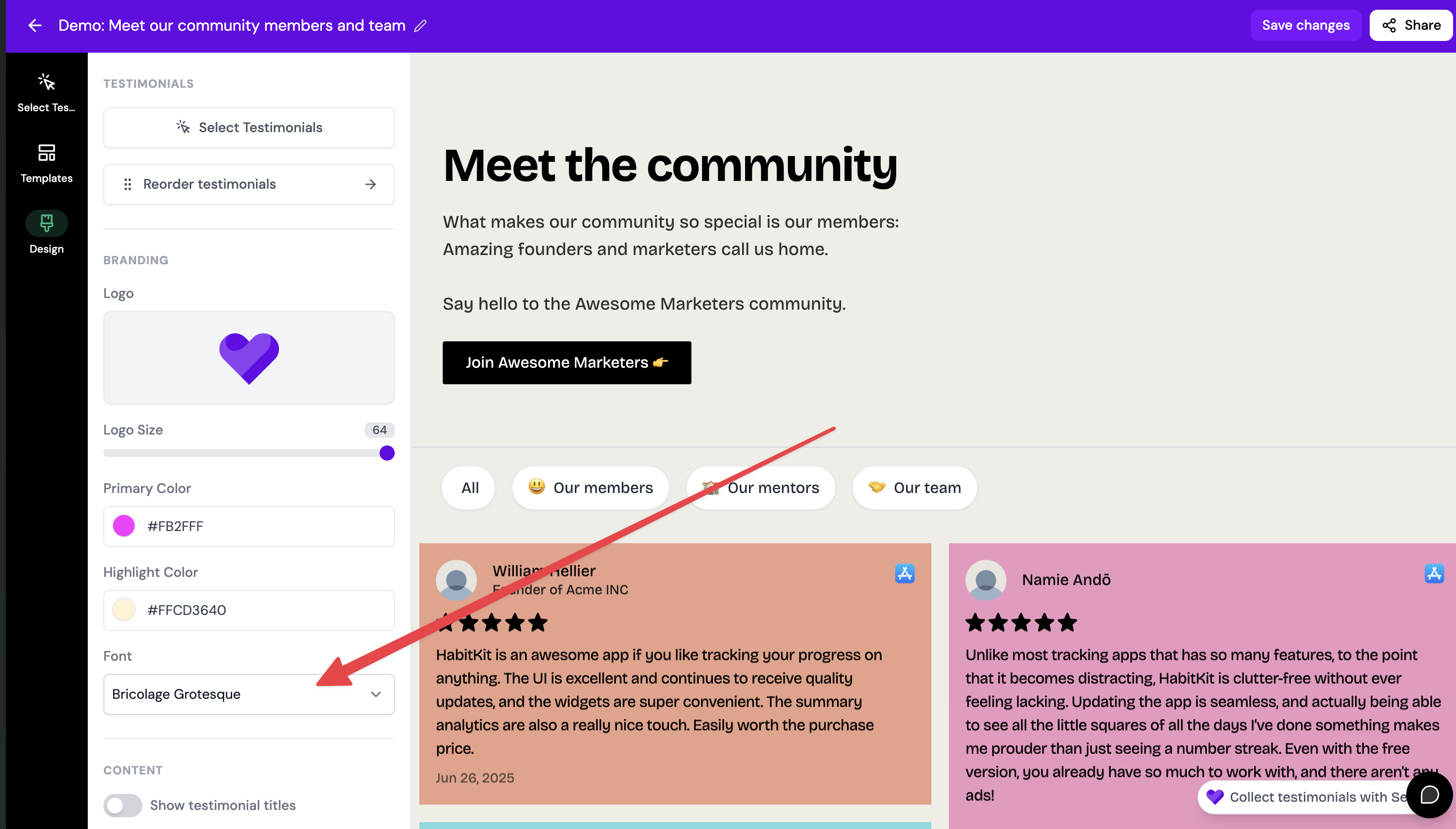
Click the Design tab
Scroll down until you find Typography > Font section
Select the font you want to use in the drop down list
The font in your widget will be automatically updated
Was this helpful?
Was this helpful?